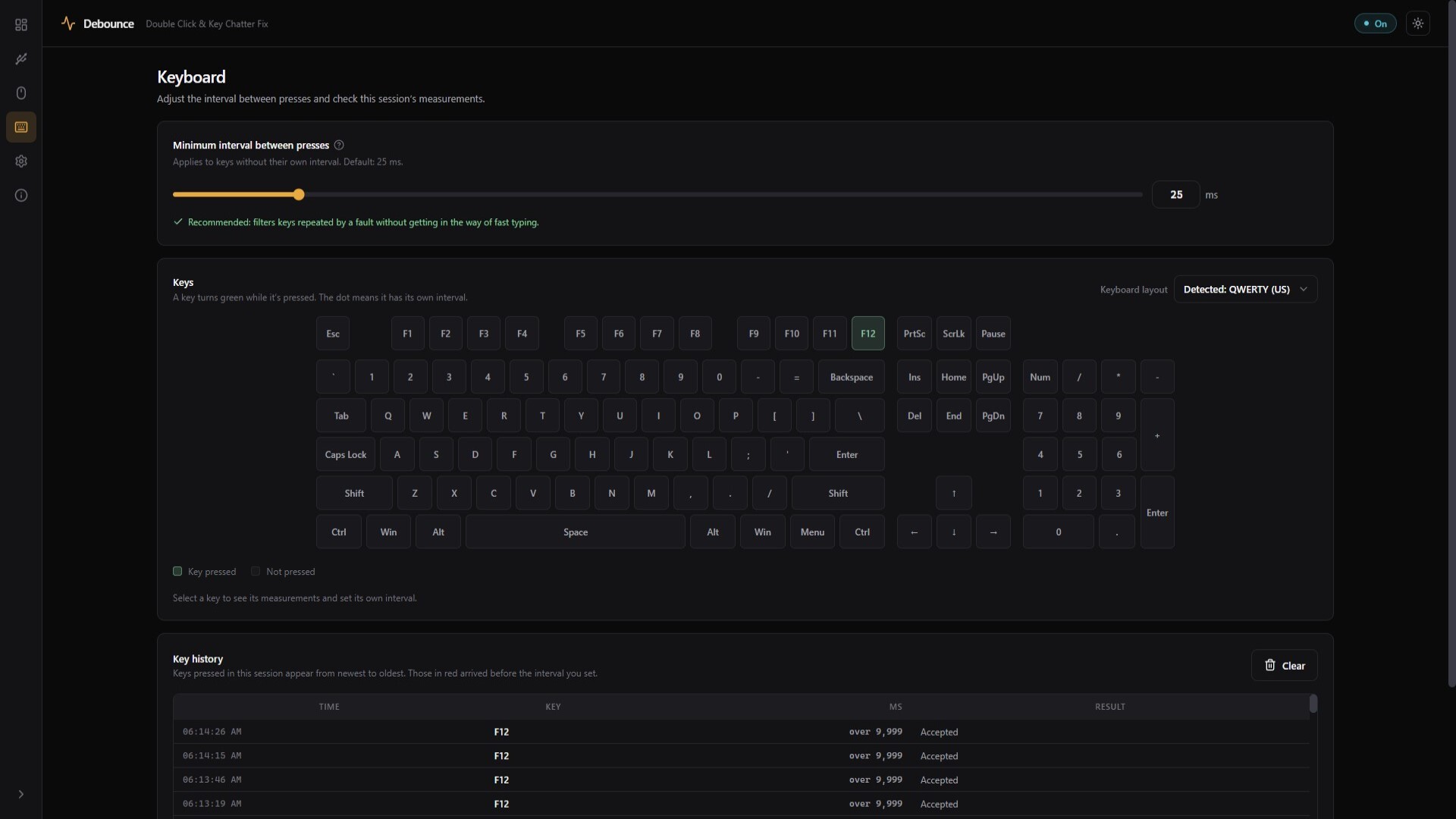
Debounce filters repeated mouse clicks and keyboard inputs to prevent unwanted duplicate actions. It monitors your mouse and keyboard, helping identify keys that exhibit faults or repeated activations.
Release Date:
Coming soon
Developer:
Publisher:

Sign in to add this item to your wishlist, follow it, or mark it as ignored

This game is not yet available on Steam

Coming soon

Interested?
Add to your wishlist and get notified when it becomes available.
 

About This Software

With a simple and intuitive interface, Debounce automatically starts filtering inputs upon launch, helping prevent unintended double inputs. It works with games, applications, and other programs.

Input Monitoring

Dedicated mouse and keyboard sections allow you to test and monitor your peripherals. Detailed graphs display the input activity of each key.

Customizable Filtering Intervals

Adjust filtering intervals for mouse clicks and keyboard inputs, with individual customization options for each key.

Exclusion List

Add programs to the exclusion list and customize filtering behavior for each one. You can disable filtering for only the mouse or keyboard, or configure custom intervals.

Usage Disclaimer

Using Debounce to filter inputs may violate the terms of service of certain games and applications. Please review each program's terms of use before using this software.

System Requirements

    Minimum:
    • Requires a 64-bit processor and operating system
    • OS: Windows 10
    • Processor: 2 Ghz Dual Core
    • Memory: 2 GB RAM
    • Storage: 200 MB available space
    Recommended:
    • Requires a 64-bit processor and operating system
Review Filters