Use your Steam Frame's eye-tracking cameras together with Project Babble or EyeTrackVR!
Дата выхода:
Скоро выйдет
Разработчик:
Издатель:
По меткам

Войдите, чтобы добавить этот продукт в список желаемого или скрыть его

Не поддерживается русский язык

Этот продукт не поддерживает ваш язык. Пожалуйста, перед покупкой ознакомьтесь со списком поддерживаемых языков.

Эта игра ещё не доступна в Steam

Скоро выйдет

Заинтересовала игра?
Добавьте её в список желаемого и получите уведомление, когда она выйдет
 

IMPORTANT

READ THIS BEFORE BUYING!

As of right now, this software requires your Steam Frame to be offline on Steam. This is due to an issue beyond my control and has been reported to Valve.

To set your Steam Frame to offline mode, go to Settings > Internet > Go Offline

Об этой программе

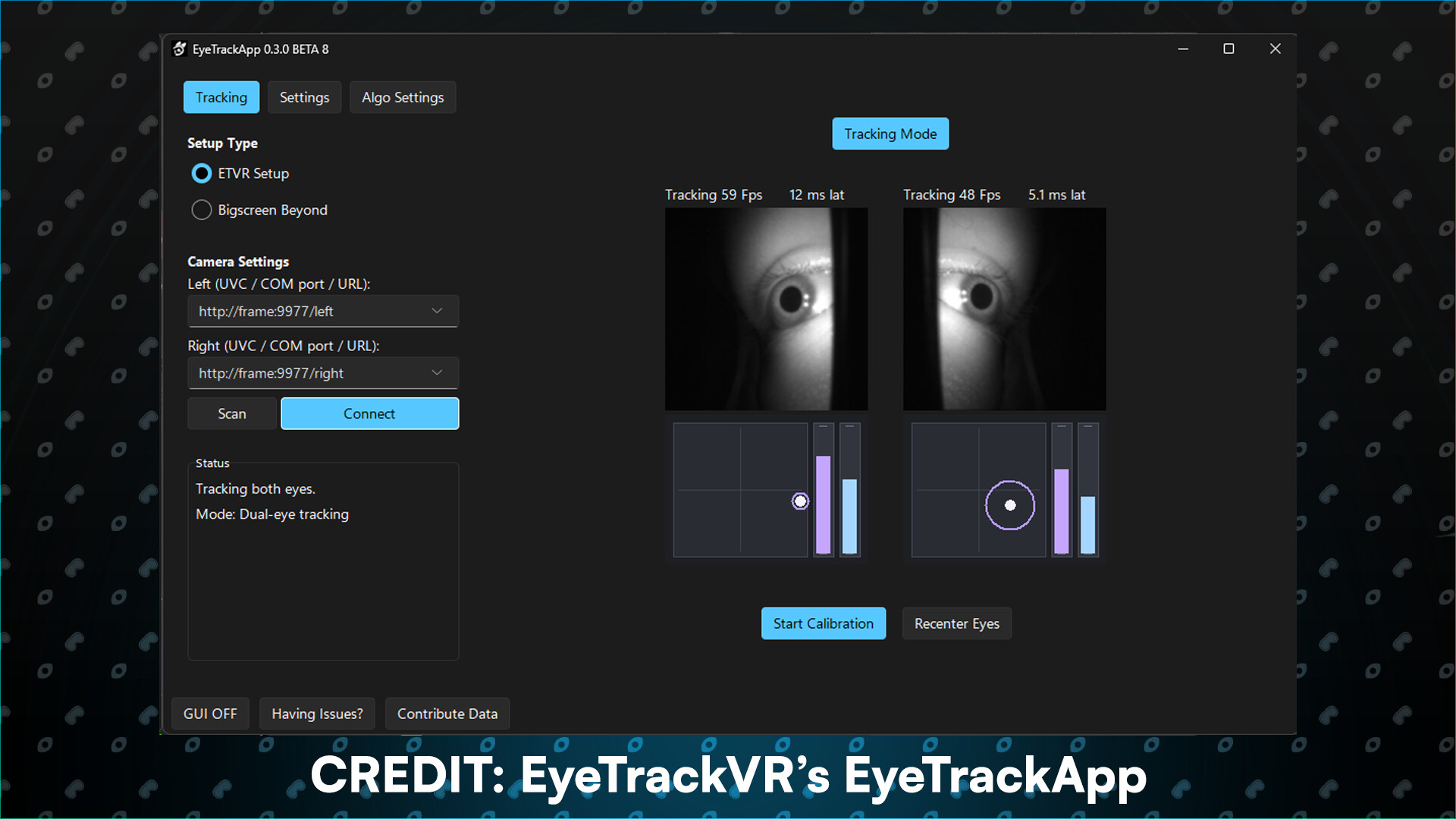
Sightline gives other apps access to your Steam Frame's eye cameras. You can pair it with apps like Baballonia or EyeTrackVR to add proper eye tracking to your VRChat avatar using the Frame's eye cameras.

Why use Sightline ? The Steam Frame does not track eye openness or blink. it only tracks gaze. You can use Sightline to give Baballonia or EyeTrackVR access to the eye cameras to track eye openness and blink!

Note: it works with other apps too, Baballonia and EyeTrackVR are the more common ones people use.

Eye camera streams

Both eye cameras are available as video streams over your network, any app that can read a video stream through HTTP can use them.

Runs alongside the Frame's own tracking

Sightline does NOT interfere with the cameras, the headset's built-in eye tracking will still work alongside it.

Translations

Now available in a variety of different flavors including English, German, Spanish and French!

Фильтры обзоров