Use your Steam Frame's eye-tracking cameras together with Project Babble or EyeTrackVR!
Date de parution :
Prochainement
Développement :
Édition :
Tags

Connectez-vous pour ajouter cet article à votre liste de souhaits, le suivre ou l'ignorer

Ce jeu n'est pas encore disponible sur Steam

Prochainement

Ce produit vous intéresse ? Ajoutez-le à votre liste de
souhaits et recevez une notification lors de sa sortie.
 

IMPORTANT

READ THIS BEFORE BUYING!

As of right now, this software requires your Steam Frame to be offline on Steam. This is due to an issue beyond my control and has been reported to Valve.

To set your Steam Frame to offline mode, go to Settings > Internet > Go Offline

À propos de ce logiciel

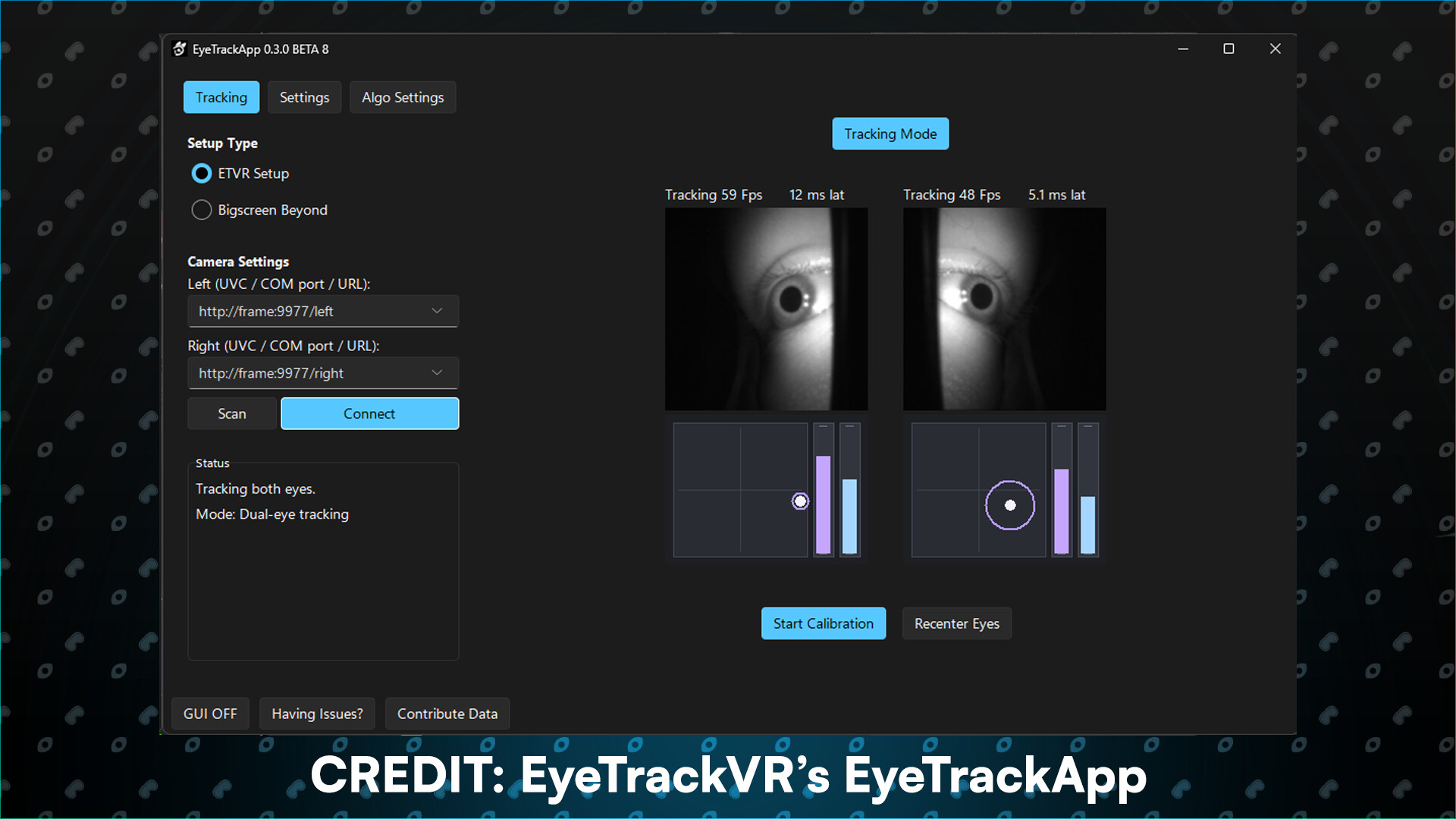
Sightline gives other apps access to your Steam Frame's eye cameras. You can pair it with apps like Baballonia or EyeTrackVR to add proper eye tracking to your VRChat avatar using the Frame's eye cameras.

Why use Sightline ? The Steam Frame does not track eye openness or blink. it only tracks gaze. You can use Sightline to give Baballonia or EyeTrackVR access to the eye cameras to track eye openness and blink!

Note: it works with other apps too, Baballonia and EyeTrackVR are the more common ones people use.

Eye camera streams

Both eye cameras are available as video streams over your network, any app that can read a video stream through HTTP can use them.

Runs alongside the Frame's own tracking

Sightline does NOT interfere with the cameras, the headset's built-in eye tracking will still work alongside it.

Translations

Now available in a variety of different flavors including English, German, Spanish and French!

Filtres d'évaluations