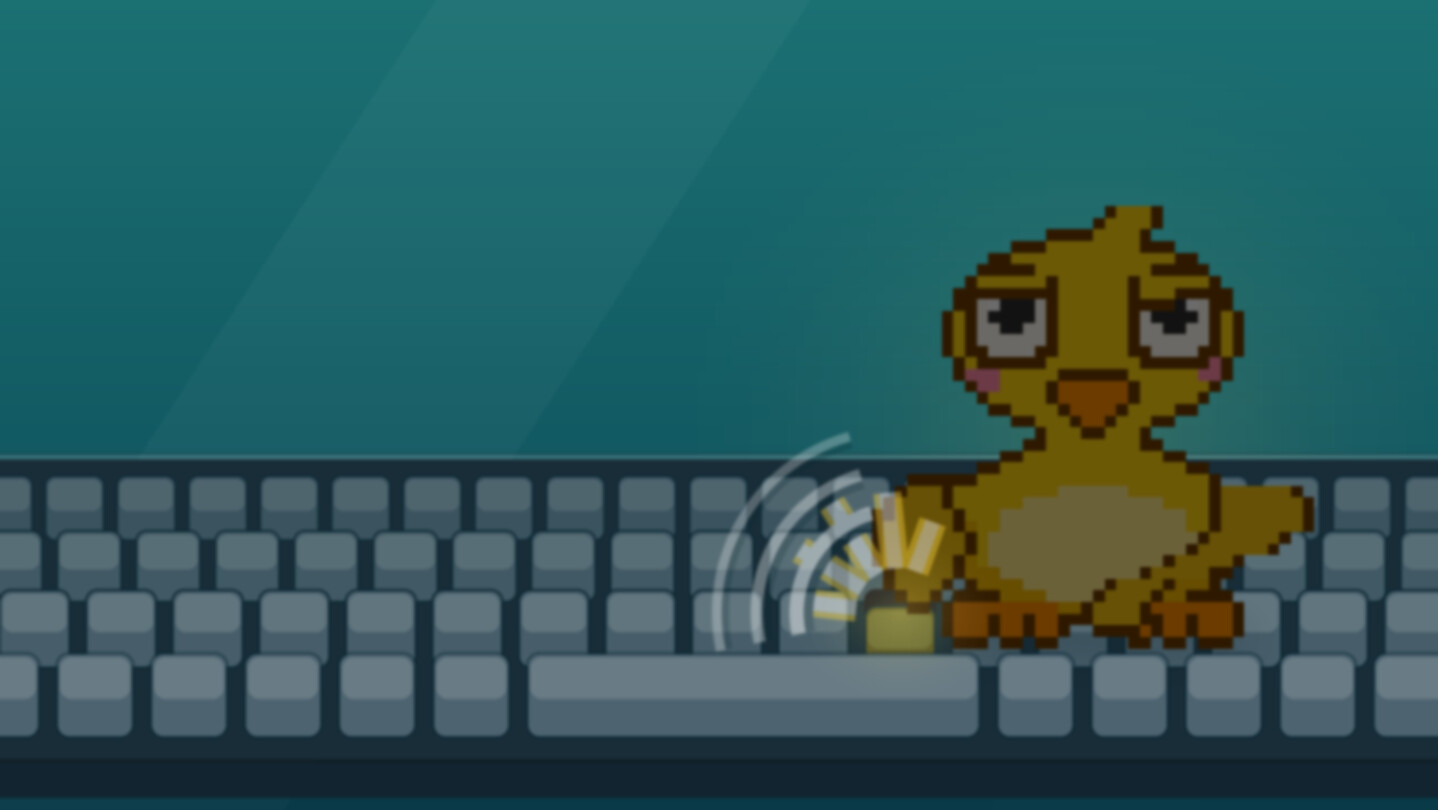
A deadpan little duck lives on your desktop and claps along to every key you press, with a crisp mechanical-keyboard click. Ten more animals, four art styles, songs, stories and a one-tap alarm. It counts your keys, never what they were, and it asks nothing of you.

Daftar masuk untuk menambah item ini ke senarai hajat anda, ikuti atau tandakannya sebagai diabaikan

Bahasa Bahasa Melayu tidak disokong

Produk ini tidak menyokong bahasa tempatan anda. Sila semak senarai bahasa yang disokong di bawah sebelum membuat pembelian

Permainan ini belum tersedia di Steam lagi

Tarikh Keluaran Dirancang: 8 Okt, 2026

Aplikasi ini akan dibuka dalam kira-kira 2 hari

Berminat?
Tambah ke senarai hajat anda dan terima pemberitahuan apabila permainan sudah tersedia.
 

Tentang Perisian Ini

A small duck. It lives in the corner of your screen.

It sits just above your taskbar on a fully transparent background. With every key you press, it claps a wing and you hear one clean mechanical-keyboard click. Type slowly and it gives a small clap. Type at a steady pace and it works along with you. Type fast and it slams. After a long, fast burst it looks visibly worn out for a while — and a little icon over its head means it has something to say about that. About itself, not about you.

"I'm a duck. I clap when keys go down. What the keys were is not my department."

Pick your animal


The duck is the star, but ten more live in the same panel: cat, shiba, cow, pig, sheep, rabbit, squirrel, goldfish, slime and capybara. They are not reskins. Each one has its own lines, its own call and its own signature move — the cat's slow blink, the cow still chewing, the rabbit's ears folding flat — and the whole interface takes on that animal's colours.


Four art styles — and every animal has all four: pixel, geometric, doodle and paper cut-out. Want a mint duck or a pink shiba? Custom colour skins are a small text file away.

It talks in four languages

English, Simplified Chinese, Japanese and Korean. Not one shared script: every animal has its own lines, written in all four, and its own way of opening its mouth — the duck says Quack, the cat Meow, the shiba Woof, the rabbit Eep. Language is one setting in the tray menu, and whichever you pick, all eleven animals speak it.

The sound of a good keyboard, on any keyboard

  • Ten key sounds: blue, brown, red, black, silver, silent and cream switches — plus typewriter, wooden fish and a quack.
  • Key-down and key-up are separate sounds with random variations, so fast typing never sounds like a machine gun.
  • Five volume steps, one-click mute and a global mute hotkey.

It keeps you company


  • Click it and it talks. Speech bubbles and short little chats — three exchanges at most, and it always gets the last word. There's always a curt reply option. You're allowed to be short with a duck.
  • It watches your cursor and leans your way when you come close.
  • It dozes when you're away and greets you when you're back. It never counts how many days you were gone.
  • No hunger bar, no affection meter, no login streak. Ignore it for three weeks; nothing about it gets worse.

It sings along


  • Sing-along: its mouth moves to whatever is playing on your PC — any app, any song. This runs entirely on your machine.
  • Songs it makes up on the spot: offline-generated music, plus a KTV mode with lyrics scrolling line by line, sung by a Windows voice installed on your PC.
  • Stories and music (optional, online): turn on Online features and it can play free public-domain audiobooks from LibriVox and Creative Commons music. A now-playing bubble with a draggable seek bar shows what's on.

Little things it does for you


  • Quick alarm: in 5, 15 or 30 minutes, 1 or 2 hours, or a custom time. Two clicks from the tray. When it's time, it rings like a real alarm clock — even if you muted it, and it tells you that up front. Snooze for 5 minutes or tap the animal to stop it.
  • Today's card: a shareable poster of your animal mid-clap with today's key count. Copy it to the clipboard or save it as a PNG (no time or machine info inside).
  • Counters: today and all-time. Hide them any time.

"I'll ring. Loudly. It's the one thing I'm strict about."

Pick it up. Throw it.


Hold Ctrl+Alt and drag to move it. Let go mid-swing and it flies, bounces off the edge of the screen, lands with a squash and shakes itself off. It never leaves the screen.

Out of your way when you need it

  • Click-through: only the animal's own pixels catch clicks; everything around it passes straight through. Turn on fully click-through and even the animal stops catching clicks — handy while you game.
  • Hide hotkey: one key combo and it vanishes and goes quiet; press again and it's back where it was.
  • Four sizes; multi-monitor and high-DPI aware. Can start with Windows (off by default).
  • Tiny footprint: well under 1% CPU when idle, a few tens of MB of memory, about 19 MB on disk. No GPU needed.

Your keys stay yours

QuackType counts key presses. It does not record them. It only ever learns where on the keyboard a key was, which it uses to pick a wing and a sound; the program has no code for turning a key into a character, and nothing you type is ever saved or uploaded. It is offline by default. The only time it goes online is when you switch on Online features yourself: then, and only when you press play, it fetches public-domain and Creative Commons audio from LibriVox, and Openverse, sending a preset search term or catalogue ID — never anything you typed. Because it listens for key presses system-wide (the same Windows feature a keylogger would use), some antivirus software may be cautious about it.

What it isn't

No account, no sign-in, no subscription, no loot boxes, no in-app currency, no update nags. There's no settings window: everything is in one tray menu, in English, Simplified Chinese, Japanese or Korean.

It knows you pressed 8,412 keys today. It has no idea what any of them were.

Pendedahan Kandungan Dihasilkan AI

Pembangun menerangkan cara permainan mereka menggunakan Kandungan Dihasilkan AI seperti berikut:

Some in-app text (character dialogue) and translations were drafted with AI writing assistance and edited by the developer. All graphics are drawn at runtime by hand-written code, and all sounds and music are synthesised by code; no AI image, voice or music models are used, and nothing is AI-generated while you use the app.

Keperluan Sistem

    Minimum:
    • Memerlukan pemproses 64-bit dan sistem pengendalian
    • OS: Windows 10 (64-bit)
    • Pemproses: Any 64-bit dual-core CPU
    • Memori: 2 GB RAM
    • Grafik: Any. No dedicated GPU needed; everything is drawn with Windows' built-in 2D graphics
    • Storan: 50 MB ruang tersedia
    • Kad Bunyi: Any Windows audio device (optional; without one it runs silently)
    • Nota Tambahan: No administrator rights needed, no extra runtimes to install. Online features (public-domain stories, CC music) are optional and need an internet connection. KTV singing needs a Windows text-to-speech voice for your language to be installed.
    Dicadangkan:
    • Memerlukan pemproses 64-bit dan sistem pengendalian
    • OS: Windows 11 (64-bit)
    • Pemproses: Any 64-bit CPU from the last ten years
    • Memori: 4 GB RAM
    • Grafik: Any
    • Storan: 50 MB ruang tersedia
    • Kad Bunyi: Speakers or headphones. The key sounds are half the point.
Penapis Ulasan