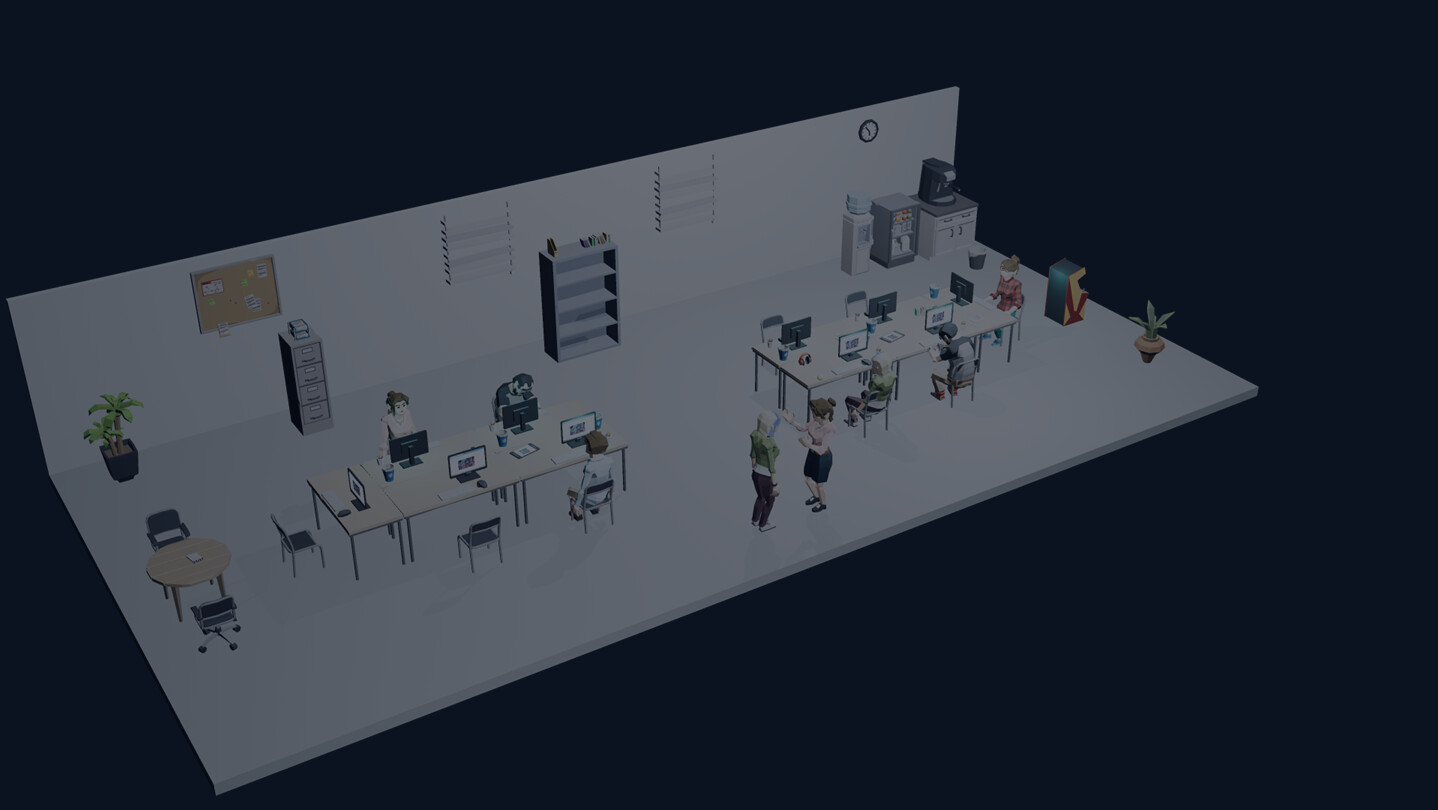
Run a small game studio in the corner of your desktop. Read resumes and past credits, hire developers, and build your team. Develop and release games, then use reviews and sales to plan your next project. Development continues while the main window is closed.

เข้าสู่ระบบ เพื่อเพิ่มผลิตภัณฑ์นี้ลงในสิ่งที่อยากได้ของคุณ ติดตาม หรือทำเครื่องหมายเป็นถูกละเว้น

ไม่รองรับภาษาไทย

ผลิตภัณฑ์นี้ไม่รองรับภาษาท้องถิ่นของคุณ โปรดตรวจสอบรายชื่อภาษาที่รองรับก่อนทำการสั่งซื้อ

เกมนี้ยังไม่พร้อมใช้งานบน Steam

วันวางจำหน่ายที่วางแผนไว้: พฤศจิกายน 2026

น่าสนใจ?
เพิ่มในสิ่งที่คุณอยากได้ และรับการแจ้งเตือนเมื่อผลิตภัณฑ์พร้อมใช้งาน
 

เกี่ยวกับเกมนี้

Run a game studio in the corner of your desktop


TaskBarStudio is a game studio management simulation that plays in a small window.
Hire developers, plan games, assign your team, and guide each project through production.
After release, review sales, reviews, and each developer's contributions to help plan your next game.

Find talent through resumes and past work


Look beyond skills and traits to see the games a candidate worked on, their production roles, and how those games sold.
Hire people who suit the games you want to make, and build a team around their strengths.

Take your game from planning to release


Production has eight steps: planning, prototype, implementation, art, UI, audio, QA, and polish.
Assign developers to each step, with automatic assignment available to help build your team.
During production, decision memos ask you to choose a response after reviewing its effects on the schedule and quality.
Complete the pre-release checks, then choose when to publish your game.

Grow your studio while balancing income and costs


Earn revenue from your games while paying salaries and office rent.
Keep an eye on employee fatigue, morale, and the money your company has left.
After your first release, you can send employees on outside contracts lasting one in-game month to earn a fee.
New games from fictional rival studios and market trends also affect your sales outlook.

Close the main window and return to your day


While the game is running, closing the main window displays the Studio View in the bottom-right corner of your desktop.
Watch your employees, recent releases, and in-game trophies while you get on with other tasks.
Development continues with the main window closed. Windows notifications let you know when tasks are complete or a game is ready for release.

Features


  • Hire developers by reviewing resumes and past credits
  • Assign your team across eight production steps, manually or automatically
  • Make production decisions that affect the schedule and quality
  • Review ratings, sales, and individual contributions after release
  • Manage salaries, rent, fatigue, and morale
  • Send employees on outside contracts after your first release
  • Keep development running with the main window closed and watch the Studio View
  • Single-player, with Japanese and English support. Play offline.

ความต้องการระบบ

    ขั้นต่ำ:
    • ระบบปฏิบัติการ: Windows 11
    • โปรเซสเซอร์: Core i3-8100
    • หน่วยความจำ: แรม 8 GB
    • กราฟิกส์: Intel UHD 630
    • DirectX: เวอร์ชัน 11
    • พื้นที่จัดเก็บข้อมูล: พื้นที่ว่างที่พร้อมใช้งาน 2 GB
    แนะนำ:
    • ระบบปฏิบัติการ: Windows 11
    • โปรเซสเซอร์: Core i5-10400
    • หน่วยความจำ: แรม 16 GB
    • กราฟิกส์: GTX 1050 2GB
    • DirectX: เวอร์ชัน 11
    • พื้นที่จัดเก็บข้อมูล: พื้นที่ว่างที่พร้อมใช้งาน 2 GB
ตัวกรองบทวิจารณ์