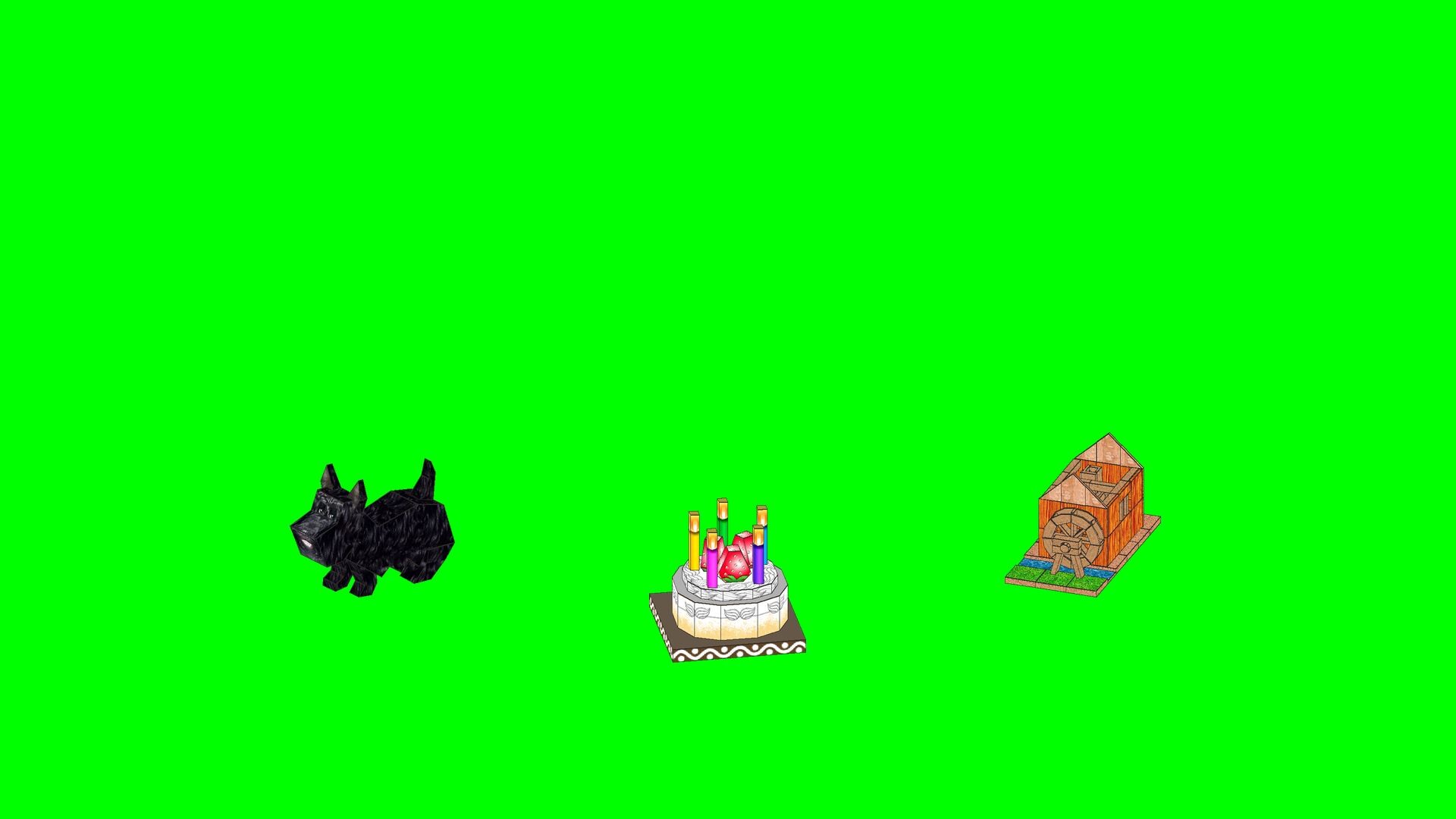
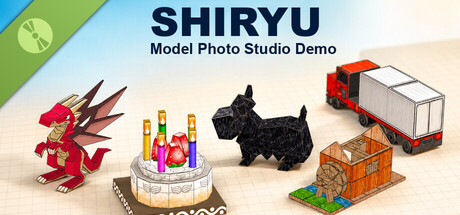
Arrange five SHIRYU papercraft models, move, rotate, scale and duplicate them, choose a solid, green-screen, diorama or custom-image background, then save your scene as a PNG. Experience the 3D models and controls used by ePaperCraft SHIRYU.

Sign in to add this item to your wishlist, follow it, or mark it as ignored

Free Demo

Play SHIRYU Model Photo Studio Demo

Check out the full game


About This Demo

SHIRYU Model Photo Studio Demo is a free companion tool that lets you experience how the 3D models handled by ePaperCraft SHIRYU look and feel when you move and view them.

Arrange the five included sample models in one scene. Move, rotate, scale, duplicate and delete them to create your own composition. Choose a solid color, green screen, diorama or custom image for the background, then save the finished scene as a PNG.

This demo does not design papercraft models or create unfolded patterns. Converting a 3D model into a printable paper pattern and building it are features of the full ePaperCraft SHIRYU.

AI Generated Content Disclosure

The developers describe how their game uses AI Generated Content like this:

Generative AI was used only to clean up a small area of the background in the Steam capsule images. The papercraft models, textures, title, and layout were not generated by AI. The application does not generate AI content while it is running or connect to an external AI service.

System Requirements

    Minimum:
    • Requires a 64-bit processor and operating system
    • Memory: 4 GB RAM
    • Storage: 200 MB available space
    Recommended:
    • Requires a 64-bit processor and operating system
There are no reviews for this product

You can write your own review for this product to share your experience with the community. Use the area above the purchase buttons on this page to write your review.

Review Filters