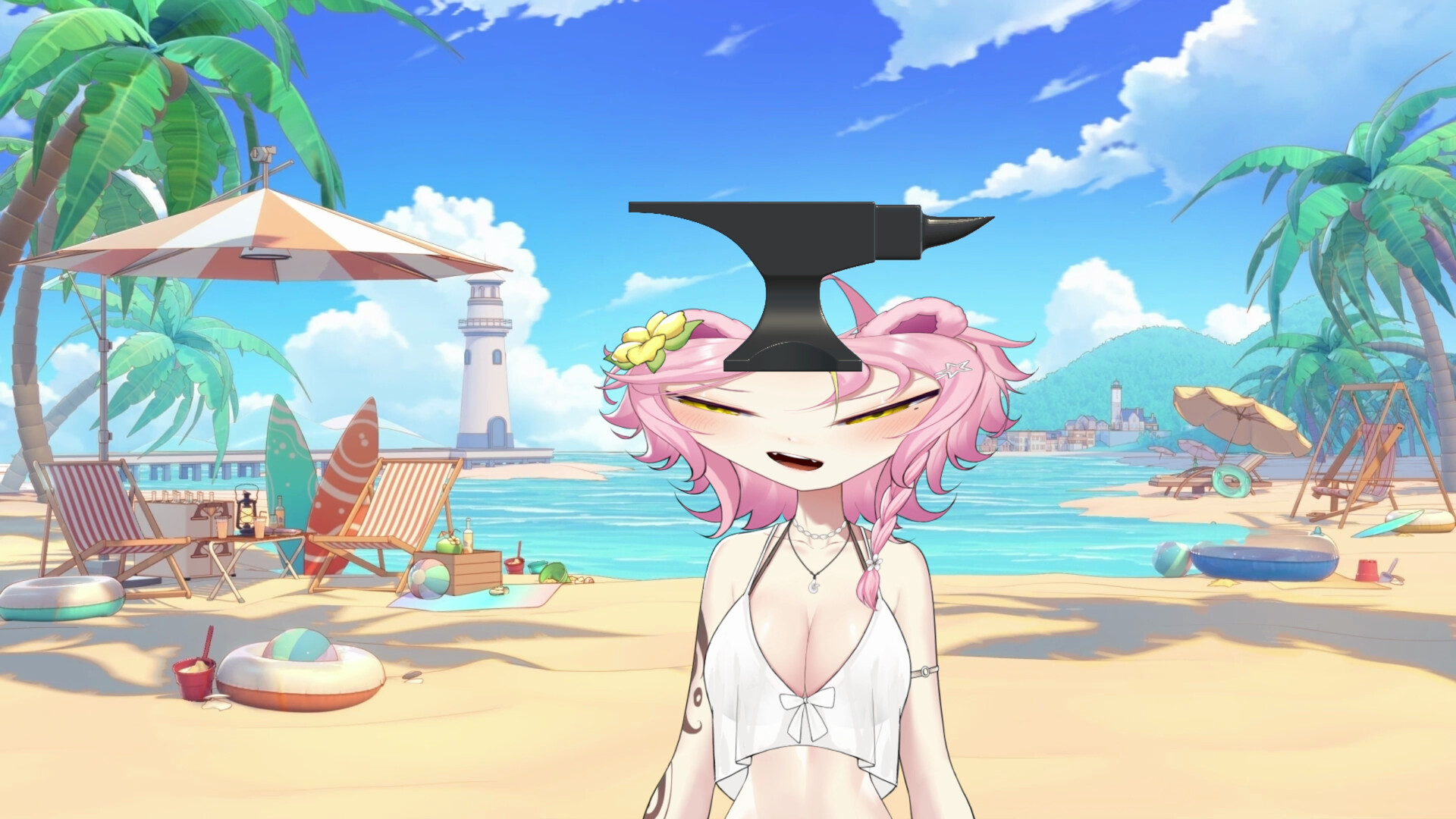
VConnect is a stream overlay used to create on screen effects of all kind upon raids, subs, follows and more. With a Set-Up Wizard for less experienced users and an extensive Node System for power users, it's perfect to bring your ideas to life without the need to know coding!
Release Date:
To be announced
Developer:
Publisher:
Tags

Sign in to add this item to your wishlist, follow it, or mark it as ignored

Early Access Software

Get involved with this software as it develops.

Note: This Early Access software is not complete and may or may not change further. If you are not excited to use this software in its current state, then you should wait to see if it progresses further in development. Learn more

What the developers have to say:

Why Early Access?

“The software is extremely complex and I am a solo developer, it's impossible for me to anticipate all the different kinds of bugs and setups that people might encounter. Additionally I am still actively working on it to improve UI and stability, so I want to make sure that users know that they are expected to encounter bugs.”

Approximately how long will this software be in Early Access?

“This software will be in early access for approximately 3-6 months, since in my mind it's basically feature complete and mainly needs polish and ironing out some of the bugs.”

How is the full version planned to differ from the Early Access version?

“It will feature more Nodes, Mod Support (currently planned, but not 100% there yet), Steam Workshop support and also a more polished UI/UX experience.”

What is the current state of the Early Access version?

“Almost feature complete, but rough around the edges, especially when it comes to UI/UX.”

Will this software be priced differently during and after Early Access?

“Currently there are no plans to raise the price after early access”

How are you planning on involving the Community in your development process?

“Ask for feedback for new implementations and work on ironing out reported bugs!”
Read more
This game is not yet available on Steam

Planned Release Date: To be announced

Interested?
Add to your wishlist and get notified when it becomes available.
 
See all discussions

Report bugs and leave feedback for this software on the discussion boards

About This Software

VConnect - Connect Everything

VConnect is a streaming overlay and automation studio where you connect any live event to any on-screen reaction using a visual node editor. No coding knowledge necessary! Just drag, connect, and sit back to watch as your stream reacts.

FEATURES

  • Spawn assets: 3D-Models, images and GIFs with physics. Throw them, shoot fluids, have them collide, let them rain down on you etc! You can also place them as stickers on your screen!

  • React with your VTuber Model: expressions, movement, color changing, parameter animations and more

  • Audio: text-to-speech, sound effects and lip-sync.

  • And more! (Always working on adding new Nodes for different features and services!)

SERVICES

VConnect interacts with services you may already be using! Currently supported services include:

  • Twitch: chat, bits, follows, subs, gift subs, raids, channel point redeems, bans, commands. Create clips, post shoutouts, and send chat messages automatically.

  • YouTube: chat, Super Chats, Super Stickers, new members, milestones, membership gifting, commands.

  • VTube Studio: drive parameters, trigger expressions and hotkeys, move or punch your model, tint artmeshes, swap models, load custom items, adjust physics live.

  • OBS: switch scenes and react to scene changes.

  • Streamlabs & StreamElements: donations, tips, merch, charity, loyalty store and reward redeems.

  • Pulsoid: turn your heart rate into on-screen interactions!

HOW IT WORKS

VConnect has a Node Editor that does most of the heavy lifting!

BUT don't worry - you don't need to be a genius or power user to understand the program. There is a Setup-Wizard to make your ideas come to life!

For those more familiar with node systems, the possibilities are almost endless:

  • Triggers for every supported event, plus hotkeys and timers.

  • Logic and flow: conditions, loops, gates, toggles, math, randomness, lists, variables and string tools.

Everything runs in REAL TIME as your stream happens!

ASSETS

You can import PNG, GIFs, GLBs, GLTFs, FBX, VRM, OBJ & more.
You can also import sound effects in MP3 & OGG!

For Twitch Users: If your Twitch account is connected, it can directly import all your channel emotes to VConnect, as well as Global Twitch emotes and BTTV / 7TV / FrankerFaceZ Emotes featured on your channel!

VConnect has an extensive editor. You can adjust your imported asset in size, material, color, etc. to make sure you have the best customization possible.

ACCESSIBILITY

This program is aimed at VTubers, but regular streamers can also use this tool for various things! Here is some options:

  • Auto-shoutout raiders who bring in a certain number of viewers.

  • Auto-clip the exact moment something cool happens on your stream!

  • Milestones: celebrate the Nth follower, sub or donation with a custom effect ~

  • Cross-service combos - for example: incoming super chat can interact with your OBS scene and create a fun interaction / event as it reads itself out loud with TTS!

  • Heartrate monitor makes your screen react!

SHARE - IMPORT & EXPORT

You can share your creations with friends and other creators! With VConnect, it's possible to export your assets and entire node setups, so that the person on the receiving end can import it to their own VConnect service with no friction. To stop it from getting too confusing, there is Profiles and Folders to organise the program as your collection grows ^-^

Why VConnect?

  • VConnect is one tool for all your services! No more juggling a bunch of bots.

  • No need for coding knowledge: drag -> connect -> test instantly!

  • Share : Export your creations to your community or other streamers.

THIS IS A LONG TERM, GROWING PROGRAM. Active customer support and continuous development to implement user feedback and new exciting nodes ^-^

System Requirements

Windows
SteamOS + Linux
    Minimum:
    • OS: Windows 10 64-bit
    • Processor: Quad-core, e.g. Intel Core i5-4xxx / AMD Ryzen 3 1200
    • Memory: 8 GB RAM
    • Graphics: DirectX 11 capable, 2 GB VRAM (e.g. GTX 750 Ti, or Intel UHD 630 integrated)
    • DirectX: Version 11
    • Storage: 2 GB available space
    • Additional Notes: Broadband internet
    Minimum:
    • Processor: Quad-core, e.g. Intel Core i5-4xxx / AMD Ryzen 3 1200
    • Memory: 8 GB RAM
    • Graphics: GTX 750 Ti or Intel UHD 630 integrated
    • Storage: 2 GB available space
There are no reviews for this product

You can write your own review for this product to share your experience with the community. Use the area above the purchase buttons on this page to write your review.

Review Filters