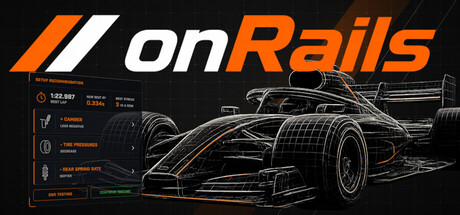
Build a race setup from scratch with the Setup Developer, then fine-tune it lap by lap with the Setup Engineer. Runs as a transparent overlay on top of your sim. No alt-tabbing. No spreadsheets. No downloading someone else's setup and hoping for the best.
Release Date:
Jul 22, 2026
Developer:
Tags

Sign in to add this item to your wishlist, follow it, or mark it as ignored

This game is not yet available on Steam

Planned Release Date: Jul 22, 2026

This game plans to unlock in approximately 2 months

Interested?
Add to your wishlist and get notified when it becomes available.
 

About This Game

The race engineer in your sim cockpit.

Two purpose-built tools, one app. Build a race setup from scratch with the Setup Developer, then fine-tune it lap by lap — and even mid-race — with the Setup Engineer. Runs as a transparent overlay on top of your sim. No alt-tabbing. No spreadsheets. No downloading someone else's setup and hoping for the best.

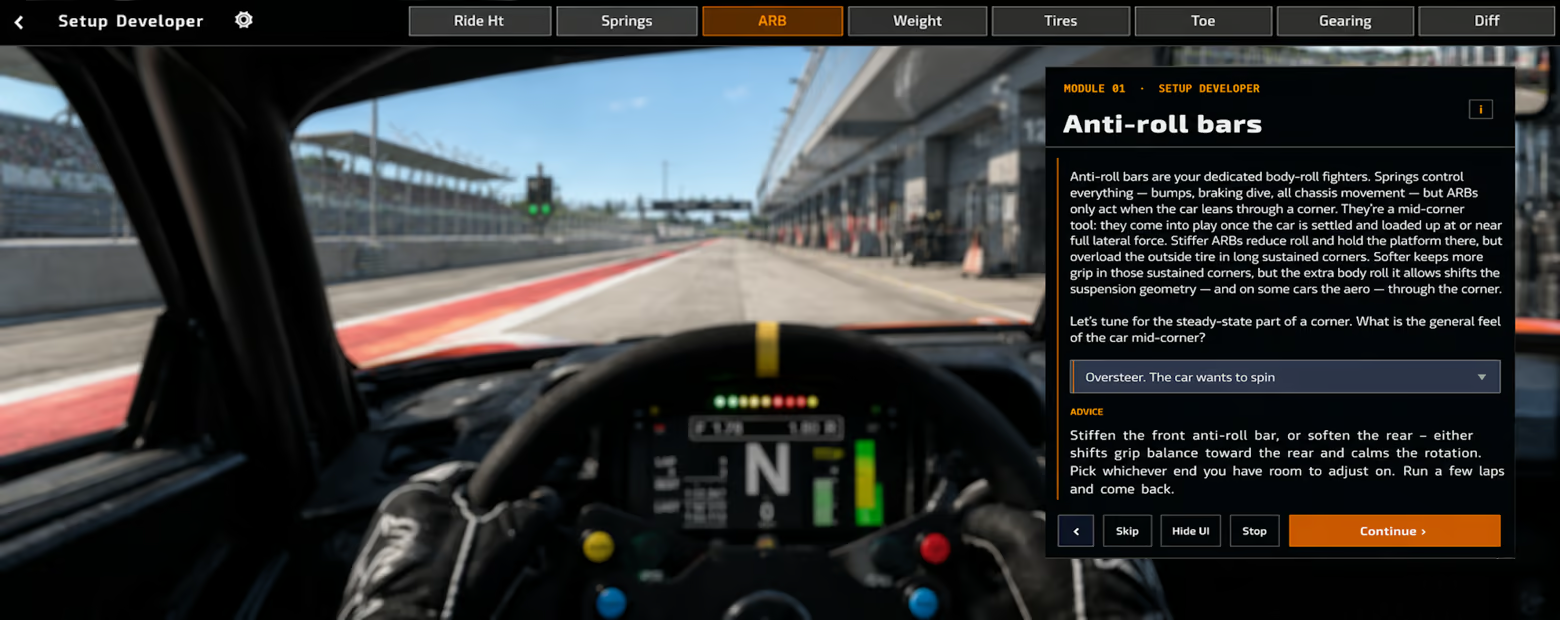
Setup Developer Module

Build your own baseline setup, one question at a time.

Pick your car type and track. Answer simple questions about how the car feels in each setup area — springs, dampers, aero, brakes, differential. onRails offers valid changes at every step and builds a complete starting setup tailored to your car and your driving style. By the time you're done, you know why every value is what it is.

  • Step-by-step guided build across all major setup subjects

  • Six car types: Sports, Touring, Open-Wheel, Stock Car, Sprint Car, Kart

  • Road courses and ovals, with track-trait flags (banking, bumps, chicanes)

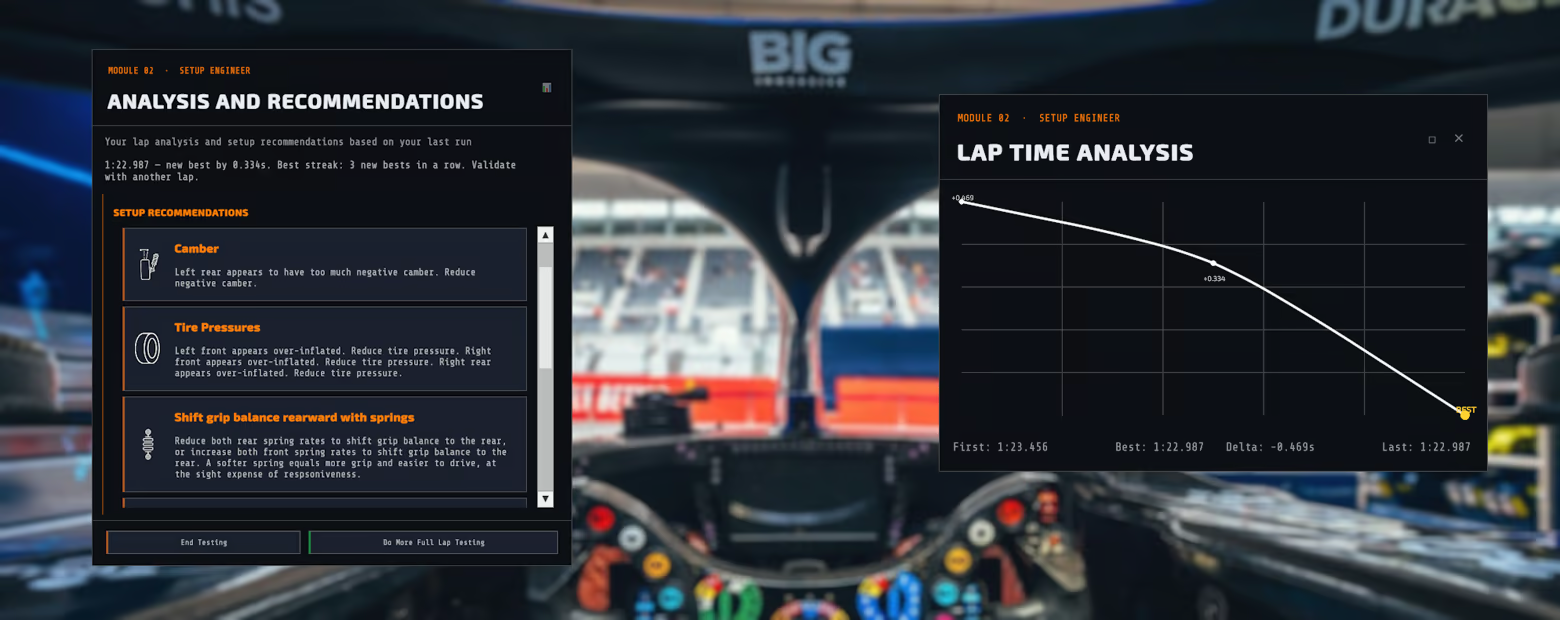
  • Built-in lap logger with graph, best/average/delta stats

  • Pause and resume mid-session — progress is always saved

  • Move on straight to the Setup Engineer to fine-tune for more speed

Setup Engineer Module

Fine-tune your setup until it's both comfortable and fast.

You're in the ballpark but something's off. The car pushes through the apex, snaps loose on exit, won't reach top speed on the back straight. The Setup Engineer takes your driver feedback and turns it into specific, actionable changes — lap by lap, corner by corner.

Lap Wizard — Log your lap time, describe the car's overall behavior, set severity, snap your tire temps with a hotkey. Get a ranked list of setup recommendations with clear explanations. Confirm a change, log the next stint, watch your times drop.

Corner Wizard — When one specific corner is killing you. Pick the direction, the phase (entry, apex, exit), what's happening, and how badly. Get targeted advice that won't unsettle the rest of your lap.

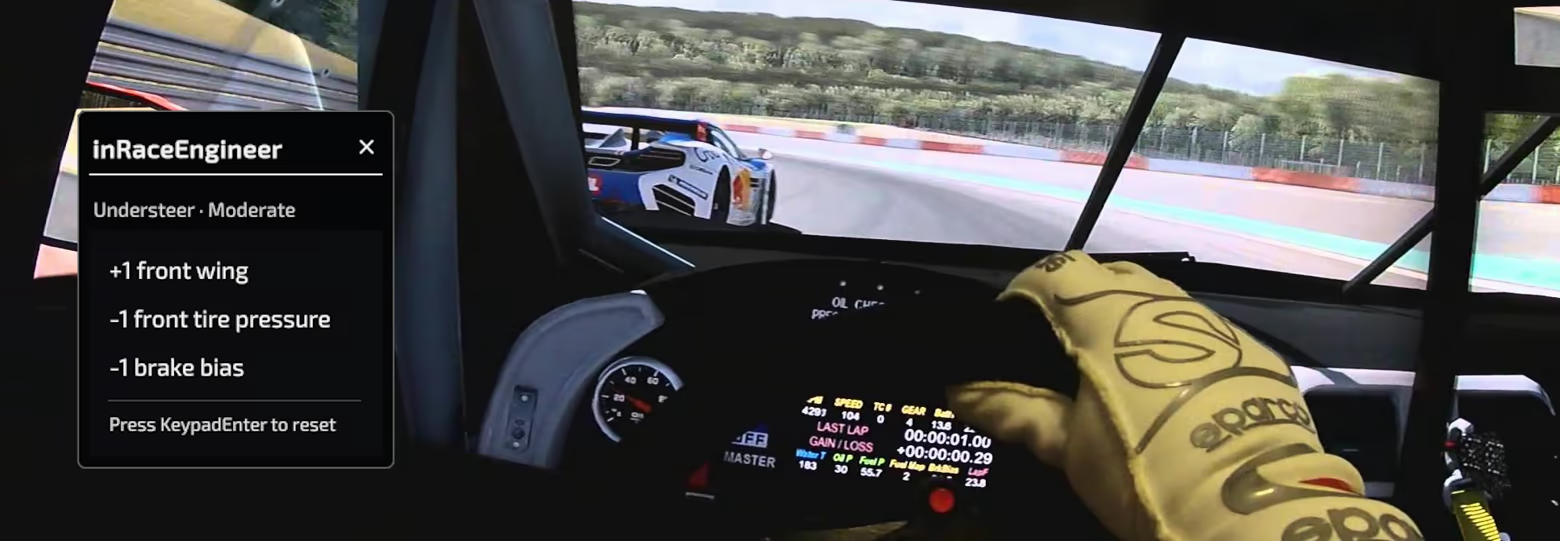
In-Race Engineer — A keyboard-only race assistant that takes up minimal screen space. One hotkey to toggle, numpad keys to answer 2–4 quick questions while you're driving. Get a one-line pit-call recommendation you can act on between laps.

simReader Integration

onRails auto-detects your simulator and reads telemetry directly from shared memory. Hotkeys to snap tire temps and last lap/sector times. They appear in app instantly.

Supported simReader sims: Assetto Corsa · Assetto Corsa Competizione · Automobilista 2 · iRacing · Le Mans Ultimate · rFactor 2

Any and all other sims still supported via manual entry of tire and lap data.

Built for Your Cockpit

  • Choose Windowed mode or Transparent overlay — sits on top of your sim, no second monitor required

  • Drag any panel to where you want it; position is saved for next time

  • Customizable hotkeys — keyboard and wheel/controller buttons

  • Four F1-inspired accent themes: Ferrari red, Aston Martin green, Stake F1 electric green, McLaren orange

  • Four languages: English, Español, Português (Brasil), Italiano — auto-detected on first launch

  • Multi-monitor support — jump to any display with one click

  • Adjustable font size

  • Built-in spotlight tutorials for every panel

Built for sim racers, by a sim racer.

System Requirements

    Minimum:
    • Requires a 64-bit processor and operating system
    • OS: Windows 10 64-bit
    • Processor: x64
    • Memory: 1 GB RAM
    • Graphics: DirectX 11 compatible graphics card
    • DirectX: Version 11
    • Storage: 500 MB available space
    • Additional Notes: Runs overlaying the sim, not standalone. It is a transparent overlay — the user is expected to have the sim running in borderless window
    Recommended:
    • Requires a 64-bit processor and operating system
    • OS: Windows 11 64-bit
    • Processor: x64
    • Memory: 1 GB RAM
    • Graphics: DirectX 12 compatible graphics card
    • DirectX: Version 12
    • Storage: 500 MB available space
    • Additional Notes: Runs overlaying the sim, not standalone. It is a transparent overlay — the user is expected to have the sim running in borderless window
There are no reviews for this product

You can write your own review for this product to share your experience with the community. Use the area above the purchase buttons on this page to write your review.