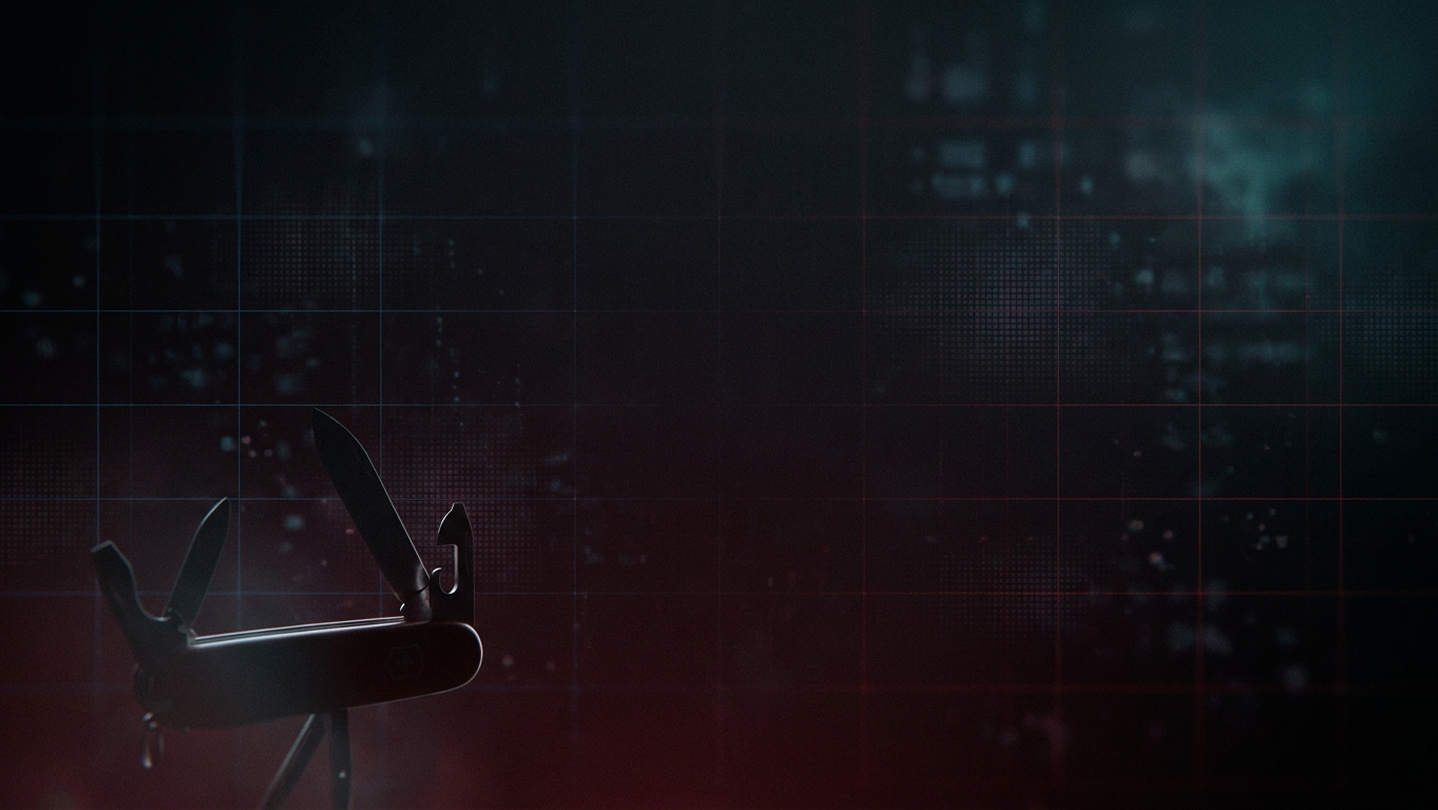
A Swiss-Army toolkit for PC gamers, actively developed with new features every update. Design a custom crosshair, back up saves automatically, catch Steam Cloud conflicts, jot strategy notes over any window. One tool, everything a player needs — and growing.
Release Date:
May 12, 2026
Developer:
Publisher:
Tags

Sign in to add this item to your wishlist, follow it, or mark it as ignored

Buy Swiss Tool for Gamers


About This Software

Every PC gamer ends up running a handful of tools alongside Steam.


A crosshair overlay for games that hide their aim. A save-backup script copy-pasted from a forum. A sticky note for quest details. And something to notice when Steam Cloud tries to overwrite your last hour of progress.

Swiss Tool for Gamers is all of that in one place.

🎯 Design your own crosshair. Use it on any game.


A transparent, always-on-top crosshair overlay — the same OS-level technique OBS, Discord, and ShadowPlay use. Configure shape (cross, dot, circle, X, cross-dot), size, thickness, gap, color, outline, and offset. Save a different profile per game. Have the crosshair auto-appear when that game launches and vanish when it closes.

💾 Version control for your save files


Timestamped, hash-verified snapshots of your save files. Take them manually, on a schedule, or automatically every time you exit a tracked game. Restore any past snapshot in two clicks — a pre-restore snapshot is taken first so the action is always reversible. Configurable retention policy so you don't fill your disk.

☁ Catch Steam Cloud conflicts before they hurt


Swiss Tool parses Steam's own remotecache.vdf and diffs it against your actual save files. If Steam Cloud is about to overwrite your local saves with a stale copy — or vice versa — you'll see it before you launch. No more accidentally losing an hour of progress to a failed sync.

📝 Always-on-top notepad


A transparent notepad window for build orders, crafting recipes, boss weak points, friend codes — anything you'd normally alt-tab out of the game for. Autosaves to plain text so you can open it in any editor.

🧰 What sets it apart


  • Everything in one installer — no cobbling together three different utilities
  • Per-game profiles — the app knows which game you're playing and applies the right crosshair, triggers the right backup
  • Offline by default — your config and notes stay on your PC; no cloud accounts required
  • Scans Proton / Steam Deck save paths (compatdata prefixes) for cross-platform save access
  • Curated database of save-file locations for hundreds of popular games — and easily add your own
  • Windows 10/11, lightweight (~70 MB installed)

👥 Who it's for


  • Third-person and stealth game players who wish games had a proper crosshair
  • Roguelike and modded-game players who've lost runs to bad save states
  • Speedrunners and challenge-run players who want checkpoint versioning
  • Anyone tired of Steam Cloud silently breaking their saves

⚠ Anti-cheat notice (please read)


Swiss Tool's crosshair draws a transparent OS-level window — identical to how OBS, Discord Overlay, and ShadowPlay work. In single-player and casual multiplayer games this is fine. In competitive titles with strict anti-cheat (Valorant/Vanguard, CS2/VAC, Apex/EAC), overlays may be detected and lead to bans. Disable the crosshair for those games — the save-backup and notepad features remain safe to use.

🔒 Your data stays yours


No network calls. No telemetry. No account required. Everything runs locally. Save snapshots are stored as ordinary ZIP files you can open with any archiver. The app is fully offline by design.

🚧 Actively developed — you're buying into a growing tool


Swiss Tool for Gamers is not a finished-and-forgotten release. It's under active development by a solo dev who uses it daily. Every purchase comes with:

  • Free updates for life of the product — no subscription, no paid DLC, no upgrade fees. Buy once, keep every update.
  • Regular feature drops — new tools, integrations, and quality-of-life improvements shipped via Steam's auto-update.
  • Public roadmap — see what's coming next, and vote on priorities in the Steam Community hub.
  • Patch notes via Steam Events — every release documented in the Steam News feed on this page.

🗺 On the roadmap


Planned and in-progress features (subject to reprioritisation based on community feedback):

  • Library hygiene tools — orphan save finder, per-game disk breakdown, shader cache cleaner, duplicate save detector
  • Content export — bulk Steam screenshot export with auto-rename, Steam Workshop item backup, controller config backup
  • Instant replay buffer — continuously capture the last 30 seconds of gameplay, save on hotkey (ShadowPlay-style, game-agnostic)
  • More overlays — FPS counter, timer / speedrun splits, boss HP tracker, colour-blind filter
  • Input helpers — rapid-fire / turbo, toggle-to-hold converter, global key rebinder
  • Save diff viewer — see exactly what changed between two snapshots, down to the byte
  • Pre-launch hooks — preset launch arguments per game, Game Mode (kill background apps before launch)
  • Localisation — Polish, German, French, Spanish interface

Features ship when they're ready, not on a forced schedule. Keep an eye on the News tab and Community hub.

System Requirements

    Minimum:
    • OS *: Windows 8 / 10 / 11
    • Processor: Intel Core i3-7100 or AMD Ryzen 3 1200
    • Graphics: Any GPU with Vulkan or DirectX 12 support
    Recommended:
    • OS: Windows 10 64bit
    • Processor: Intel Core i3-12100 / AMD Ryzen 5 3600
    • Graphics: NVIDIA GeForce GTX 1060 / AMD equivalent
* Starting January 1st, 2024, the Steam Client will only support Windows 10 and later versions.
There are no reviews for this product

You can write your own review for this product to share your experience with the community. Use the area above the purchase buttons on this page to write your review.