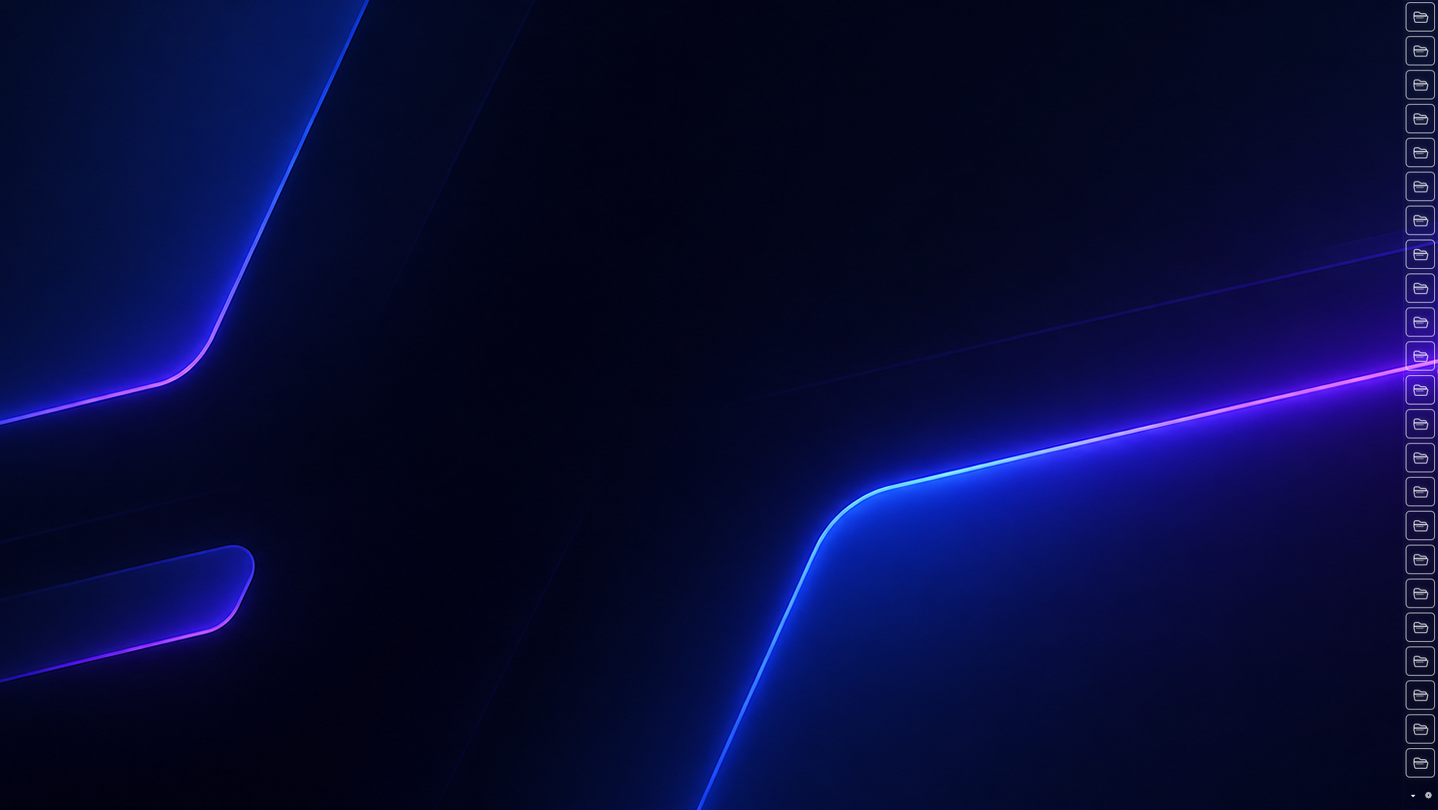
LunoBar is a desktop launcher for quickly opening your favorite apps, files, and websites while managing widgets, crosshairs, system monitoring, and visual customization in one place. Share and apply backgrounds, borders, icons, and crosshairs through Steam Workshop.

Sign in to add this item to your wishlist, follow it, or mark it as ignored

Notice: LunoBar is no longer available on the Steam store.
 

About This Software

LunoBar is a customizable desktop launcher designed to keep your most-used programs, files, folders, and websites in one place for quick access.

Launch items instantly from a compact launcher bar, check last-used times and launch counts, and build your own desktop setup with built-in widgets and extensive customization options.

No more digging through folders, hunting for desktop shortcuts, or browsing browser bookmarks. LunoBar keeps what you use most within reach for a faster, more convenient workflow.

Main Features

  • Quick Access Launcher

Register programs, files, folders, and websites and launch them with a single click.

Usage Tracking

View launch counts and last launch times for registered items when launched from the launcher bar.

Desktop Customization

Freely adjust colors, opacity, borders, icons, bar position, button slots, multi-monitor placement, tooltip preview size, and launcher bar background images to match your style.

Built-in Widgets

Use Todo List, Memo, Pomodoro Timer, Luno Monitor, and Luno Crosshair widgets.

 • Luno Monitor

Monitor CPU, RAM, GPU, process information, and other system stats in real time through a compact HUD, with support for visual clarity, color, and visibility adjustments.

 • Luno Crosshair

Create a center-screen crosshair using built-in shapes or your own images, with full control over appearance.

Note: The crosshair is drawn as a screen overlay. If it doesn't appear in-game, switch to Borderless Windowed or Windowed mode.

Steam Workshop Support

Browse, download, upload, and auto-apply launcher backgrounds, button borders, button icons, and crosshair designs.

LunoBar is a lightweight, powerful desktop utility for users who want fast access and high freedom to personalize their workspace.

AI Generated Content Disclosure

The developers describe how their game uses AI Generated Content like this:

Generative AI Disclosure

Generative artificial intelligence was used in the development of LunoBar in the following ways:

• Software code (development assistance)
• Icons and other graphic assets included with the application
• Localized user interface text (English, Chinese, Japanese, and Korean)
• The three Pomodoro timer sound effects bundled with the app (work, break, and session end)

LunoBar does not use generative AI to create new content while you are using the launcher. Optional Steam Workshop items are uploaded by players and may be labeled “AI Used” by their creators.

System Requirements

    Minimum:
    • Requires a 64-bit processor and operating system
    • OS: Windows 10 64-bit
    • Processor: Intel or AMD dual-core processor
    • Memory: 1 GB RAM
    • Graphics: DirectX 11 compatible integrated or dedicated GPU
    • DirectX: Version 11
    • Network: Broadband Internet connection
    • Storage: 200 MB available space
    • Sound Card: Windows-compatible audio device
    • Additional Notes: Steam Workshop features require an internet connection and the Steam client.
    Recommended:
    • Requires a 64-bit processor and operating system
    • OS: Windows 11 64-bit
    • Processor: Intel or AMD dual-core processor, 2.0 GHz or faster
    • Memory: 2 GB RAM
    • Graphics: DirectX 11 compatible GPU
    • DirectX: Version 11
    • Network: Broadband Internet connection
    • Storage: 300 MB available space
    • Sound Card: Windows-compatible audio device
    • Additional Notes: Steam Workshop features require an internet connection and the Steam client.

Customer reviews for LunoBar About user reviews Your preferences

Overall Reviews:
2 user reviews (2 reviews)


To view reviews within a date range, please click and drag a selection on a graph above or click on a specific bar.


Filter reviews by the user's playtime when the review was written:


No minimum to No maximum

Show reviews in selected display order


Learn More
Filters
Excluding Off-topic Review Activity
Playtime:
Played Mostly on Steam Deck
Operating System:
CPU:
GPU:
Device Type:
Review Filters