Wonder Air: Lunara's Adventure Demo
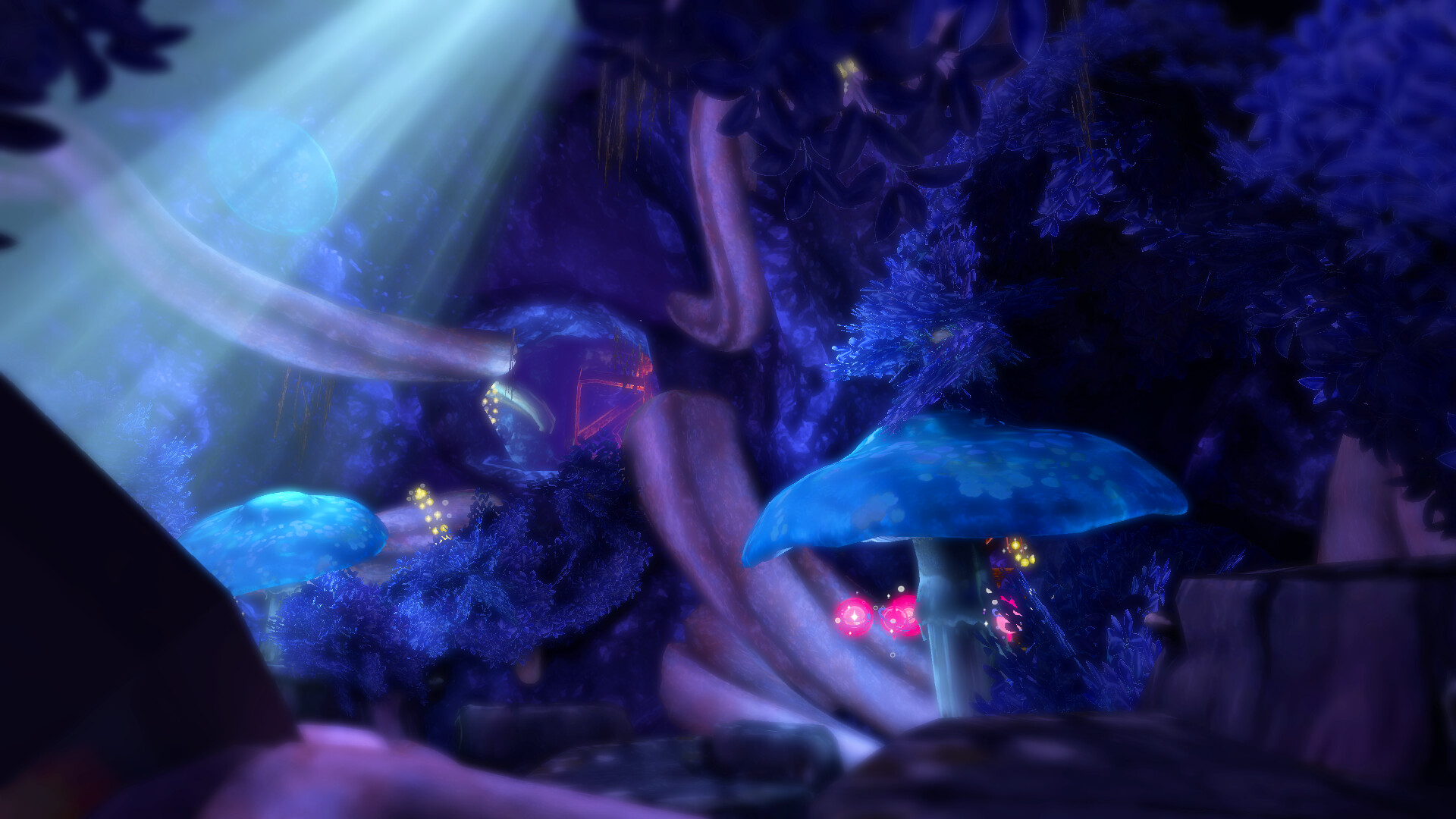
“Wonder Air: Lunara’s Adventure” is a fantasy flying action game where players can freely soar through a beautifully rendered 3D world.

Melden Sie sich an, um dieses Produkt zu Ihrer Wunschliste hinzuzufügen, zu abonnieren oder als „Ignoriert“ zu markieren.

Kostenlose Demo

Wonder Air: Lunara's Adventure Demo spielen

Schauen Sie sich die Vollversion an


Über diese Demo

Born from the moon, the little fairy Lunara begins a journey through Wonder, a fantastical world brought to life by the dreams and wishes of people.

Glowing with soft light, this vivid and enchanting realm is filled with beauty that will stir your heart and leave you spellbound.

Take on the role of Lunara and explore this magical fantasy world.

Fly through rings, collect spheres, link together Chains, and gather dream fragments known as Lumina Stones.

With its unique sense of flight and one-of-a-kind fantasy atmosphere, Wonder Air offers an unforgettable adventure through a world of dreams, wonder, and emotion.

Systemanforderungen

Windows
macOS
    Mindestanforderungen:
    • Setzt 64-Bit-Prozessor und -Betriebssystem voraus
    • Betriebssystem: Windows 10
    • Prozessor: Intel Core i5 2400
    • Arbeitsspeicher: 2 GB RAM
    • Grafik: Nvidia Geforce GTS 450
    • DirectX: Version 11
    • Speicherplatz: 500 MB verfügbarer Speicherplatz
    • Soundkarte: DirectX compatible sound card
    Empfohlen:
    • Setzt 64-Bit-Prozessor und -Betriebssystem voraus
    Mindestanforderungen:
    • Betriebssystem: macOS Tahoe 26.2
    • Prozessor: M1
    • Arbeitsspeicher: 2 GB RAM
    • Speicherplatz: 500 MB verfügbarer Speicherplatz
    Empfohlen:
    * Ab dem 15. Februar 2024 unterstützt der Steam-Client keine 32-Bit-Spiele mehr sowie macOS 10.14 oder älter.
    Für dieses Produkt gibt es keine Rezensionen

    Sie können Ihre eigene Rezension für dieses Produkt verfassen, um Ihre Erfahrungen mit der Community zu teilen. Nutzen Sie den Bereich über den Schaltflächen zum Kaufen, um Ihre Rezension zu verfassen.

    Filter überprüfen