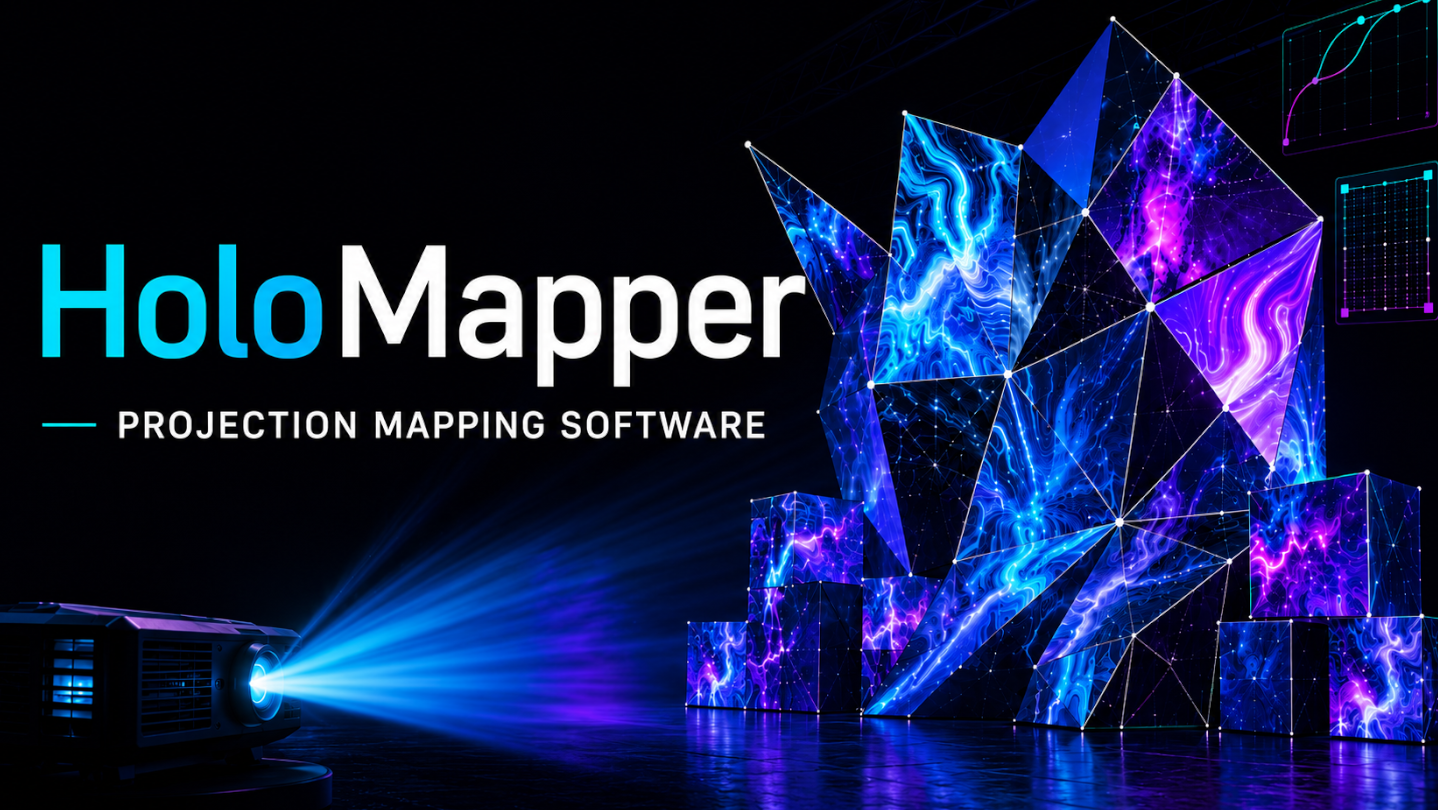
Real-time projection mapping software for creators, VJs, and visual artists. Warp images, videos, GIFs, text, and animations onto walls, objects, and custom surfaces using mesh controls, Bezier curves, snapping tools, and live projector output.

Daftar masuk untuk menambah item ini ke senarai hajat anda, ikuti atau tandakannya sebagai diabaikan

Perisian Akses Awal

Libatkan diri dengan perisian ini seiring pembangunannya.

Nota: Perisian Akses Awal ini belum lengkap dan mungkin akan mengalami perubahan. Jika anda tidak tertarik untuk menggunakan perisian ini dalam versi semasanya, anda seharusnya menunggu untuk melihat jika ia akan terus dibangunkan. Ketahui lebih lanjut

Kata-kata daripada pembangun:

Kenapa Akses Awal?

“HoloMapper is entering Early Access to involve the community in shaping a powerful and flexible projection mapping tool from the ground up.

Projection mapping workflows vary widely depending on the user, setup, and creative goals. Early Access allows us to gather real-world feedback, refine core systems like mesh warping and surface control, and prioritize features that matter most to creators.

By releasing early, we can rapidly iterate, improve stability, and expand functionality based on how the software is actually used in real projects and environments.

Early Access is not just about testing, it’s about building HoloMapper alongside its community.”

Berapa lama perisian ini dijangka akan berada dalam Akses Awal?

“We expect HoloMapper to remain in Early Access for approximately 6–12 months. This timeline allows us to refine core features, improve stability, and expand functionality based on community feedback.”

Apakah perbezaan yang dirancang antara versi penuh dan versi Akses Awal?

“The full version of HoloMapper is planned to expand on the core functionality introduced during Early Access, with a focus on stability, performance, and a more complete feature set.

We plan to further develop the mesh warping system with more advanced control options, improved usability, and support for more complex projection setups. Additional tools and workflow improvements are also planned to streamline the mapping process and enhance precision.

We also plan to expand media handling capabilities, improve overall performance across a wider range of systems, and refine the user interface based on community feedback.

Overall, the full version is intended to provide a more polished, stable, and feature-rich experience built directly from real-world usage and input from the community.”

Bagaimanakah keadaan semasa versi Akses Awal?

“The Early Access version of HoloMapper includes the core functionality needed to create and adjust projection mappings in real time.

Users can define surfaces, manipulate warp points, and align visuals onto physical objects with immediate visual feedback. The current system supports flexible mesh editing, allowing both simple and more complex mappings to be created.

While the foundation is fully functional, the software is still in active development. Some features are still being refined, performance may vary depending on setup, and the interface and workflows will continue to evolve based on user feedback.

Early Access is focused on establishing a stable core while expanding capabilities and improving usability over time.”

Adakah harga perisian ini berbeza semasa dan selepas Akses Awal?

“Yes, we plan to gradually increase the price as new features, improvements, and content are added throughout Early Access. Early supporters will gain access to HoloMapper at a lower price while helping shape its development.”

Bagaimana anda merancang untuk melibatkan Komuniti dalam proses pembangunan anda?

“Community feedback will play a key role in shaping the development of HoloMapper throughout Early Access.

We plan to actively monitor discussions, feedback, and suggestions shared through the Steam Community Hub. User input will help guide feature priorities, workflow improvements, and overall usability.

We also plan to use community feedback to identify bugs, test new features, and refine existing systems based on real-world use cases.

By involving creators directly in the development process, we aim to build a tool that reflects the needs of its users and evolves alongside the community.”
Baca lagi
Bahasa Bahasa Melayu tidak disokong

Produk ini tidak menyokong bahasa tempatan anda. Sila semak senarai bahasa yang disokong di bawah sebelum membuat pembelian

Beli HoloMapper – Projection Mapping Tool

 
Lihat semua perbincangan

Laporkan pepijat dan tinggalkan maklum balas untuk perisian ini di papan perbincangan

Tentang Perisian Ini

HoloMapper – Projection Mapping Software

HoloMapper is a real-time projection mapping tool for creators, VJs, digital artists, installation designers, and visual experimenters who want precise control over how visuals are projected onto physical surfaces.

Map visuals onto walls, objects, stages, installations, custom builds, tabletop setups, or room-scale environments. With mesh warping, Bezier curves, flexible surface tools, snapping, media presets, and real-time editing, HoloMapper gives you a focused workspace for building and adjusting projection mappings quickly.

Whether you are creating a small home setup, an art installation, live visuals, or experimental mapped content, HoloMapper helps you align, warp, and transform visuals directly onto the surfaces around you.

Key Features

Real-Time Projection Mapping

Create and edit projection surfaces live while viewing the mapped result on your projector or external display. Move points, reshape surfaces, align visuals, and fine-tune your mapping without leaving the creative flow.

Advanced Mesh Warping

Go beyond basic corner pinning with detailed mesh controls. Adjust edges, internal warp points, and surface deformation to better fit visuals onto irregular, angled, curved, or uneven surfaces.

Mesh warping is supported across multiple layer types, including images, videos, GIFs, and text, giving you more freedom when designing complex projection layouts.

Bezier Curve Mapping

Create smooth curved shapes using Bezier curves. This is useful for more organic mappings, curved visual elements, decorative outlines, abstract projection designs, and surfaces that do not fit simple rectangular layouts.

Multiple Surface and Drawing Tools

Build your projection scene using a growing set of surface tools, including:

  • Quad surfaces

  • Mesh-warped surfaces

  • Circle surfaces with depth and bulge controls

  • Bezier curves

  • Straight and freehand lines

  • Custom filled shapes

  • Text layers with mesh warping

These tools make HoloMapper flexible enough for clean technical alignment as well as more artistic and experimental projection setups.

Flexible Media Support

Import and map a variety of visual content, including:

  • Images

  • Videos

  • GIFs

  • Text

  • MP4 animation presets

  • Color and animation presets

HoloMapper is built for both prepared visual content and quick live experimentation.

Animation and Preset Tools

Use built-in preset options to create motion and visual variation faster. Import MP4 animation presets, combine them with mapped surfaces, and build layered projection effects without needing a complicated VJ setup.

Projector Workflow

HoloMapper is designed for setups where you control the software on one screen while sending the final mapped output to a projector or external display. This keeps the editing interface separate from the clean projection output.

Snapping and Alignment Tools

Align surfaces more quickly with side, corner, and rotation snapping. Auto Aspect can automatically match a quad’s aspect ratio to imported media, helping prevent stretched or distorted visuals.

Clean Editing Interface

HoloMapper uses a focused interface built for fast visual work. Adjust surfaces, collapse menus, move handles, duplicate layers, organize groups, and fine-tune properties without unnecessary clutter.

Experimental Input Features

HoloMapper also includes experimental support for additional input types, such as browser / URL layers and external window inputs. These features are still evolving and may vary in performance depending on the source, system, and content being used.

Built For

HoloMapper is designed for:

  • Projection mapping artists

  • VJs and live visual performers

  • Digital artists

  • Installation designers

  • Stage and event visuals

  • Creative developers

  • Makers and experimental builders

  • Steam Deck projection setups

  • Small studio and home projection experiments

From simple wall projections to multi-layer mapped visuals, HoloMapper adapts to a wide range of creative workflows.

Steam Deck and Linux Support

HoloMapper supports Windows and Linux / SteamOS, including Steam Deck workflows. A Steam Deck can be used as a portable control device for projection setups when connected to an external display or projector.

For best results on Steam Deck, Desktop Mode and an extended display setup are recommended.

Early Access Development

HoloMapper is actively evolving with regular updates, new features, fixes, and workflow improvements. Recent updates have added Bezier curves, animation preset support, GIF support, mesh warping for text, snapping tools, improved layer handling, Auto Aspect, and expanded surface editing tools.

Planned and ongoing improvements include:

  • More advanced mesh and curve tools

  • Expanded media support

  • More animation and preset systems

  • Improved live performance features

  • Community-requested workflow improvements

  • Additional support for portable and projector-based setups

Join the Community

Share your projection mapping setups, suggest features, report issues, and help shape the future of HoloMapper through the Steam community.

HoloMapper is built for creators who want a simple, flexible, and affordable way to experiment with real-time projection mapping.

Pendedahan Kandungan Dihasilkan AI

Pembangun menerangkan cara permainan mereka menggunakan Kandungan Dihasilkan AI seperti berikut:

Some visual assets, including text, promotional artwork and capsule images, were generated using AI tools and then reviewed and edited by the developer.

Keperluan Sistem

Windows
SteamOS + Linux
    Minimum:
    • OS: Windows 10 (64-bit)
    • Pemproses: Intel Core i3-2100 / AMD equivalent
    • Memori: 4 GB RAM
    • Grafik: Integrated graphics (Intel HD 4000 or equivalent)
    • DirectX: Versi 11
    • Storan: 500 MB ruang tersedia
    • Nota Tambahan: Performance may decrease with multiple video layers or complex warping setups.
    Dicadangkan:
    • OS: Windows 10 / Windows 11 (64-bit)
    • Pemproses: Intel Core i5-8400 / AMD Ryzen 5 2600 or better
    • Memori: 16 GB RAM
    • Grafik: Dedicated GPU recommended (NVIDIA GTX 1050 / AMD RX 560 or better)
    • DirectX: Versi 11
    • Storan: 2 GB ruang tersedia
    • Nota Tambahan: Recommended for smooth playback with multiple video sources and complex projection mapping.
    Minimum:
    • OS: Ubuntu 22.04+ / SteamOS 3.0+ (64-bit)
    • Pemproses: Intel Core i3-2100 / AMD equivalent
    • Memori: 4 GB RAM
    • Grafik: Integrated graphics with OpenGL 3.3 support (Intel HD 4000 or equivalent)
    • Storan: 500 MB ruang tersedia
    • Nota Tambahan: Use Proton Experimental. Steam Controller supported. Keyboard and mouse recommended. Performance may decrease with multiple video layers, complex surfaces, or high-resolution inputs. Best experienced on Steam Deck in Desktop Mode.
    Dicadangkan:
    • OS: Ubuntu 24.04+ / SteamOS 3.0+ (64-bit)
    • Pemproses: Intel Core i5 or better
    • Memori: 16 GB RAM
    • Grafik: Modern integrated or dedicated GPU with OpenGL 3.3+ support
    • Storan: 2 GB ruang tersedia
    • Nota Tambahan: Use Proton Experimental. Steam Controller supported. Keyboard and mouse recommended. Performance may decrease with multiple video layers, complex surfaces, or high-resolution inputs. Best experienced on Steam Deck in Desktop Mode.

Ulasan pelanggan untuk HoloMapper – Projection Mapping Tool Tentang ulasan pengguna Pilihan anda

Keseluruhan Ulasan:
1 ulasan pengguna (1 ulasan)


Untuk melihat ulasan dalam sesuatu jangka masa tarikh, sila klik dan seret pilihan pada graf di atas atau klik pada bar tertentu.


Tapis ulasan mengikut masa bermain pengguna semasa ulasan ditulis:


Tiada minimum hingga Tiada maksimum

Tunjuk ulasan dalam susunan paparan yang dipilih


Ketahui Lebih Lanjut
Penapis
Tidak termasuk Aktiviti Ulasan di Luar Topik
Masa bermain:
Kerap Dimainkan di Steam Deck
Operating System:
CPU:
GPU:
Device Type:
Penapis Ulasan