Filemu is a powerful photo editing software designed to allow sophisticated color grading and realistic film simulations. Breathe life into photos with powerful filters, simulate film with realistic halation and grain, create your own presets and automate editing, or even script your own filters.

Sign in to add this item to your wishlist, follow it, or mark it as ignored

Early Access Software

Get involved with this software as it develops.

Note: This Early Access software is not complete and may or may not change further. If you are not excited to use this software in its current state, then you should wait to see if it progresses further in development. Learn more

What the developers have to say:

Why Early Access?

“By releasing in early access, we can gather feedback from users on what features they'd like to see added or what improvements they'd like for existing features, informing the overall direction of the software.”

Approximately how long will this software be in Early Access?

“We expect to be in early access for about 3-6 months, depending on feedback from users.”

How is the full version planned to differ from the Early Access version?

“We plan to implement several new filters and tools like lens distortion and improved noise reduction. The planned scripting system will also be implemented in the full version.”

What is the current state of the Early Access version?

“The core systems are stable and ready to be used for editing photos. A wide selection of color transformation filters and film simulation filters have been implemented and are usable. Images can be edited and saved. The batch processing pipeline is also working.”

Will this software be priced differently during and after Early Access?

“We plan to slightly increase the price of the full version, to reflect the added features only present in the full version.”

How are you planning on involving the Community in your development process?

“We plan to gather feedback on the overall user experience of the software, and also to gather ideas and suggestions for future filters and features that can be added. The community may also suggest languages to localize the software interface to. Feedback can be given via Steam forums, email or any future community discussion platforms.”
Read more
This game is not yet available on Steam

Planned Release Date: 2026

Interested?
Add to your wishlist and get notified when it becomes available.
 
See all discussions

Report bugs and leave feedback for this software on the discussion boards

About This Software

Filemu is a powerful photo editing software designed to allow sophisticated color grading and realistic film simulations. Breathe life into photos with powerful filters. Simulate realistic film grain and halation. Create your own LUTs and presets and automate editing of your photos. Create your own filters with an integrated scripting engine.

Sophisticated Color Transformations

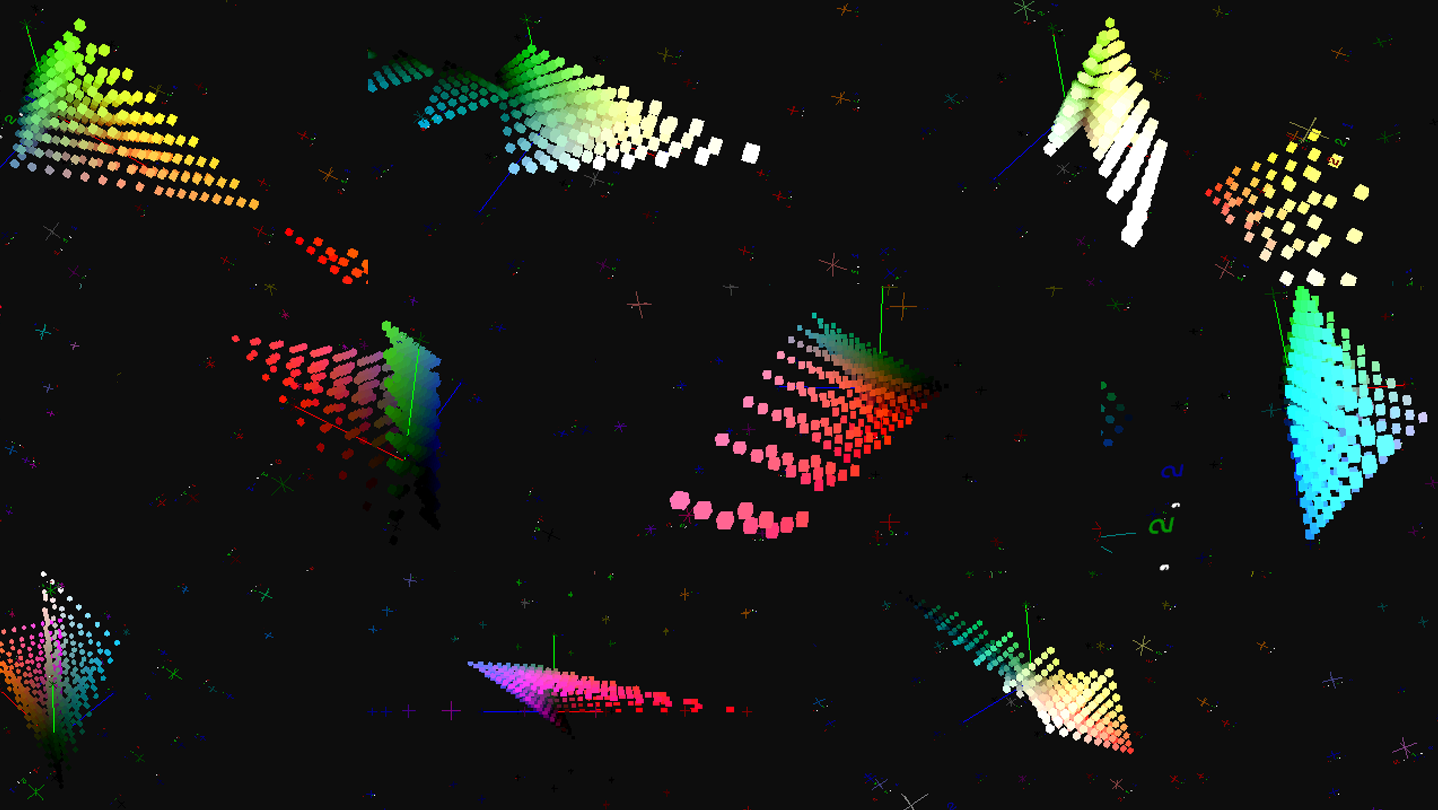
Completely alter the look of your photos with powerful color grading tools. Transform colors in complex ways with incredible precision.

Simulate Film Effects

Simulate the look of classic film with realistic film grain and halation.

Automate editing with Effects Chains

Automate your editing process by chaining effects and batch processing multiple images. Experiment with different effects without losing changes. Export your effects to LUTs for use in other software.

Support for Camera RAWs and HDR Images

Import RAWs directly from your camera for editing. Edit HDR images without losing dynamic range with the 32-bit rendering engine.

(Supports RAWs from most major camera manufacturers)

Create Your Own Effects

(Not available in Early Access)

Create your own effects with a rich scripting system.

Key Features

  • Basic Color Adjustments (Brightness/Contrast/Exposure, Hue/Saturation, etc.)

  • Advanced Color Adjustments (Tetrahedral Interpolation, Quadratic/Cubic Contrast Curve, Adjust Shadows/Mids/Highlights, HSL Range Adjustment, etc.)

  • Film Simulation Effects (Film Grain, 3 Halation algorithms, Bleach Bypass, etc.)

  • Brush Tool for spot-based adjustments (Paintbrush, Clone Stamp, Blur, Smudge, etc.)

  • Image Transformations (Resize, Crop, Rotation, etc.)

  • Import and Export of LUTs (supports Resolve Cube, HALD, Adobe XMP formats)

  • Automated Processing with Effects Chains

  • Custom Effects with Scripting System (Not available in Early Access)

  • Support for camera RAWs and HDR Images

System Requirements

Windows
macOS
    Minimum:
    • Requires a 64-bit processor and operating system
    • OS: Windows 10 64bit (May 2020 update onwards)
    • Processor: At least Dual Core CPU, 2.0 Ghz
    • Memory: 16 GB RAM
    • Graphics: Discrete GPU with at least 4GB Video Memory and OpenGL 3.1 support
    • Storage: 1 GB available space
    • Additional Notes: Memory use scales with size of imported images. Minimum specs should support ~20MP images.
    Recommended:
    • Requires a 64-bit processor and operating system
    • OS: Windows 10 64bit (May 2020 update onwards)
    • Processor: At least Quad Core CPU, 3.0 Ghz
    • Memory: 64 GB RAM
    • Graphics: Discrete GPU with at least 8GB Video Memory and OpenGL 3.1 support
    • Storage: 1 GB available space
    Minimum:
    • OS: MacOS 10.15 (Catalina)
    • Processor: At least Dual Core CPU, 2.0 Ghz, Supports both Apple Silicon and Intel
    • Memory: 16 GB RAM
    • Graphics: GPU with at least 4GB Video Memory and OpenGL 3.1 support
    • Storage: 1 GB available space
    • Additional Notes: Memory use scales with size of imported images. Minimum specs should support ~20MP images.
    Recommended:
    • OS: MacOS 10.15 (Catalina)
    • Processor: At least Quad Core CPU, 3.0 Ghz, Supports both Apple Silicon and Intel
    • Memory: 64 GB RAM
    • Graphics: GPU with at least 8GB Video Memory and OpenGL 3.1 support
    • Storage: 1 GB available space
There are no reviews for this product

You can write your own review for this product to share your experience with the community. Use the area above the purchase buttons on this page to write your review.