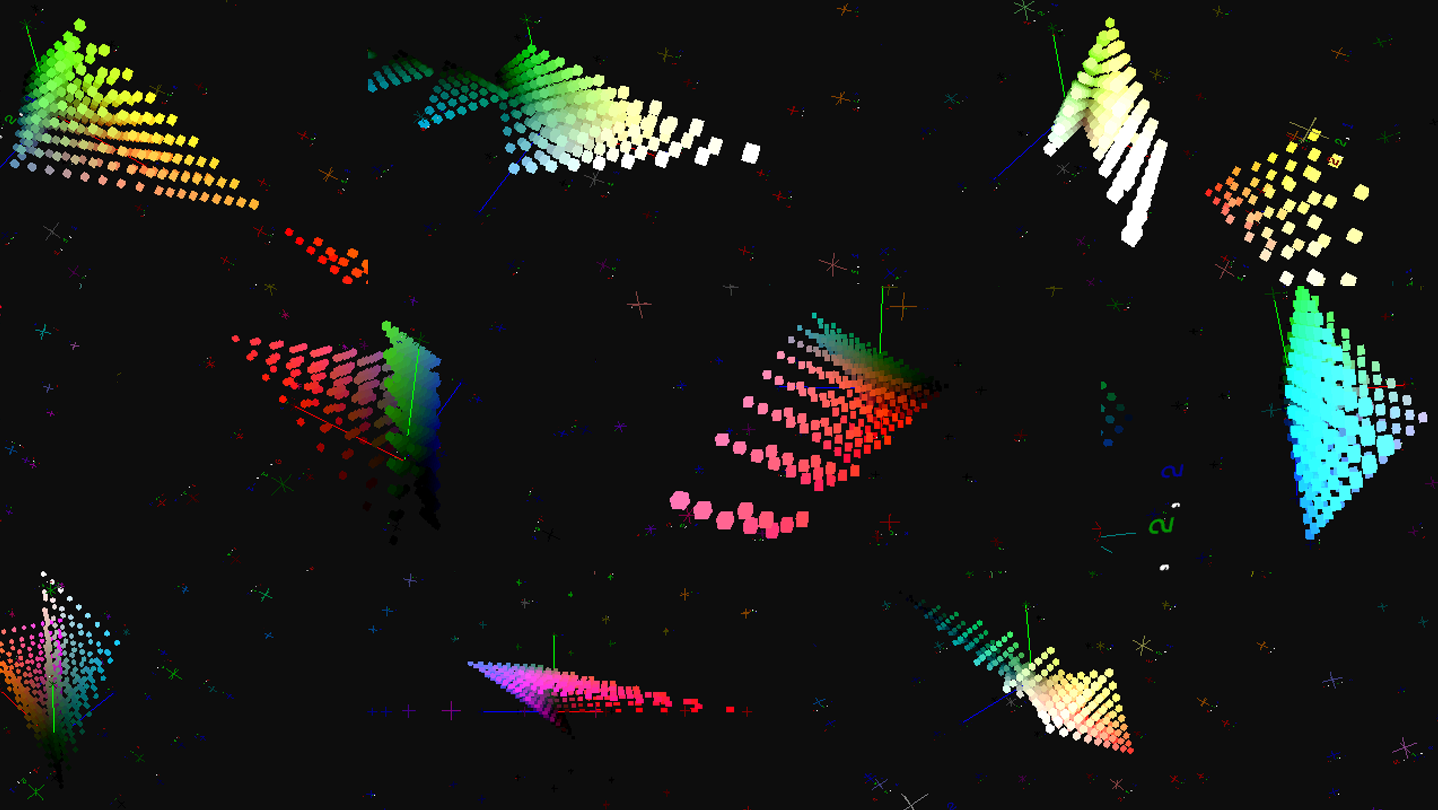
Filemu is a powerful photo editing software designed to allow sophisticated color grading and realistic film simulations. Breathe life into photos with powerful filters, simulate film with realistic halation and grain, create your own presets and automate editing, or even script your own filters.

Daftar masuk untuk menambah item ini ke senarai hajat anda, ikuti atau tandakannya sebagai diabaikan

Perisian Akses Awal

Libatkan diri dengan perisian ini seiring pembangunannya.

Nota: Perisian Akses Awal ini belum lengkap dan mungkin akan mengalami perubahan. Jika anda tidak tertarik untuk menggunakan perisian ini dalam versi semasanya, anda seharusnya menunggu untuk melihat jika ia akan terus dibangunkan. Ketahui lebih lanjut

Kata-kata daripada pembangun:

Kenapa Akses Awal?

“By releasing in early access, we can gather feedback from users on what features they'd like to see added or what improvements they'd like for existing features, informing the overall direction of the software.”

Berapa lama perisian ini dijangka akan berada dalam Akses Awal?

“We expect to be in early access for about 3-6 months, depending on feedback from users.”

Apakah perbezaan yang dirancang antara versi penuh dan versi Akses Awal?

“We plan to implement several new filters and tools like lens distortion and improved noise reduction. The planned scripting system will also be implemented in the full version.”

Bagaimanakah keadaan semasa versi Akses Awal?

“The core systems are stable and ready to be used for editing photos. A wide selection of color transformation filters and film simulation filters have been implemented and are usable. Images can be edited and saved. The batch processing pipeline is also working.”

Adakah harga perisian ini berbeza semasa dan selepas Akses Awal?

“We plan to slightly increase the price of the full version, to reflect the added features only present in the full version.”

Bagaimana anda merancang untuk melibatkan Komuniti dalam proses pembangunan anda?

“We plan to gather feedback on the overall user experience of the software, and also to gather ideas and suggestions for future filters and features that can be added. The community may also suggest languages to localize the software interface to. Feedback can be given via Steam forums, email or any future community discussion platforms.”
Baca lagi
Bahasa Bahasa Melayu tidak disokong

Produk ini tidak menyokong bahasa tempatan anda. Sila semak senarai bahasa yang disokong di bawah sebelum membuat pembelian

Muat turun Filemu Demo

Permainan ini belum tersedia di Steam lagi

Tarikh Keluaran Dirancang: 2026

Berminat?
Tambah ke senarai hajat anda dan terima pemberitahuan apabila permainan sudah tersedia.
 
Lihat semua perbincangan

Laporkan pepijat dan tinggalkan maklum balas untuk perisian ini di papan perbincangan

Tentang Perisian Ini

Filemu is a powerful photo editing software designed to allow sophisticated color grading and realistic film simulations. Breathe life into photos with powerful filters. Simulate realistic film grain and halation. Create your own LUTs and presets and automate editing of your photos. Create your own filters with an integrated scripting engine.

Sophisticated Color Transformations

Completely alter the look of your photos with powerful color grading tools. Transform colors in complex ways with incredible precision.

Simulate Film Effects

Simulate the look of classic film with realistic film grain and halation.

Automate editing with Effects Chains

Automate your editing process by chaining effects and batch processing multiple images. Experiment with different effects without losing changes. Export your effects to LUTs for use in other software.

Support for Camera RAWs and HDR Images

Import RAWs directly from your camera for editing. Edit HDR images without losing dynamic range with the 32-bit rendering engine.

(Supports RAWs from most major camera manufacturers)

Create Your Own Effects

(Not available in Early Access)

Create your own effects with a rich scripting system.

Key Features

  • Basic Color Adjustments (Brightness/Contrast/Exposure, Hue/Saturation, etc.)

  • Advanced Color Adjustments (Tetrahedral Interpolation, Quadratic/Cubic Contrast Curve, Adjust Shadows/Mids/Highlights, HSL Range Adjustment, etc.)

  • Film Simulation Effects (Film Grain, 3 Halation algorithms, Bleach Bypass, etc.)

  • Brush Tool for spot-based adjustments (Paintbrush, Clone Stamp, Blur, Smudge, etc.)

  • Image Transformations (Resize, Crop, Rotation, etc.)

  • Import and Export of LUTs (supports Resolve Cube, HALD, Adobe XMP formats)

  • Automated Processing with Effects Chains

  • Custom Effects with Scripting System (Not available in Early Access)

  • Support for camera RAWs and HDR Images

Keperluan Sistem

Windows
macOS
    Minimum:
    • Memerlukan pemproses 64-bit dan sistem pengendalian
    • OS: Windows 10 64bit (May 2020 update onwards)
    • Pemproses: At least Dual Core CPU, 2.0 Ghz
    • Memori: 16 GB RAM
    • Grafik: Discrete GPU with at least 4GB Video Memory and OpenGL 3.1 support
    • Storan: 1 GB ruang tersedia
    • Nota Tambahan: Memory use scales with size of imported images. Minimum specs should support ~20MP images.
    Dicadangkan:
    • Memerlukan pemproses 64-bit dan sistem pengendalian
    • OS: Windows 10 64bit (May 2020 update onwards)
    • Pemproses: At least Quad Core CPU, 3.0 Ghz
    • Memori: 64 GB RAM
    • Grafik: Discrete GPU with at least 8GB Video Memory and OpenGL 3.1 support
    • Storan: 1 GB ruang tersedia
    Minimum:
    • OS: MacOS 10.15 (Catalina)
    • Pemproses: At least Dual Core CPU, 2.0 Ghz, Supports both Apple Silicon and Intel
    • Memori: 16 GB RAM
    • Grafik: GPU with at least 4GB Video Memory and OpenGL 3.1 support
    • Storan: 1 GB ruang tersedia
    • Nota Tambahan: Memory use scales with size of imported images. Minimum specs should support ~20MP images.
    Dicadangkan:
    • OS: MacOS 10.15 (Catalina)
    • Pemproses: At least Quad Core CPU, 3.0 Ghz, Supports both Apple Silicon and Intel
    • Memori: 64 GB RAM
    • Grafik: GPU with at least 8GB Video Memory and OpenGL 3.1 support
    • Storan: 1 GB ruang tersedia
Tiada ulasan untuk produk ini

Anda boleh menulis ulasan anda untuk produk ini untuk berkongsi pengalaman anda dengan komuniti. Untuk menulis ulasan anda, gunakan kawasan di atas butang pembelian pada halaman ini.

Penapis Ulasan