Frameglyph is an intuitive video review and reference tool for animators and creators. It features simultaneous multi-video playback, frame-by-frame navigation, direct on-frame drawing (Live Ink), and bookmarking. By organizing your essentials into one screen, it powers up your workflow.

Sign in to add this item to your wishlist, follow it, or mark it as ignored

Early Access Software

Get involved with this software as it develops.

Note: This Early Access software is not complete and may or may not change further. If you are not excited to use this software in its current state, then you should wait to see if it progresses further in development. Learn more

What the developers have to say:

Why Early Access?

“This software is a tool designed to directly improve the workflows of video creators and animators. Therefore, we believe that receiving direct feedback from the user community on how it is used in actual production environments and what features are needed is the best way to build the most practical and refined tool possible.”

Approximately how long will this software be in Early Access?

“Depending on the volume of community feedback and the scale of requests, we expect to be in Early Access for approximately [6 months to 1 year]. We will decide to transition to a full release once we are confident that the quality has reached our target standards.”

How is the full version planned to differ from the Early Access version?

“The Early Access version already includes core features (synchronized video playback, frame-by-frame stepping, bookmarks, layout export, etc.). For the full version, we plan to introduce the following additional content and features:
* Expansion of supported video formats and codecs
* Further performance optimization and stability improvements
* Integration of advanced UI customization and additional features highly requested by users
(*These are plans and may change depending on development progress and feedback.)

What is the current state of the Early Access version?

“Currently, all core features of the software are implemented, and it is fully usable as a daily reference tool. Simultaneous loading of multiple video files, highly accurate seeking, timeline features, and basic export features are all functional. We are currently focusing on further improving stability and fixing minor bugs.”

Will this software be priced differently during and after Early Access?

“During Early Access, the software will be offered at a lower price to show our appreciation for your early support. We plan to raise the price to an appropriate level upon the full release, or when major features are added leading up to it.”

How are you planning on involving the Community in your development process?

“We will actively use the Steam Discussion boards to gather bug reports, feature requests, and workflow ideas from our users. Additionally, we plan to publish patch notes with every update to transparently communicate how your feedback is being reflected in the development. ”
Read more
This game is not yet available on Steam

Coming soon

Interested?
Add to your wishlist and get notified when it becomes available.
Add to your wishlist
 
See all discussions

Report bugs and leave feedback for this software on the discussion boards

About This Software

FrameglyphPrecision Video Review & Annotation

Frame-accurate playback, expressive Live Ink annotations, and seamless export. Elevate your review workflow in one powerful workspace.

Frame-by-Frame Precision

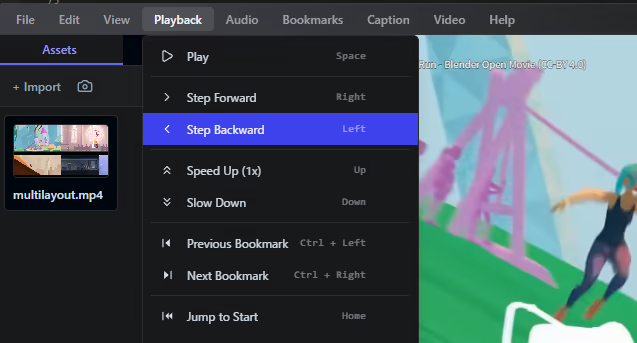
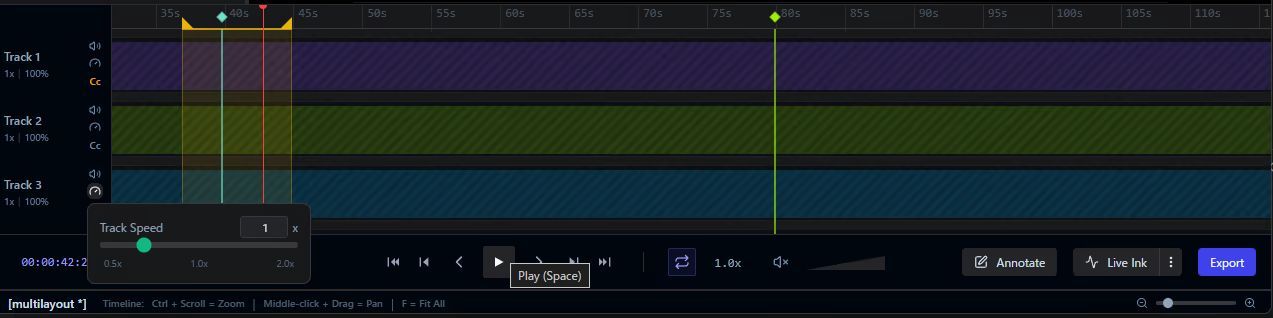
Navigate your media with absolute control. Variable speed playback and customizable loop ranges allow you to scrutinize every single frame at your own pace.

Expressive Annotations

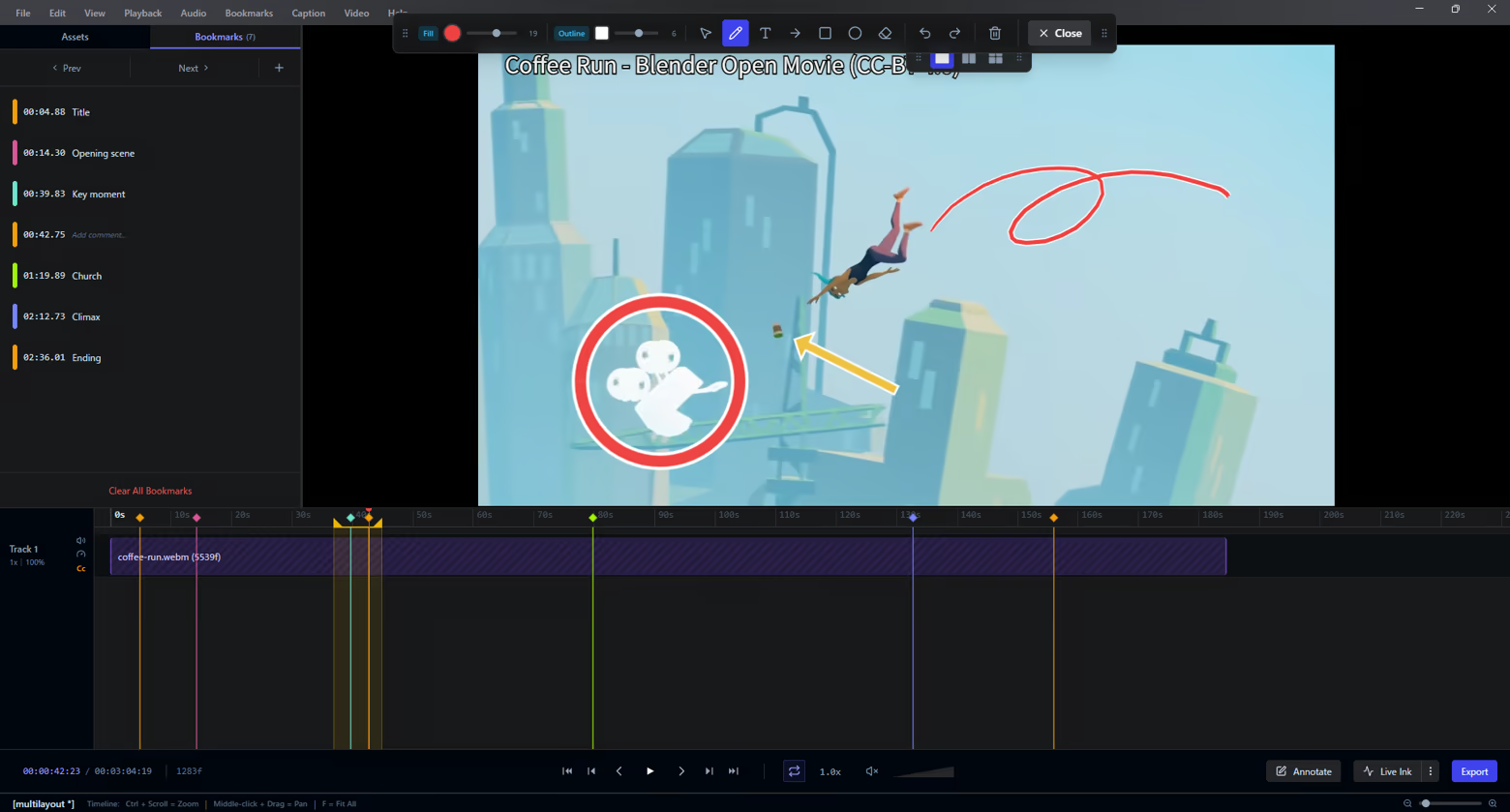
Communicate feedback instantly. Draw freehand with Live Ink, add shapes, or place text overlays directly onto video frames to highlight exactly what matters.

Interactive Timeline

Keep your review sessions perfectly organized. Drop bookmarks at key moments, define precise loop regions, and manage your keyframes intuitively along an interactive timeline.

Seamless Multi-Video Comparison

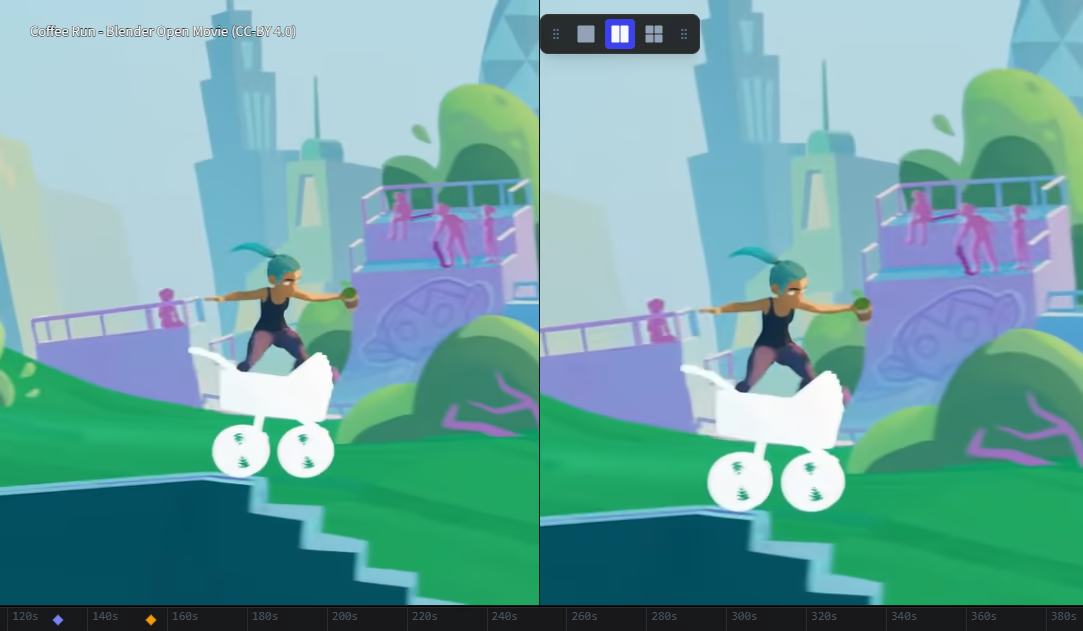
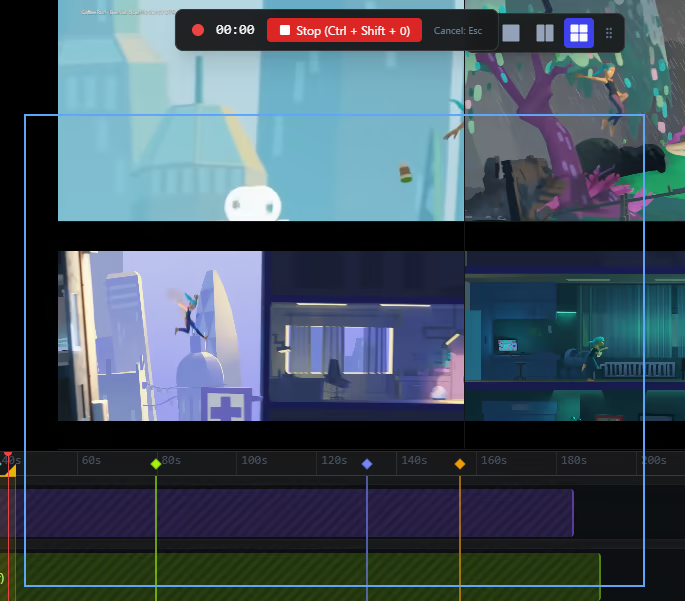
Review iterations side-by-side. Watch up to 4 videos simultaneously in fully configurable layouts (1x1, 2x1, 2x2) — ideal for comparing takes or checking animation progress.

Effortless Export

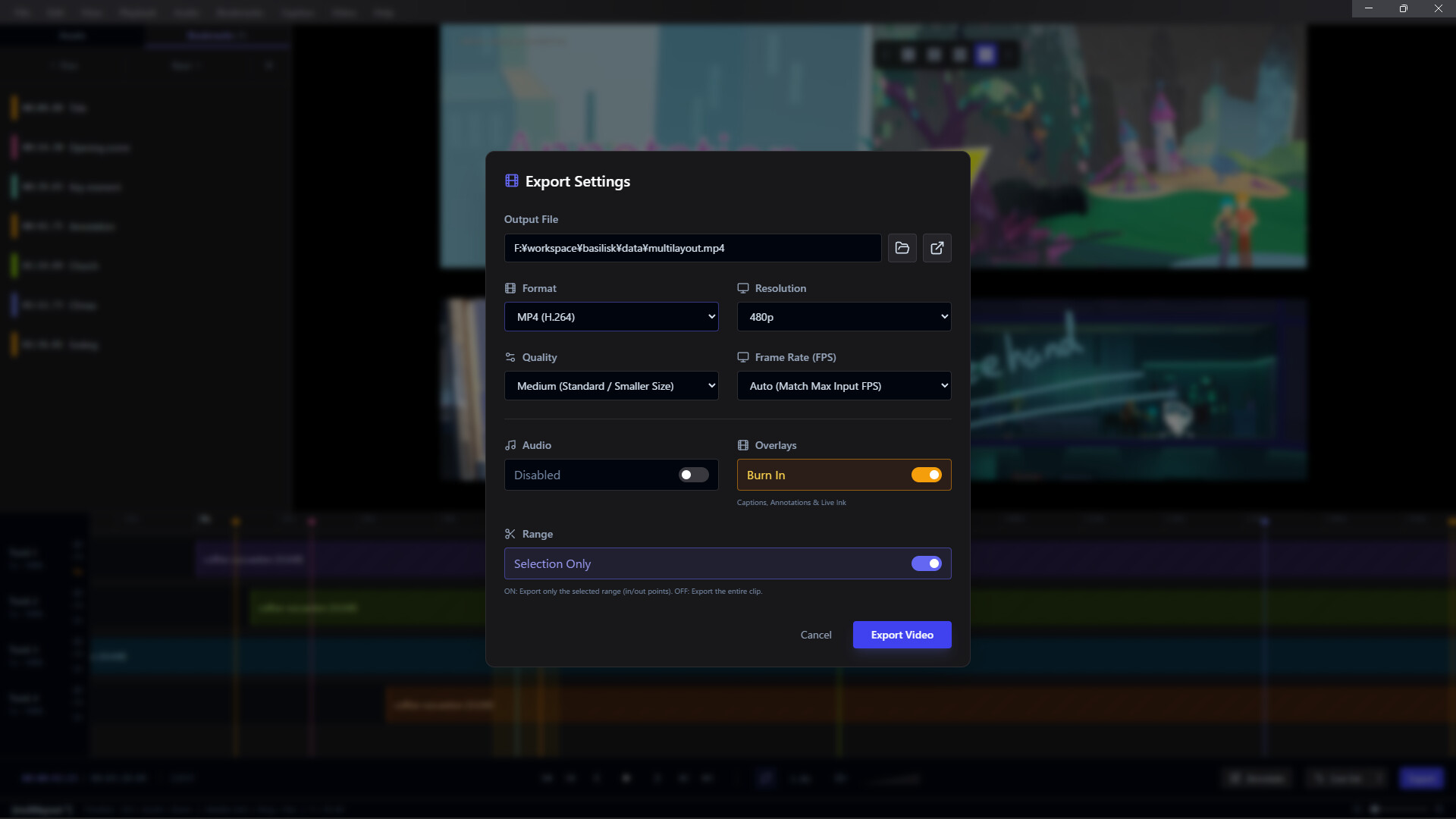
Share your feedback anywhere. Render and burn your annotations directly into MP4, WebM, GIF, APNG, or image sequences using integrated FFmpeg processing.

Integrated Screen Capture

Never break your flow. Use the built-in screen recorder to capture your workflow and bring it directly into Frameglyph for immediate review and annotation.

Global Accessibility

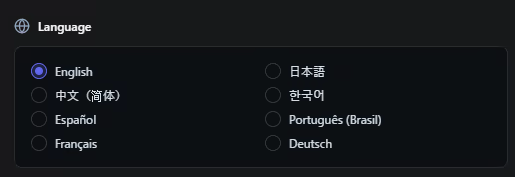
Work in the language you prefer. Frameglyph is fully localized and available in English, Japanese, Chinese, Korean, Spanish, Portuguese, French, and German.

System Requirements

    Minimum:
    • Requires a 64-bit processor and operating system
    • OS: Windows 10 (64-bit)
    • Processor: Intel Core i3 / AMD Ryzen 3 or equivalent x64/x86 processor
    • Memory: 4 GB RAM
    • Graphics: DirectX 11 or OpenGL 3.3 compatible GPU
    • DirectX: Version 11
    • Storage: 500 MB available space
    Recommended:
    • Requires a 64-bit processor and operating system
    • OS: Windows 10 or Windows 11 (64-bit)
    • Processor: Intel Core i5 / AMD Ryzen 5 or better multi-core processor
    • Memory: 8 GB RAM
    • Graphics: NVIDIA GeForce GTX 1060 / AMD Radeon RX 580 or better dedicated GPU (4GB+ VRAM recommended)
    • DirectX: Version 11
    • Storage: 500 MB available space
    • Additional Notes: SSD is highly recommended for loading large video files quickly. High-resolution (4K) or high-framerate videos may require higher specifications.
There are no reviews for this product

You can write your own review for this product to share your experience with the community. Use the area above the purchase buttons on this page to write your review.