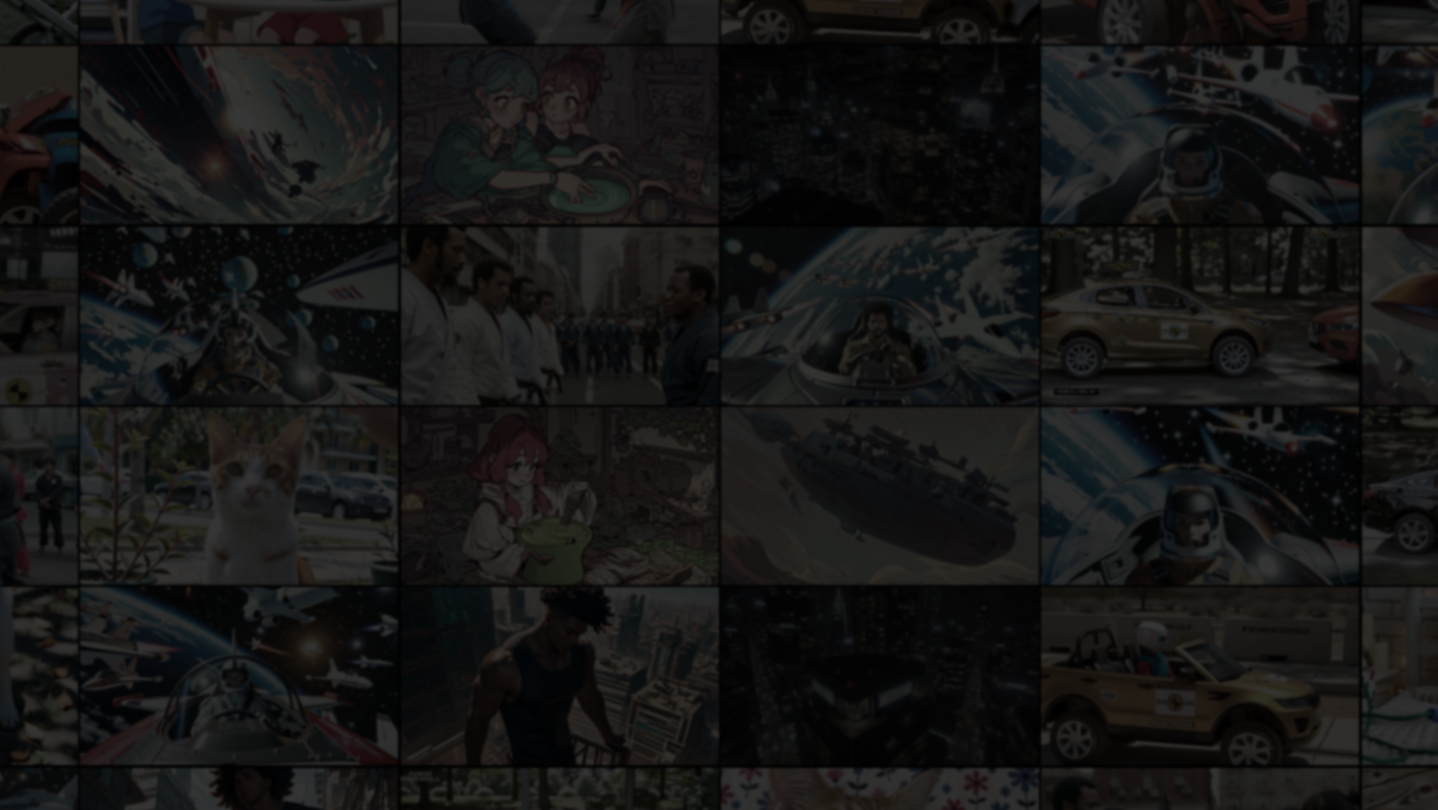
Turn any monitor into a personal video wall. Arrange videos in custom grid layouts, shuffle through collections, and save everything as one-click compositions. Your videos, your wall, your Mosaiplay. No internet required.

Logg inn for å legge til på ønskelisten, følge eller ignorere

Dette spillet er ikke tilgjengelig ennå

Planlagt utgivelsesdato: 6. mars 2026

Dette programmet låses opp om ca. 7 dager

Interessert?
Legg til produktet på ønskelisten og få et varsel når det blir tilgjengelig.
Legg til på ønskelisten
 

Om programvaren

Mosaiplay turns any monitor into a fully customizable video wall. Pick your videos, choose a layout, and let it play. No streaming services, no internet connection, just your local video library, displayed however you want.


PLAY MULTIPLE VIDEOS AT ONCE

Arrange up to 36 videos in a grid and watch them all simultaneously*. Each tile plays independently with its own controls for volume, shuffle mode, and video fit. Choose from 8 built-in layout presets, including Single, Split, 2×2, 3-Column Portrait, Picture-in-Picture, or design your own grid with the visual layout editor.


ORGANIZE WITH COLLECTIONS & COMPOSITIONS

Import video folders as collections and assign them to tiles. Save your entire setup, layout, collections, volumes, widgets, and shuffle modes as a composition and restore it in one click. Use Auto-start so Mosaiplay picks up right where you left off in the last session.


6 SHUFFLE MODES & TRANSITIONS

Go beyond basic shuffle. Choose from Sequential, Shuffle All, Shuffle Videos Only, Shuffle Collections Only, Repeat One, or Repeat Collection — and set different modes per tile. Pick from 6 transition effects (Fade, Slide, Zoom, Blur Fade, and more) with adjustable timing.


NOT JUST VIDEO, ADD WIDGETS

Mix utility tiles into your wall alongside videos:

- Clock with 12/24h format, timezone support, stopwatch, and countdown timer

- Text Notes for reminders, labels, or annotations

- RSS Feed Reader with auto-scroll and configurable refresh

Each widget supports independent font scaling and per-tile color themes.


DECOY BUTTON

Press B to instantly hide everything behind a decoy screen — a fake spreadsheet, a fake desktop, or your own custom image. Press B again to resume exactly where you left off.


PLAYS ALMOST ANYTHING

MP4, WebM, MKV, AVI, MOV, WMV, FLV — Mosaiplay handles all major video formats out of the box. Many incompatible files are automatically converted via bundled FFmpeg: no codec packs, no extra downloads.


BUILT FOR EVERYONE

- 3 color themes (Dark, Light, High Contrast)

- Color blindness filters (Protanopia, Deuteranopia, Tritanopia)

- OpenDyslexic font toggle

- UI scale from 0.5× to 3.0×

- 9 languages: English, Chinese (Simplified), Japanese, Korean, Russian, Spanish, Portuguese, German, French

- Fully rebindable keyboard shortcuts


WORKS OFFLINE. STAYS ON. KEEPS PLAYING.

No internet required for any feature (technically, you can have a local RSS feed ^_^). Mosaiplay prevents display sleep, so your video wall stays running, continues playback in the background, and auto-saves everything, layouts, playlists, compositions, and settings, so nothing is ever lost**.

The videos shown in screenshots are for demonstration only and are not included with the application. Mosaiplay plays your own local video files.

*The number of streams that can be played depends on your hardware.

**Mosaiplay Team not responsible for lost data.

Opplysning om AI-generert innhold

Utviklerne beskriver hvordan spillet bruker AI-generert innhold slik:

The store page features AI-generated video content for demonstration purposes only and is not distributed with the product.

Systemkrav

    Minimum:
    • Krever en 64-biters prosessor og operativsystem
    • OS: Windows 11 (64-bit)
    • Prosessor: 64-bit processor with SSE3 support (Most 2006 or later CPUs)
    • Minne: 4 GB RAM
    • Grafikk: GPU with DirectX 10 support and hardware video decode for H.264 (Most 2012+ GPUs)
    • DirectX: Versjon 10
    • Lagring: 3 GB tilgjengelig plass
    • Tilleggsmerknader: Software video decode works without hardware support, but uses significantly more CPU and is much slower, and is not recommended. Integrated graphics are sufficient for most use cases (1-6 tiles at 1080p).
    Anbefalt:
    • Krever en 64-biters prosessor og operativsystem
    • OS: Windows 11 (64-bit)
    • Prosessor: Quad-core processor or better (2014 or later CPU)
    • Minne: 8 GB RAM
    • Grafikk: GPU with VP9 and HEVC hardware decode for best format compatibility (Most 2016+ GPUs)
    • DirectX: Versjon 11
    • Lagring: 5 GB tilgjengelig plass
    • Tilleggsmerknader: Larger grids (7+ tiles) with FHD content benefit from dedicated GPUs.
Det finnes ingen anmeldelser av dette produktet

Du kan skrive en egen anmeldelse for å dele erfaringen din med samfunnet. Bruk området over kjøpeknappene på denne siden for å skrive en anmeldelse.