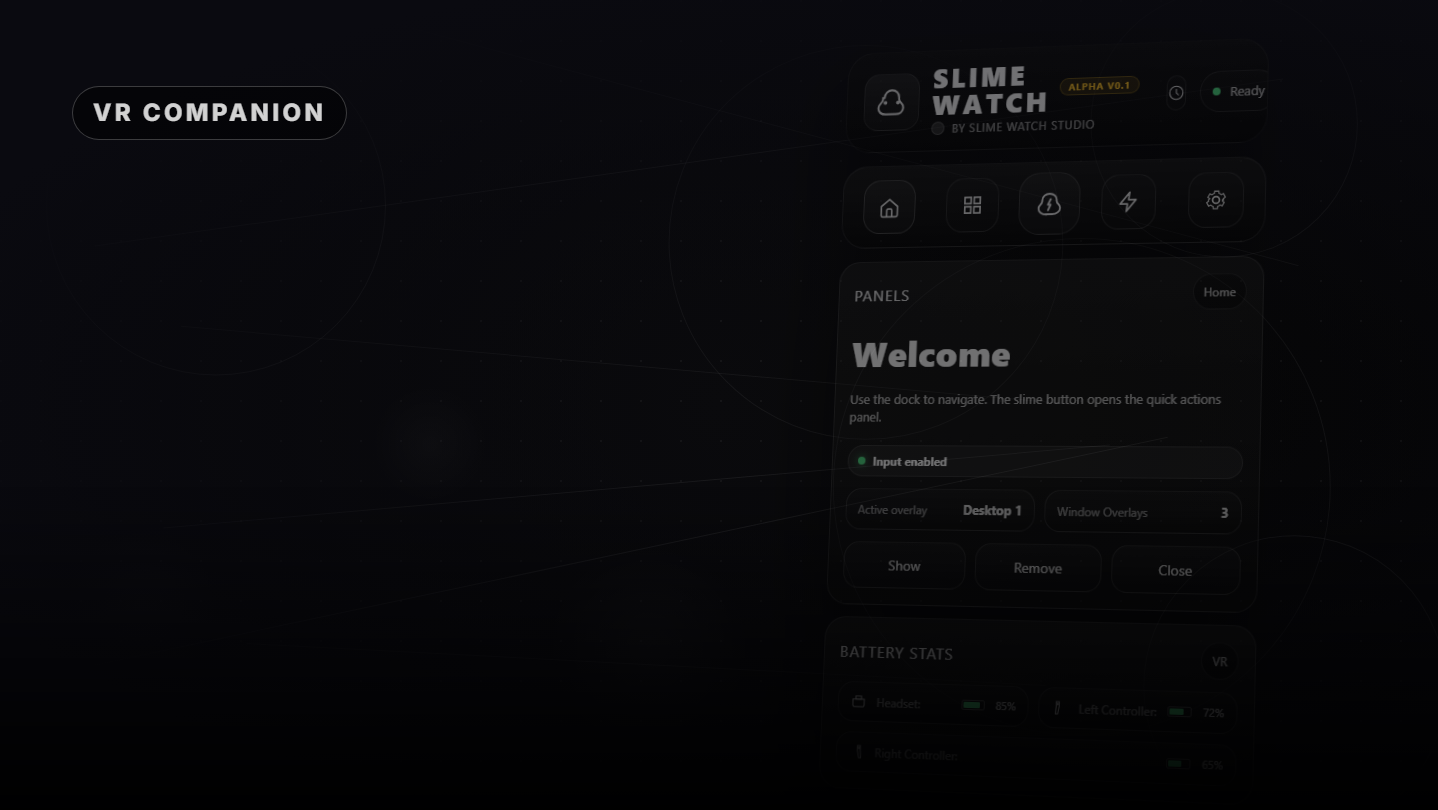
Advanced SteamVR overlay utility: windows and desktop in VR, built-in browser, VR keyboard, profiles, and performance monitoring.

Sign in to add this item to your wishlist, follow it, or mark it as ignored

Early Access Software

Get involved with this software as it develops.

Note: This Early Access software is not complete and may or may not change further. If you are not excited to use this software in its current state, then you should wait to see if it progresses further in development. Learn more

What the developers have to say:

Why Early Access?

“Early Access allows us to focus on the overall stability of the application, performance improvements, and bug fixing. It also helps us continue developing features and improving internal systems such as menus and interactions. The user interface and tutorials are not yet finalized and will be improved progressively during development.”

Approximately how long will this software be in Early Access?

“We estimate that Early Access will last roughly until the end of 2026, depending on development needs, particularly to improve overall stability and continue evolving the application's features.”

How is the full version planned to differ from the Early Access version?

“We plan to improve the overall stability of the application and reduce bugs. We also aim to add more features and provide more refined and optimized menus and user interface.”

What is the current state of the Early Access version?

“The current version is functional and the main features are available. The application is still undergoing stabilization, and some features are still being developed or improved. The user interface and tutorials are not yet finalized and may evolve during Early Access.”

Will this software be priced differently during and after Early Access?

“We plan to gradually increase the price as new improvements, features, and optimizations are added and as the application continues to evolve.”

How are you planning on involving the Community in your development process?

“Community feedback plays an important role in development. Players can share their feedback on the application's community page, report bugs, suggest new features, and share ideas to help guide development priorities.”
Read more
VR Only

Buy SLIME WATCH

 
See all discussions

Report bugs and leave feedback for this software on the discussion boards

About This Software

SLIME WATCH is an advanced overlay utility for [ SteamVR (OpenVR) ] that bridges your PC and your VR space.

View and control your windows, desktop, and tools directly in VR — without removing your headset.

WHAT CAN YOU DO?

  • Space Drag: Grab the world and move your playspace effortlessly.
  • Create Overlays: Spawn windows or desktop views anywhere in your VR space.
  • Clock Mode: Keep track of time and performance with a stylish wristwatch.
  • And much more: Explore a variety of tools designed to improve your VR experience.

USE CASES

  • In-game multitasking: Discord, Twitch, guides, YouTube, chat, dashboards — always visible in VR.

  • VR productivity: create a VR workspace for development, modding, and monitoring.

  • Streaming: monitor OBS and streaming tools without breaking immersion.

KEY FEATURES

  • Desktop and window overlays: capture a screen or a specific window, duplicate it, crop it, adjust opacity/brightness, and lock it in place.

  • Flexible placement: attach overlays to the world, the headset (HMD), the controllers, or the SteamVR dashboard space.

  • VR interaction: pointer/laser, click, scroll, drag and drop, and configurable actions.

  • VR keyboard: type in VR with configurable and editable layouts.

  • Profiles: save/load configurations and app-specific profiles with automatic activation by VR title.

  • Performance monitor: real-time FPS, CPU, GPU, RAM, and VRAM.

INTERFACE & MENUS

  • Wrist menu (left controller): the main control center on the controller for adding, managing, and configuring overlays.

  • Overlay context menu: quick actions for each overlay, including move, resize, and actions.

  • Settings: global options, profiles, actions/shortcuts, keyboard, and interactions.

  • Non-intrusive: stays usable without getting in the way of your VR experience.

  • Fast workflow: create, place, lock, and duplicate overlays in seconds.

  • Customizable: actions, profiles, and rendering options (opacity, curvature, cropping) tailored to your setup.

PERFORMANCE & PHILOSOPHY

  • Lightweight and stable: built on the appropriate Windows APIs (DXGI / Windows Graphics Capture).

  • Optimizations: rendering stops when an overlay is hidden; shared textures are used when cloning the same source.

  • Control: configurable FPS limiter to reduce GPU load.

System Requirements

    Minimum:
    • OS: Windows 10 (64-bit)
    • Processor: Intel Core i5-4590 / AMD FX 8350 or better
    • Memory: 4096 MB RAM
    • Graphics: NVIDIA GTX 970 / AMD RX 470 or better
    • DirectX: Version 11
    • Storage: 500 MB available space
    • Sound Card: Any
    • VR Support: SteamVR only (VR headset required; motion controllers required)
    • Additional Notes: Windows Graphics Capture requires Windows 10 (1903+) / Windows 11. Some capture modes may show a yellow border on Windows 10.
    Recommended:
    • OS: Windows 11 (64-bit)
    • Processor: Intel Core i7-7700 / Ryzen 5 3600 or better
    • Memory: 8192 MB RAM
    • Graphics: NVIDIA RTX 2060 / RX 5700 or better
    • DirectX: Version 12
    • Storage: 500 MB available space
    • Sound Card: Any
    • VR Support: SteamVR Only (VR headset required; motion controllers required)
    • Additional Notes: Windows Graphics Capture requires Windows 10 (1903+) / Windows 11. Some capture modes may show a yellow border on Windows 10.

Customer reviews for SLIME WATCH About user reviews Your preferences

Overall Reviews:
1 user reviews (1 reviews)


To view reviews within a date range, please click and drag a selection on a graph above or click on a specific bar.


Filter reviews by the user's playtime when the review was written:


No minimum to No maximum

Show reviews in selected display order


Learn More
Filters
Excluding Off-topic Review Activity
Playtime:
Played Mostly on Steam Deck
Operating System:
CPU:
GPU:
Device Type: