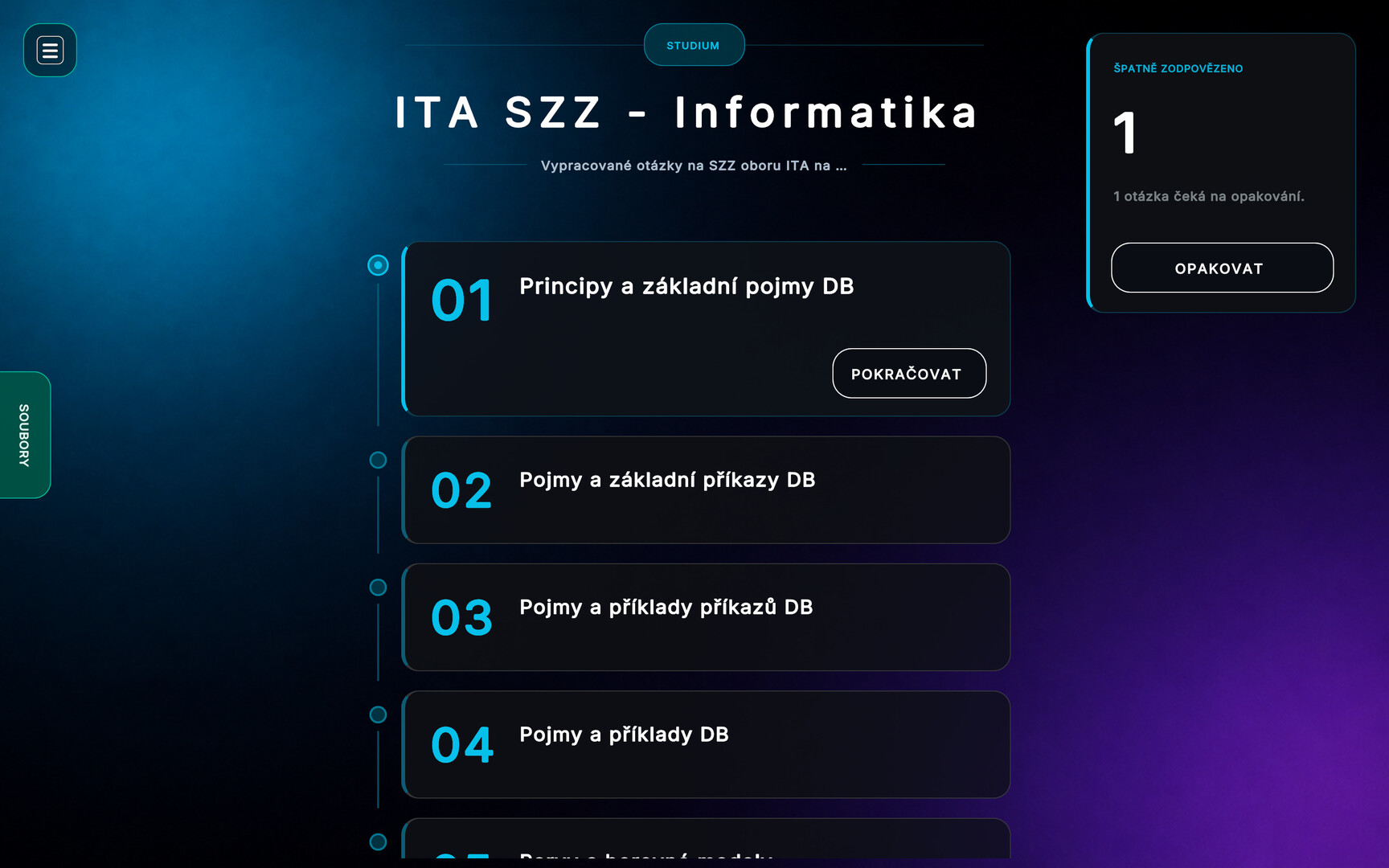
The app allows you to create courses using modules such as flashcards, drag-and-drop, quizzes, and more. You can then save these courses to the Steam Workshop. You can also study courses created by you or the community. Simply subscribe to the course on the Workshop.

Sign in to add this item to your wishlist, follow it, or mark it as ignored

English language not supported

This product does not have support for your local language. Please review the supported language list below before purchasing

This game is not yet available on Steam

Planned Release Date: Q2 2026

Interested?
Add to your wishlist and get notified when it becomes available.
 

About This Software

The application allows you to create courses on any topic. It functions as an intuitive tool that lets you create a course using various types of modules:

Notes: This module allows you to insert a title, instructional text containing the information you want to convey, and files to illustrate the topic. Attached files are displayed outside of individual chapters and, for better clarity, are labeled with the chapter they belong to.

Drag & Drop: This module allows you to create tasks such as "Arrange numbers in ascending order," "Arrange countries from smallest to largest," and more. This is achieved using drag-and-drop tiles with a verification system.

Flashcards: A module that functions like a classic paper flashcard. It allows for the teaching of foreign words, terms, or definitions

Quiz: The quiz module allows you to create various types of questions, including those using images. You can create tasks such as "Question + 2–5 options" or "Question + image + 2–5 options." You can also rename the course, change its description, rename chapters, and change the course preview image.

The final course can be uploaded to the Steam Workshop for sharing among students and other learners. You can continue to edit the uploaded course, add more content, and then update it by re-uploading it to the Workshop without requiring students who are already subscribed to your course to download it again. The course updates will automatically download to their devices when they launch the app.

The entire application runs locally on the device without requiring an internet connection. The exception is uploading or downloading courses from the workshop, which requires a network connection.

The application was developed as a bachelor’s thesis at the Faculty of Applied Informatics at Tomas Bata University

System Requirements

    Minimum:
    • OS:
    • Processor:
    • Memory: 500 MB RAM
    • Graphics:
    • Network: Broadband Internet connection
    • Storage: 1 GB available space
There are no reviews for this product

You can write your own review for this product to share your experience with the community. Use the area above the purchase buttons on this page to write your review.