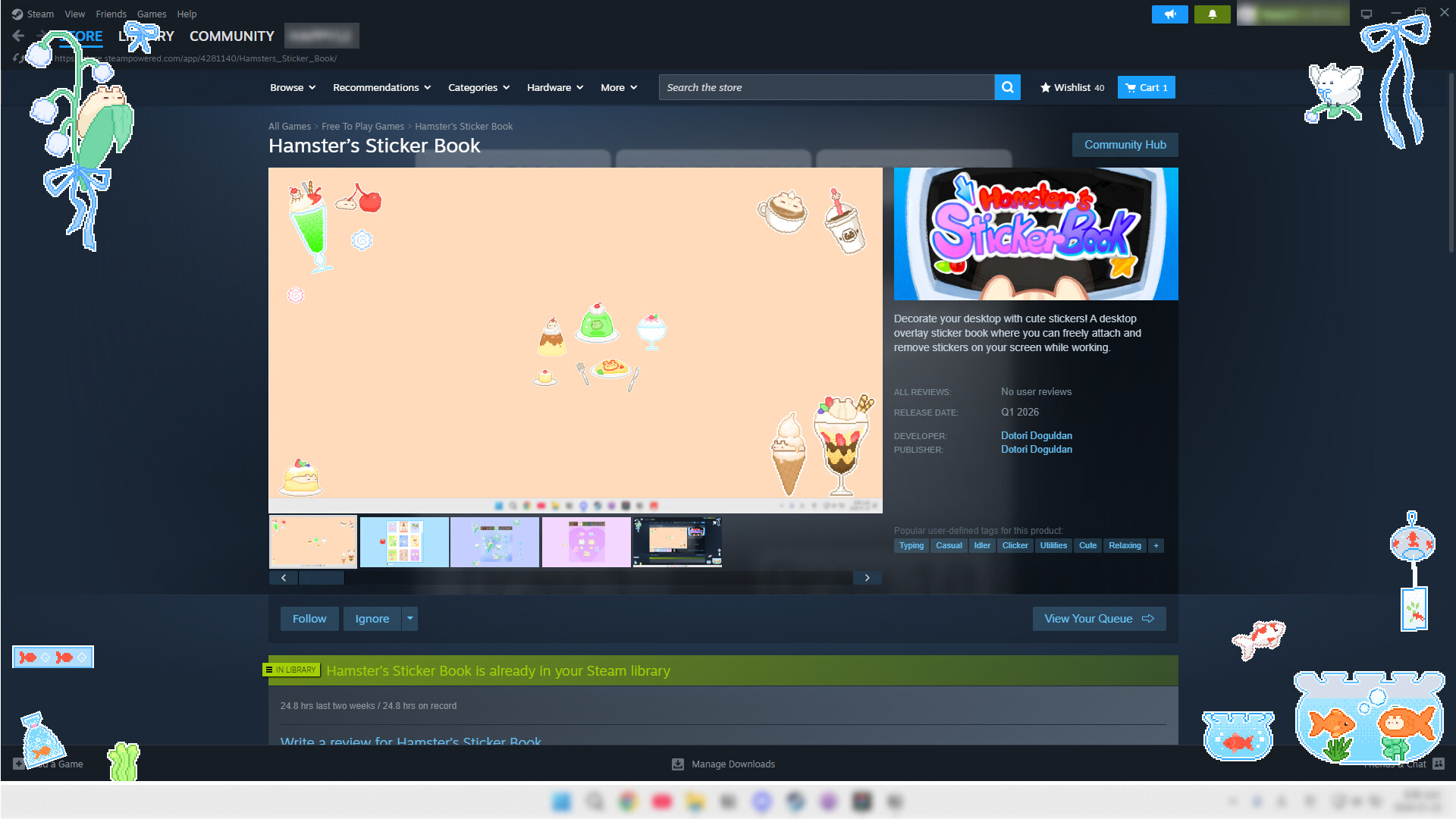
Decorate your desktop with cute stickers! A desktop overlay sticker book where you can freely attach and remove stickers on your screen while working.

Melden Sie sich an, um dieses Produkt zu Ihrer Wunschliste hinzuzufügen, zu abonnieren oder als „Ignoriert“ zu markieren.

햄스터의 스티커북 Demo herunterladen

Dieses Spiel ist noch nicht auf Steam verfügbar

Geplantes Veröffentlichungsdatum: 31. Mrz. 2026

Ungefähre Zeit bis zur Freischaltung dieses Spiels: 4 Wochen

Interesse? Fügen Sie das Spiel Ihrer Wunschliste hinzu und erhalten Sie eine Benachrichtigung, wenn es verfügbar ist.
+ Wunschliste
 

Infos zum Spiel

Make Your Desktop into a Sticker Book!

Hamster's Sticker Book is an overlay app that lets you freely attach various stickers on your desktop screen.

While working, gaming, or studying, arrange stickers anywhere on your screen to create your own personalized desktop.

Key Features

🎨 Free Placement: Drag stickers anywhere on your screen

  • Resize, rotate, and flip stickers to decorate your screen just the way you want

  • Enable always-on-top display to enjoy stickers even above other programs

🌱 Earn Seeds While Working: Seeds automatically accumulate as you type

  • Use collected seeds to obtain and decorate with new stickers

🎰 The Thrill of Random Gacha: Use collected seeds to pull gacha and obtain new stickers

  • The excitement of not knowing which sticker you'll get!

🛍️ Selection Shop: No luck needed!

  • You can choose and purchase your desired sticker packs

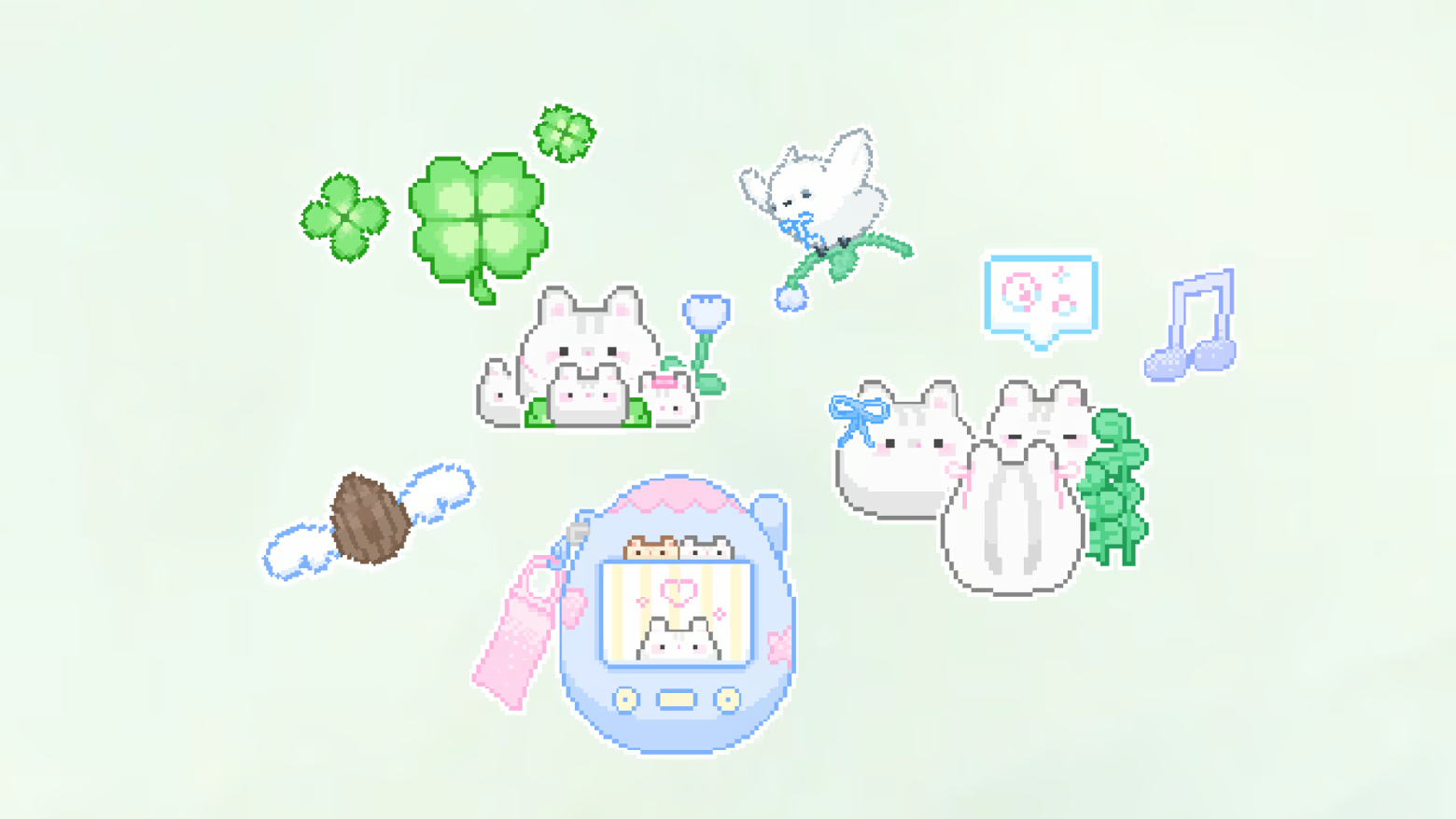
🎁 Joy of Collecting: Over 300 stickers from cute hamsters to delicious foods!

  • Collect a variety of hand-drawn stickers one by one

Make your desktop special with stickers.

Systemanforderungen

    Mindestanforderungen:
    • Betriebssystem: Windows 10
    • Prozessor: intel i5
    • Arbeitsspeicher: 1 GB RAM
    • Grafik: NVIDIA GeForce 9600 GT/ AMD Radeon HD 6450
    • DirectX: Version 11
    • Speicherplatz: 1 GB verfügbarer Speicherplatz
Für dieses Produkt gibt es keine Rezensionen

Sie können Ihre eigene Rezension für dieses Produkt verfassen, um Ihre Erfahrungen mit der Community zu teilen. Nutzen Sie den Bereich über den Schaltflächen zum Kaufen, um Ihre Rezension zu verfassen.