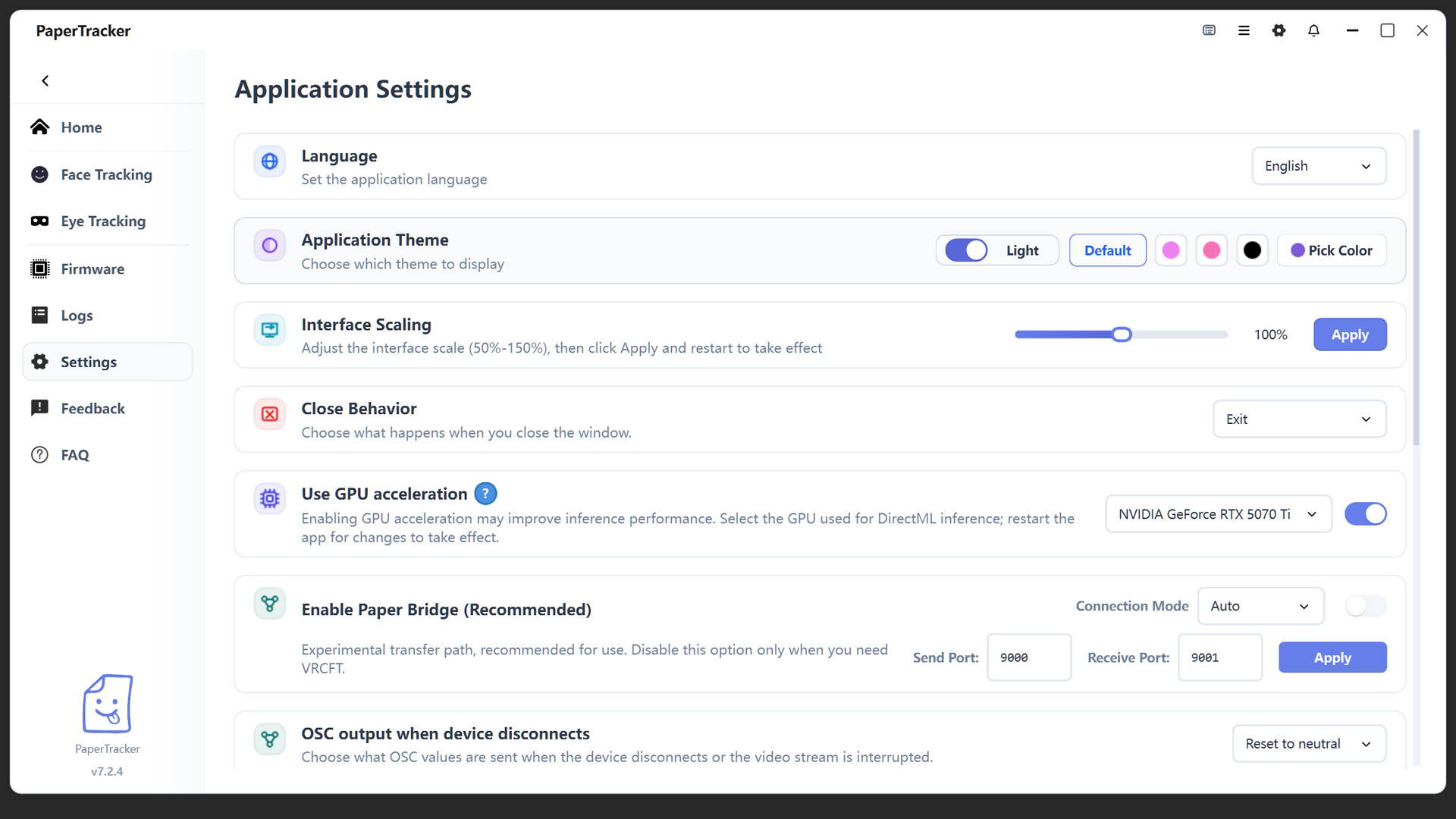
A desktop control center for managing compatible facial- and eye-tracking devices, processing expressions and gaze in real time, and reliably connecting tracking data to VRChat and other PC VR/AR workflows.

Sign in to add this item to your wishlist, follow it, or mark it as ignored

Coming soon

This item is not yet available

Interested?
Add to your wishlist and get notified when it becomes available.
 

About This Software

The Paper_Tracker Client is a desktop control center developed by the Paper_Tracker team. It provides centralized management for facial-tracking and eye-tracking devices and enables tracking data to be integrated reliably into PC VR/AR workflows.

Whether you are socializing in VRChat, hosting virtual livestreams, or creating immersive content, the client provides more natural and fluid facial-expression and gaze feedback.

To view compatible devices, installation instructions, additional software downloads, and the latest product updates, click the “Visit the website  ” button on the right side of this page to visit the official Paper_Tracker website.

With local real-time processing and a dedicated low-latency transmission solution, the client preserves subtle facial movements while minimizing processing and data-transfer latency. This helps keep lip movements, facial expressions, gaze direction, and on-screen content synchronized, reducing the unnatural feeling caused by delayed expression feedback.

The client supports centralized configuration and monitoring of facial-tracking and eye-tracking devices. When used with official hardware such as Paper_Tracker Air, tracking data can be transmitted reliably to PC applications through a USB connection or Wi-Fi data link, creating a complete and integrated facial- and eye-tracking solution.

Key Features

  • Real-Time Facial- and Eye-Tracking ProcessingProcesses captured data on the PC in real time and outputs natural facial expressions, lip movements, and gaze changes. Suitable for social VR, virtual livestreaming, and extended interactive sessions.

  • Wireless Data BridgingTransfers device data to the PC through a local network or Wi-Fi connection while synchronizing low-latency video streams and tracking data. This reduces cable restrictions and provides greater freedom of movement in VR.

  • Centralized Multi-Device ManagementView device connection status, operating status, and related settings within a single client, making it easier to manage facial-tracking and eye-tracking devices together.

  • PC VR/AR Workflow IntegrationConnects facial- and eye-tracking data to compatible PC VR/AR software, providing tracking-data support for VRChat, virtual livestreaming, and immersive-content production.

Important Information

  • This client is a companion tool intended for use with compatible facial-tracking or eye-tracking hardware and VR/AR applications. No physical hardware is included.

  • Some features require official Paper_Tracker hardware, supported third-party tracking devices, or compatible VR software.

  • Before purchasing hardware or using the client, please visit the official Paper_Tracker website to confirm device compatibility, system requirements, and currently supported software environments.

System Requirements

    Minimum:
    • Requires a 64-bit processor and operating system
    • OS: Windows 10 / 11
    • Processor: Intel Core i5-4590 / AMD FX 8350 or equivalent
    • Memory: 8 GB RAM
    • Graphics: NVIDIA GTX 970 / AMD RadeonR9 290
    • DirectX: Version 11
    • Network: Broadband Internet connection
    • Storage: 1 GB available space
    • VR Support: SteamVR
    Recommended:
    • Requires a 64-bit processor and operating system
    • OS: Windows 10 / 11
    • Processor: Intel Core i5-10400 / AMD Ryzen 5 3600 or better
    • Memory: 16 GB RAM
    • Graphics: NVIDIA GeForce RTX 2070 / AMD Radeon RX 6600 or better
    • DirectX: Version 11
    • Network: Broadband Internet connection
    • Storage: 2 GB available space
    • VR Support: SteamVR
    • Additional Notes: Headset Wi-Fi connection: Wi-Fi 6 or newer router recommended 5 GHz / 6 GHz preferred when supported
Review Filters