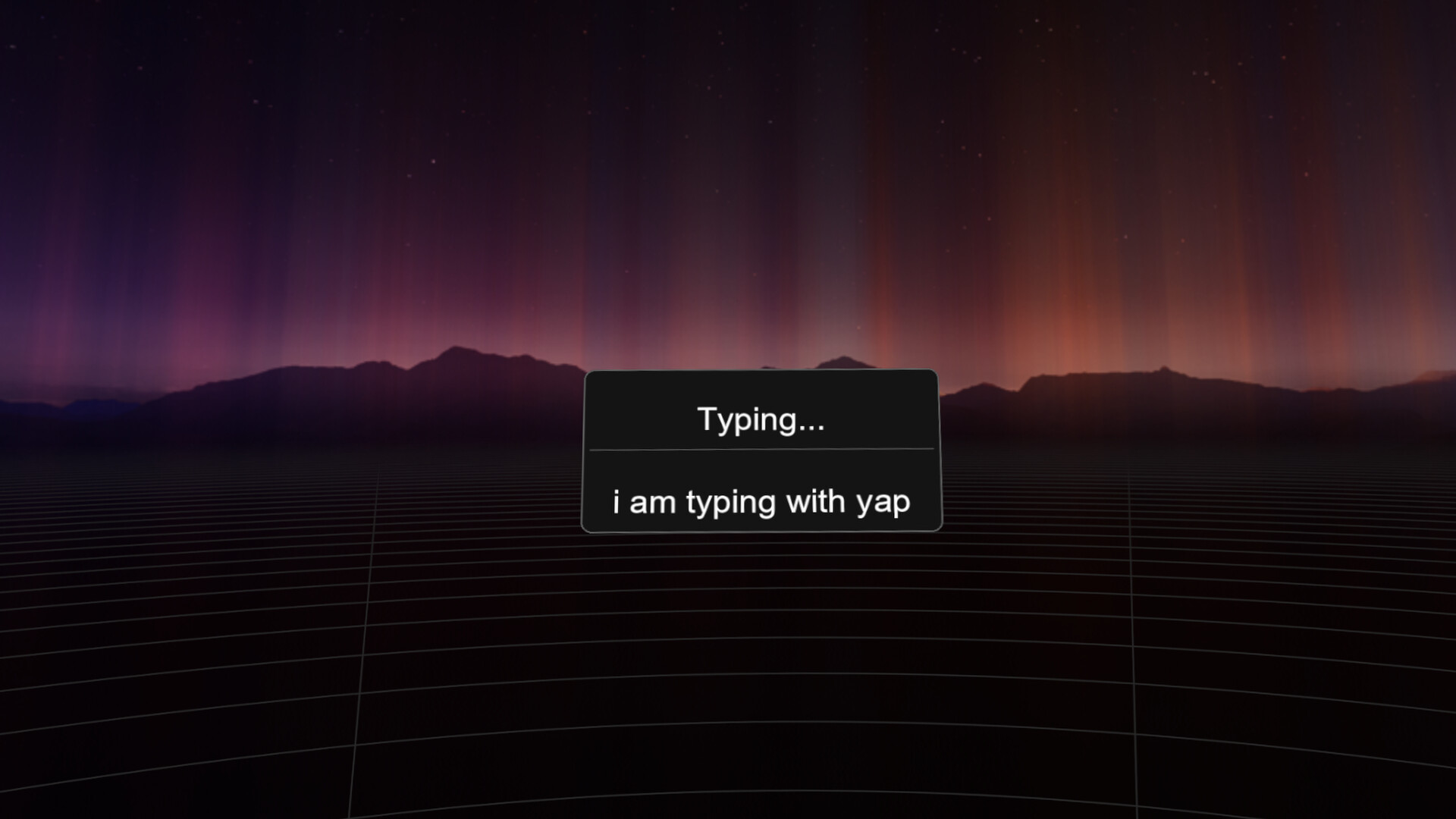
Yap brings speech-to-text directly into your VR experience. Speak naturally and watch your words appear in any application, right from VR! Ditch those clunky VR keyboards and Yap naturally!

로그인하셔서 게임을 찜 목록에 추가하거나, 팔로우하거나 또는 제외로 지정하세요.

앞서 해보는 소프트웨어

이 소프트웨어가 개발되는 과정에 참여하세요.

주의 사항: 이 앞서 해보기 소프트웨어는 완성되지 않았으며 앞으로 더 변하거나 변하지 않을 수 있습니다. 현재 상태의 소프트웨어가 흥미롭지 않다면 이 소프트웨어가 개발을 거치며 발전하는지 살펴보는게 좋습니다. 앞서 해보기에 대해 더 알아보세요.

개발자의 한마디:

왜 앞서 해보기를 진행하나요?

“Yap is built around day-to-day usability, and Early Access allows the experience to be shaped by how people actually use it in VR. Feedback will directly guide interface decisions, workflows, and quality-of-life improvements.”

이 소프트웨어는 대략 얼마간 앞서 해볼 수 있나요?

“Yap is planned to remain in Early Access for ~6 months, with timing driven by UX maturity rather than feature count.”

정식 버전은 앞서 해보기 버전과 어떻게 달라지나요?

“The full version will reflect accumulated user feedback, with a more polished setup flow, clearer controls, better customization, and smoother overall interaction.”

앞서 해보기 버전은 현재 어떤 상태인가요?

“The current build offers working VR dictation with local speech recognition, keyboard output, and configurable inputs within SteamVR, but still requires refinement to reduce friction and improve clarity.”

이 소프트웨어는 앞서해보기 기간동안 가격이 달라질 수도 있습니까?

“Early Access is expected to be priced the same as the final release”

개발 과정에서 어떻게 커뮤니티와 소통할 계획인가요?

“User feedback through Steam discussions and bug reports will directly inform UX changes, priorities, and iterative improvements throughout Early Access.”
더 읽어보기
한국어(을)를 지원하지 않습니다

이 제품은 귀하의 로컬 언어를 지원하지 않습니다. 구매하기 전에 아래에 있는 지원하는 언어 목록을 확인해주세요.

VR 전용

Yap: The VR Dictation Keyboard 구매

 
모든 토론 보기

이 소프트웨어의 버그를 신고하고 피드백을 토론 게시판에 남겨주세요

소프트웨어 정보

Yap is a speech-to-text application built specifically for VR. It replaces clunky virtual keyboards with fast, natural voice dictation that works in any PC application while you are in VR.

Key Features

  • Real-time speech recognition designed for VR use

  • Two performance modes optimized for mid-range and low-end systems

  • Controller-accessible keybinds for Copy, Paste, Select, Enter, and Delete

  • Works across all PC applications

  • VR overlay interface accessible directly from your controllers

  • High-accuracy voice recognition

  • Background operation that does not interrupt gameplay or immersion

  • Optional text translation supporting 40+ languages

How It Works

Yap runs as a SteamVR overlay and starts automatically with SteamVR. To dictate, hold Trigger + B on your controller and speak naturally. Your speech is instantly converted into text and typed into the currently focused application, with optional translation applied in real time.

Replace your virtual keyboard with your voice!

시스템 요구 사항

    최소:
    • 64비트 프로세서와 운영 체제가 필요합니다
    • 운영 체제: Requires a 64-bit processor and operating system
    • 프로세서: Intel Core i5-4590/AMD FX 8350
    • 메모리: 8 GB RAM
    • 그래픽: NVIDIA GeForce GTX 970/AMD Radeon R9 290 or better
    • 저장 공간: 800 MB 사용 가능 공간
    • VR 지원: SteamVR. Oculus Touch/Valve Index controllers
    권장:
    • 64비트 프로세서와 운영 체제가 필요합니다
    • 운영 체제: Requires a 64-bit processor and operating system
    • 메모리: 16 GB RAM
    • VR 지원: SteamVR. Oculus Touch/Valve Index controllers

Yap: The VR Dictation Keyboard에 대한 사용자 평가 사용자 평가 정보 환경 설정

종합 평가:
사용자 평가 7개 (평가 7개)


특정 날짜 범위에 속하는 평가를 보려면, 위의 그래프에서 선택 항목을 클릭한 후 드래그하거나 원하는 바를 클릭하세요.


평가를 작성한 시점의 사용자 플레이 시간을 기준으로 평가를 필터링:


최소 시간 없음 ~ 최대 시간 없음

선택한 표시 순서로 평가 보기


자세한 정보
필터
게임과 관련없는 평가 활동 제외
플레이 시간:
주로 Steam Deck에서 플레이
위에서 설정한 필터 조건에 맞는 평가가 없습니다
다른 평가를 보려면 위에서 필터를 조정해주세요
평가 불러오는 중...