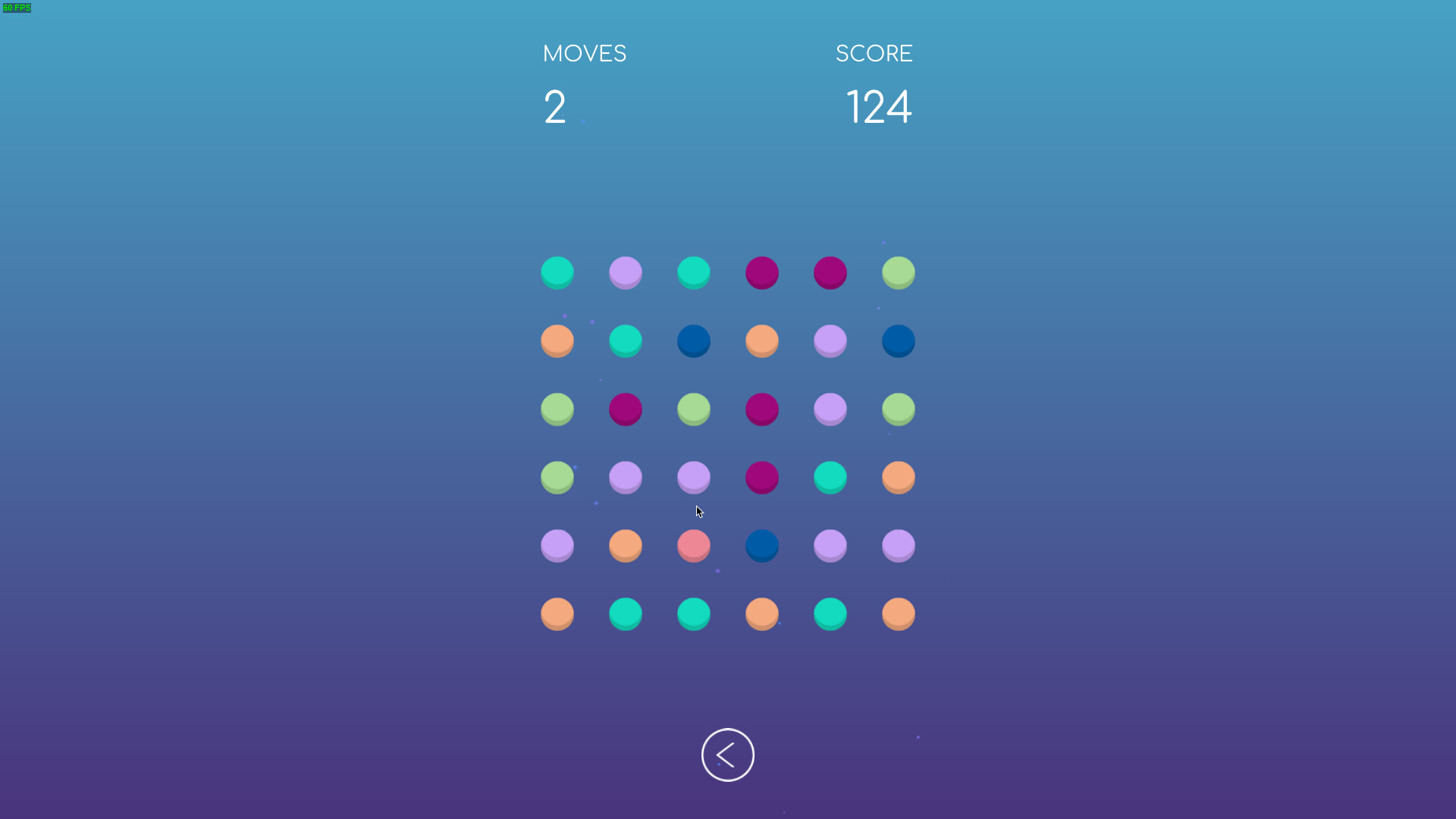
Color Connect is a fun puzzle game where you connect dots of the same color to score points!

Melden Sie sich an, um dieses Produkt zu Ihrer Wunschliste hinzuzufügen, zu abonnieren oder als „Ignoriert“ zu markieren.

Color Connect spielen

Kostenlos
 

Infos zum Spiel

Color Connect is a fun puzzle game where your goal is simple: connect dots of the same color to score points! The more dots you connect, the higher your score.

How to Play:

  • Connect dots of the same color in any direction.

  • The longer the connection, the higher the points you earn.

  • Earn bonus points by chaining connections and creating combos.

Features:

  • Randomly generated levels

  • Simple, intuitive controls: just click and drag to connect.

  • Relaxing yet challenging gameplay.

Perfect for fans of casual puzzle games, Color Connect will test your logic, reflexes, and color-matching skills. Ready to connect the dots? Dive into the world of vibrant colors and strategic connections today!

Offenlegung von KI-generierten Inhalten

Der Spieleentwickler beschreibt den Einsatz von KI-generierten Inhalten in diesem Spiel wie folgt:

Parts of the code are generated with AI during development.

Systemanforderungen

    Mindestanforderungen:
    • Setzt 64-Bit-Prozessor und -Betriebssystem voraus
    • Betriebssystem: Windows 10
    • Prozessor: x64 CPU with SSE2 instruction set support
    • Arbeitsspeicher: 4 GB RAM
    • Grafik: DX10, DX11, DX12 or Vulkan capable GPUs
    • DirectX: Version 10
    • Speicherplatz: 100 MB verfügbarer Speicherplatz
    • Zusätzliche Anmerkungen: Officially supported drivers required
    Empfohlen:
    • Setzt 64-Bit-Prozessor und -Betriebssystem voraus
    • Betriebssystem: Windows 11
    • Prozessor: x64 CPU with SSE2 instruction set support
    • Arbeitsspeicher: 4 GB RAM
    • Grafik: DX10, DX11, DX12 or Vulkan capable GPUs
    • DirectX: Version 10
    • Speicherplatz: 200 MB verfügbarer Speicherplatz
    • Soundkarte: Recommended
    • Zusätzliche Anmerkungen: Officially supported drivers required
Filter überprüfen