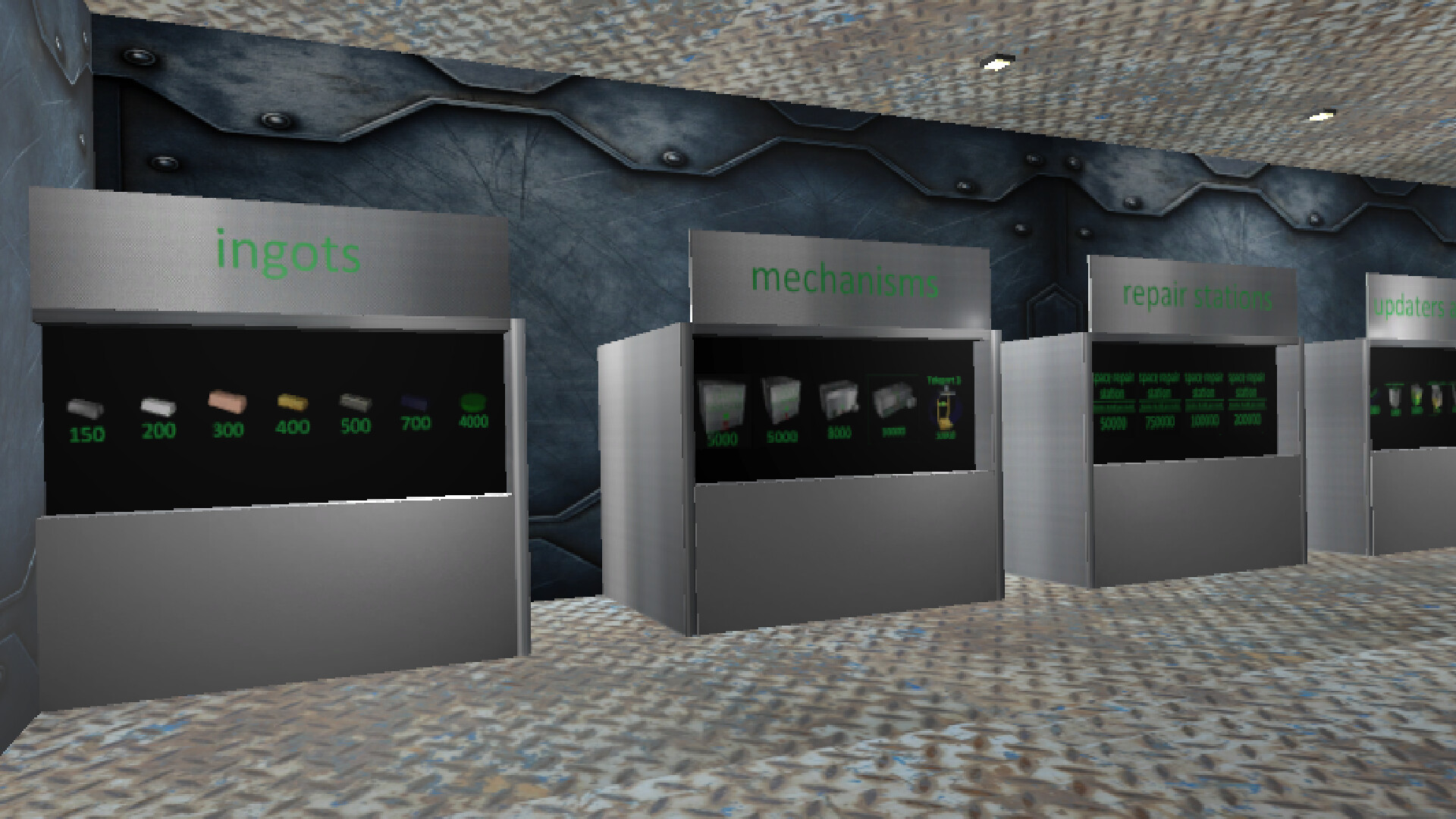
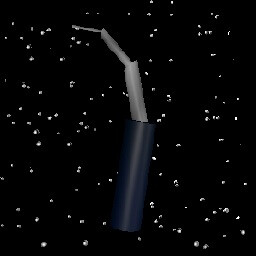
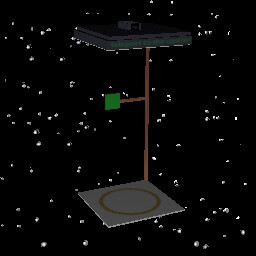
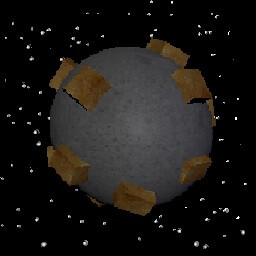
In "Space Mechanics: Repair | Hiring | Craft" you are the owner of a space repair station in which you have to work. Repair spaceships, get money for it, hire them and create items for sale or for your own purposes.

Zaloguj się, aby dodać tę pozycję do listy życzeń, zacząć ją obserwować lub oznaczyć jako ignorowaną

Polski język nie jest obsługiwany

Ten produkt nie obsługuje twojego lokalnego języka. Przed zakupem zapoznaj się z listą obsługiwanych języków, która znajduje się poniżej.

Kup Space Mechanics

OFERTA TYGODNIOWA! Oferta kończy się 12 stycznia

-40%
$4.99
$2.99
 

O tej grze

Space Mechanics: repair | hiring | crafting is a space simulator of an engineer in the future.

repairing: Spaceships that need to be repaired will be delivered to you. Using standard welding and broken parts in the spaceship, you will be able to fix it and you will be paid for it. There are 13 types of spaceships in the game, in order for the gate to open and the spaceship to fly in, you need to press the button next to the gate. After the ship has arrived, you need to close the gateway and inspect the spaceship for malfunctions, and also replace parts or use welding, depending on the situation. After you have fixed everything, you need to press the same button, but if you have not fixed all the problems, the button will not work.

hiring: You can hire spaceships for the money you earn, they will mine minerals, there are 12 spaceships that can be hired: 2 to find ore, 1 cheap miner, 1 ordinary miner, 1 upgraded miner, 3 ordinary defenders, 3 upgraded defenders and 1 superluminal spaceship. There can be a total of 6 squads in the game, 5 ships each, for each squad you need to hire 1 spaceship to find ore, miners and defenders, but you can use a superluminal spaceship as defenders, 1 superluminal spaceship = 2 upgraded defenders = 4 regular defenders. The more units are formed, the greater the chance to find the best ore. The ores will be spawned in a box called "ores".

crafting: You can create alloys, melting furnaces, and higher-level crafters in a regular crafter that you can buy. inside the crafter, instructions will be given on what resources are needed for crafting, after you put the necessary ingots in the right places, you need to close the hatch of the crafter and wait about 15 seconds, after that the item will appear in the crafter, if it is an improved crafter or an improved melting furnace, then it will appear in the room. There are 3 types of crafters, 1 uranium factory and 3 types of melting furnaces in the game. There are 5 types of ores in the game: iron, silver, gold, titanium and uranium. If any of these metals are melted down, its value will increase, and if an alloy is made from the melted ingots, the value will become even greater.

other: during the game, most likely your light will turn off, press the F button, go to the store and click on the picture with a light bulb, this way you will buy a light.By clicking on the picture with a light bulb, you can multiply in a row, thereby increasing the duration of the lighting.

goal: get rich, build an interstellar spaceship and fly to the best place.

Controls: w - forward, s - backward, a - left, d - right, q - turn left, e - turn right, space - up, ctrl - down. By holding down the LMB on an object, you can move it. By using the mouse wheel, you can drag objects towards or away from you. By using the RMB, you can rotate an object.

Wymagania systemowe

    Konfiguracja minimalna:
    • System operacyjny *: Windows 7 64bit
    • Procesor: Intel Core i3-7300 / AMD Ryzen 3 1300X
    • Pamięć: 1 GB RAM
    • Karta graficzna: Nvidia GT 1030 / AMD Vega 11
    • DirectX: Wersja 10
    • Miejsce na dysku: 100 MB dostępnej przestrzeni
    • Karta dźwiękowa: Yes
    • Obsługa VR: No
* Począwszy od 1 stycznia 2024, klient Steam będzie obsługiwał wyłącznie system Windows 10 i jego nowsze wersje.

Recenzje klientów dla produktu Space Mechanics: repair | hiring | crafting O recenzjach użytkowników Twoje preferencje

Ogólne recenzje:
Recenzje użytkowników: 5 (5)


Aby zobaczyć recenzje w wybranym zakresie dat, kliknij i przeciągnij zaznaczenie na powyższym wykresie lub kliknij na wybrany słupek.


Filtruj recenzje według czasu gry użytkownika w momencie publikacji recenzji:


Bez minimum do Bez maksimum

Pokaż recenzje w wybranej kolejności wyświetlania


Dowiedz się więcej
Filtry
Wyłączanie okresów występowania recenzji nie na temat
Czas gry:
Głównie Steam Deck
Brak recenzji pasujących do filtrów ustawionych powyżej
Dostosuj filtry powyżej, by zobaczyć inne recenzje
Wczytywanie recenzji…