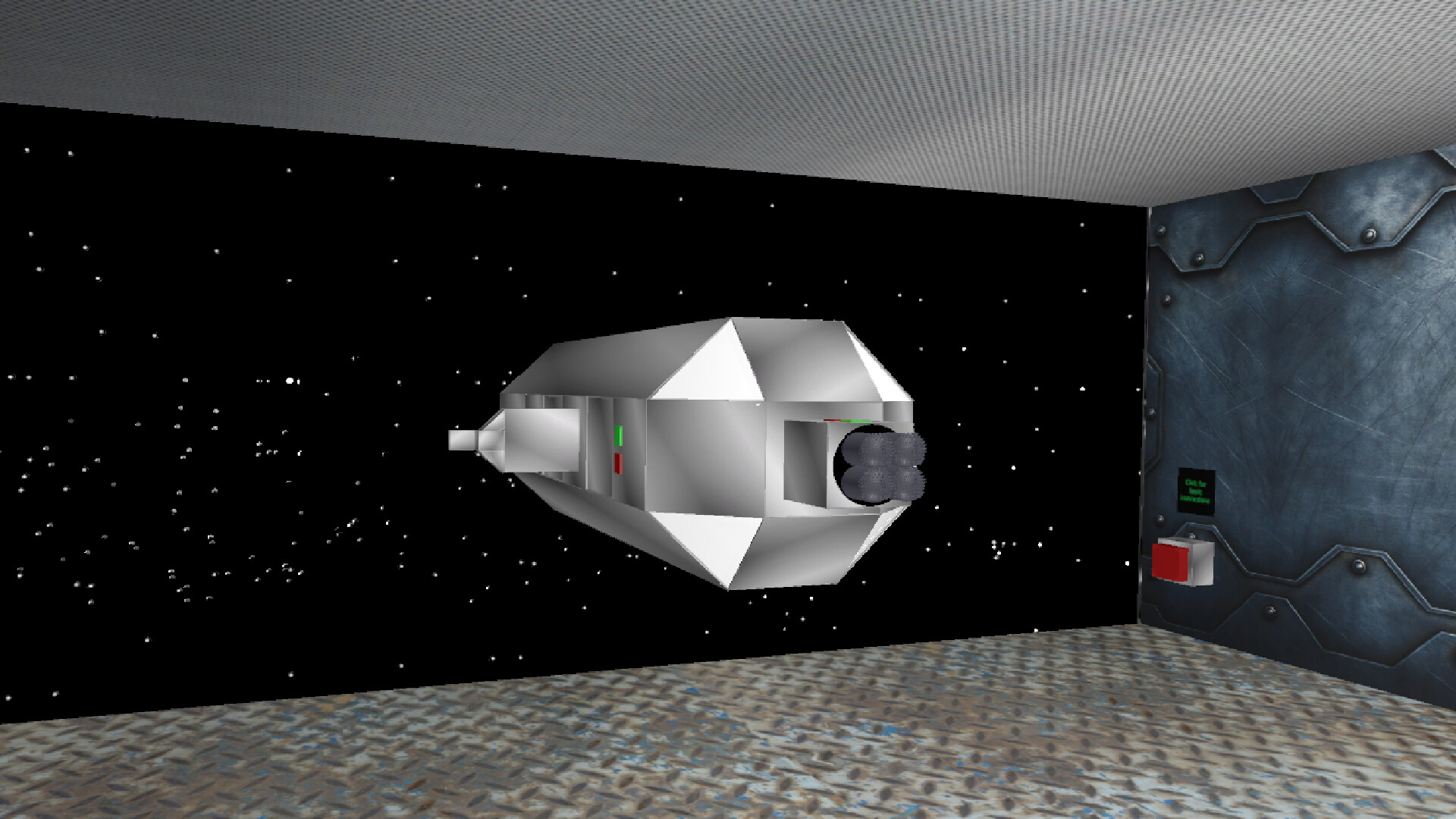
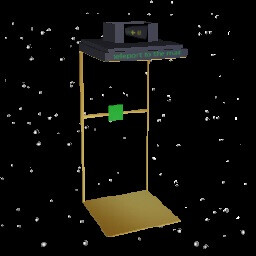
In "Space Mechanics: Repair | Hiring | Craft" you are the owner of a space repair station in which you have to work. Repair spaceships, get money for it, hire them and create items for sale or for your own purposes.

Connectez-vous pour ajouter cet article à votre liste de souhaits, le suivre ou l'ignorer

Français non disponible

Ce produit n'est pas disponible dans votre langue. Veuillez consulter la liste des langues disponibles ci-dessous avant de l'acheter.

Acheter Space Mechanics


À propos de ce jeu

Space Mechanics: repair | hiring | crafting is a space simulator of an engineer in the future.

repairing: Spaceships that need to be repaired will be delivered to you. Using standard welding and broken parts in the spaceship, you will be able to fix it and you will be paid for it. There are 13 types of spaceships in the game, in order for the gate to open and the spaceship to fly in, you need to press the button next to the gate. After the ship has arrived, you need to close the gateway and inspect the spaceship for malfunctions, and also replace parts or use welding, depending on the situation. After you have fixed everything, you need to press the same button, but if you have not fixed all the problems, the button will not work.

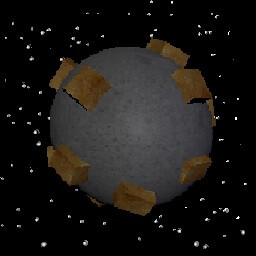
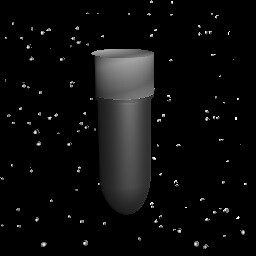
hiring: You can hire spaceships for the money you earn, they will mine minerals, there are 12 spaceships that can be hired: 2 to find ore, 1 cheap miner, 1 ordinary miner, 1 upgraded miner, 3 ordinary defenders, 3 upgraded defenders and 1 superluminal spaceship. There can be a total of 6 squads in the game, 5 ships each, for each squad you need to hire 1 spaceship to find ore, miners and defenders, but you can use a superluminal spaceship as defenders, 1 superluminal spaceship = 2 upgraded defenders = 4 regular defenders. The more units are formed, the greater the chance to find the best ore. The ores will be spawned in a box called "ores".

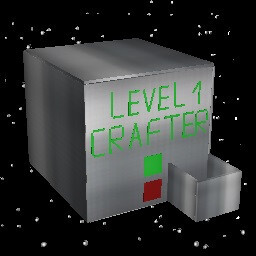
crafting: You can create alloys, melting furnaces, and higher-level crafters in a regular crafter that you can buy. inside the crafter, instructions will be given on what resources are needed for crafting, after you put the necessary ingots in the right places, you need to close the hatch of the crafter and wait about 15 seconds, after that the item will appear in the crafter, if it is an improved crafter or an improved melting furnace, then it will appear in the room. There are 3 types of crafters, 1 uranium factory and 3 types of melting furnaces in the game. There are 5 types of ores in the game: iron, silver, gold, titanium and uranium. If any of these metals are melted down, its value will increase, and if an alloy is made from the melted ingots, the value will become even greater.

other: during the game, most likely your light will turn off, press the F button, go to the store and click on the picture with a light bulb, this way you will buy a light.By clicking on the picture with a light bulb, you can multiply in a row, thereby increasing the duration of the lighting.

goal: get rich, build an interstellar spaceship and fly to the best place.

Controls: w - forward, s - backward, a - left, d - right, q - turn left, e - turn right, space - up, ctrl - down. By holding down the LMB on an object, you can move it. By using the mouse wheel, you can drag objects towards or away from you. By using the RMB, you can rotate an object.

Configuration requise

    Minimale :
    • Système d'exploitation  *: Windows 7 64bit
    • Processeur : Intel Core i3-7300 / AMD Ryzen 3 1300X
    • Mémoire vive : 1 GB de mémoire
    • Graphiques : Nvidia GT 1030 / AMD Vega 11
    • DirectX : Version 10
    • Espace disque : 100 MB d'espace disque disponible
    • Carte son : Yes
    • Prise en charge VR: No
* À compter du 1ᵉʳ janvier 2024, le client Steam sera compatible uniquement avec Windows 10 et ses versions plus récentes.

Évaluations pour Space Mechanics: repair | hiring | crafting À propos des évaluations Vos préférences

Évaluations globales :
5 évaluations (5 évaluation(s))


Pour consulter les évaluations publiées lors d'une période spécifique, cliquez et faites glisser votre sélection sur un graphique ci-dessus ou cliquez sur une barre.


Filtrer les évaluations en fonction du temps de jeu des utilisateurs au moment de leur publication :


Pas de minimum à pas de maximum

Afficher les évaluations dans l'ordre sélectionné


En savoir plus
Filtres
Activité d'évaluation hors sujet exclue
Temps de jeu : 
A joué surtout sur Steam Deck
Plus aucune évaluation ne correspond aux filtres définis ci-dessus
Ajustez les filtres ci-dessus pour voir d'autres évaluations
Chargement des évaluations...