I have a 3D model, but I don’t really know how to make the most of it… There’s a collab stream coming up, but if we’re just going to be side-by-side in OBS, maybe Live2D is good enough… Have you ever felt the same way? The 3D collaboration streaming system "CollabSession" has you covered!

想要将此项目添加至您的愿望单、关注它或标记为已忽略,请先登录

不支持简体中文

本产品尚未对您目前所在的地区语言提供支持。在购买请先行确认目前所支持的语言。

使用 CollabSession

免费
 

关于此软件

I have a 3D model, but I don’t really know what to do with it...

There’s a collab stream coming up, but if we’re just going to sit side-by-side in OBS, maybe Live2D is enough...

But deep down, I really want to express more with 3D...

Have you ever felt the same way?

Still, doing a collab in VRChat seems like a hassle, and renting a studio—how much would that cost?

Don't worry. The 3D collaboration streaming system "CollabSession" has you covered!

Using VMC, it supports facial expressions and full-body tracking—all with just a webcam!

You can move freely around a virtual city, making it easy to collab from any location you like!

Besides standard cameras, it also supports Spout cameras!

By installing the Spout plugin in OBS, you can capture high-quality video without showing the UI to your viewers!

Supports up to 8 participants! Even with a large group, everyone can hang out in the same city!

You can view the operation manual by clicking "View the Manual" at the bottom right of the Steam store page.

━━ About Webcam Tracking ━━

※Tracking uses a webcam that has been pre-configured on Windows. If a capture card or a video device that does not show your upper body is set, tracking will not function properly.

※Linking a Pixiv account is required to use this software.

※If you want to use your own avatar, you need to register your model on VroidHub.

Some fully custom VRM models are not supported when using webcam-based tracking.

This follows the naming conventions of VRM models created with Vroid Studio.

  • Meshes corresponding to the face should be named "face", "head", "body", or "顔".

  • The Blendshape for closing the left eye must include "eye" in its name and end with "L" or "l".

  • The Blendshape for closing the right eye must include "eye" in its name and end with "R" or "r".

  • The Blendshape for opening the mouth must end with "mth_a".

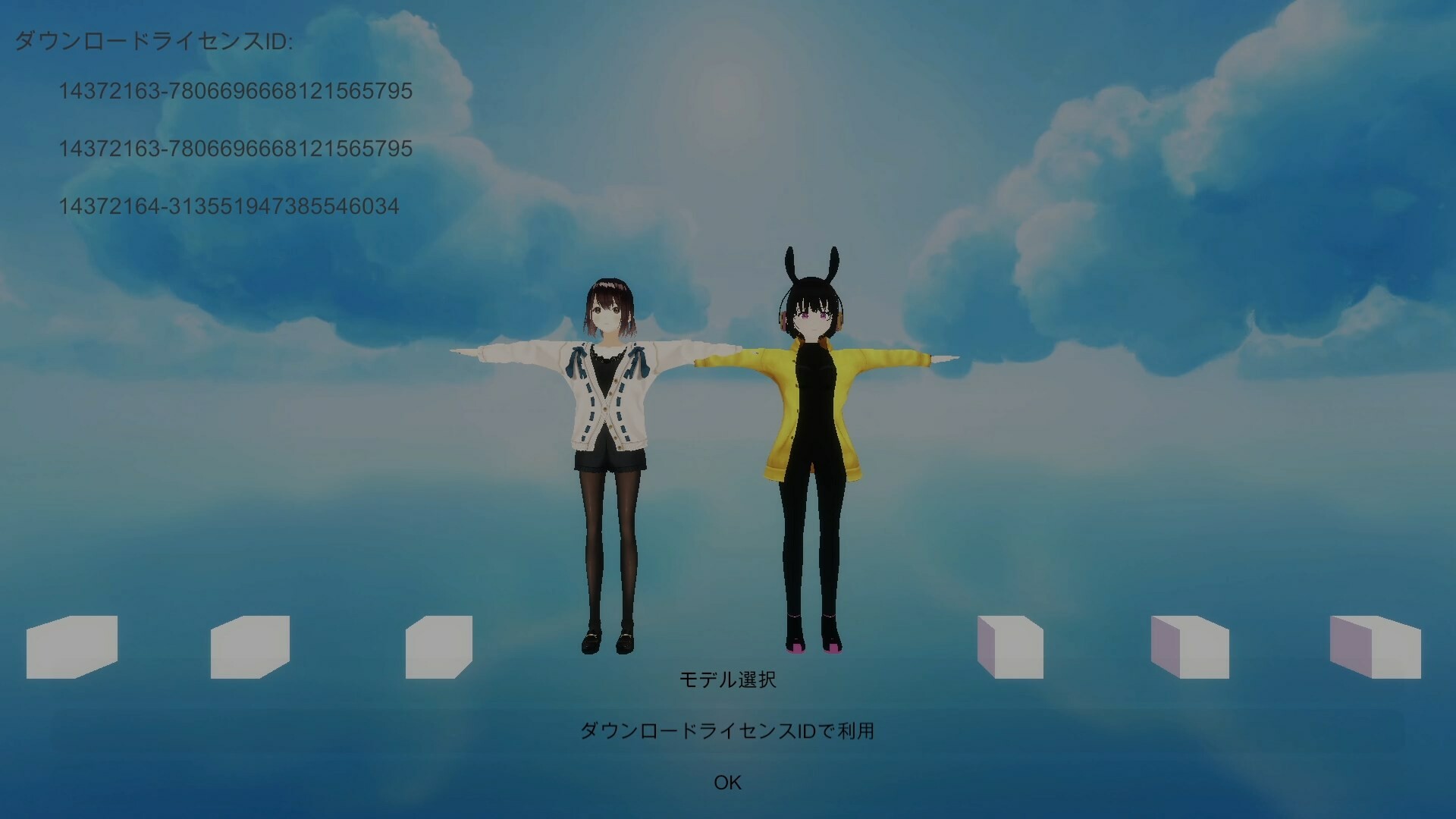
※Screenshots 1-4 depict character models which are not included with the base game.

  These models are downloaded from 3rd party websites.

AI 生成内容披露

开发者对其游戏如何使用 AI 生成内容的描述如下:

AI is used for some art and scripting.

系统需求

    最低配置:
    • 操作系统: windows 10/11
    • 处理器: intel Core i 7 8700
    • 内存: 16 GB RAM
    • 显卡: Geforce GTX 1060
    • 网络: 宽带互联网连接
    推荐配置:
    • 操作系统: windows 10/11
    • 处理器: core i5 13400
    • 内存: 32 GB RAM
    • 显卡: NVIDIA RTX3060
    • 网络: 宽带互联网连接

CollabSession 的顾客评测 关于用户评测 您的偏好

总体评测:
3 篇用户评测 (3 篇评测)


要查看某个日期范围内的评测,请在上方图表中点击并拖动选定的范围或是点击某特定时间柱。


按用户的游戏时间筛选此评测撰写时的评测:


无最低限制无最高限制

按选择的显示顺序显示评测


了解更多
筛选条件
排除跑题评测活动
游戏时间:
大部分在 Steam Deck 上
无其他评测符合上述筛选条件
调整上方筛选条件以查看其它评测
加载评测中…