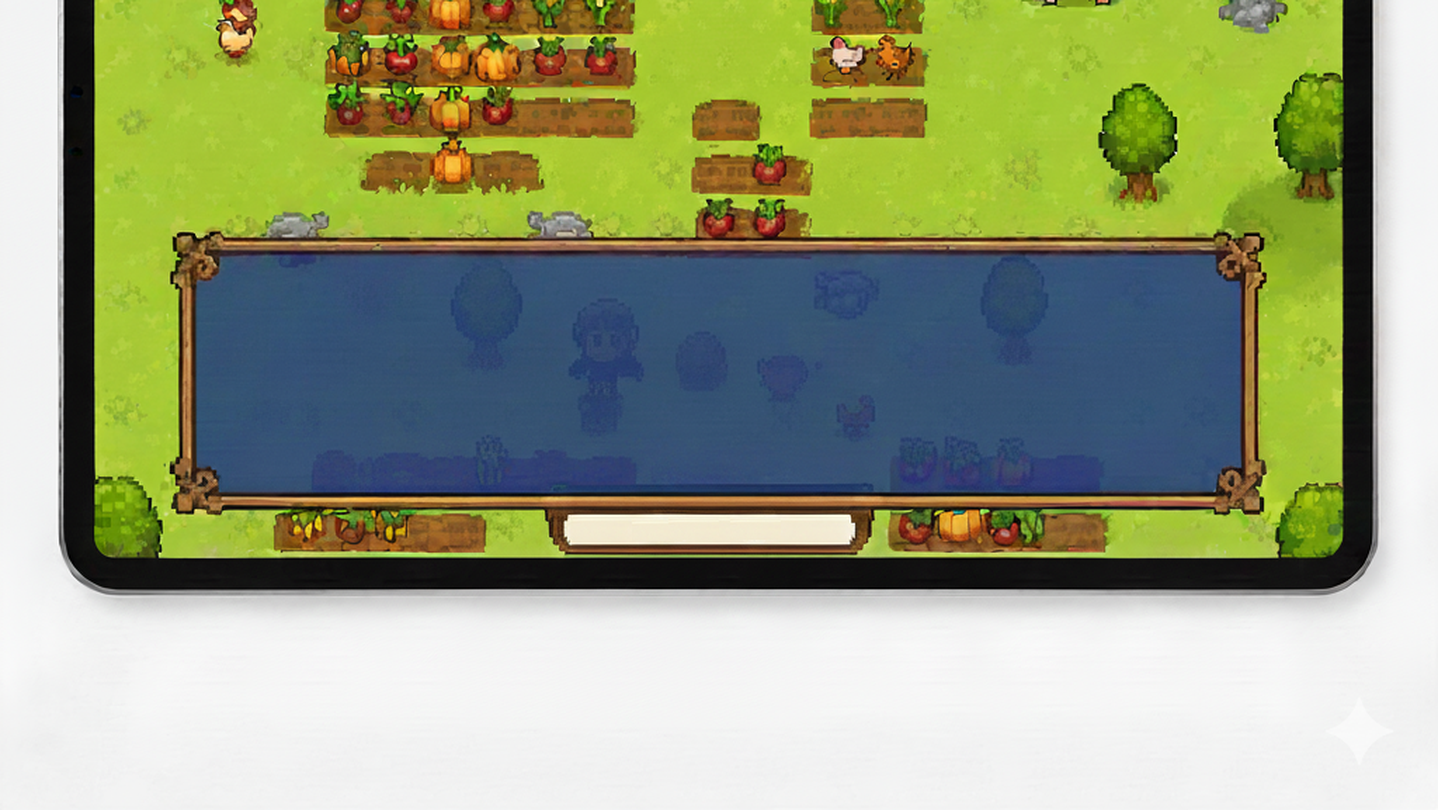
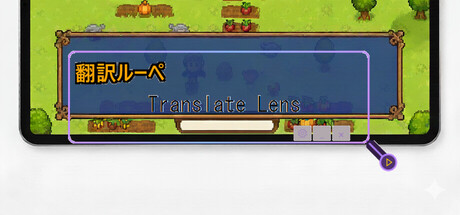
Real-time screen translation tool. Hover over any text on screen to instantly translate it. Perfect for playing games in foreign languages.

Увійдіть до акаунта, щоби додати цей продукт до списку бажаного чи позначити як ігнорований.

українська мова недоступна

Цей продукт не підтримує вашу мову. Будь ласка, перегляньте список підтримуваних мов перед купівлею.

Запустити Translate Lens

Вільний доступ
 

Про цю програму

Translation Lens is a real-time screen translation overlay for Windows. Place the window over any text on your screen and get instant translations — perfect for gaming, reading, and more.

FEATURES:

• Instant OCR text detection from any screen area

• 5 translation engines: Gemini, OpenAI, DeepL, Ollama (local LLM), and cloud default

• 18 languages supported: English, Japanese, Chinese (Simplified & Traditional), Korean, French, German, Spanish, Italian, Czech, Polish, Portuguese, Russian, Turkish, Vietnamese, Thai, Indonesian, Romanian

• High Precision Mode — sends screenshots directly to AI for better accuracy

• BYOK (Bring Your Own Key) — use your own API keys for Gemini, OpenAI, or DeepL

• Local LLM support via Ollama — translate completely offline with no API costs

• Global hotkey with gamepad support — trigger translation from any app

• Transparent overlay — see translations while gaming

• Separate result window — display translations in a dedicated window

• Customizable appearance — fonts, colors, opacity, borders

• Local OCR processing — fast and private, no internet needed for text detection

• Two-tier translation cache — reduces API costs by 50-70%

HOW IT WORKS:

1. Position the Translation Lens window over text you want to translate

2. Press your hotkey, click the button, or enable auto-translate mode

3. See instant translation results in the overlay or a separate window

PERFECT FOR:

• Playing untranslated Japanese, Chinese, or Korean games

• Reading foreign language content on screen

• Enjoying indie games from around the world

• Any text on your screen in 18 supported languages

TRANSLATION ENGINES:

• Default (Cloud) — ready to use, pay-per-translation with credits

• Gemini / OpenAI / DeepL (BYOK) — bring your own API key for unlimited use

• Ollama (Local) — completely free, offline translation using local AI models

FREE TRIAL:

Start with 20 free translations. Purchase translation packs when you need more, or unlock BYOK mode to use your own API keys.

Note: This app uses Windows built-in OCR for text recognition. To recognize text in your source language, you may need to install the corresponding language pack in Windows Settings > Time & Language > Language & Region.

Розкриття інформації щодо вмісту, згенерованого ШІ

Розробники так описують використання в грі вмісту, згенерованого штучним інтелектом:

This app uses AI (Google Gemini) to translate text in real-time. When you capture text from your screen, the AI translates it into your selected language. Translations are generated live and displayed only to you.

Системні вимоги

    Мінімальні:
    • Потребує 64-бітних процесора та операційної системи
    • ОС: Windows 10
    • Оперативна пам’ять: 2048 MB ОП
    • Місце на диску: 300 MB доступного місця
    Рекомендовані:
    • Потребує 64-бітних процесора та операційної системи

Користувацькі рецензії на Translate Lens Про рецензії користувачів Ваші вподобання

Усі рецензії:
Рецензій: 4 (усього 4)


Щоб переглянути рецензії за певний проміжок часу, виберіть його на графіку вище або клацніть відповідний стовпчик.


Сортуйте рецензії за показником награного часу на момент написання рецензії:


Без мінімуму до Без максимуму

Показувати рецензії у вибраній послідовності


Дізнатися більше
Фільтри
Виключення рецензійної активності «не за темою»
Ігровий час:
Переважно на Steam Deck
Операційна система:
ЦП:
ГП:
Тип пристрою:
Більше немає рецензій, що збігаються із фільтрами вище
Скоригуйте фільтри вгорі, щоби бачити більше рецензій
Завантаження рецензій…