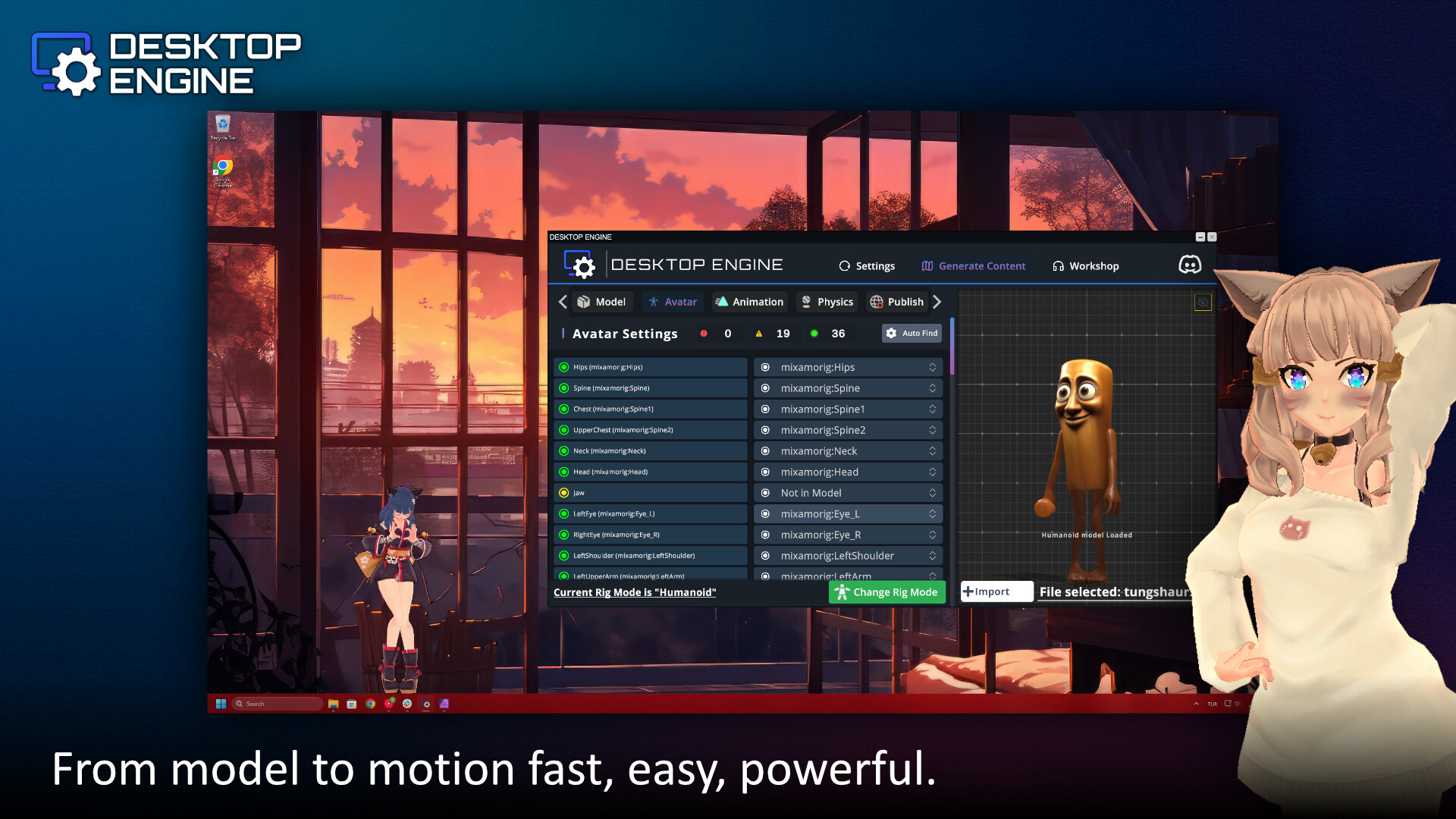
Bring interactive 3D companions to your Windows desktop. Choose an official character or import your own model, arrange them around your windows, and enjoy animations and optional voice reactions with adjustable volume.

Sign in to add this item to your wishlist, follow it, or mark it as ignored

Buy Desktop Engine

SPECIAL PROMOTION! Offer ends October 8

-50%
$4.99
$2.49

Buy Desktop Studio Bundle BUNDLE (?)

Includes 2 items: Minimalist Desktop, Desktop Engine

-10%
-40%
$8.98
$5.38

Buy Farming & Supermarket Simulator x Desktop Engine BUNDLE (?)

Includes 2 items: Farming & Supermarket Simulator, Desktop Engine

-10%
-36%
$15.28
$9.79
 

About This Software

Make room for a desktop companion

Desktop Engine brings interactive 3D characters onto your Windows desktop. Choose a companion from the Official collection or import your own model, then adjust their size and position to fit your workspace.

Meet nine new companions

The Big Update expands the Official collection with Hosono Akane, Agaho Mei, Hosono Mitsuki, Fuseishi Rei, Managura Nanako, Blossom, Lebie Die, Meruha and Lana. Matching portraits make the new additions easy to find in the character library.

Settle into your workspace

Move and resize your companions, let them sit on a window or the taskbar, and explore the available animations. Enable cursor-following reactions or lock their position once your desktop feels right.

A little personality, at your volume

Official companions can respond to a click and selected sitting actions with short voice reactions. Twelve variations keep the reactions varied, while a shared cooldown prevents companions from talking over one another. Adjust Speech volume from 0–100% or switch Character speech off in the launcher.

Use your own characters

Import compatible VRM, GLB and glTF models, including characters created with VRoid Studio. Imported models use the available character controls; built-in voice reactions belong to the Official collection. Model compatibility depends on its rig and materials.

Adjust the workload

Choose the frame-rate limit, anti-aliasing and resolution that suit your computer. Lower settings can reduce resource use; the cost also depends on the model and how many companions are running.

System Requirements

    Minimum:
    • Requires a 64-bit processor and operating system
    • OS *: Windows 7 (64 bit)
    • Processor: Intel Core i3-3210
    • Memory: 1024 MB RAM
    • Graphics: NVIDIA GeForce GTX 660 or AMD Radeon R7 265
    • DirectX: Version 11
    • Storage: 1 GB available space
    Recommended:
    • Requires a 64-bit processor and operating system
    • OS *: Windows 7 (64 bit)
    • Processor: Intel Core i3-3210
    • Memory: 8196 MB RAM
    • Graphics: NVIDIA GeForce GTX 660 or AMD Radeon R7 265
    • DirectX: Version 11
    • Storage: 1 GB available space
* Starting January 1st, 2024, the Steam Client will only support Windows 10 and later versions.
Review Filters