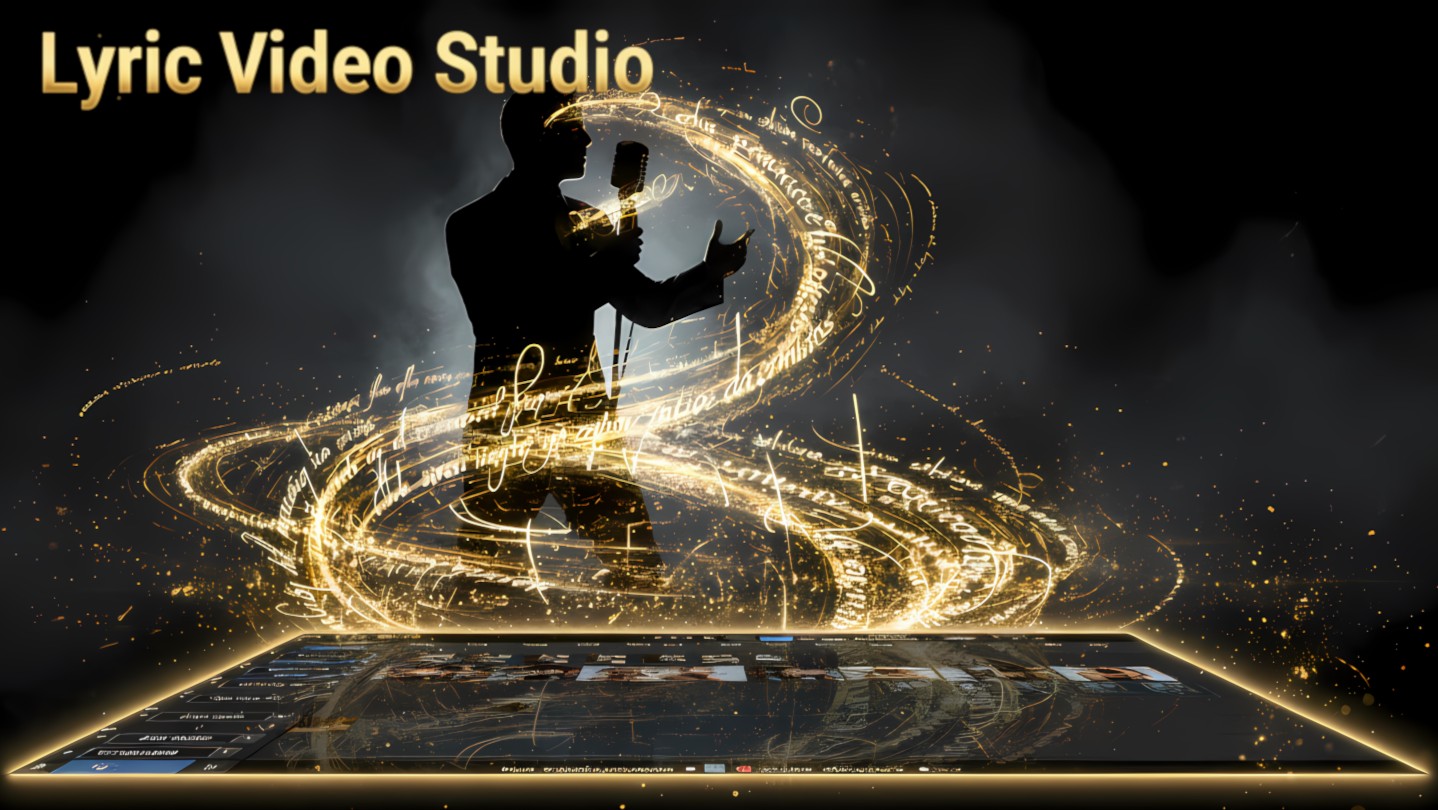
Video editor built for musicians and content creators. Create lyric videos, music videos and visualizers with a real multi-track timeline. Sync lyrics, edit footage, use local AI, APIs or ComfyUI, create audio-reactive visuals and export up to 4K. No subscription required.

Sign in to add this item to your wishlist, follow it, or mark it as ignored

Buy Lyric Video Studio


About This Software

It started as a lyric video editor. Then it got slightly out of hand.

Lyric Video Studio is a full non-linear video editor built especially for musicians, bands and content creators.

Import your song. Sync the lyrics. Drop your footage, images and videos directly on the timeline. Add animations, effects and visualizers. Generate new material if you want to. Then render the whole thing as one finished video.

You can make a simple lyric video in it.

You can also make an entire music video without leaving it.

Lyrics are still kind of the point

Despite all the other stuff added over the years, lyric videos are what Lyric Video Studio was originally built for.

Import LRC, SRT, VTT and TSV files, or extract lyrics and subtitles from audio. Sync lines while the song plays, fine tune them on the timeline, snap to tempo, create karaoke effects, word-by-word timing or letter-by-letter animations.

Texts can use gradients, backgrounds, blend modes, animations, shaders and even fully rendered 3D text.

Basically: spend your time making the video look good instead of spending your evening moving 200 text boxes manually.

A real video editor, not just a lyric generator

Lyric Video Studio has a multi-track non-linear timeline for video, images, audio, text and generated content.

Cut and trim footage, change speed, loop clips, animate properties, mask content, remove backgrounds, match colors and use more than 90 transitions.

You can also track objects in video and attach other items to them.

Export in virtually any resolution, including 4K, whether you're making a regular 16:9 music video, vertical Short/Reel/TikTok or something completely weird.

Because weird is allowed.

Remember Winamp?

Lyric Video Studio includes MilkDrop support with thousands of audio-reactive presets.

Yes, that MilkDrop.

Create visualizers directly from your music without screen recording another application. Build preset sequences, render them into your project and combine them with lyrics, footage and effects.

There is also shader support for more advanced audio-reactive effects. Effects can react to the volume of your music, so you don't have to keyframe everything by hand.

AI: use it, don't use it, or bring your own

Generative AI is integrated into the workflow, but it isn't the workflow.

You can make a complete video using nothing but your own footage.

Or generate images, video, audio and other material directly from the timeline.

Lyric Video Studio supports local generation as well as multiple online providers. Local models let you generate content on your own hardware, while API integrations let you use services such as Fal AI, Runway, Luma, Google, Black Forest Labs and others.

Third-party services use your own accounts/API keys and may charge separately for generations. Lyric Video Studio does not sell you mysterious "AI credits".

Already using ComfyUI? Good.

You don't have to throw away your existing workflows.

ComfyUI workflows can be used through Lyric Video Studio so you can connect your generation workflow to an actual video-editing timeline.

Use the same workflow repeatedly with different images, prompts or other inputs and bring the generated result back into your project.

Generate low-resolution material for speed, then upscale it and interpolate the frame rate with the built-in tools.

Less downloading final_video_17_really_final_this_time.mp4.

More actually making the video.

Local tools for people who like local tools

Lyric Video Studio supports local image and video generation, local LLMs, local transcription and other local processing tools.

Use Whisper to transcribe audio. Use local LLMs to turn lyrics into storyboard ideas and prompts. Generate material locally where supported.

And if you absolutely want an AI agent controlling your video editor, there's even MCP support.

That sentence probably tells you whether you're the target audience for that particular feature.

Made for musicians

Lyric Video Studio is developed by a musician, originally because creating lyric and music videos was far more annoying than it needed to be.

The workflow takes a lot of inspiration from DAWs: tracks, timelines, reusable settings and fast editing instead of forcing everything through wizards and templates.

Make lyric videos.

Make full music videos.

Make visualizers.

Make subtitles.

Make AI videos.

Or just edit normal footage like a normal person.

That's allowed too.

Buy once. Keep using it.

Lyric Video Studio does not require a monthly subscription to keep using the full version.

Buy the application once and keep it.

Updates, fixes and new content are released regularly. Third-party services and APIs may have their own usage costs, because unfortunately I haven't yet convinced Google, Runway or anyone else to give away GPU time for free.

And yes, there is a demo.

Don't take my word for it.

Try it.

AI Generated Content Disclosure

The developers describe how their game uses AI Generated Content like this:

Trailer is made by using generative AI image with text animations with the app itself. Also store image assets are partly generated with Ai. Application itself does not provide AI services built-in

System Requirements

    Minimum:
    • OS: Windows 10
    • Processor: 2Ghz
    • Memory: 8 GB RAM
    • Storage: 10 GB available space
    • Additional Notes: SSD or equivalent required
    Recommended:
    • OS: Windows 10
    • Processor: 3Ghz
    • Memory: 16 GB RAM
    • Graphics: nvidia RTX 30 series
    • Storage: 100 MB available space
    • Additional Notes: SSD or equivalent required
Review Filters