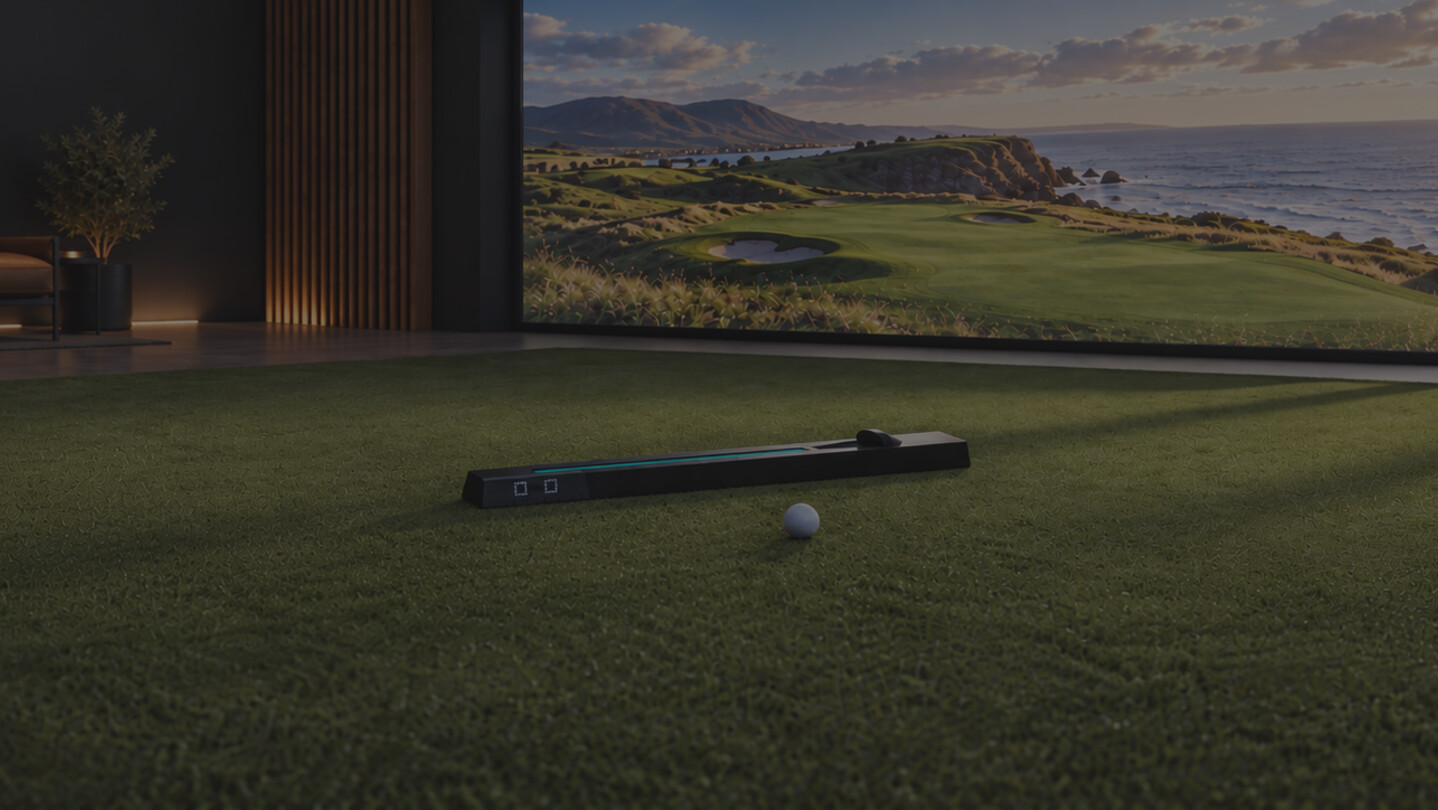
Connect your NOVA launch monitor to compatible golf simulator software. View ball speed, launch angles, and spin, manage your connection, and keep your favorite games close at hand.

เข้าสู่ระบบ เพื่อเพิ่มผลิตภัณฑ์นี้ลงในสิ่งที่อยากได้ของคุณ ติดตาม หรือทำเครื่องหมายเป็นถูกละเว้น

ไม่รองรับภาษาไทย

ผลิตภัณฑ์นี้ไม่รองรับภาษาท้องถิ่นของคุณ โปรดตรวจสอบรายชื่อภาษาที่รองรับก่อนทำการสั่งซื้อ

เกมนี้ยังไม่พร้อมใช้งานบน Steam

เตรียมวางจำหน่าย

น่าสนใจ?
เพิ่มในสิ่งที่คุณอยากได้ และรับการแจ้งเตือนเมื่อผลิตภัณฑ์พร้อมใช้งาน
 

เกี่ยวกับเกมนี้

Golf Simulation, Simplified

Connect your NOVA launch monitor to compatible golf simulator software. Keep your latest shot measurements and connection status close at hand, then choose where you want to play.

See your shot data

View ball speed, vertical and horizontal launch angles, total spin, and spin axis as you practice. Choose a light or dark appearance to suit your setup.

Find your next game

Explore simulator software in the Games view and pin favorites to the activity dock. On Windows, NOVA detects supported games running on your computer and shows their connection status.

Connect NOVA

Send shots to compatible simulator software and check your NOVA connection and device details from the app. Windows supports GSPro integration and its NOVA overlay. On macOS and Linux, use Open Connect with compatible simulator software.

What you need

  • A NOVA launch monitor.
  • An Open Launch account and an internet connection.
  • Compatible third-party simulator software and any applicable licenses for simulator integrations.
  • A computer that meets the requirements of your chosen simulator.
Simulator availability varies by operating system. A game appearing in the catalog does not mean it runs on every platform. Automatic detection of running games and the GSPro overlay are Windows features.

การเปิดเผยข้อมูลเกี่ยวกับเนื้อหาที่สร้างด้วย AI

ผู้พัฒนาอธิบายว่าเกมของตนใช้เนื้อหาที่สร้างด้วย AI ในลักษณะนี้:

NOVA by Open Launches uses generative artificial intelligence to improve the visual appeal and polish. Examples include app styling via css as well as store page images enhanced from original photographs.

ความต้องการระบบ

Windows
macOS
SteamOS + Linux
    ขั้นต่ำ:
    • ต้องการโปรเซสเซอร์และระบบปฏิบัติการแบบ 64 บิต
    • ระบบปฏิบัติการ: Windows 10 version 1809 or later
    • โปรเซสเซอร์: 64-bit x86 processor
    แนะนำ:
    • ต้องการโปรเซสเซอร์และระบบปฏิบัติการแบบ 64 บิต
    • ระบบปฏิบัติการ: Windows 11
    • โปรเซสเซอร์: 64-bit x86 processor
    ขั้นต่ำ:
    • จำเป็นต้องใช้โปรเซสเซอร์ Apple
    • ระบบปฏิบัติการ: macOS 12 or later
    • โปรเซสเซอร์: Apple Silicon
    แนะนำ:
    • จำเป็นต้องใช้โปรเซสเซอร์ Apple
    • ระบบปฏิบัติการ: macOS 12 or later
    • โปรเซสเซอร์: Apple Silicon
    ขั้นต่ำ:
    • ระบบปฏิบัติการ: AppImage
    • โปรเซสเซอร์: 64-bit x86
    แนะนำ:
    • ระบบปฏิบัติการ: AppImage
    • โปรเซสเซอร์: 64-bit x86
ตัวกรองบทวิจารณ์