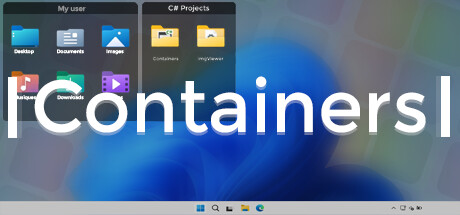
Containers enhance your Windows experience by providing virtual boxes to store your files and directories.

Inicia sesión para agregar este artículo a tu lista de deseados, seguirlo o marcarlo como ignorado.

No disponible en Español (Latinoamérica)

Este artículo no está disponible en tu idioma. Consulta la lista de idiomas disponibles antes de realizar la compra.

Comprar Containers


Acerca de este software

Enhance your Windows experience with Containers

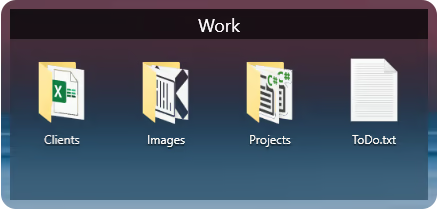
Containers allows the storage of your files and folders in boxes called “Container”, these boxes can be accessed at any time on your desktop or called thanks to built-in shortcuts or with the help of the “Containers Tab” menu.

Containers
Containers are sticked to your desktop when you don't use them.


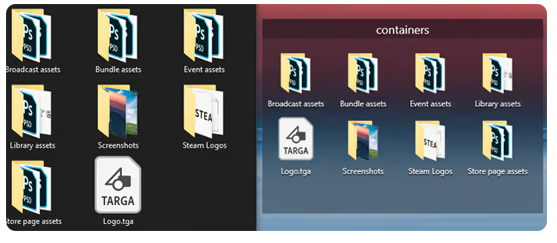
Mirror Containers
“Mirror” Containers are representations of files and folders in a selected folder on your computer.


Container Customization
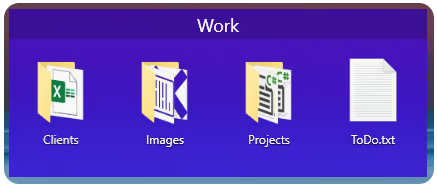
Containers can have different colored backgrounds or a background with an image.
You can also set the transparency method of your Containers.

If you are on Windows 11 you can also choose between Containers with rounded or squared edges.


Containers Tab Menu
The Containers Tab menu allows you to call the Container of your choice without leaving the application in the foreground, it works similarly to the Alt-Tab menu in Windows.


Closing Containers
Containers can be independently closed manually or automatically to save space.


Sorting Containers content
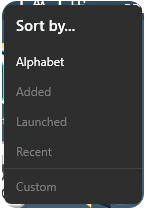
You can independently sort the contents of your Containers according to your choice.


Container content size
You can change the size of your Container icons at any time.


Shortcuts
The Containers application has shortcuts to help you manipulate your Containers, each shortcut can be modified and disabled.

Requisitos del sistema

    Mínimo:
    • SO: Windows 10 1703 (2017) / Windows 11
    • Memoria: 2 GB de RAM
    Recomendado:
    • SO: Windows 10 1703 (2017) / Windows 11
    • Memoria: 4 GB de RAM
Revisar filtros