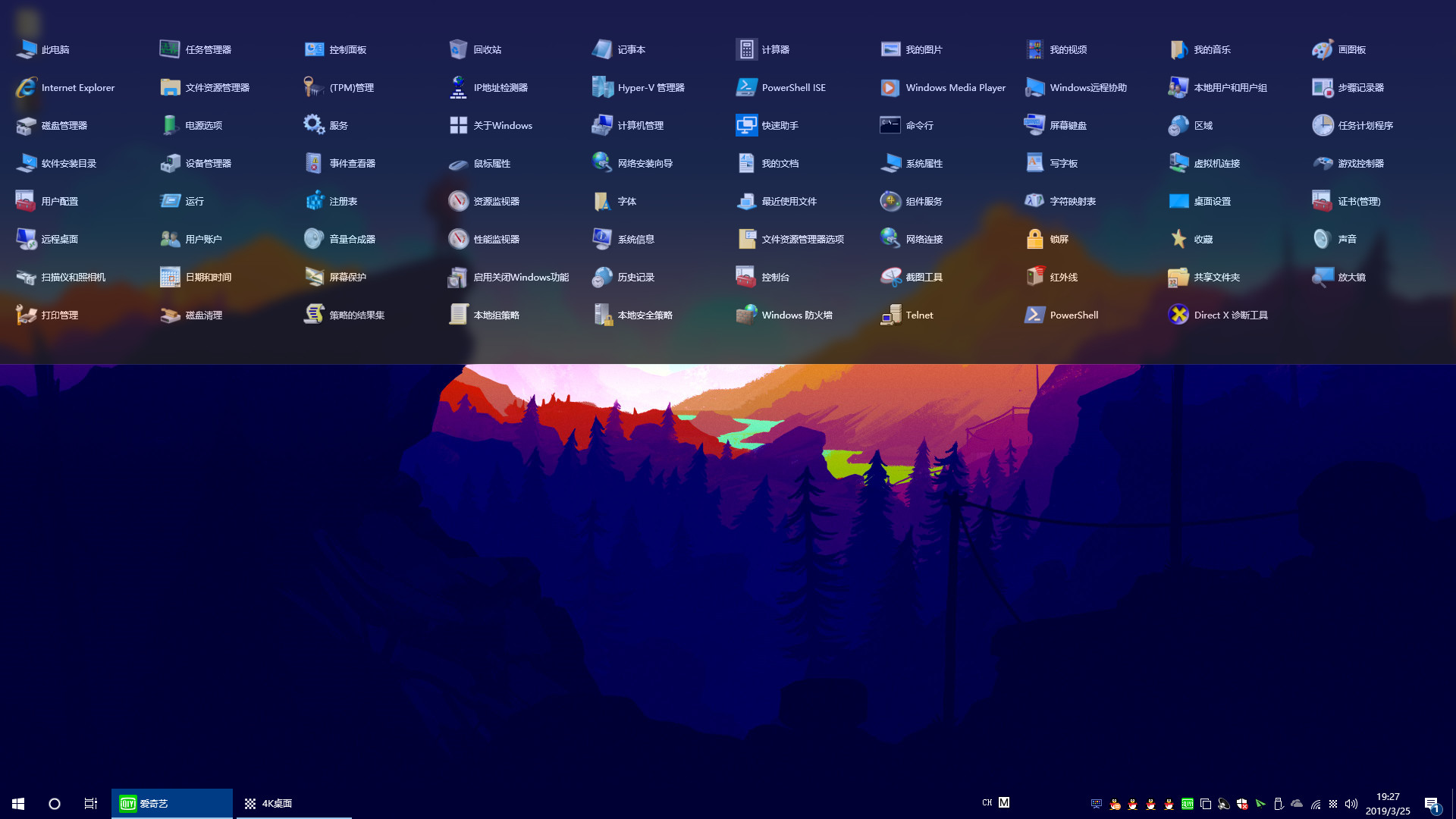
"Navigation Bar" can greatly save the number of desktop icons, so that the desktop is more concise and refreshing! Implement desktop no shortcut icon!

Bu öğeyi istek listenize eklemek, takip etmek veya yok sayıldı olarak işaretlemek için giriş yapın

Türkçe desteklenmemektedir

Bu ürün sizin dilinizi desteklememektedir. Lütfen satın almadan önce aşağıdaki desteklenen diller listesini gözden geçirin.

Navigation Bar Satın Alın


Bu Yazılım Hakkında

"Navigation Bar" is a specially developed for Windows10 users, applications, files, directories fast start navigation software! Implement desktop no shortcut icon

It can greatly save the number of desktop icons, making the desktop more concise and refreshing! Users can drag and drop commonly used apps, files, or directories onto the navigation bar. When the settings are automatically hidden, the navigation bar hides to the top of the desktop, the mouse moves to the top of the desktop, and the navigation bar appears!

Make the desktop space larger, the switch between the application is more convenient, improve the work efficiency! You can also add commonly used system features in the navigation bar to open more easily!

Sistem Gereksinimleri

    Minimum:
    • İşletim Sistemi: Windows 10

Navigation Bar için müşteri incelemeleri Kullanıcı incelemeleri hakkında Tercihleriniz

Toplam İnceleme:
Karışık (20 inceleme)


Belirli bir tarih aralığındaki incelemeleri görebilmek için lütfen yukarıdaki grafikten istediğiniz tarih aralığını sürükleyerek seçin veya bir çubuğa tıklayın.


İncelemeleri, oyuncuların inceleme gönderdiği tarihteki oynama sürelerine göre filtrele:


Minimum yok - Maksimum yok

İncelemeleri seçili görüntüleme sırasına göre göster


Daha Fazlasını Öğrenin
Filtreler
Konu Dışı İnceleme Etkinliği Dahil Edilmiyor
Oynama Süresi:
Çoğunlukla Steam Deck'te Oynayanlar
İşletim Sistemi:
İşlemci:
Ekran Kartı:
Aygıt Türü: