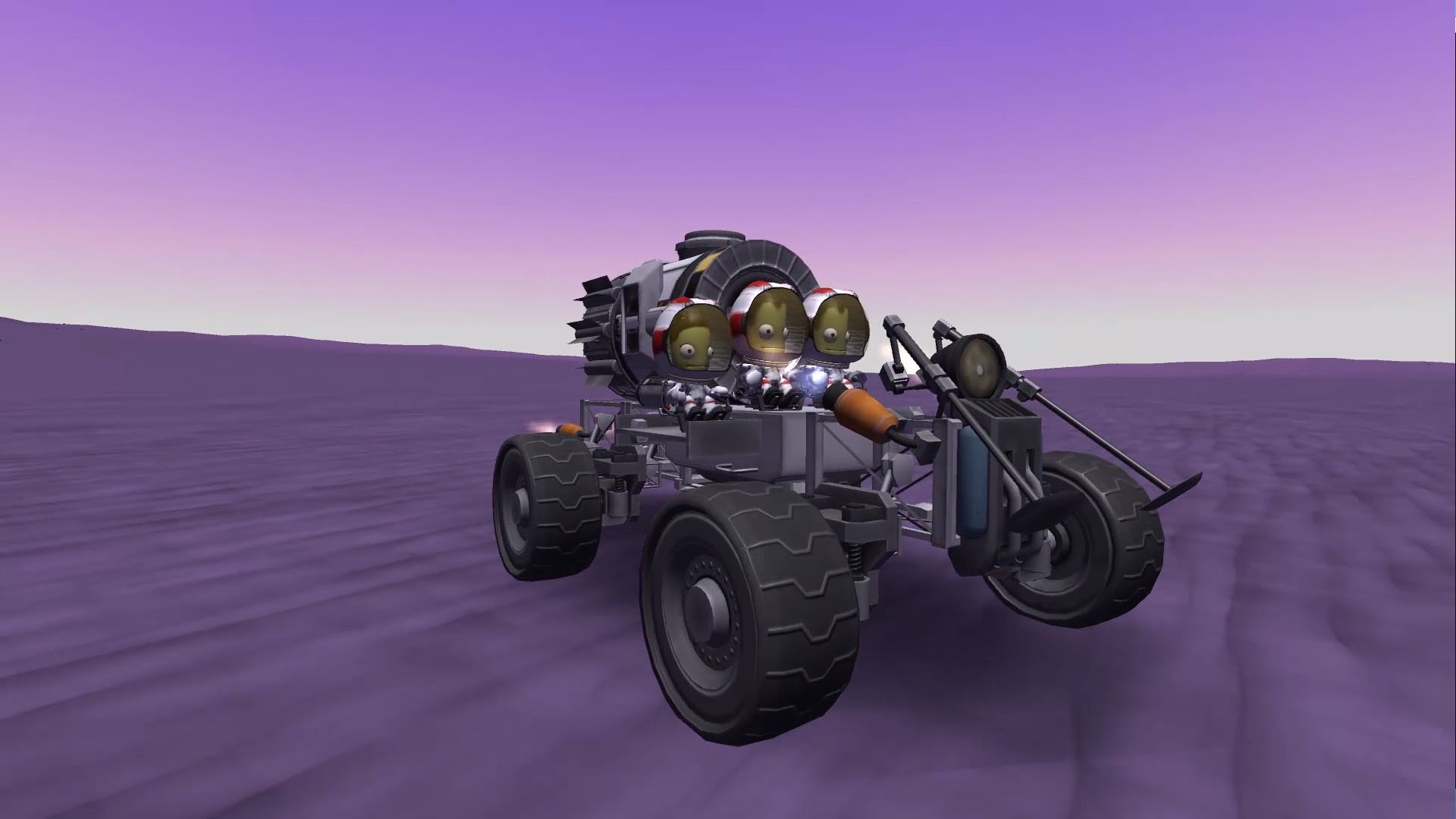
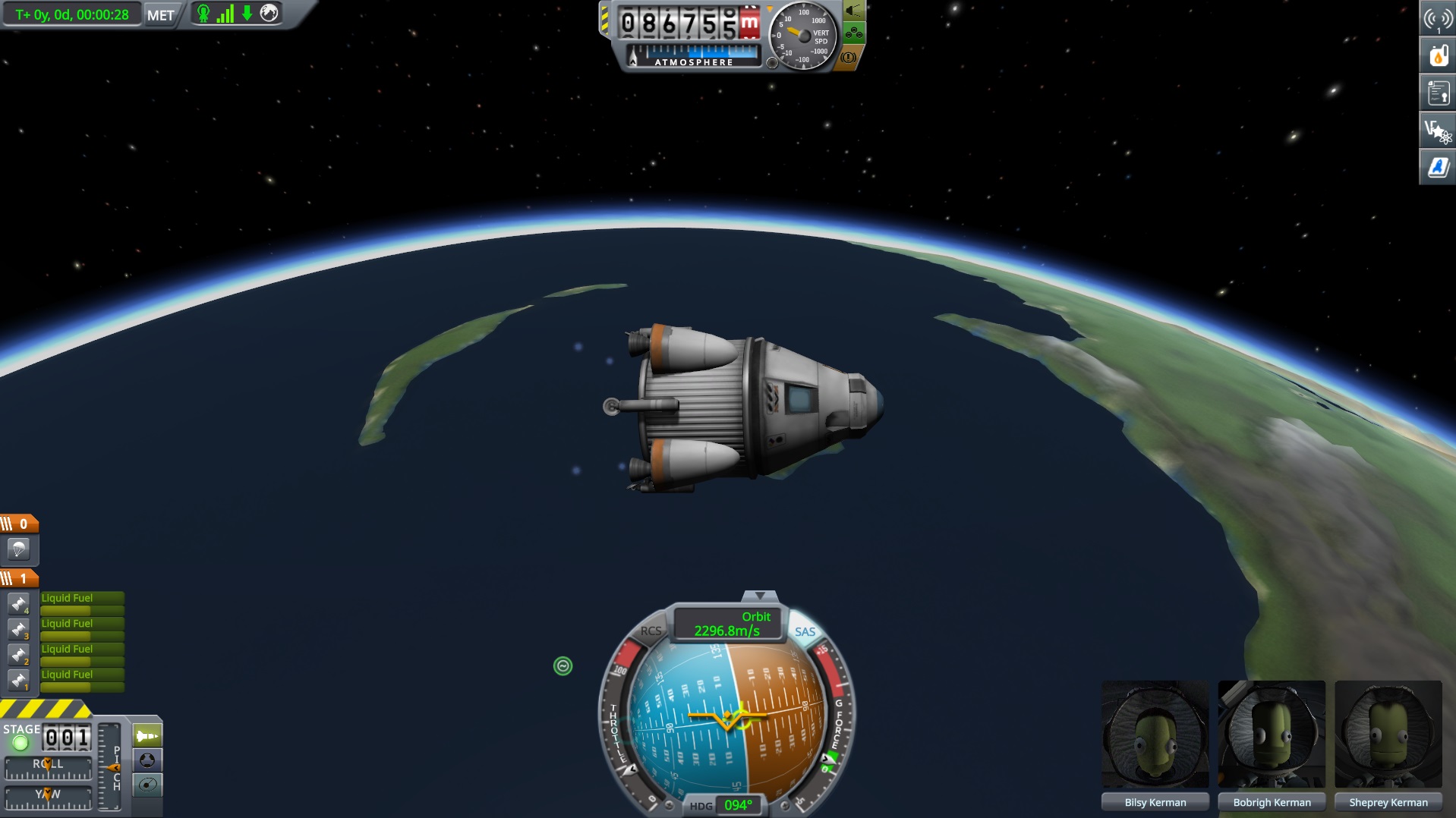
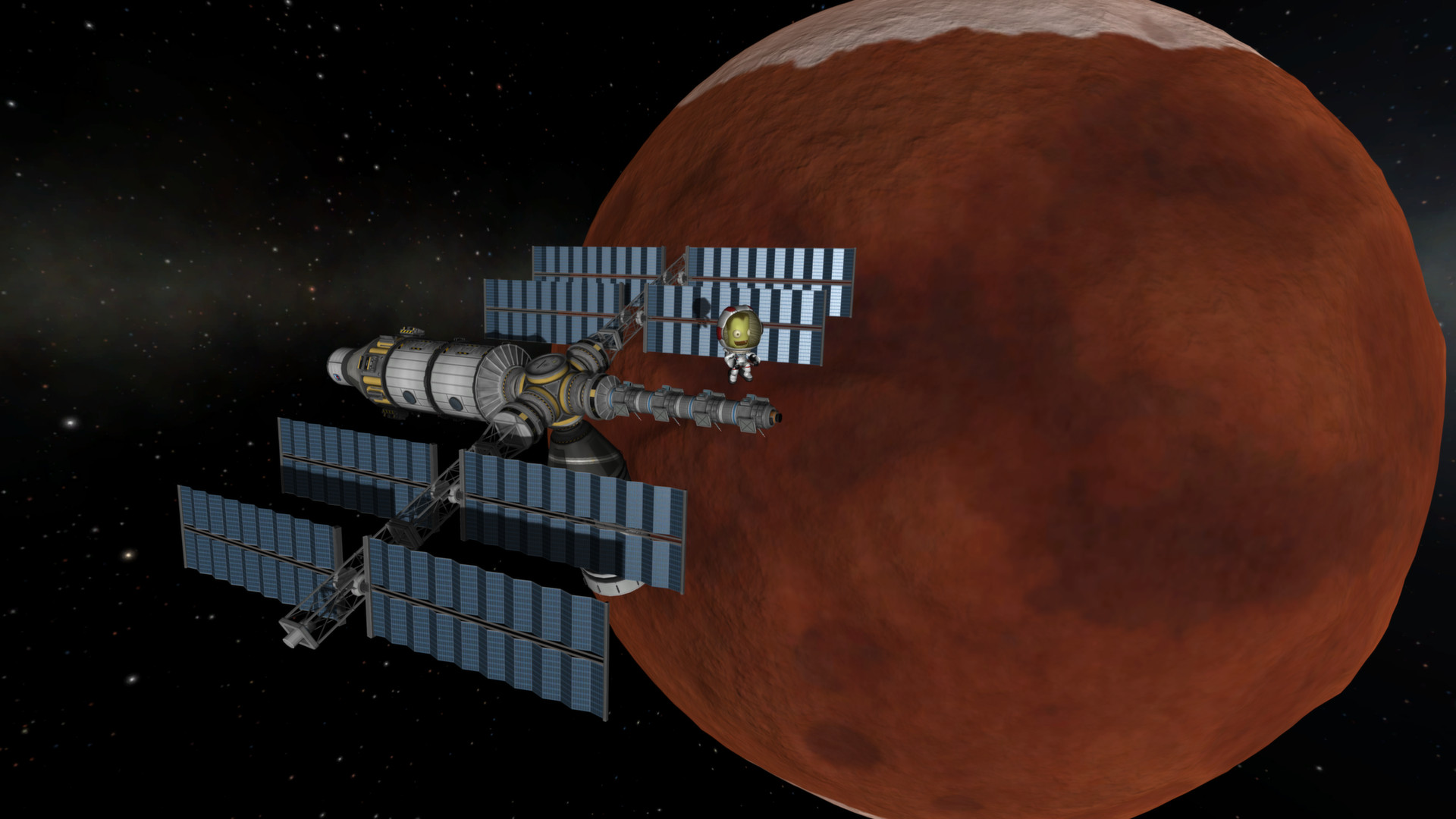
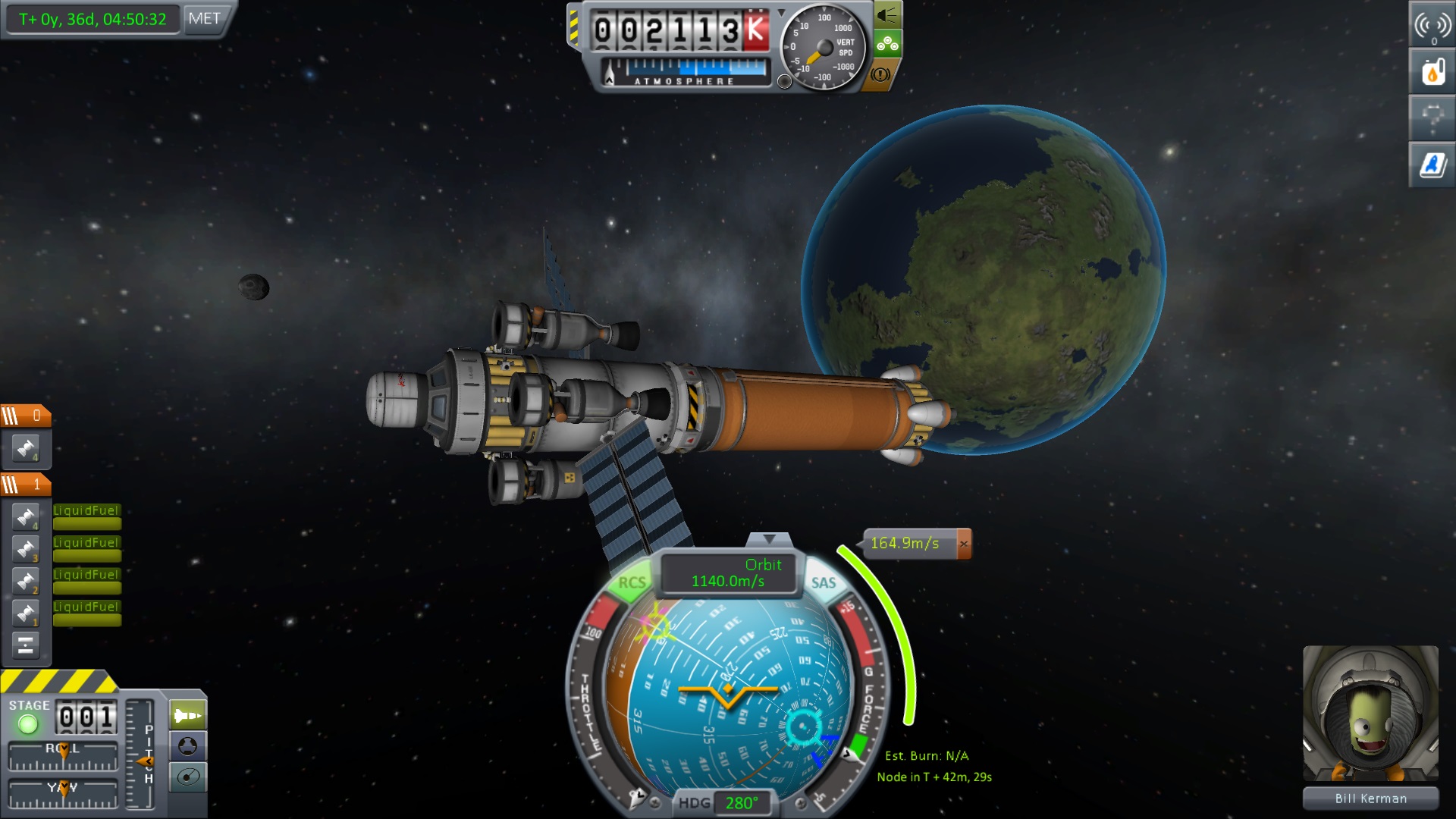
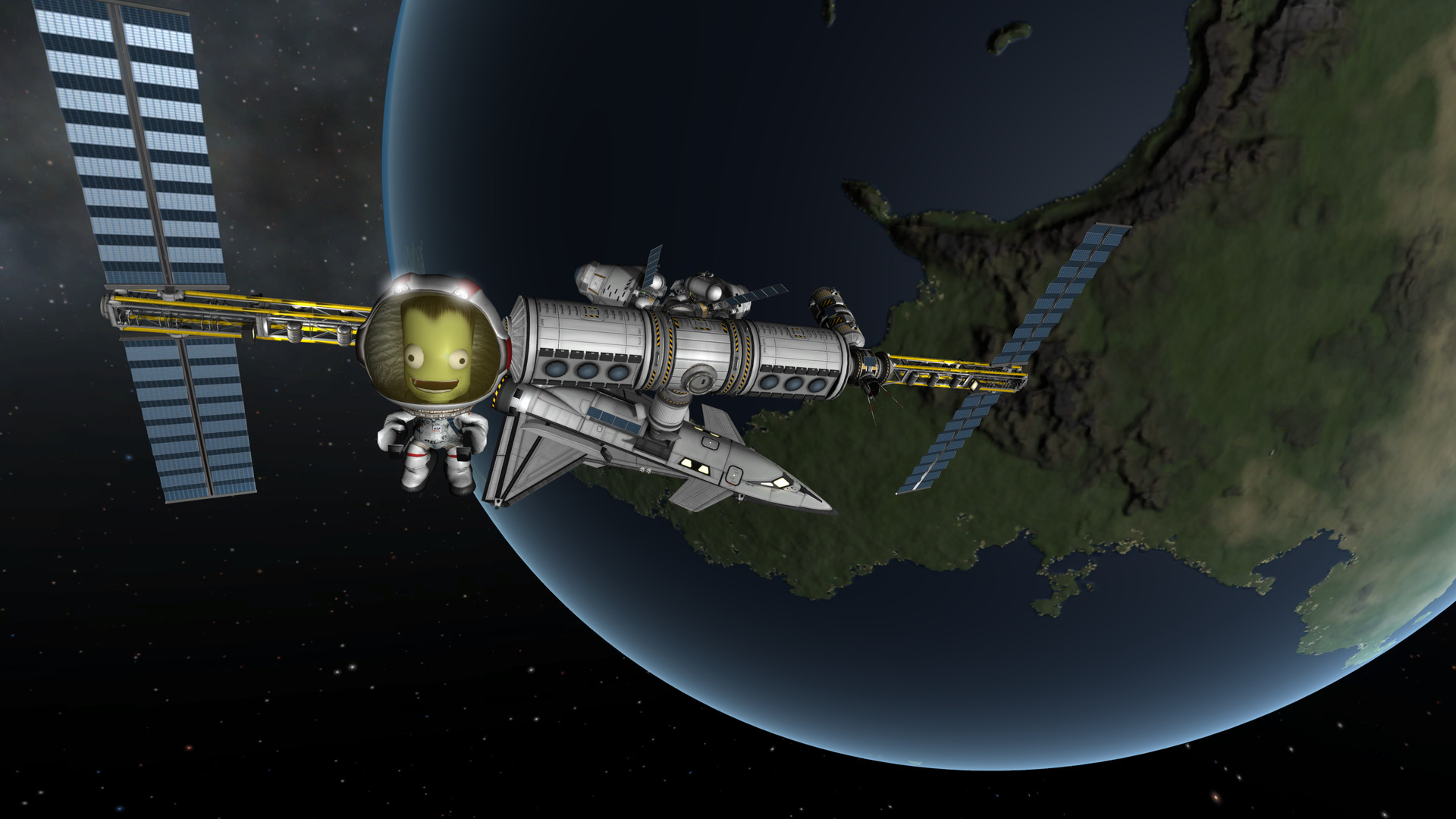
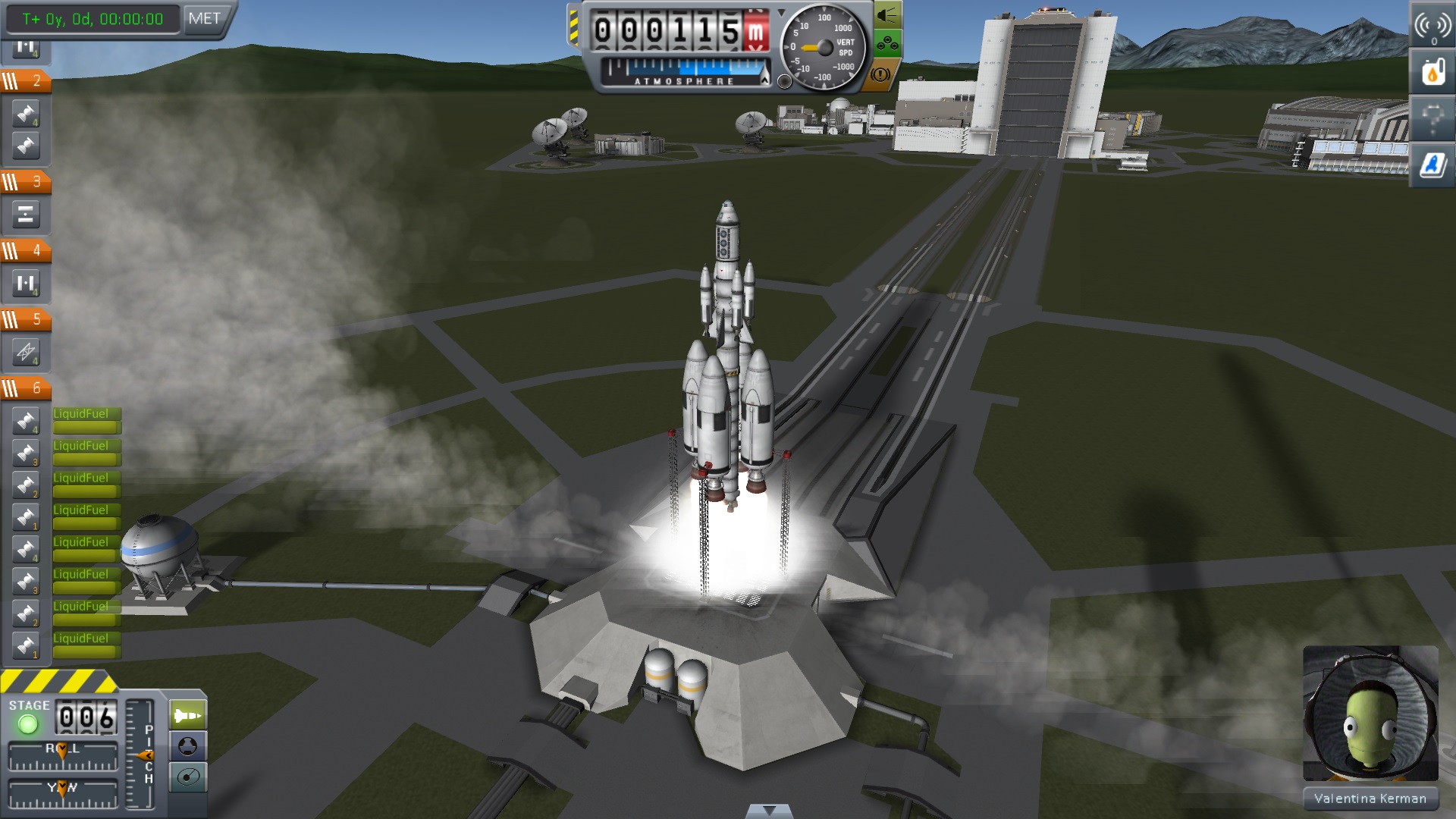
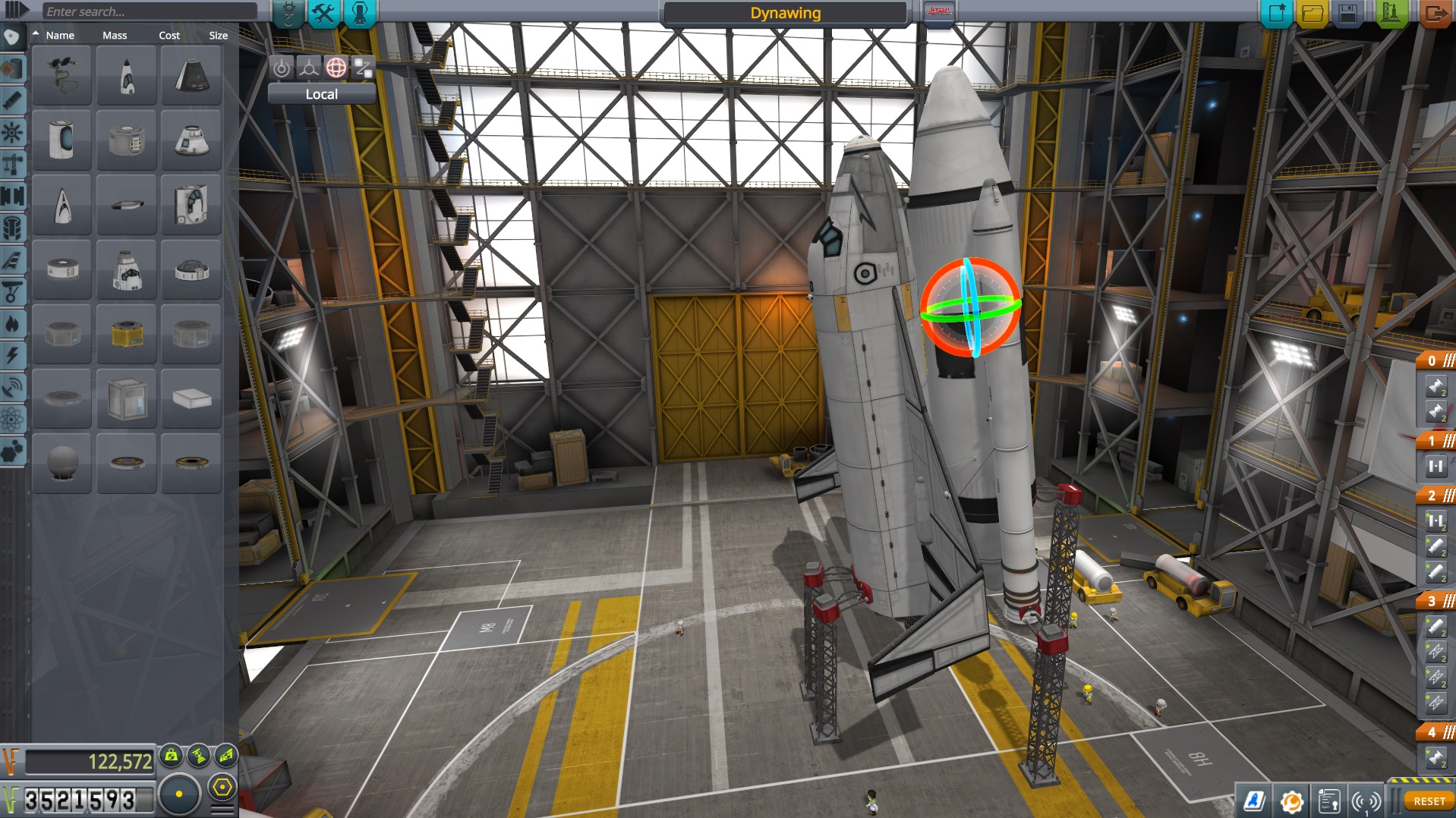
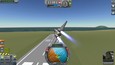
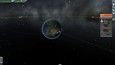
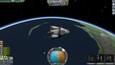
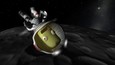
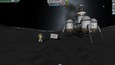
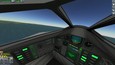
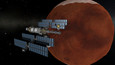
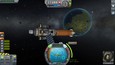
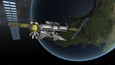
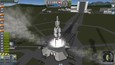
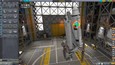
Kerbal Space Program is a multi-genre game where players create their own space program. In KSP, you must build space-worthy craft, capable of flying your crew out into space, without killing them. At your disposal is a collection of parts, which must be assembled to create a functional ship.
View all 13 screenshots
Watch all 3 trailers

Early Access Game

Get instant access and start playing; get involved with this game as it develops.

Learn more about Early Access.

What the developers say:

“KSP is still under development. This means the game will be improved on a regular basis, through updates that add new features, content and bug fixes, so make sure to check back for new versions.

The game is being built as a sandbox first, so there are no objectives yet, but we want you to try it out and have fun with it already. You're free to build anything you can think of, and there is an entire Solar System to explore.

During development, KSP is available for purchase at a discounted price, which will gradually increase up to its final retail price as the game nears completion. So by ordering now, you get the game in its current state, and you'll get all future updates for free. ”

Read more

Buy Kerbal Space Program

$22.99

Recent updates View all (4)

0.20.2 Patch Released!

May 30th, 2013

Hello once more!

Just to let everyone know, we've now released the 0.20.2 Patch for KSP.

This patch is a quick hotfix, to deal with two critical issues that were left standing after the previous revision:

Bug Fixes and Tweaks:

  • Fixed the mouse wheel input issue on Linux. (should work like it did on 0.19)
  • Fixed the excessive memory usage loading png and jpeg textures.


Our thanks to Linux players Epinull and Mat Banks, who helped us figure out a way around the mousewheel bug. :)


Mind that the mouse wheel problem is actually a bug in Unity, not in KSP. This means our solution for it is only a workaround, and isn't a 100% fix. There's still some weirdness around scrolling lists in dialogs, but that's minor in comparison to not being able to use it at all. For most critical cases, like zooming, scrolling the VAB view up and down, or scrolling the staging stack, the scroll wheel now works as intended. It should hold well enough until a fix from Unity comes along.


As always, you can get the latest version from our KSPStore, or if you're on Steam, you should be updated automatically.

Happy Launchings!

Cheers

99 comments Read more

New Old Features! "Previous Stable Release" now available!

May 29th, 2013

Hi again!

We don't believe every player should have to be a tester. On the other hand, if we had to keep the game at an ever perfectly stable state, we'd never make any progress. So, we're doing something here that'll hopefully allow us to move forward, without forcing everyone to endure the inevitable bug or thousand that comes with a game that's still under heavy continued development.

Enter "Previous Releases". It is now possible to roll back your game to the previous version at any time you want.

Here's how it works:

* If you have the game on the KSPStore, you'll now find two sets of buttons to download the game. One for the latest release, and another for the previous version. Download and install whichever one you prefer.

* If you have the game on Steam, you'll find a Beta branch on your Steam Game Settings for KSP, called 'previous'. Opting in to that branch will downgrade your install to the previous version. Changing back to the default branch will upgrade you back to the latest version.


This way, if you find a new update has made something incompatible, or if it's too buggy for you and you want to wait for a more stable patch, you can opt to keep the old version a while longer.


So, here's a few probable FAQs:

Q: Are Previous Versions bug-free?
A: Most likely not. Keep in mind KSP is still a work-in-progress, so even though these are more stable builds, it does not by any means guarantee a bug-free experience.

Q: Can I load saves from the latest version on the previous one?
A: Reverting back to a previous build will break forward-compatibility with saves from the later versions. (You can't load a save from 0.20 in 0.19, for instance). Supporting this would require time travel. If you've got a working implementation of time travel however, do let us know.

Q: Will mods for the newer versions work on the previous one?
A: Maybe. Most likely not. It depends on the type of mod (part packs are usually more resistant to change than plugin-based mods), but really, if a mod had to be updated to be compatible with the new version, it probably won't work anymore on the old one.


BTW, If you didn't see it already, the 0.20.1 patch is out!

Happy Launchings!

Cheers

14 comments Read more
See all discussions

Report bugs and leave feedback for this game on the discussion boards

About the Game

Kerbal Space Program is a multi-genre game where players create their own space program.

In KSP, you must build space-worthy craft, capable of flying your crew out into space, without killing them. At your disposal is a collection of parts, which must be assembled to create a functional ship. Each part has its own function and will affect the way a ship flies (or doesn't). So strap yourself in, and get ready to try some Rocket Science!

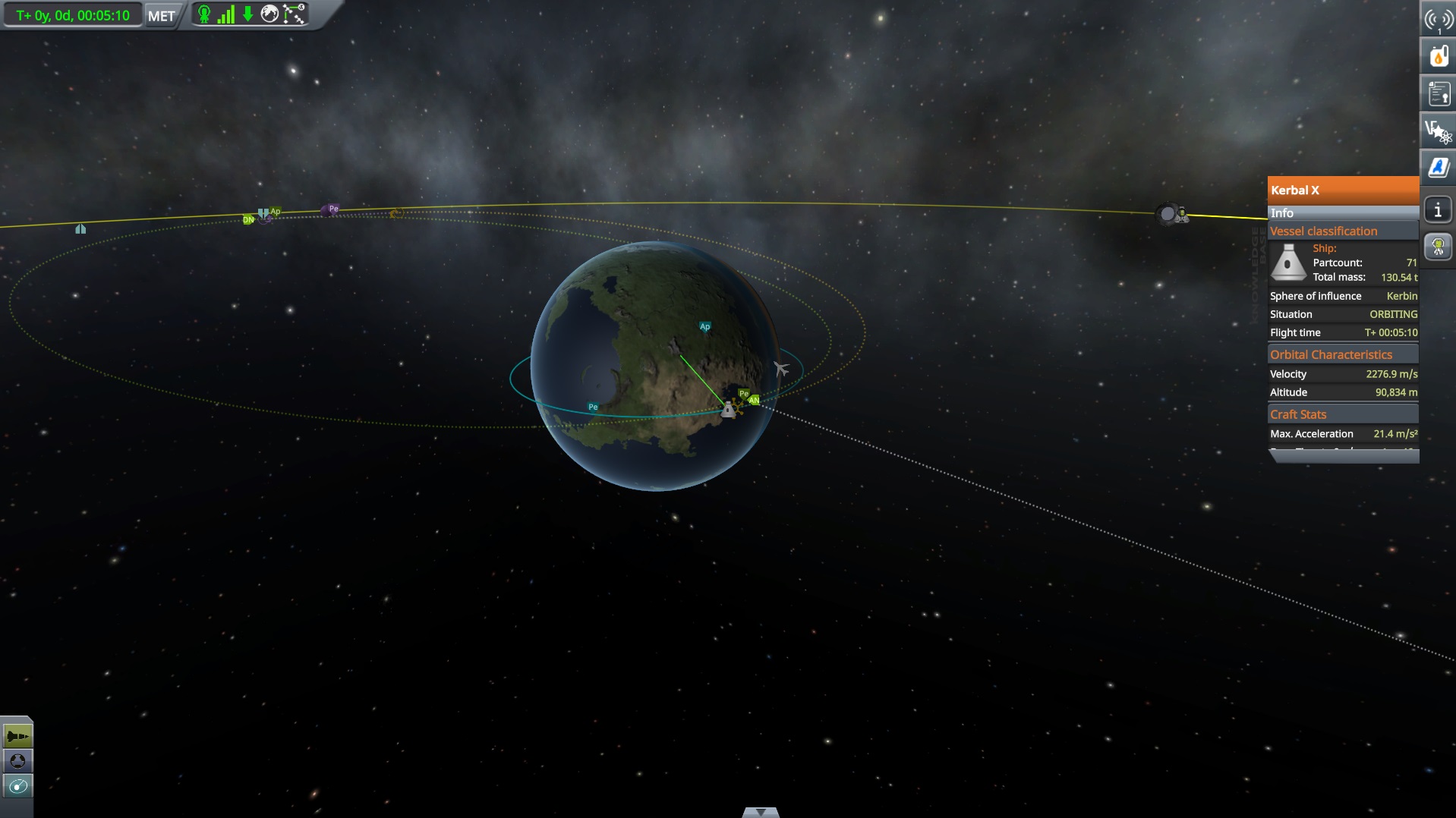
The game is being built first as an open sandbox. There are no objectives yet. You're free to build anything you can think of, and fly it wherever you want, even into orbit and out to other planets and moons throughout the Kerbal Solar System.

Key Features

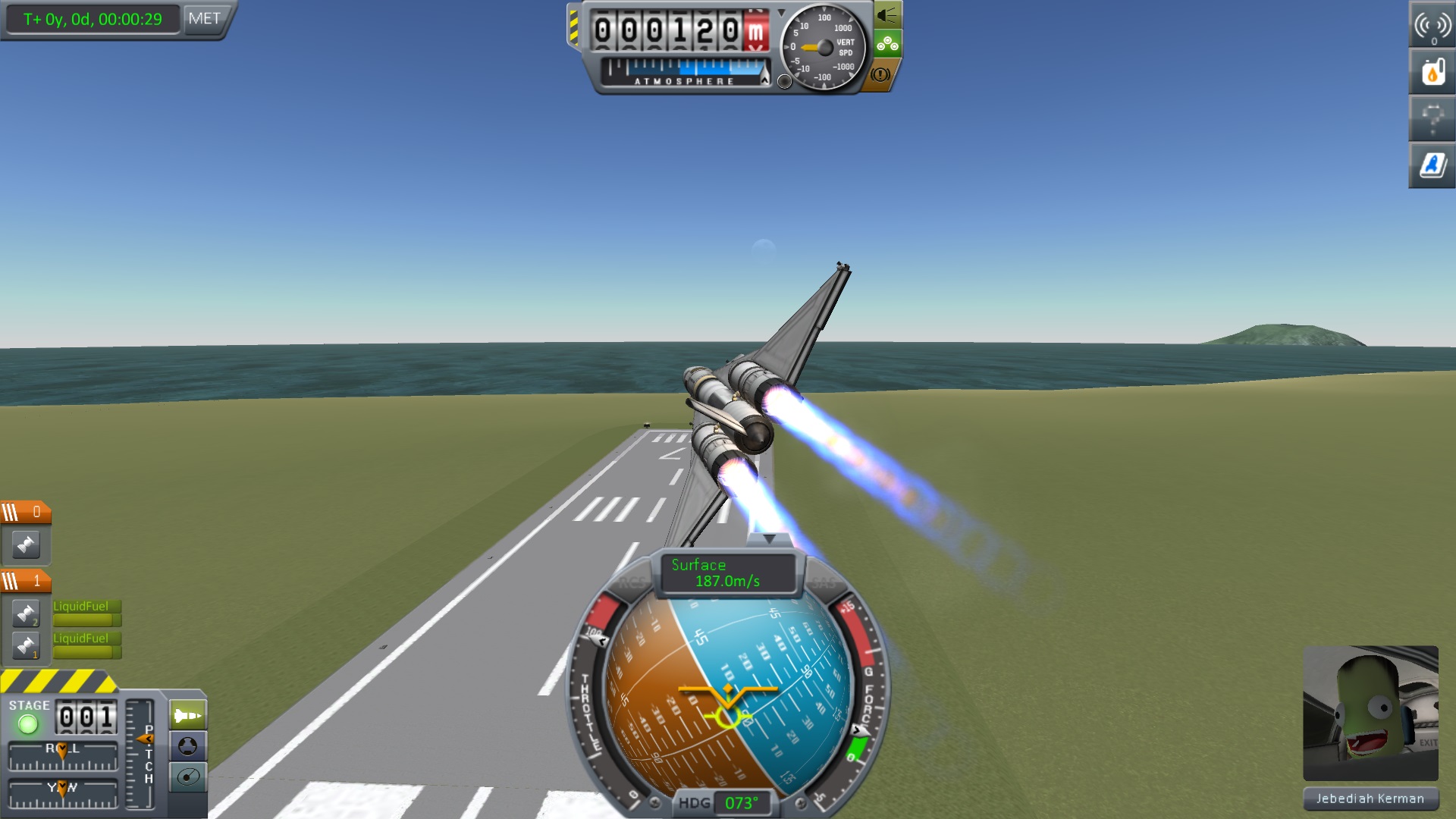
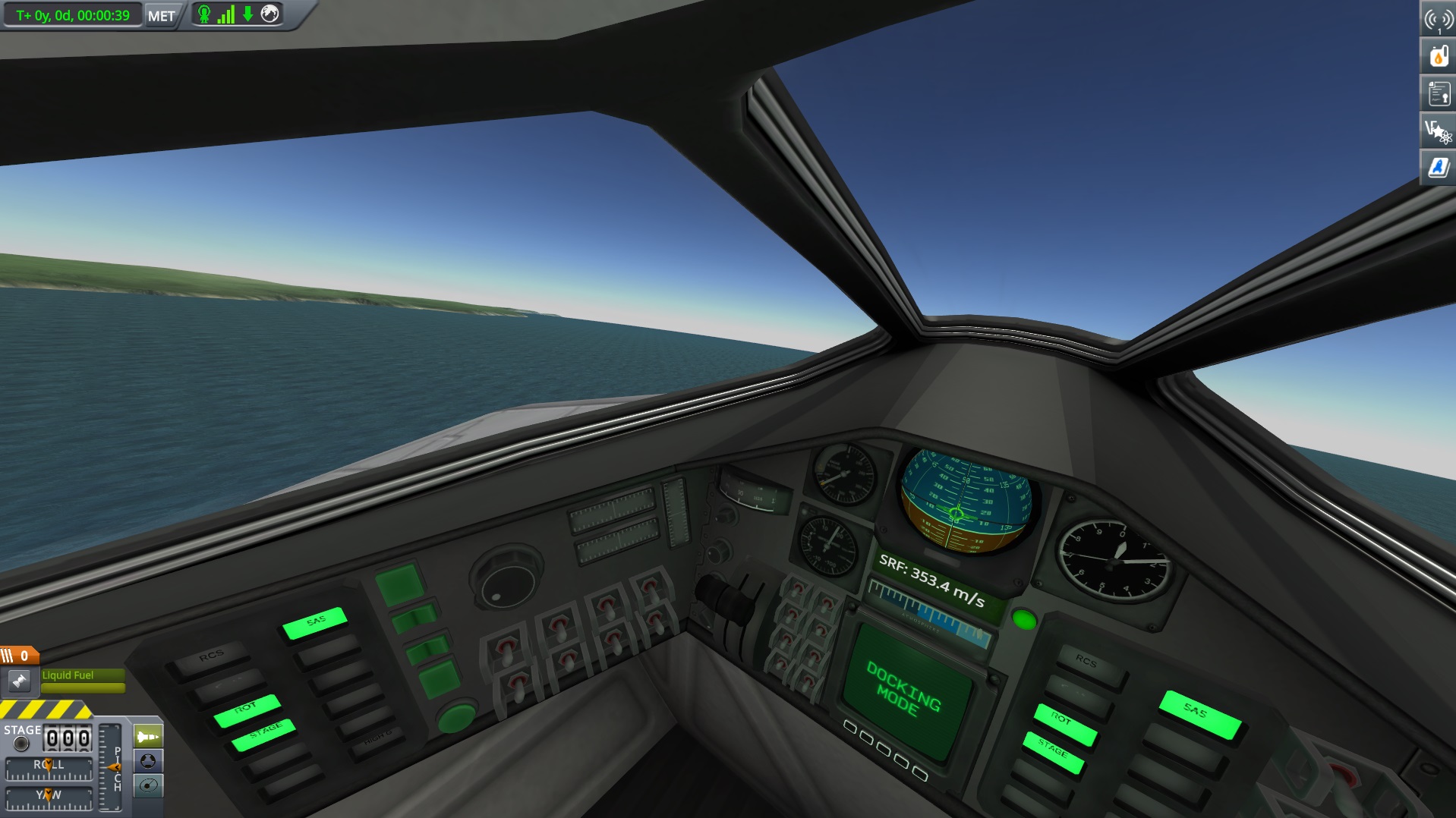
  • The Vehicle Assembly Building and the Space Plane Hangar allows players to build spacecraft out of any imaginable combination of parts.
  • Fully-fledged, Physics-based Space Flight Simulation ensures everything will fly (and crash) as it should.
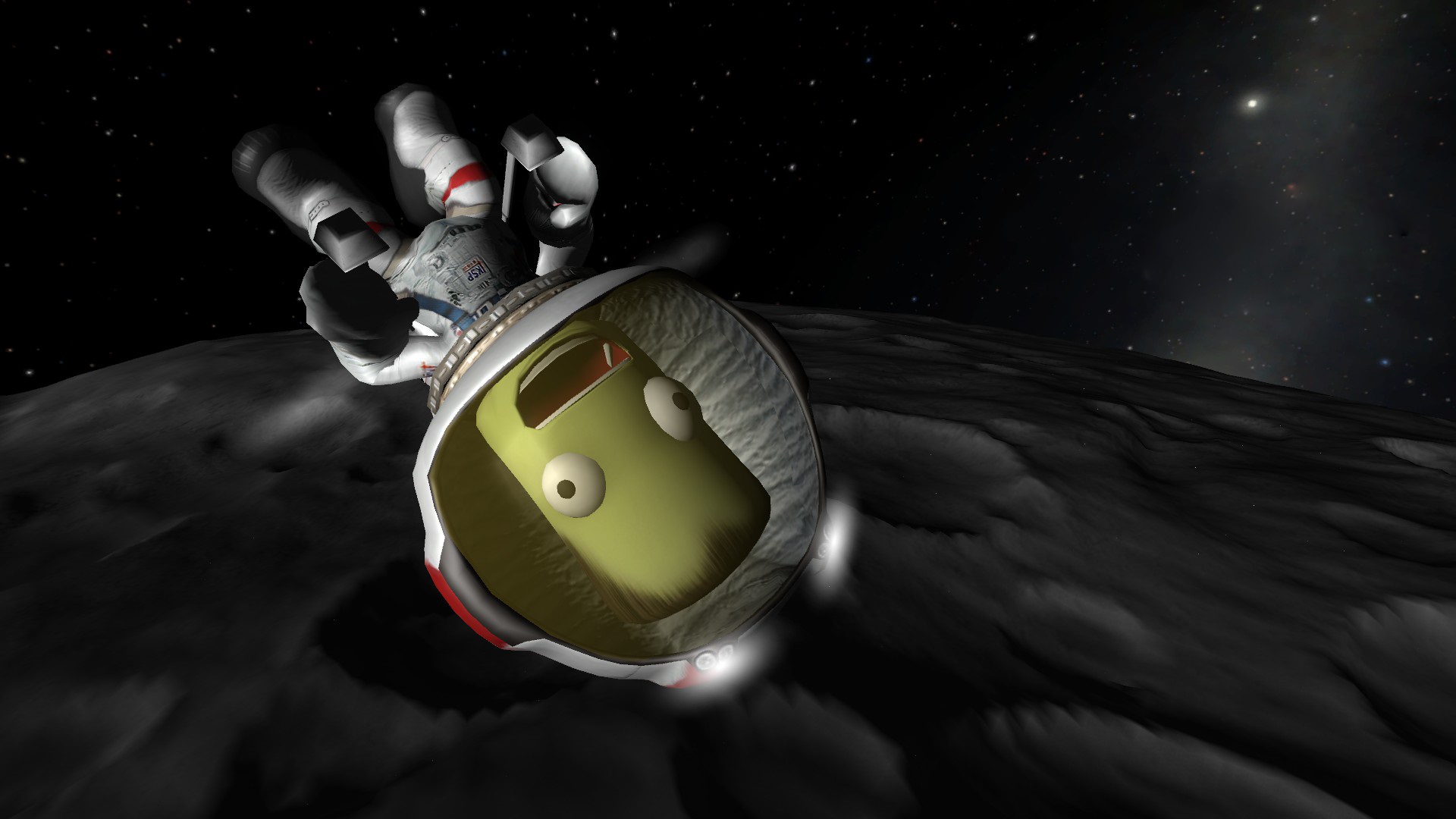
  • Take your Kerbal crew out of the ship and do Extra Vehicular Activities.
  • Fly out to Moons and other Planets.
  • Procedural Terrain delivers detailed terrain at a vast scale. The Kerbal Planet is 600km in radius!
  • Mod-enabled, allows players to create new content and modify the game.
  • Ship systems. Keep an eye out for engine temperatures and fuel levels, and try not to explode.
  • Build ships with multiple stages, and jettison parts away as they burn out.
  • Full control over the ship’s setup allows for complex ships and advanced functionality.
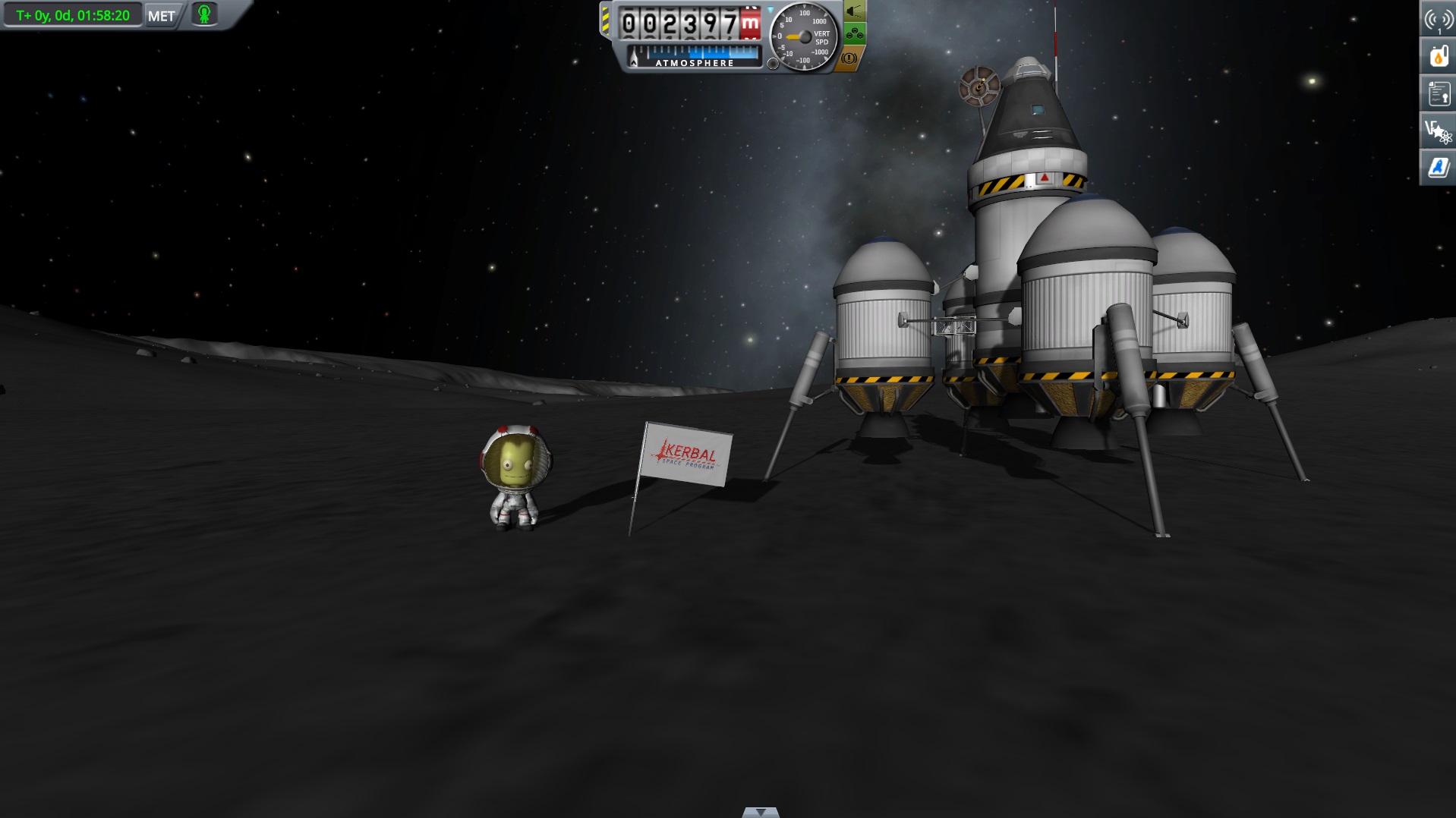
  • Dock spacecraft together to build Space Stations, Massive Starships, or even surface bases on other worlds.

Planned Features

  • Take on Missions to attract interest in your Space Program.
  • Manage your Space Program. Hire astronauts, train them, and send them out into space.
  • Research and Develop new technologies to advance your Space Program.
  • Discover new worlds and expand the scientific knowledge of Kerbalkind.
  • And a whole lot more!

PC System Requirements

    Minimum:

    • OS:Windows XP
    • Processor:Core 2 Duo
    • Memory:2 GB RAM
    • Graphics:SM3 512MB VRAM
    • Hard Drive:1 GB HD space

    Recommended:

    • OS:Windows 7
    • Processor:Core i3
    • Memory:4 GB RAM
    • Graphics:SM4 1GB VRAM
    • Hard Drive:2 GB HD space

Mac System Requirements

    • OS:Snow Leopard
    • Processor:Dual Core Intel
    • Memory:2 GB RAM
    • Graphics:SM3 512MB VRAM
    • Hard Drive:1 GB HD space

Linux System Requirements

    • OS: Linux (Most distros should work)
    • Processor: Core 2 Duo
    • Memory: 2 GB RAM
    • Hard Disk Space: 1.5 GB HD space
    • Video Card: SM3 512MB VRAM