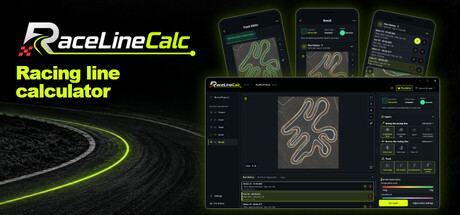
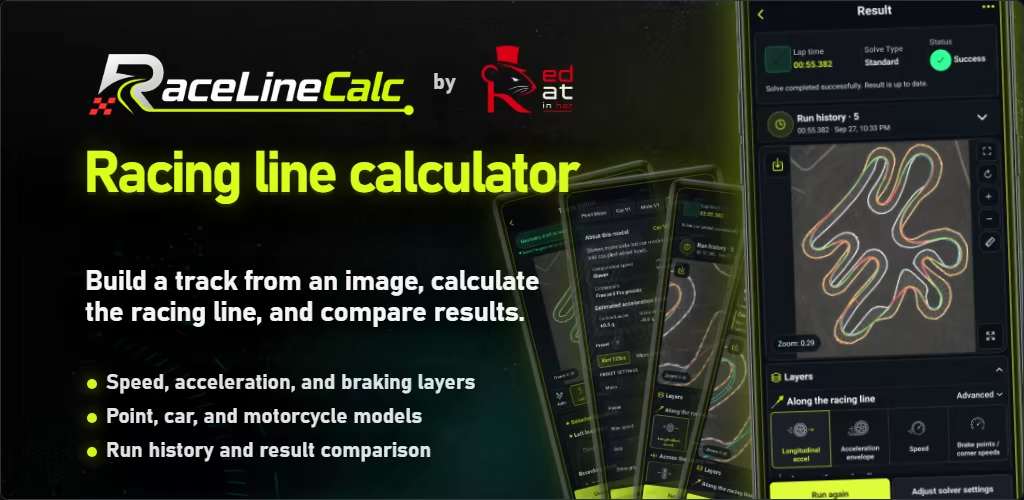
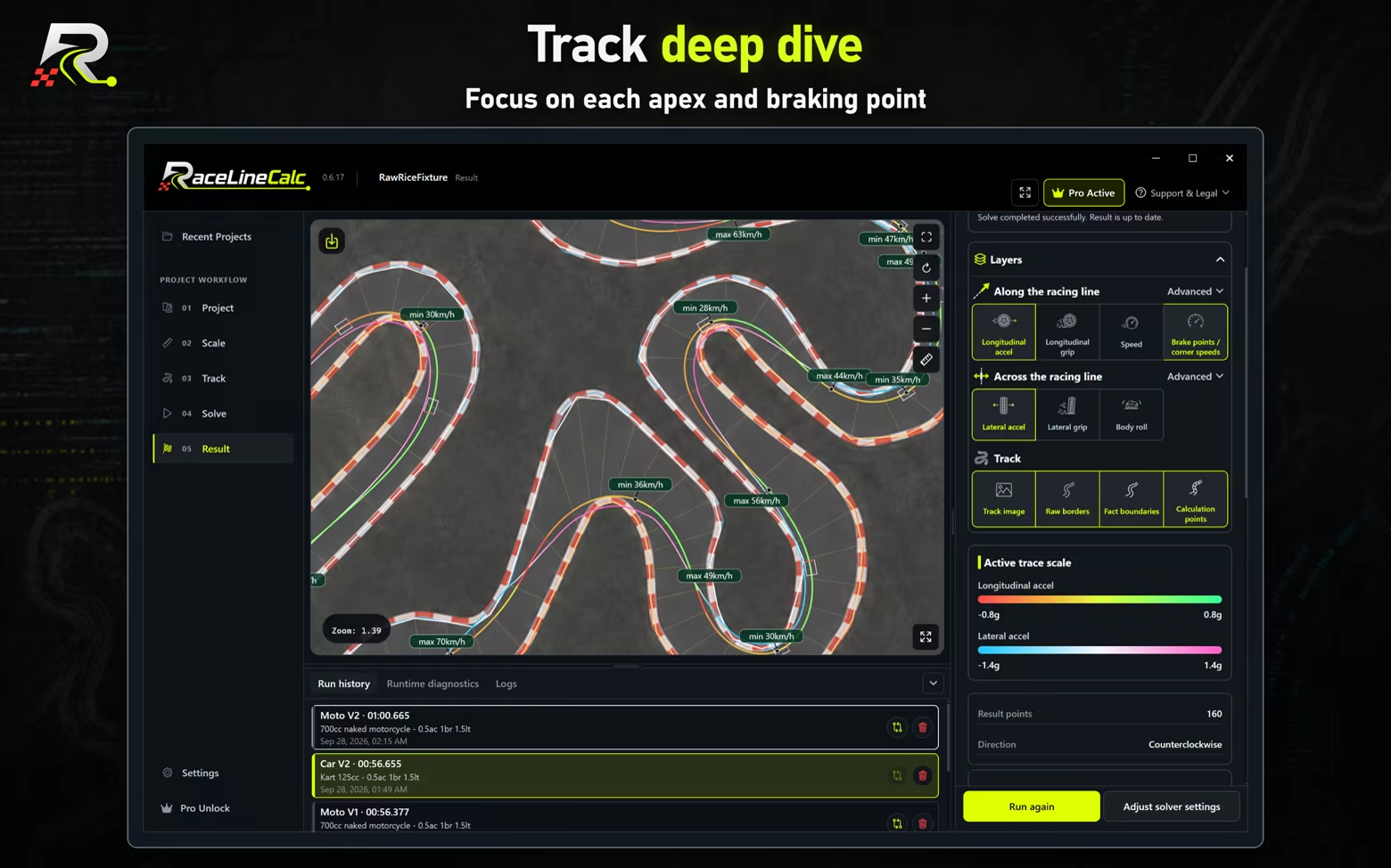
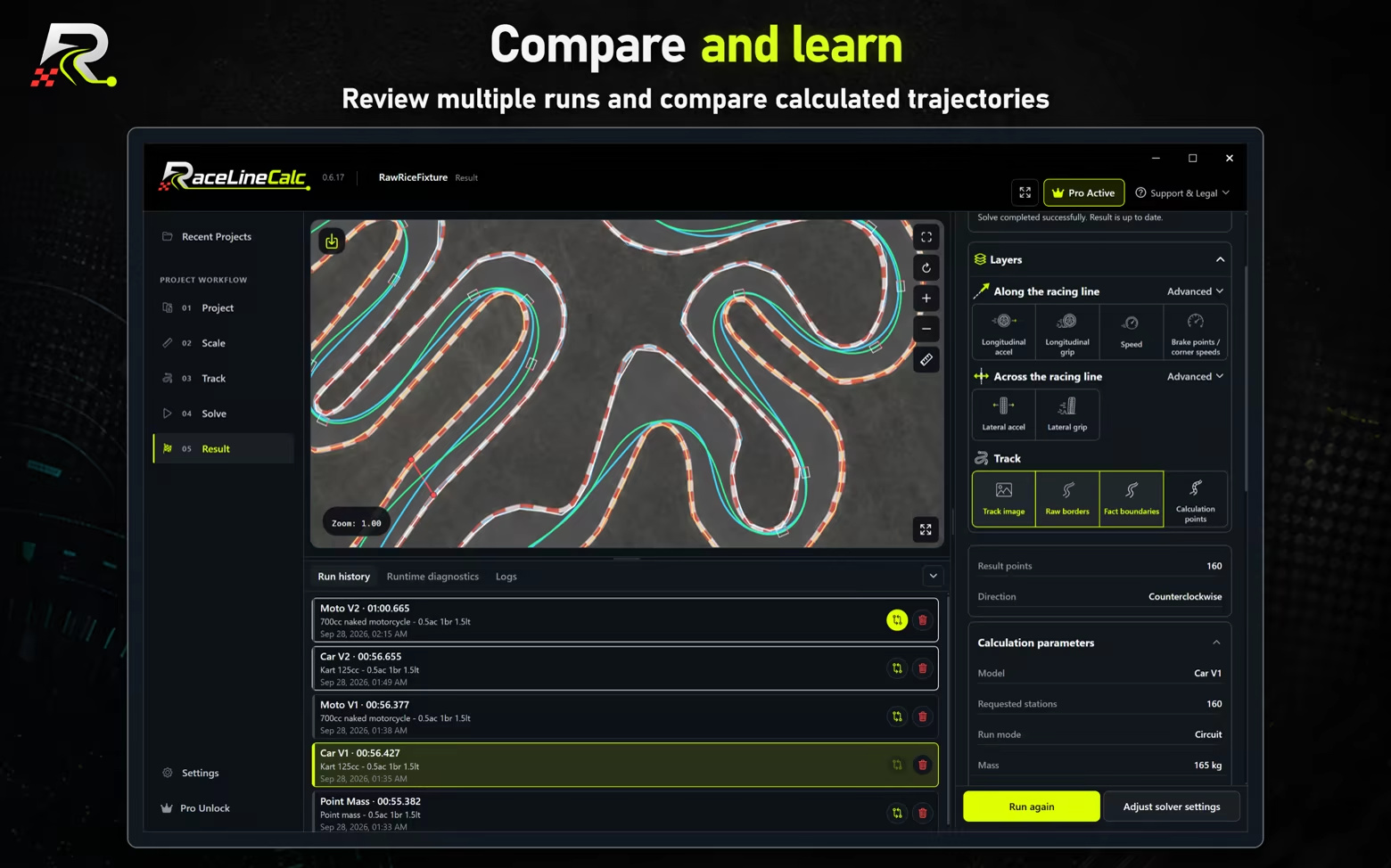
Optimize racing lines from your own track image to improve your lap times. For sim racing and motorsport: five physics models for cars, motorcycles and karting, speed, braking and acceleration analysis, and run comparison. Calculations run on your computer.

Sign in to add this item to your wishlist, follow it, or mark it as ignored

Download RaceLineCalc Demo: Track Analyzer

Buy RaceLineCalc: Track Analyzer


About This Software

RaceLineCalc is also available as a mobile app on Google Play and the App Store.


RaceLineCalc calculates a racing line from your own track image, map, plan, sketch, or satellite screenshot. Use the optimized racing line to improve your lap times.


Use track analysis to study apex placement, cornering, braking points, speed, and lap time.

A practical tool for motorsport, racing, and sim racing.

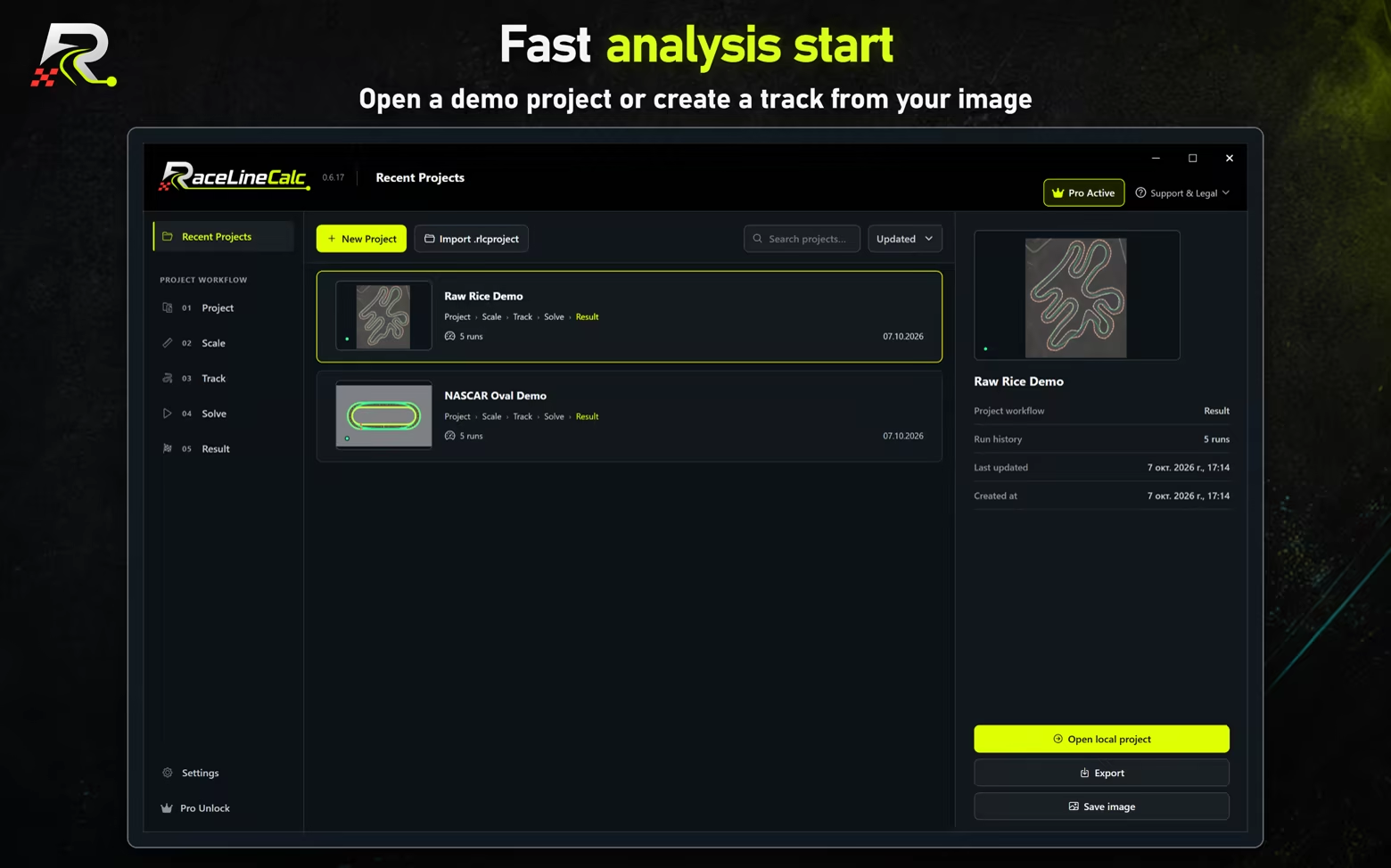
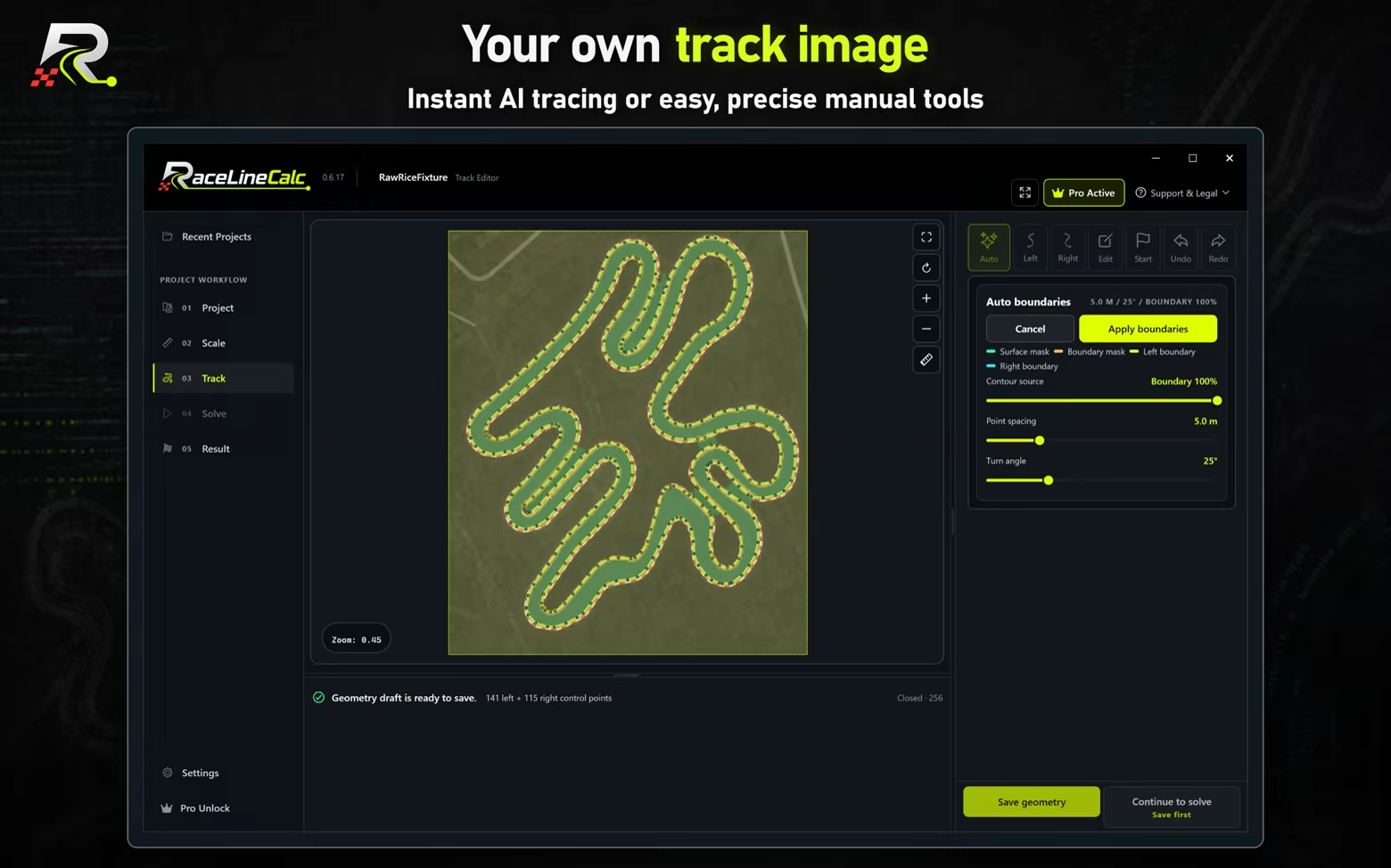
Create a track project


  • Import an image and calibrate it with a known real-world distance.
  • Trace the left and right track boundaries and place the start/finish reference.
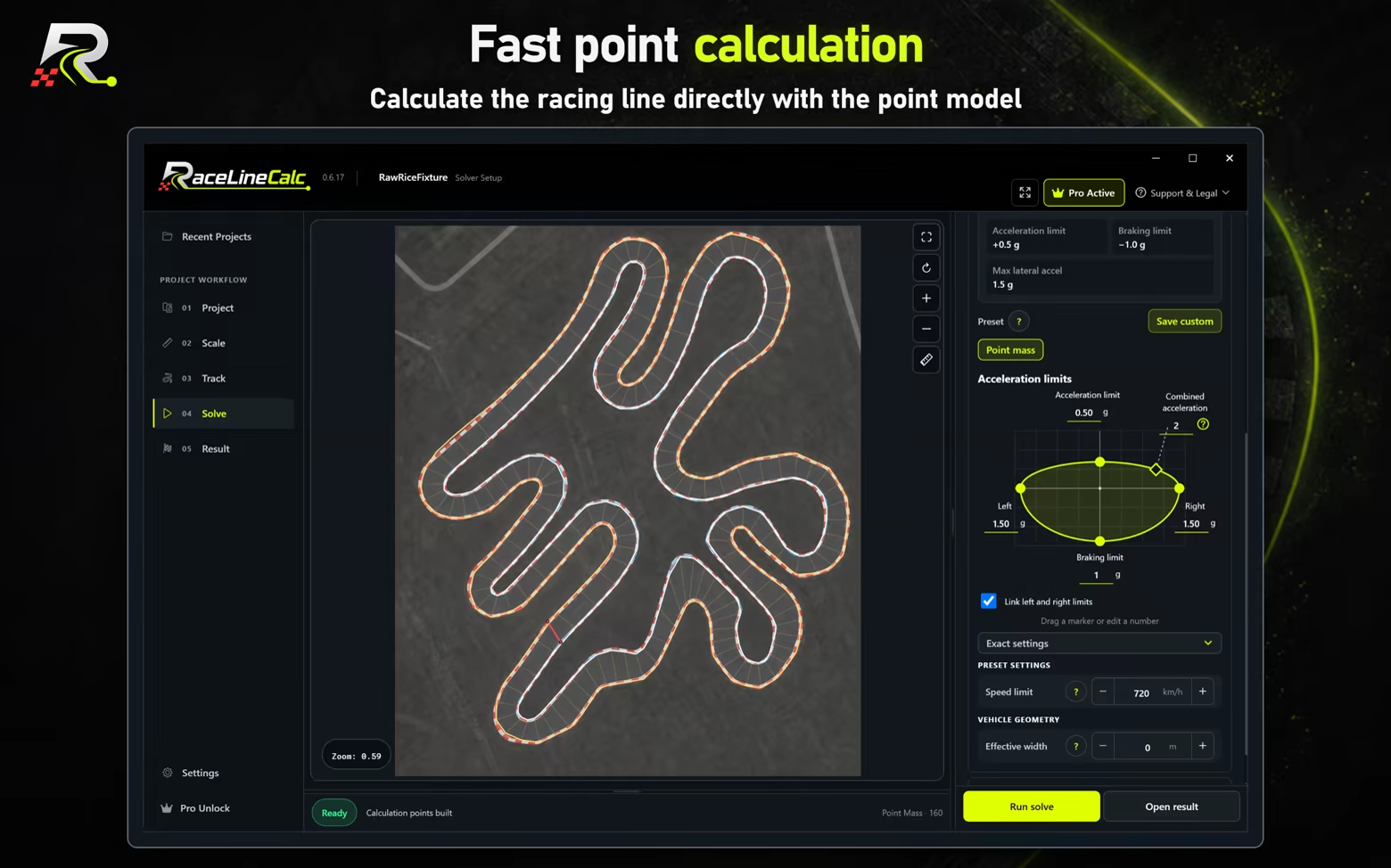
  • Choose a point-based, car-based, or motorcycle-based model and a vehicle preset.
  • Run the calculation on your device.

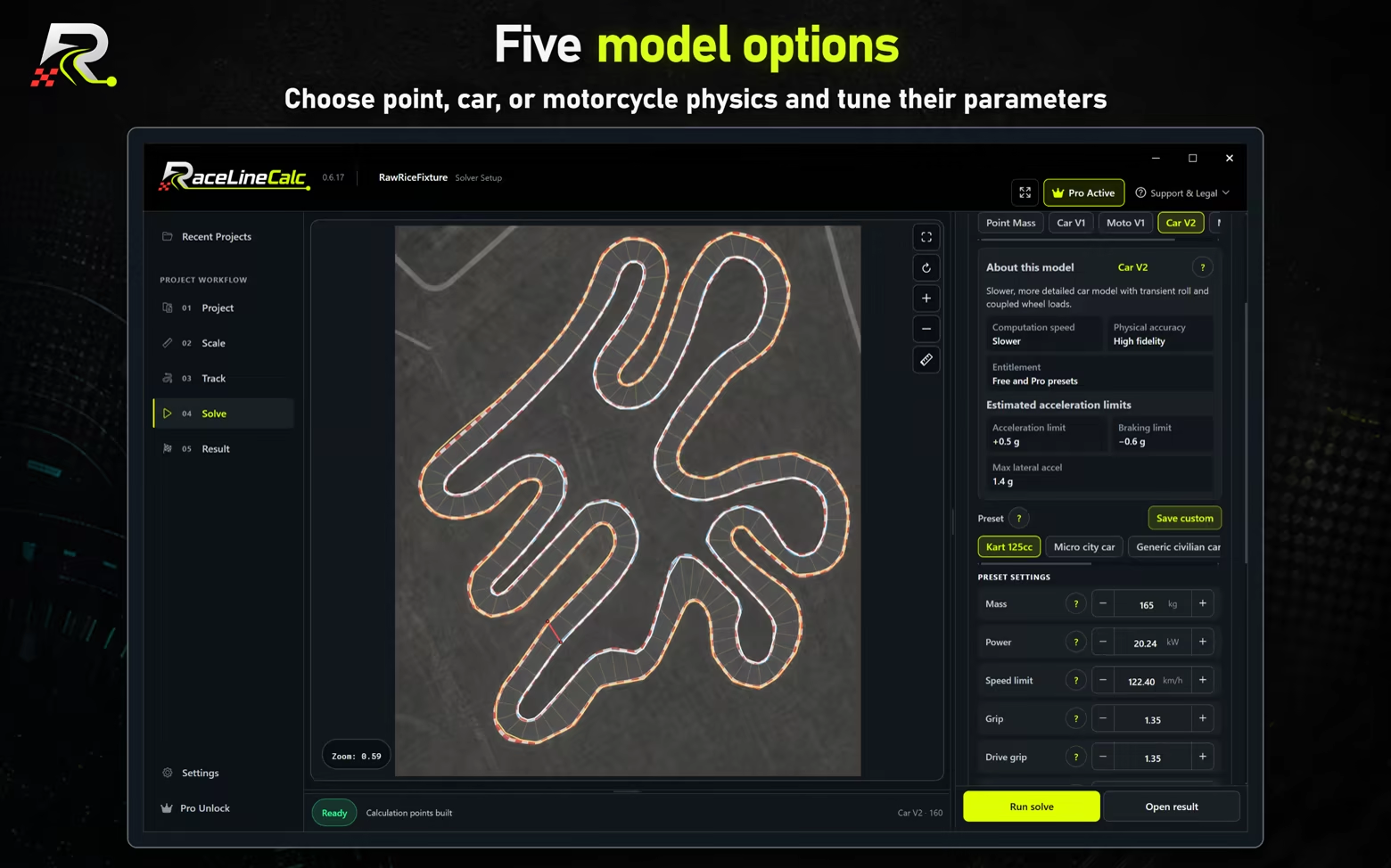
Five physics models


The point-based model quickly calculates a stable racing line. Car and motorcycle models add vehicle mass, power, grip, braking, dimensions, steering, and lean-related parameters. Presets cover karting, road cars, track cars, and motorcycles, while advanced controls allow deeper experiments.

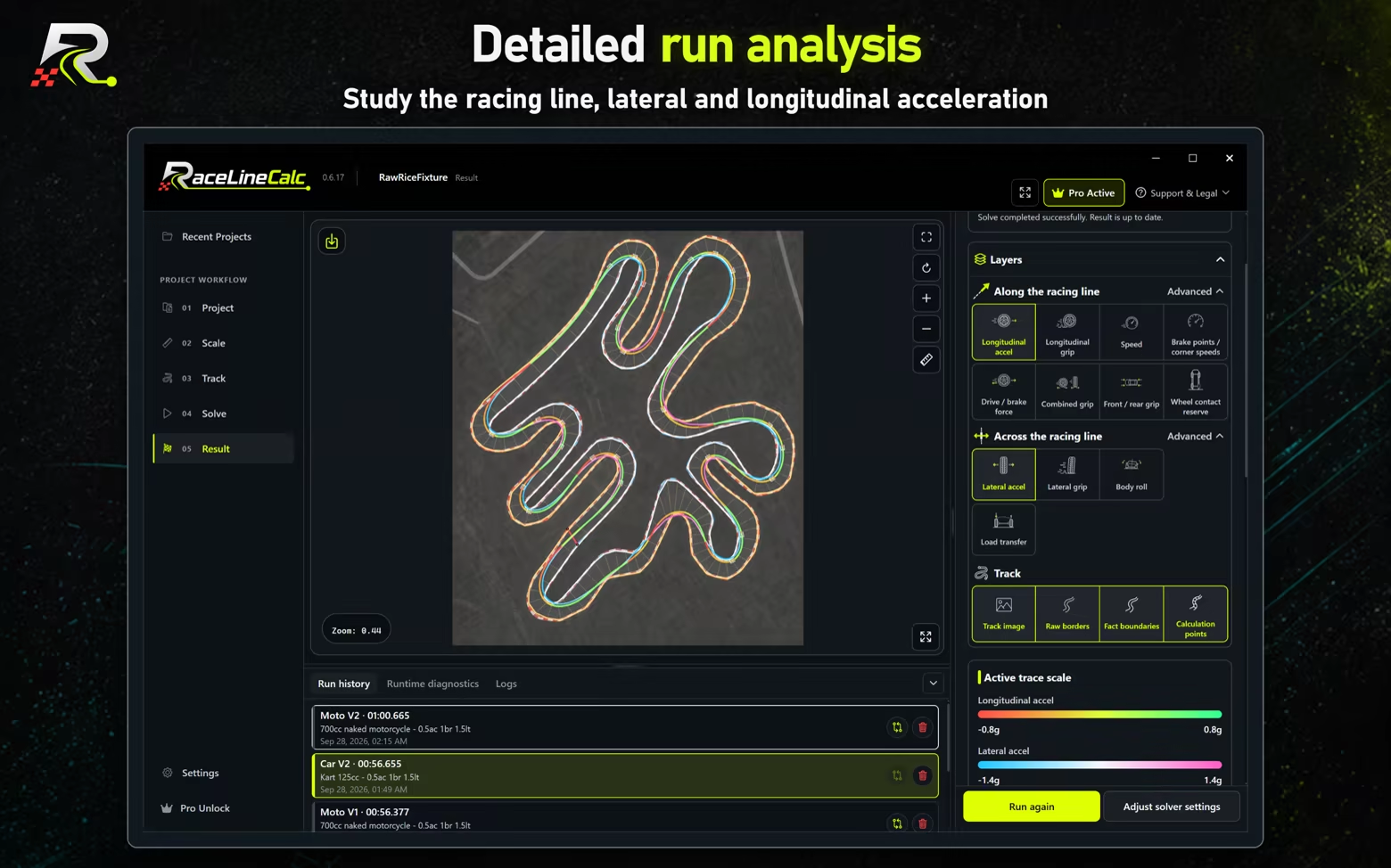
Review the result


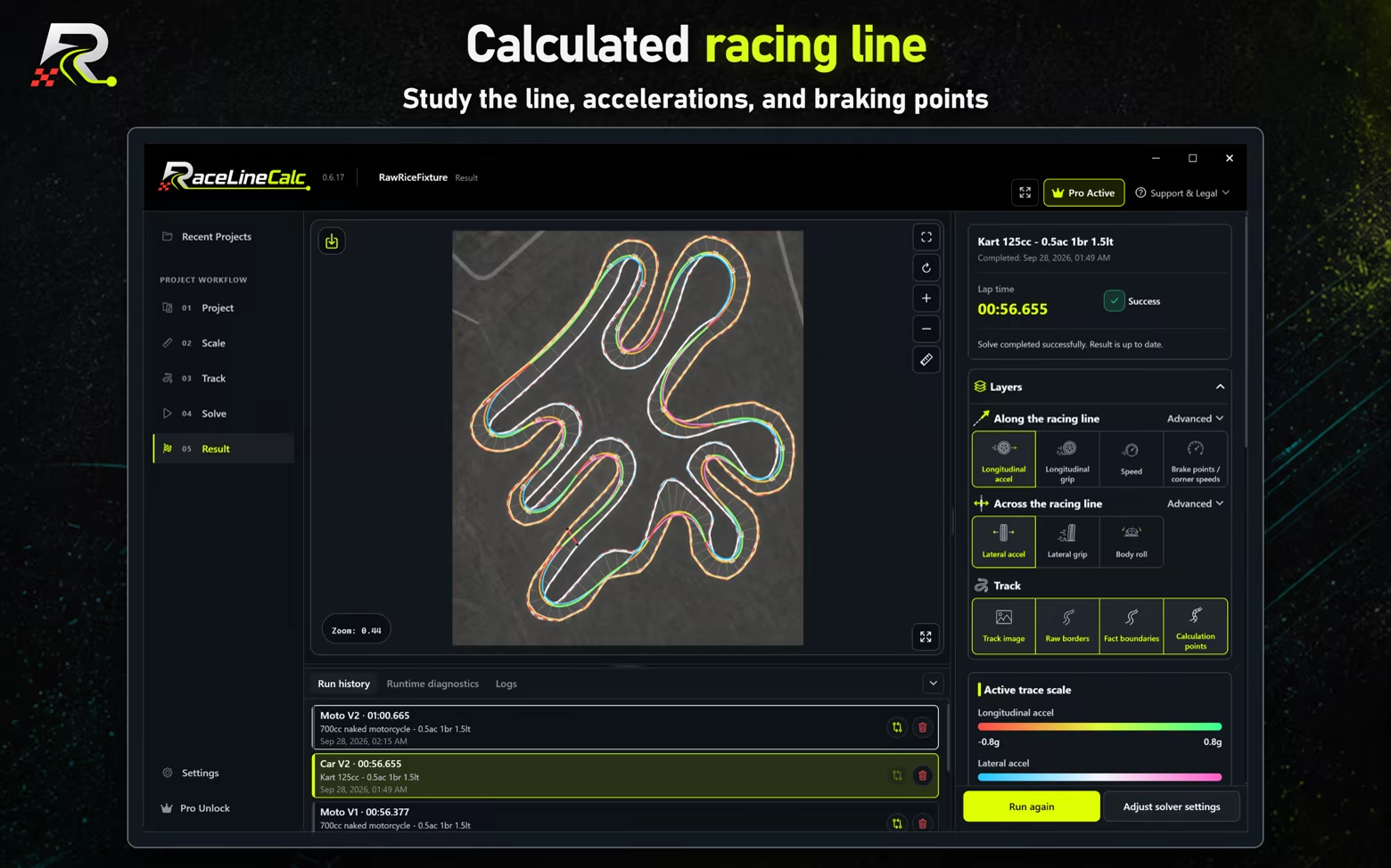
  • Calculated racing line and lap time.
  • Speed, longitudinal acceleration, lateral acceleration, and braking points.
  • Calculation stations, source boundaries, and generated track geometry.

Compare saved runs

  • Run history and comparison of compatible results on the same track.

Local-first workflow

RaceLineCalc is local-first: the calculation runs on the device, and the core project flow does not require an account or upload your track project to a RaceLineCalc server.

Model scope

RaceLineCalc calculates on a calibrated flat track model. Elevation, banking, jumps, ruts, changing grip, weather, traffic, live surface conditions, and other real-world factors remain outside the current model. Always combine the calculation with real track knowledge and safe driving or riding practices.

AI Generated Content Disclosure

The developers describe how their game uses AI Generated Content like this:

Generative AI assisted with localization, text and promotional artwork during development. RaceLineCalc does not generate AI content at runtime or connect to generative AI services during use. Racing lines are calculated by numerical optimization using physical models.

System Requirements

Windows
macOS
    Minimum:
    • Requires a 64-bit processor and operating system
    • OS: Windows 10 22H2 (64-bit) or Windows 11
    • Processor: x86-64 processor
    • Additional Notes: Requires a 64-bit processor and operating system. Microsoft Edge WebView2 Runtime is required. Calculation time depends on track complexity, the selected physical model, and calculation settings.
    Recommended:
    • Requires a 64-bit processor and operating system
    Minimum:
    • Requires an Apple processor
    • OS: macOS 12.0 or newer
    • Processor: Apple Silicon (M1 or newer). Intel Macs are not supported.
    Recommended:
    • Requires an Apple processor
Review Filters