Aby zagrać w tę zawartość, wymagana jest podstawowa wersja gry TAROTICA VOO DOO na Steam.

Zaloguj się, aby dodać tę pozycję do listy życzeń, zacząć ją obserwować lub oznaczyć jako ignorowaną

Polski język nie jest obsługiwany

Ten produkt nie obsługuje twojego lokalnego języka. Przed zakupem zapoznaj się z listą obsługiwanych języków, która znajduje się poniżej.

Zawartość do pobrania

Aby zagrać w tę zawartość, wymagana jest podstawowa wersja gry TAROTICA VOO DOO na Steam.

Pobierz TAROTICA VOO DOO - CHRONICLES OF TAROTICA VOO DOO

Free to Play
 

O tym DLC

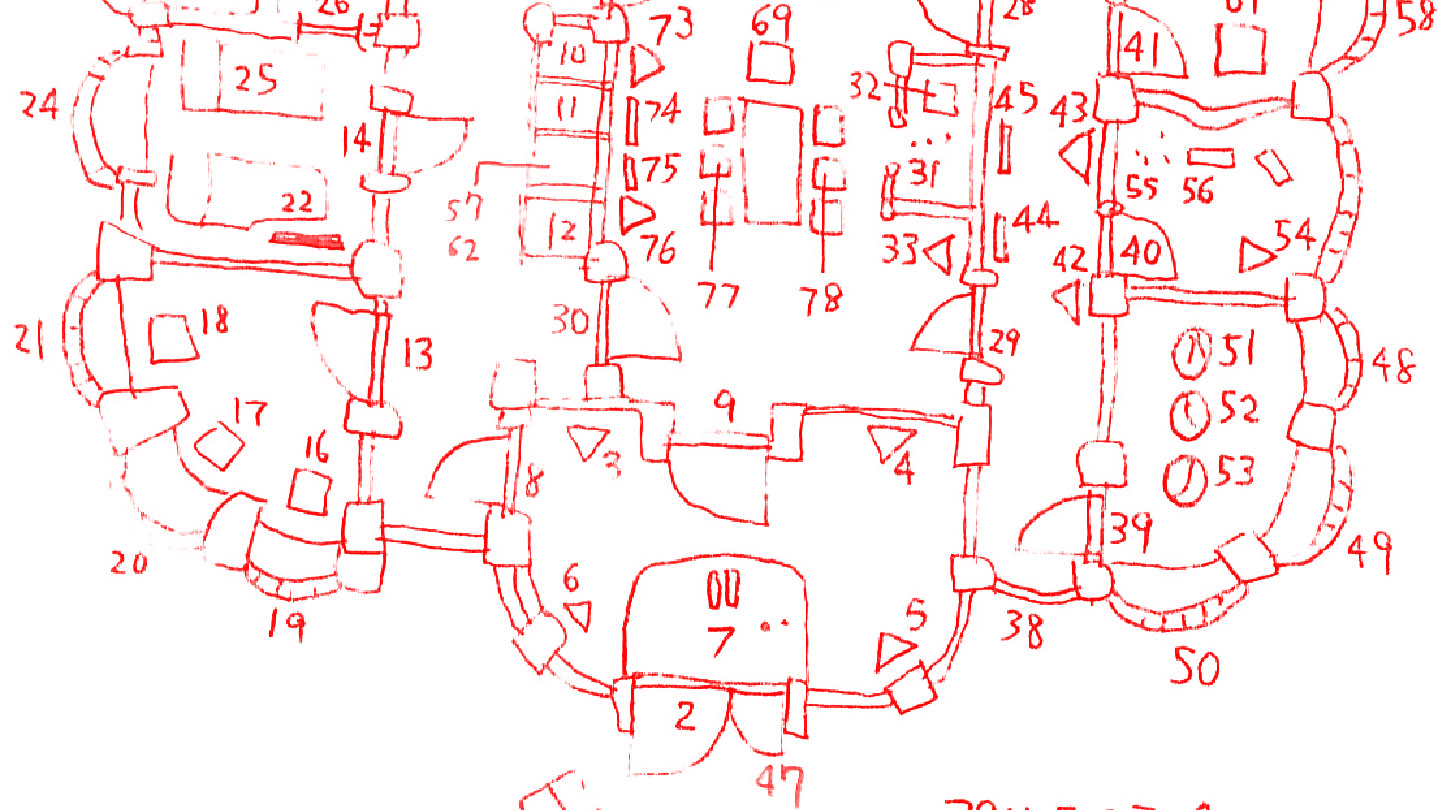
This is a free, hand-written pdf document describing all about TAROTICA VOO DOO, including technical details, the making of, history, tools, etc.

41 pages long. This is the "First+1" edition.

The 2nd edition, planned for release later this year, will detail the 3-year struggle to create the hidden tutorials in the game. It will also include documents from the beginning of TAROTICA's development.

This document is currently available in English and Japanese, and we hope to add more languages in the future!

This DLC is highly recommended reading for after you complete the game. If you find out the answer to a puzzle in the game with this document (or from someone else), the satisfaction of solving it by yourself will be lost !!
But you can read this document by skipping the answer page :-)

Instructions

(Note: Pressing the "Download" button on this page just seems to start up the main game. Instead, please follow the method described below in order to access the DLC.)

1. Select TAROTICA VOO DOO in your Steam Library and install this DLC.
2. Select TAROTICA VOO DOO in your Steam Library and press the PLAY button.
3. A selection window will appear. Select "CHRONICLES OF TAROTICA VOO DOO" and press PLAY.
4. The folder containing the pdf files for this DLC should appear. Open the pdf for the language of your choice with your favorite pdf reader software.

After installing the DLC, another way to access the folders containing the pdfs is as follows: Right-click TAROTICA VOO DOO in your Steam Library, then select Properties>Local Files>Browse Local Files. The "TAROTICA VOO DOO" folder should then open. Open the "Chronicles" sub-folder to access the pdfs.

Wymagania systemowe

    Konfiguracja minimalna:
    • System operacyjny *: Windows XP, 7, Vista, 10
    • Procesor: Intel
    • Pamięć: 50 MB RAM
    • Miejsce na dysku: 50 MB dostępnej przestrzeni
* Począwszy od 1 stycznia 2024, klient Steam będzie obsługiwał wyłącznie system Windows 10 i jego nowsze wersje.
Brak recenzji dla tego produktu

Możesz napisać swoją własną recenzję dla tego produktu, żeby podzielić się swoimi wrażeniami ze społecznością. Użyj obszaru, który znajduje się na tej stronie nad przyciskiem zakupu, żeby napisać swoją recenzję.