Medicalholodeck – Medical imaging, AI and anatomy in 3D
Explore medical imaging and human anatomy in interactive 3D. Turn CT and MRI into patient-specific 3D anatomy with AI, study anatomical models and real human dissections, and work across standard displays, touchscreens, stereoscopic 3D and VR.

Sign in to add this item to your wishlist, follow it, or mark it as ignored

VR Supported

Use Medicalholodeck – Medical imaging, AI and anatomy in 3D

Free To Play
 

Reviews

“⭐⭐⭐⭐⭐ As a first-year medical student, I loved this app because it gave me a new perspective on many structures that are difficult to grasp in lessons, textbooks, and artificial models used in seminars. I especially appreciate the ability to use multiple headsets, and I intend to use it to collaborate with my friends worldwide.”
I love this app – Jakub

“⭐⭐⭐⭐⭐ Found this one of the best DICOM viewers in spatial computing. The CLUT adjustment works well on MRI recons and I have actually been using this for pre op planning with anonymisation. Game changer.”
Best DICOM Viewer – AiJith

“⭐⭐⭐⭐⭐ Great app for learning! Love being able to take the anatomy apart in my living room! It’s like the brain scene from iron man 3! Spectacular”
Great App for Learning – Tommy

About This Software

Medical imaging, AI and anatomy in 3D

Medicalholodeck brings medical imaging, AI and human anatomy into one interactive 3D environment.

Explore CT and MRI as interactive 3D volumes. Create patient-specific 3D anatomy with AI. Study detailed anatomical models and real human dissections. Teach, present and collaborate using the same medical content across standard displays, large touchscreens, stereoscopic 3D displays and virtual reality.

One platform for medical education, training and advanced visualization.

Explore medical imaging in 3D

Medical imaging contains rich spatial information. Medicalholodeck makes it directly accessible in three dimensions.

Import DICOM datasets including CT, MRI, CBCT, ultrasound, PET and SPECT. Explore volumetric data from any perspective, combine 3D visualization with multiplanar reconstruction, isolate anatomical structures, take measurements and create 3D models from imaging data.

The same dataset can be explored on conventional displays, large touchscreens, stereoscopic 3D displays and in virtual reality.

Create 3D anatomy with AI

Turn volumetric imaging into patient-specific 3D anatomy.

Medicalholodeck AI automatically segments anatomical structures from medical imaging. Organs, bones, vessels, muscles and other structures can be identified and explored individually or together with the original dataset.

Segmented structures can be converted into 3D meshes, creating a direct workflow from medical imaging to interactive anatomical models.

Learn anatomy in 3D

Anatomy is spatial. Study it that way.

Explore more than 2,000 anatomical structures in an interactive 3D human anatomy atlas. Isolate structures, examine anatomical relationships and approach the human body from any perspective.

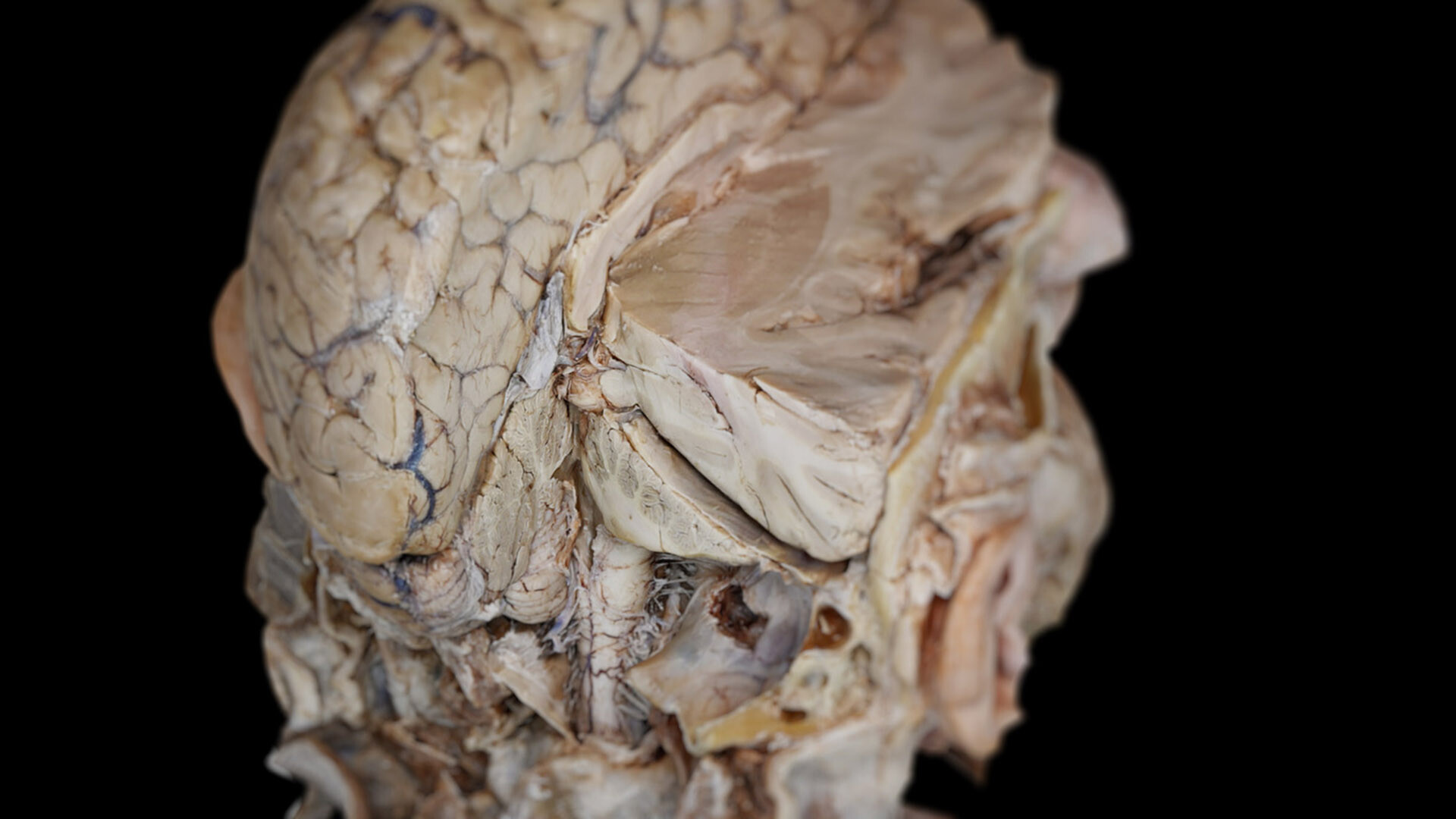
Then go beyond anatomical models with professionally prepared human dissections and more than 3,000 anatomical annotations.

Go beyond models. Explore real detail.

One platform. Every display.

Medicalholodeck is not limited to the VR headset.

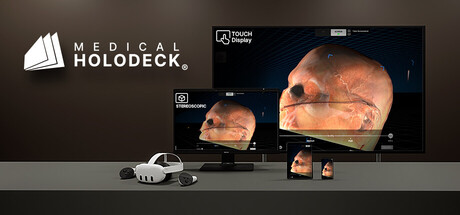
Use the same medical content across standard displays, large touchscreens, stereoscopic 3D displays and virtual reality.

Start on a conventional Windows PC. Move to a touchscreen for direct interaction. View anatomy and medical imaging with spatial depth on a stereoscopic display. Enter the dataset in VR and explore it at its actual spatial scale.

Medicalholodeck can also mirror content across multiple displays, allowing one user to work in VR while others follow the same session on 2D or stereoscopic 3D screens.

Teach and collaborate in 3D

Bring spatial visualization into anatomy courses, medical imaging education and simulation labs.

Instructors can explore anatomy or medical imaging while students follow the same content on different displays or participate in a shared spatial session.

TeamXR connects multiple users around the same medical content. Participants can explore structures, discuss anatomy and review medical imaging together.

RecordXR can capture spatial content, movement, voice, annotations and interactions, turning live sessions into reusable lectures, demonstrations and spatial learning material.

Explore. Understand. Teach. Collaborate.

Inside Medicalholodeck

Medical Imaging XR
Explore DICOM data in 2D and interactive 3D with volume rendering, MPR, measurements, annotations and segmentation tools.

Medicalholodeck AI
Automatically segment anatomical structures from medical imaging and transform volumetric datasets into structured 3D anatomy.

Anatomy Master
Study more than 2,000 anatomical structures using an interactive 3D human anatomy atlas.

Dissection Master
Explore professionally prepared human dissections with more than 3,000 anatomical annotations.

RecordXR
Record and replay complete spatial sessions for education, presentation and documentation.

Built for medical education and professional visualization

Medicalholodeck is designed for medical schools, universities, anatomy departments, simulation centers, healthcare institutions and medical professionals.

Use one environment for anatomy education, medical imaging, spatial teaching, collaborative review and immersive training – from an individual workstation to a complete spatial simulation lab.

Medical students can apply for free access with proof of enrollment.

Professional use

Medicalholodeck and its educational applications are intended for education, training, visualization and communication.

Specialized functionality for professional pre-operative planning and patient information is provided through Medical Imaging XR PRO. Medical Imaging XR PRO is currently undergoing the applicable FDA and CE certification processes and is not yet available as a certified medical device.

System Requirements

    Minimum:
    • Requires a 64-bit processor and operating system
    • OS: 10
    • Processor: i7 2.3 Ghz
    • Memory: 16 GB RAM
    • Graphics: NVIDIA GTX1080
    • Storage: 2 GB available space
    • VR Support: SteamVR
    Recommended:
    • Requires a 64-bit processor and operating system
    • OS: 10
    • Processor: i7 2.3 Ghz
    • Memory: 16 MB RAM
    • Graphics: NVIDIA GTX1080 TI or higher
    • Storage: 2 GB available space
    • VR Support: SteamVR
Review Filters