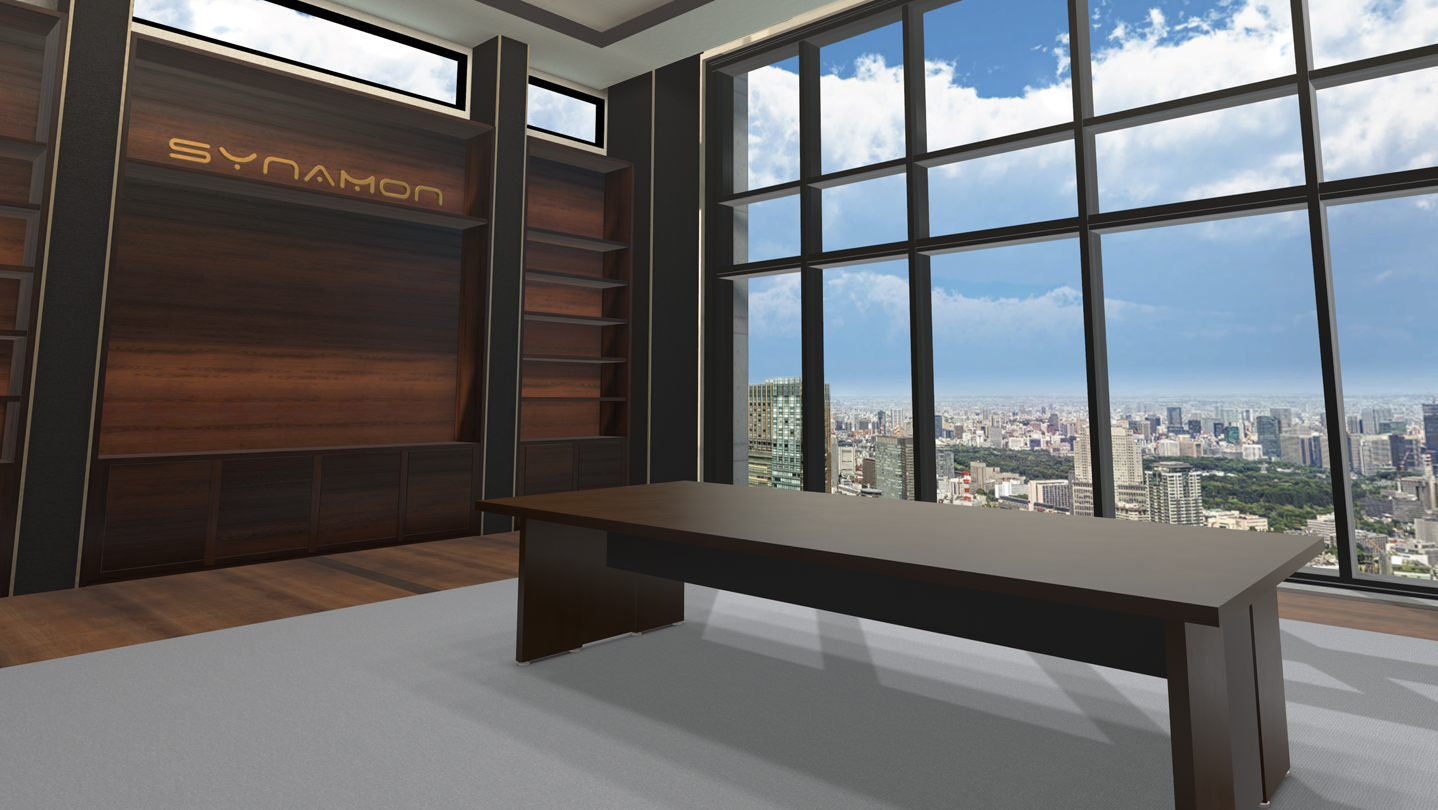
NEUTRANS is a VR collaboration service for business which realizes conversations beyond reality.

Inicia a sessão para adicionares este artigo à tua lista de desejos, segui-lo ou ignorá-lo.

Não disponível em Português (Portugal)

Este produto não está disponível no teu idioma local. Verifica a lista de idiomas disponíveis antes de fazeres a compra.

Compatível com R.V.

Usar NEUTRANS

Grátis
 

Acerca deste software

NEUTRANS is a VR collaboration service for business which realizes conversations beyond reality.
Sharing the VR space with multiple people, NEUTRANS BIZ activates creativity and interactive communication such as brainstorming and discussion.

NEUTRANS can be used for a wide range of business scenes without customization.

DISCUSSION
In this space, you can discuss with multiple people while showing images, movies, and PDF documents.
Also, utilizing the 360° image, it is possible to share the reality without being the actual place.

BRAINSTORMING
With multiple functions such as whiteboard and pen which you can use intuitively, we activate the creative conversation such as brainstorming.
Also, you can share the outputs easily by using cameras and saving functions.

DESIGN REVIEW
Utilizing the 3D data, you can share the visual images which were difficult to convey with words.
You can prevent misunderstanding among the multiple people by checking the size and shape sterically in the VR space.

Requisitos do Sistema

    Mínimos:
    • Requer um sistema operativo e processador de 64 bits
    • Sistema Operativo: 7/8/10
    • Processador: Intel i5-4590 equivalent or greater
    • Memória: 8 GB de RAM
    • Placa gráfica: NVIDIA GeForce GTX970 / AMD Radeon R9 290 or greater
    • Espaço no disco: Requer 2 GB de espaço livre
    • Compatibilidade com R.V.: SteamVR or Oculus PC
    Recomendados:
    • Requer um sistema operativo e processador de 64 bits

Análises de utilizadores - NEUTRANS Sobre as análises de utilizadores As tuas preferências

Análises no geral:
Positivas (14 análises)


Para veres análises feitas num certo intervalo de datas, clica e arrasta uma seleção num gráfico acima ou clica numa barra específica.


Filtrar análises por tempo de jogo do utilizador quando a análise foi escrita:


Sem mínimo até Sem máximo

Mostrar análises na ordem de apresentação selecionada


Mais informações
Filtros
A excluir atividade de análises irrelevantes
Tempo de jogo:
Jogado principalmente no Steam Deck
Sistema operativo:
CPU:
GPU:
Tipo de dispositivo: