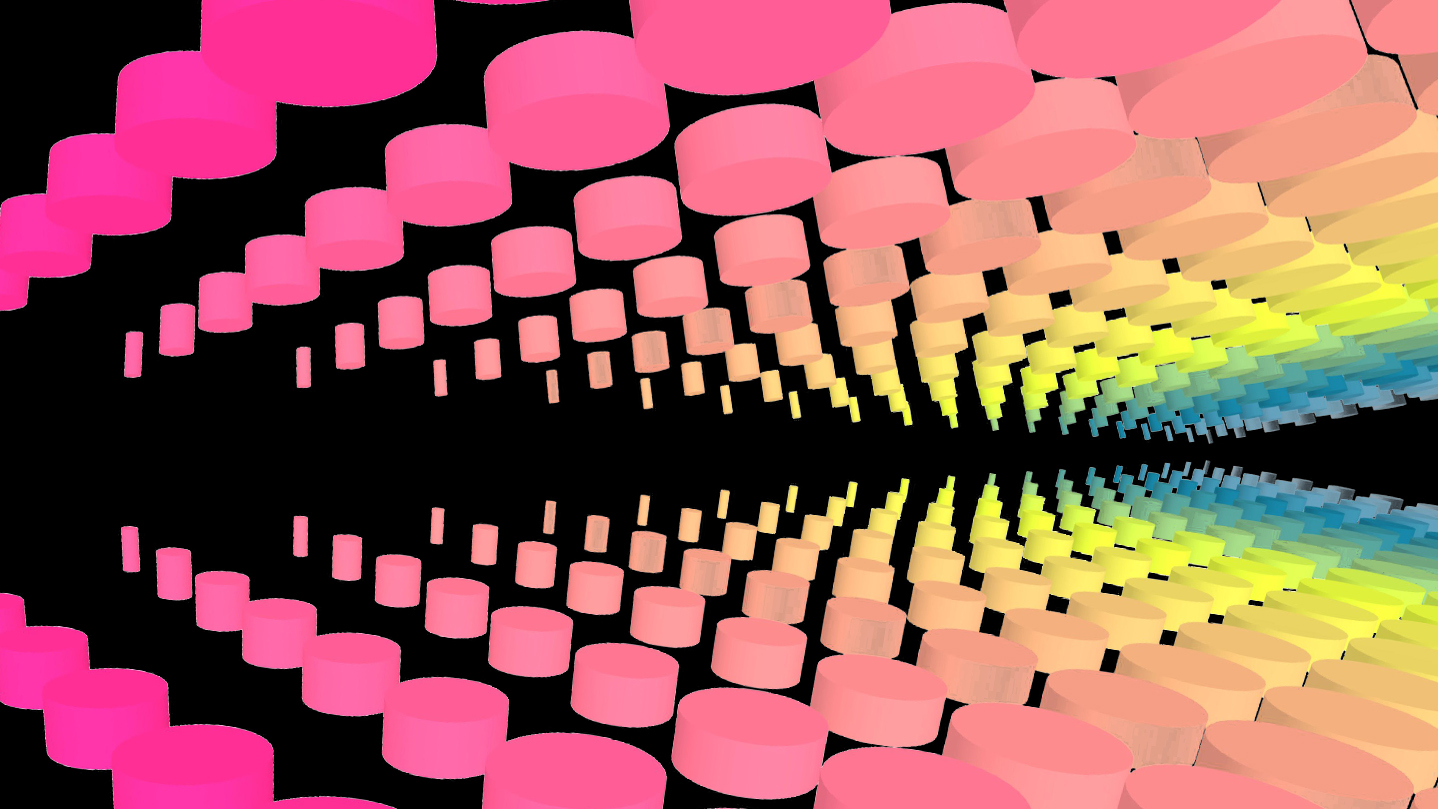
Create your first 3D or VR experience! Simmetri is a game engine and playground designed to teach you how to build interactive 3D experiences. Let Simmetri's interactive tutorials teach you the features and techniques you'll need to build the experience of your dreams.

로그인하셔서 게임을 찜 목록에 추가하거나, 팔로우하거나 또는 제외로 지정하세요.

앞서 해보는 소프트웨어

이 소프트웨어가 개발되는 과정에 참여하세요.

주의 사항: 이 앞서 해보기 소프트웨어는 완성되지 않았으며 앞으로 더 변하거나 변하지 않을 수 있습니다. 현재 상태의 소프트웨어가 흥미롭지 않다면 이 소프트웨어가 개발을 거치며 발전하는지 살펴보는게 좋습니다. 앞서 해보기에 대해 더 알아보세요.

참고: 개발사에서 5년 전에 마지막으로 업데이트했습니다. 개발사에서 제공한 게임 정보 및 개발 일정은 최신 정보가 아닐 수 있습니다.
개발자의 한마디:

왜 앞서 해보기를 진행하나요?

“We see Early Access as a way to build a core community of creators and educators and collaborate with them: imagining and developing new interactive tutorials, tools and features as well as establishing our culture, learning our best systems for communicating, sharing, and teaching/learning. We're eager to support you, the creator.”

이 소프트웨어는 대략 얼마간 앞서 해볼 수 있나요?

“Late 2020”

정식 버전은 앞서 해보기 버전과 어떻게 달라지나요?

“We are targeting on releasing additional interactive tutorials and multi platform support.”

앞서 해보기 버전은 현재 어떤 상태인가요?

“Simmetri has been in a process of build and refinement for several years now. It's ready to be enjoyed and fully able to help you create, animate, script, share and present vast worlds of experiences.”

이 소프트웨어는 앞서해보기 기간동안 가격이 달라질 수도 있습니까?

“We’re not sure. We honestly hope the community of Early Access users can offer guidance here.”

개발 과정에서 어떻게 커뮤니티와 소통할 계획인가요?

“We love creativity fueled by community and community fueled by creativity. This creative community is our primary goal at Simmetri. We are fostering a vibrant community of creators and educators.”
더 읽어보기
한국어(을)를 지원하지 않습니다

이 제품은 귀하의 로컬 언어를 지원하지 않습니다. 구매하기 전에 아래에 있는 지원하는 언어 목록을 확인해주세요.

주의: Simmetri 제품은 더 이상 Steam 상점에서 이용할 수 없습니다.
 
모든 토론 보기

이 소프트웨어의 버그를 신고하고 피드백을 토론 게시판에 남겨주세요

소프트웨어 정보

Level-up your creativity!


Simmetri is a fully featured creative playground with an interactive in-app learning system that teaches you how to build 3D and VR experiences. Its powerful custom-built 3D engine was designed to let you learn, play and create.

  • Learn to create immersive music videos, interactive VR experiences, music visualizations, games and more.
  • Go deep with hundreds of tweak-able properties and elements that can be animated with timelines, signals, pulses and more.
  • Play and experiment using physics and in-built toys without coding.
  • Lua Scripting: For coders or those learning to code, a built-in code editor enables endless interactive possibilities.
  • Export your creations directly as your own application (.exe), through the Steam Workshop, or performed live as interactive projections (full version only)

Creativity Features:

  • Model with numerous geometries, mesh modifiers. Fusing and mesh-editing options.
  • Import 3D models (including Google Blocks, Tiltbrush and Quill, Paint 3D, Tinker CAD)
  • Real-time physics with soft bodies and ropes. Control gravity, slow down or speed up time, or add constant forces to individual objects.
  • Physics tools like impulse emitters, hinges and other constraints.
  • Spatial audio system, in-world sounds and soundtracks.
  • Large-scale terrain modeling
  • Realistic sky and oceans, distant horizon spaces and skybox support
  • Control looks with materials, lights, particle emitters and environmental effects like fog and haze.
  • A full camera system w/ lens models and image filters. Quickly create multiple camera setups.
  • Flexible, extendable UI.

Animation Features:

  • Timelines allow you to keytrack hundreds of object properties.
  • Live-record object movements for replay.
  • Package up animations with "Unit+Timeline": allows you to trigger them when you want, or clone them hundreds of times over.
  • Signals: sine-waves signals, easing signals control properties
  • Audio-reactive signals connect music to properties or actions you want.
  • Script-tracks: allow timelines to control exactly when scripts fire and events happen.

Interactivity Features:

  • Tools to quickly make objects interactive, so you can interact with them in VR, for instance
  • Simple LUA scripting for adding complex interactivity with drag-and-drop support for accessing objects in script quickly
  • Pre-built interactive actors for quickly creating cars, helicopters, rolling objects and characters.
  • Game/VR controller, mouse and keyboard-driven player controls.

Import:

  • Import your 3D objects: OBJ, DAE, FBX, and dozens of other supported file formats. (*Note: not all features of every file format are supported. The early release mainly supports static scene data import).
  • Import and work instantly with your creations from Google Blocks and Tiltbrush
  • 2D images / textures: (JPG, GIF, PNG, TIFF)
  • Sounds/soundtracks: (WAV, MP3, OGG)

Export:

  • "Export as Application": packages your Simmetri show (aka: "universe") as a standalone folder containing your show as an executable file.
  • Share to Steam Users via the Simmetri Steam Workshop

Live Features:

  • Visualize line-in and microphones
  • MIDI input support
  • OSC input/output support
  • Spout/NDI: Works with your favorite VJ or broadcast tool (input + output)
  • Works for both VR and non-VR (screen/projector) setups
  • Set arbitrary video output formats / resolutions beyond 4K.
  • DomeMaster format
  • Red/blue 3D glasses output
  • 360 video output (dev mode)

시스템 요구 사항

    최소:
    • 64비트 프로세서와 운영 체제가 필요합니다
    • 운영 체제: Windows 10
    • 프로세서: Intel® i5-4590 / AMD FX 8350 equivalent or greater
    • 메모리: 8 GB RAM
    • 그래픽: NVIDIA GeForce® GTX 970 / AMD Radeon™ R9 290 equivalent or greater
    • DirectX: 버전 11
    • 저장 공간: 500 MB 사용 가능 공간
    권장:
    • 64비트 프로세서와 운영 체제가 필요합니다

Simmetri에 대한 사용자 평가 사용자 평가 정보 환경 설정

종합 평가:
긍정적 (평가 19개)


특정 날짜 범위에 속하는 평가를 보려면, 위의 그래프에서 선택 항목을 클릭한 후 드래그하거나 원하는 바를 클릭하세요.


평가를 작성한 시점의 사용자 플레이 시간을 기준으로 평가를 필터링:


최소 시간 없음 ~ 최대 시간 없음

선택한 표시 순서로 평가 보기


자세한 정보
필터
게임과 관련없는 평가 활동 제외
플레이 시간:
주로 Steam Deck에서 플레이
운영 체제:
CPU:
GPU:
기기 유형: