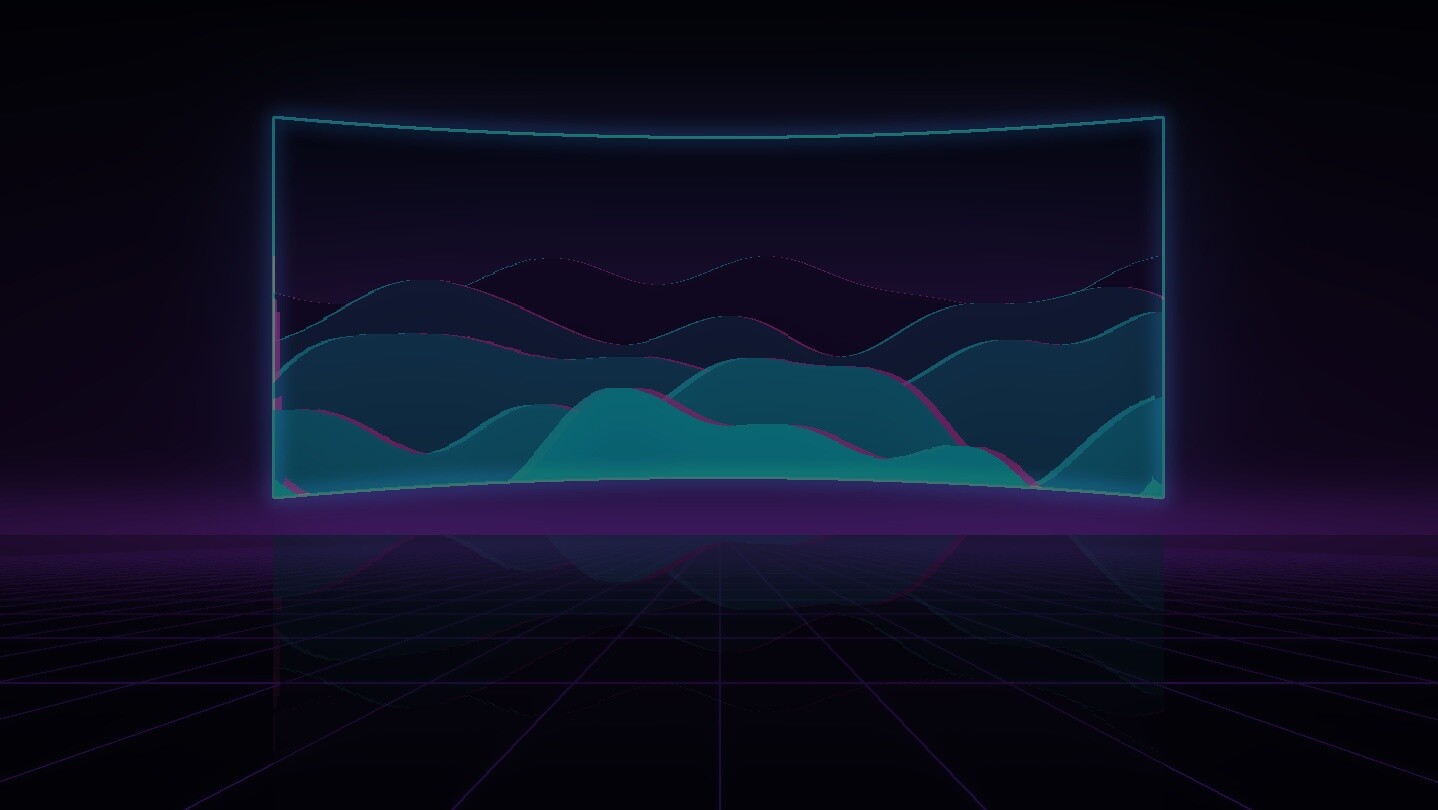
Play your flat PC games on a giant 3D screen in VR. VRX3D captures the game window, works out the depth of every frame live on your graphics card, and shows it in stereo on a big screen in a dark room lit by the picture. Keep your keyboard, mouse or controller.
Release Date:
November 2026
Developer:
Publisher:
Tags

Sign in to add this item to your wishlist, follow it, or mark it as ignored

This game is not yet available on Steam

Planned Release Date: November 2026

Interested?
Add to your wishlist and get notified when it becomes available.
 

About This Software

Your flat games, in 3D

VRX3D takes any game in a window on your PC and shows it on a huge screen in VR, in stereo 3D. A depth model runs on your own graphics card and estimates how far away everything in each frame is, then draws a slightly different picture for each eye. Cockpits, corridors, landscapes and characters stand out with real depth.

You keep playing exactly as before, with your keyboard and mouse or a gamepad. There is no in-headset menu to learn and no motion controllers are needed: every setting lives in VRX3D's window on your desktop.

Easy to start

  • Easy mode: start your game and bring it to the front. VRX3D counts down and attaches to it by itself.
  • Choose… shows live tiles of your open windows and displays: click one to play it.
  • Whole screen: play an entire display, such as the desktop or a video player.
  • Settings per game: screen size, distance, curve and depth strength are saved for each game.

A screen worth sitting in front of

  • Room: a dark room whose walls, floor and ceiling are lit by the picture, like a cinema. Optional glass walls, reflections and a soft ceiling light.
  • Ambilight: the colours at the edge of the picture glow softly around the screen.
  • Screen curve: wrap the screen around you like a curved television, drawn as a real curved surface for each eye.
  • Desktop when you leave the game: press the Windows key or Alt+Tab and VR shows your desktop; go back and the game returns.

Depth that keeps up

  • A fast depth model (ZipDepth) keeps depth close to the game's frame rate; Depth Anything V2 is available too.
  • Steady depth uses your graphics card's video engine to cut shimmer between frames.
  • Have a second graphics card? Make it the depth GPU so depth never competes with the game.

Not only games

Attach VRX3D to a browser or video player and 2D video becomes 3D on the same screen. Copy-protected streaming services (such as Netflix and Disney+) show as a black picture: Windows blanks protected video in every screen capture, and VRX3D respects that.

Good to know

  • VRX3D estimates depth from a flat picture. It is convincing, especially with clear near and far objects, but it is not the same as a game built for VR. Fast motion and the edges of foreground objects can sometimes distort.
  • It needs a SteamVR headset and a DirectX 12 graphics card. Depth runs alongside your game, so a game that uses the whole graphics card leaves less for depth: running the game at 1080p usually helps, and you will not see the difference in the headset.
  • VRX3D is not code-signed yet. If Windows 11 Smart App Control is turned on, it blocks VRX3D.

Open source

VRX3D is free and open source under the GPL-3.0 licence; its source code is on GitHub as pkellyuk/VRX. Buying it on Steam gets you automatic updates and supports its development.

AI Generated Content Disclosure

The developers describe how their game uses AI Generated Content like this:

VRX3D's store text, artwork and trailer were made with the help of AI tools and reviewed by the developer, and parts of its code were written with AI coding assistants. While you play, VRX3D runs machine-learning depth-estimation models (ZipDepth and Depth Anything V2) on your own graphics card to estimate how far away things are in each frame of your game, so it can be shown in 3D. They do not create new images, text or sound, and nothing is sent online.

System Requirements

    Minimum:
    • Requires a 64-bit processor and operating system
    • OS: Windows 10 version 2004 (64-bit) or Windows 11
    • Processor: 4-core 64-bit CPU
    • Memory: 8 GB RAM
    • Graphics: DirectX 12 GPU, NVIDIA RTX 2060 / AMD RX 6600 class
    • DirectX: Version 12
    • Storage: 1 GB available space
    • VR Support: OpenXR (SteamVR as the OpenXR runtime). Headsets: any SteamVR headset; run on PlayStation VR2, Meta Quest 2 (Link), Pico 4 (Steam Link) and Oculus Rift. Controllers: none needed; you play with your keyboard and mouse or gamepad. Play area: seated or standing.
    • Additional Notes: Depth runs on your graphics card alongside your game. Running the game at 1080p usually helps.
    Recommended:
    • Requires a 64-bit processor and operating system
    • OS: Windows 11 24H2 (64-bit)
    • Processor: 6-core 64-bit CPU or better
    • Memory: 16 GB RAM
    • Graphics: NVIDIA RTX 3070 / AMD RX 6800 or better, or a second GPU for depth
    • DirectX: Version 12
    • Storage: 1 GB available space
    • VR Support: OpenXR (SteamVR). Any SteamVR headset. No VR controllers needed. Seated or standing.
    • Additional Notes: Windows 11 24H2 lets VRX3D keep the depth of a still picture, so a still desktop does not twitch.
Review Filters