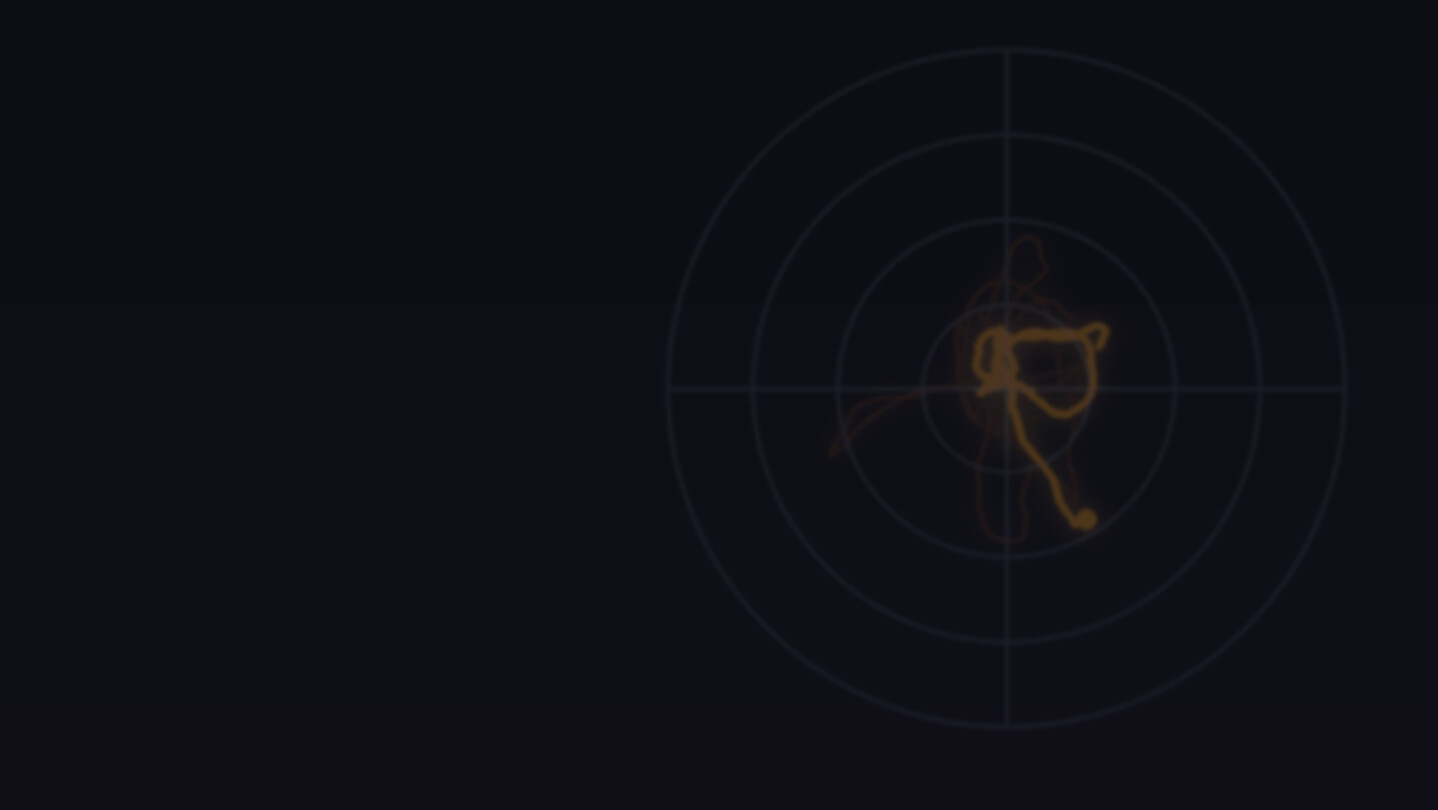
Stick drift making you walk on your own in VRchat? Undrift filters thumbstick drift out before it reaches VRChat, so only the movement you actually mean gets through. See your stick live, turn fixes on with one click, and switch back any time.
Veröffentlichung:
Bald verfügbar
Entwickler:
Publisher:
Tags

Melden Sie sich an, um dieses Produkt zu Ihrer Wunschliste hinzuzufügen, zu abonnieren oder als „Ignoriert“ zu markieren.

Dieses Spiel ist noch nicht auf Steam verfügbar

Bald verfügbar

Interesse? Fügen Sie das Spiel Ihrer Wunschliste hinzu und erhalten Sie eine Benachrichtigung, wenn es verfügbar ist.
 

Über diese Software

Please try the free demo before you buy. Undrift fixes most stick drift, but not every stick can be saved, and the only way to know about yours is to try it. The demo is the full app for 7 days, so there's no reason to buy blind.

See exactly what your stick is doing

Undrift sits between your controllers and VRChat and filters the drift out, so VRChat only gets the movement you meant. You see your real stick live next to what VRChat will receive, so you can watch the drift, switch a filter on, and see it disappear.

Every filter comes with a short demo showing what it does, using your own settings, and a plain explanation of when it's worth using.

The filters

  • Needs a thumb - ignores the stick completely unless your thumb is actually on it, using the controller's thumb sensor. A stick nobody is touching never moves you.

  • Deadzone - goes far bigger than the usual deadzone settings, all the way up to 100%. Set it to 85% and even large drift is ignored, while a real full push still comes through.

  • Moving average - smooths out a shaky stick, especially useful in the action menu.

  • Angle deadzone - for sticks that only drift one direction: ignores just that direction and leaves the rest alone.

  • Mirror - swaps left and right, for when you're playing upside down with horizon adjust (whats wrong with you?).

Not sure where to start? One click on Recommended turns on the filters worth having almost always. New users start with them already on.

More ways to deal with drift

  • Swap movement and rotation - If your movement stick drifts worse than your rotation stick, swap them: drift is usually more annoying on the movement stick than rotation stick.

  • No one-handed movement - stops the other stick walking you around while the menu is open.

  • No flick select - stops a quick flick of the stick from choosing a menu item, so a twitchy stick can't pick things for you.

Safe to try

Nothing runs inside VRChat and no game files are changed. Undrift works through SteamVR, the same way any SteamVR add-on does. Every change it makes to your controls is backed up first, and switching back is one click.

Systemanforderungen

    Mindestanforderungen:
    • Betriebssystem: Windows 10 or 11 (64-bit)
    • Prozessor: Any processor that runs SteamVR
    • Arbeitsspeicher: 4 GB RAM
    • Grafik: Any. Undrift itself doesn't use the graphics card, but your VR setup needs a VR-ready one
    • Speicherplatz: 200 MB verfügbarer Speicherplatz
    • VR-Unterstützung: SteamVR. Any headset and thumbstick controllers that run through SteamVR.
    • Zusätzliche Anmerkungen: Requires SteamVR and VRChat. Your controllers need thumbsticks, and the 'needs a thumb' filter needs controllers with thumb sensors
Filter überprüfen