Shrinks your installed PC games to win back disk space, without uninstalling or deleting a single one. Measures each game first and forecasts the saving in GB as a range, then compresses with the file compression built into Windows. Steam, Epic, GOG, Ubisoft, EA. No subscription, no telemetry.
Release Date:
Q4 2026
Developer:
Publisher:
Tags

Sign in to add this item to your wishlist, follow it, or mark it as ignored

This game is not yet available on Steam

Planned Release Date: Q4 2026

Interested?
Add to your wishlist and get notified when it becomes available.
 

About This Software


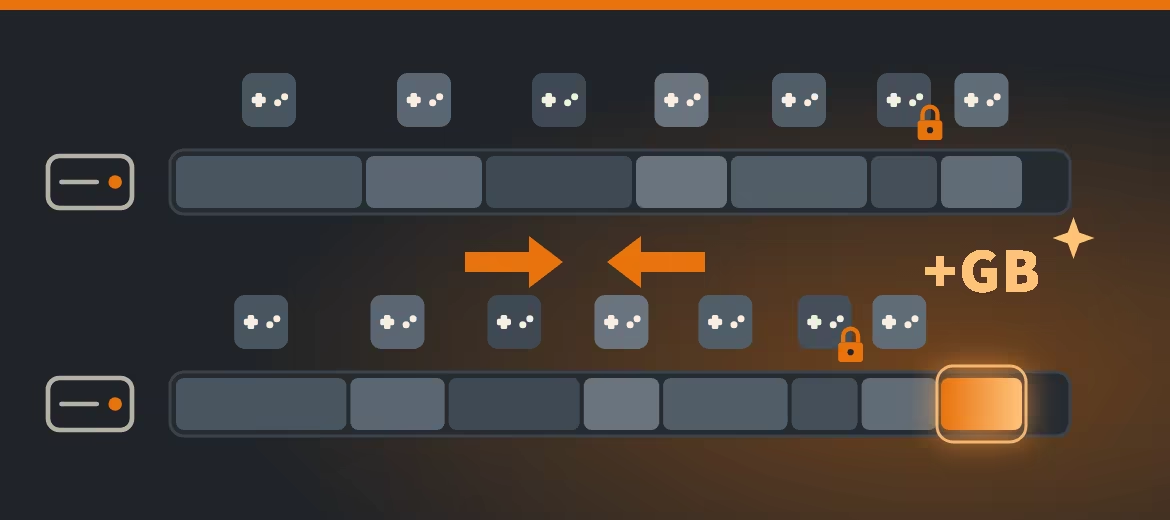
Game Library Cleaner wins back disk space from your installed PC games without uninstalling a single one.

Drive full again? Instead of deleting the game you want to play next month, let it take up less room. Game Library Cleaner compresses game files with the file compression built into Windows: every game stays installed, Windows decompresses its files transparently whenever the game reads them, and the file contents do not change.

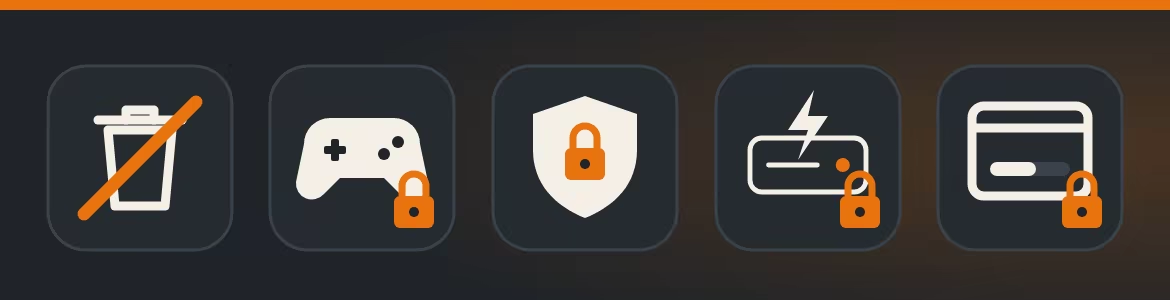
  • Never deletes your game files. Nothing is uninstalled; the only change is the compression.
  • No telemetry, no account. The tool itself makes no network connection.
  • No subscription, no cloud.

Measure first, then decide


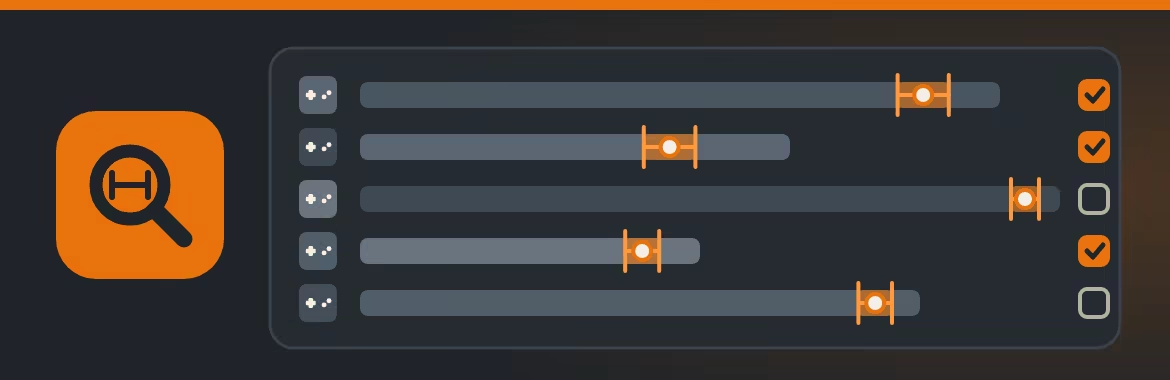
Before it touches a file, Game Library Cleaner measures a sample of each game and shows the expected saving in GB as a range. The forecast shows which games gain a lot and which gain little, so you pick only the ones worth it.


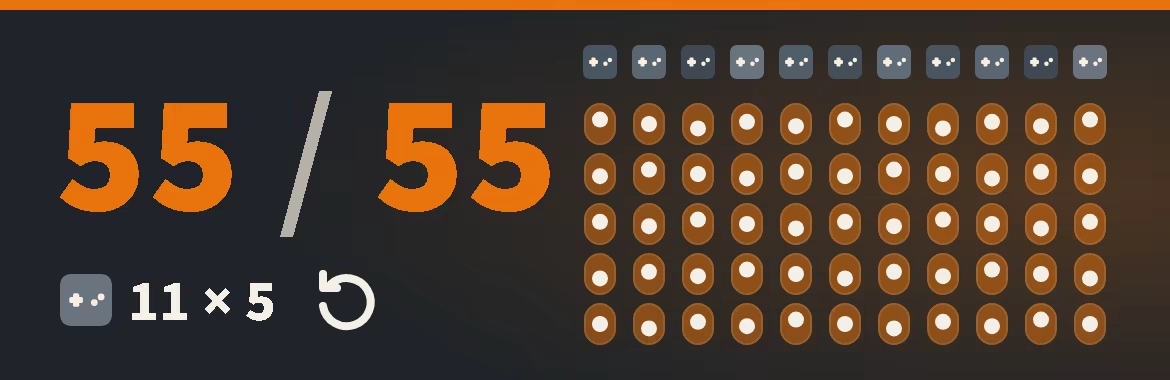
We tested the forecast on 11 installed games, five runs each, against the compression built into Windows on test copies: the actual saving landed inside the forecast range in 55 of 55 runs.

Runs in the background


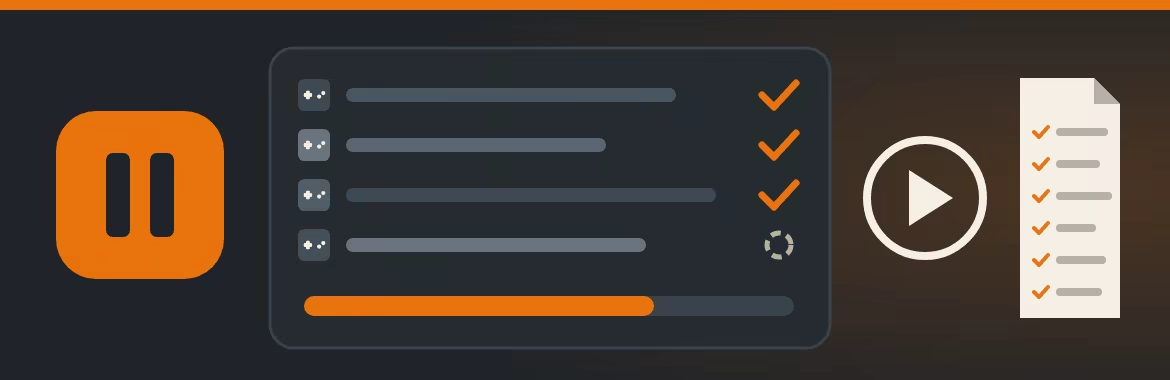
Select your games and start. Compression runs at background priority. Pause it, and it stops once the files in progress are finished; resume whenever you like. A log records every file it changes. To compress Steam or Epic games, close Steam or the Epic Games Launcher first; while either is running, its games are not touched.

Checked before and after


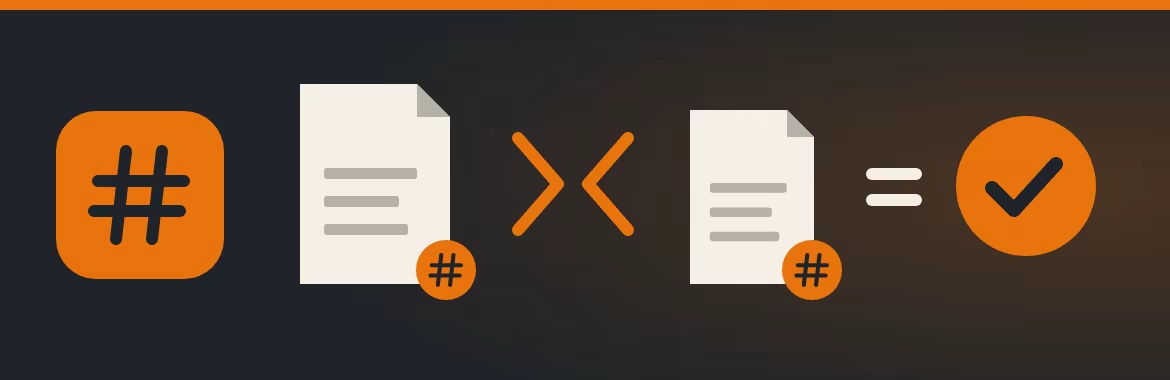
After compressing a file, the tool checks that its size is unchanged. All program files and a random sample of the other files are also compared by hash before and after. On any mismatch, it decompresses that file again and stops.

What stays untouched


  • No game file is deleted.
  • A game that is running is left alone, and files a launcher has open are skipped.
  • Games with a known anti-cheat component in their folder are not compressed.
  • Games that use DirectStorage are skipped.

Why not

Windows has a free command-line tool for this compression. Game Library Cleaner adds what it lacks: a forecast before you commit, your whole library in one list, pause and resume, hash spot checks and a log.

Works with

Game libraries from Steam, Epic Games Store, GOG GALAXY, Ubisoft Connect and EA app. Xbox app libraries are listed read-only, because the Xbox app manages them itself.

Requirements

Windows 10 22H2, 64-bit, NTFS drives. Not supported on Steam Deck or SteamOS. Native Windows app, no browser engine. Interface in English and German. Compatibility updates for at least 24 months after release.

AI Generated Content Disclosure

The developers describe how their game uses AI Generated Content like this:

The user interface texts, the store description, and its translations were written with the help of an AI language model. The translations were checked by translating them back with an AI language model. No image generator was used. The logo, icons, and capsule artwork were written as vector graphics code with the help of an AI language model.

System Requirements

    Minimum:
    • OS: Windows 10 64-bit 22H2
    • Processor: x64 with 2 cores
    • Memory: 4 GB RAM
    • Graphics: none required
    • Storage: 300 MB available space
    • Additional Notes: Compression works on NTFS drives only.
    Recommended:
    • Processor: x64 with 2 cores
    • Memory: 4 GB RAM
Review Filters