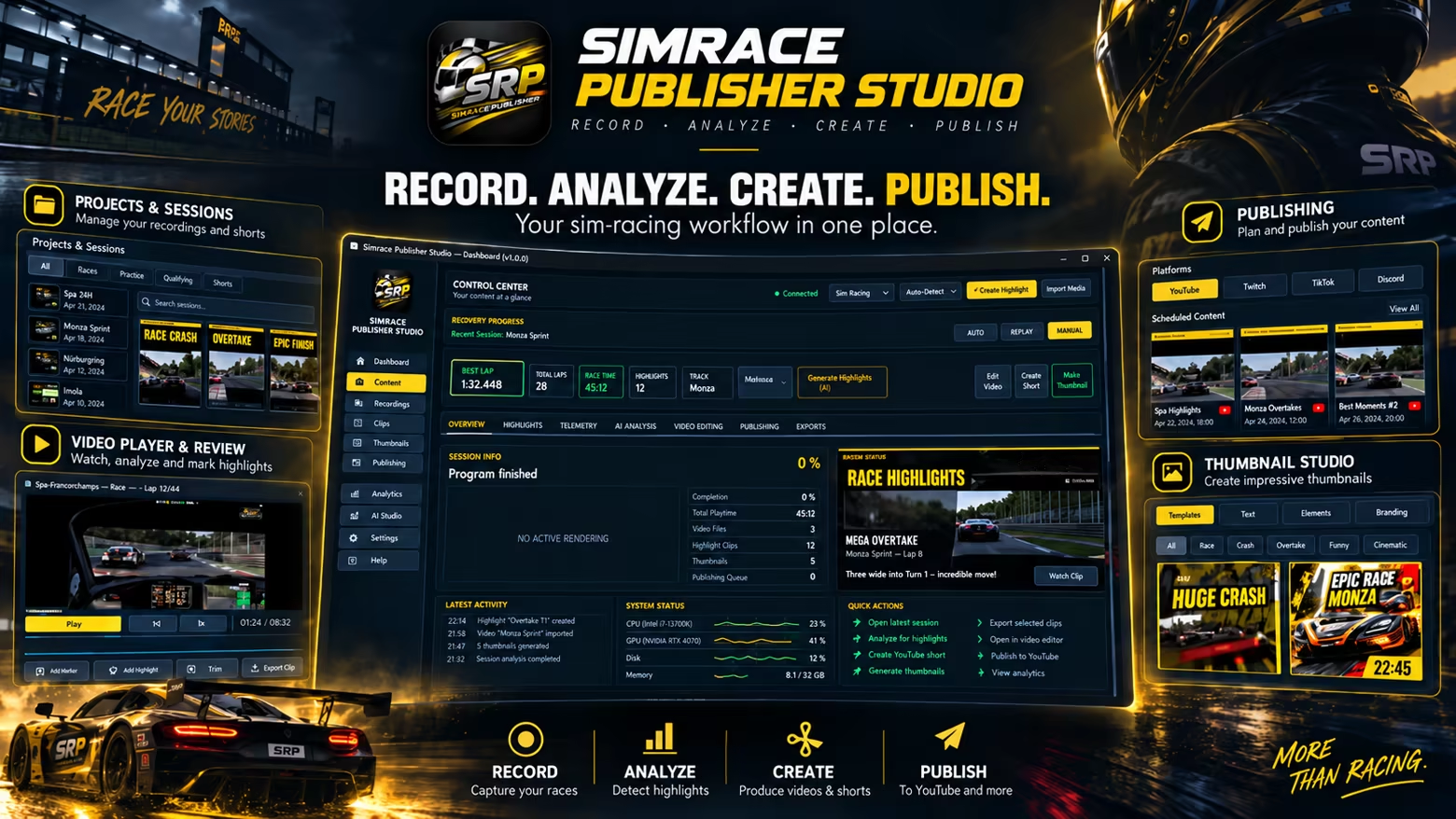
SimRace Publisher Studio automates your sim racing content workflow: record races, detect highlights, create videos and 9:16 Shorts, prepare thumbnails, and get your content ready for publishing directly to YouTube.
Release Date:
2 Oct, 2026
Developer:
Publisher:
Tags

Sign in to add this item to your wishlist, follow it, or mark it as ignored

Buy SimRace Publisher Studio

INTRODUCTORY OFFER! Offer ends 9 October

-10%
1300 руб.
1170 руб.
 

About This Software

You race – SimRace Publisher Studio takes care of the content.

SimRace Publisher Studio is built for sim racers who want to publish their races without spending hours after every session reviewing footage, searching for highlights, editing clips, and writing metadata.

From Race to Finished Content

Record your race directly with the integrated recorder or use existing footage. SRP analyzes your race video together with available race data, identifies interesting moments, and automatically turns them into content.

Automatic Recording

With AUTO-REC, SRP can start recording when your race begins and stop when the race ends. You can also record manually or continue using external recording software such as OBS, NVIDIA, or AMD solutions.

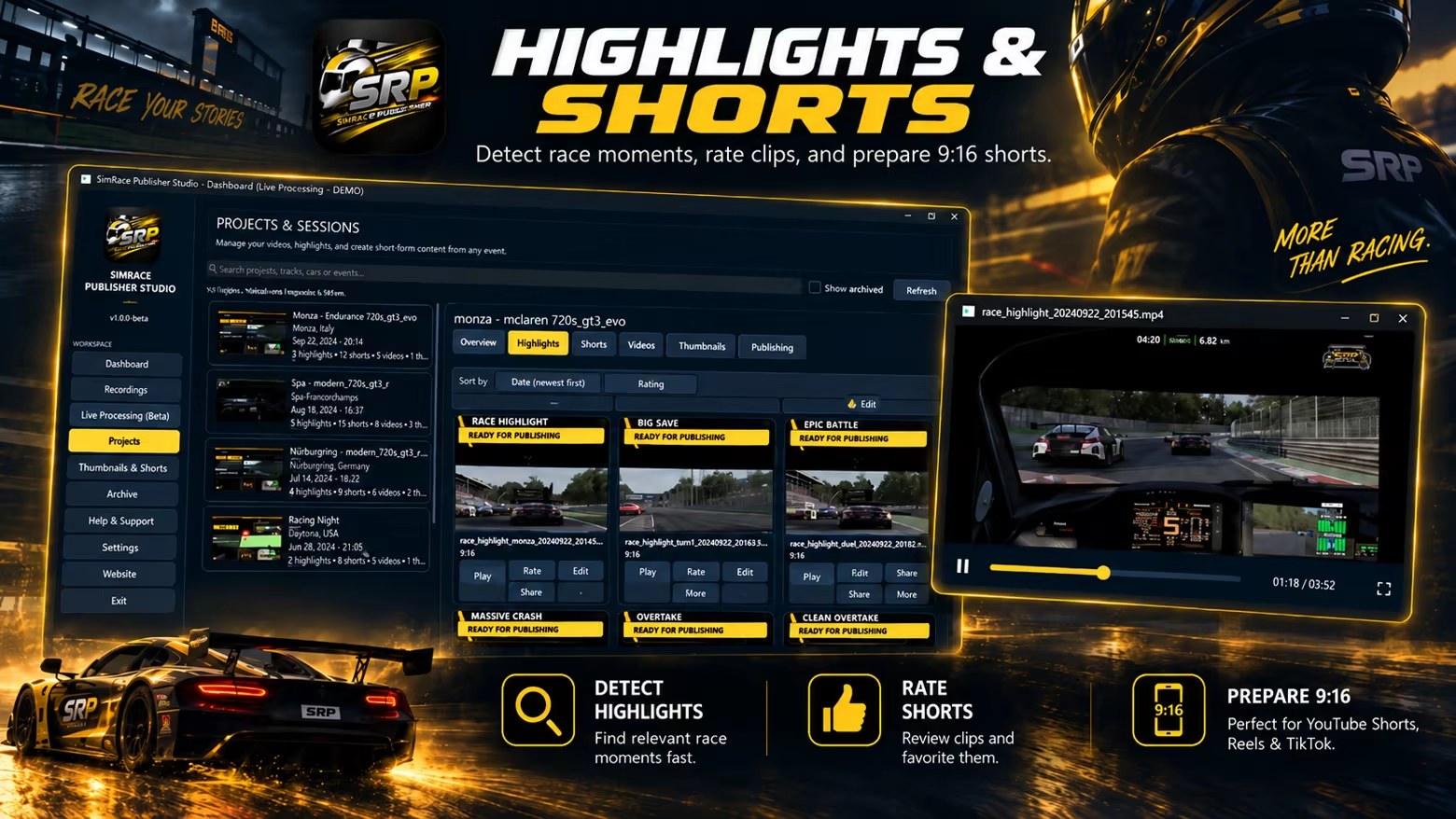
Highlights & Shorts

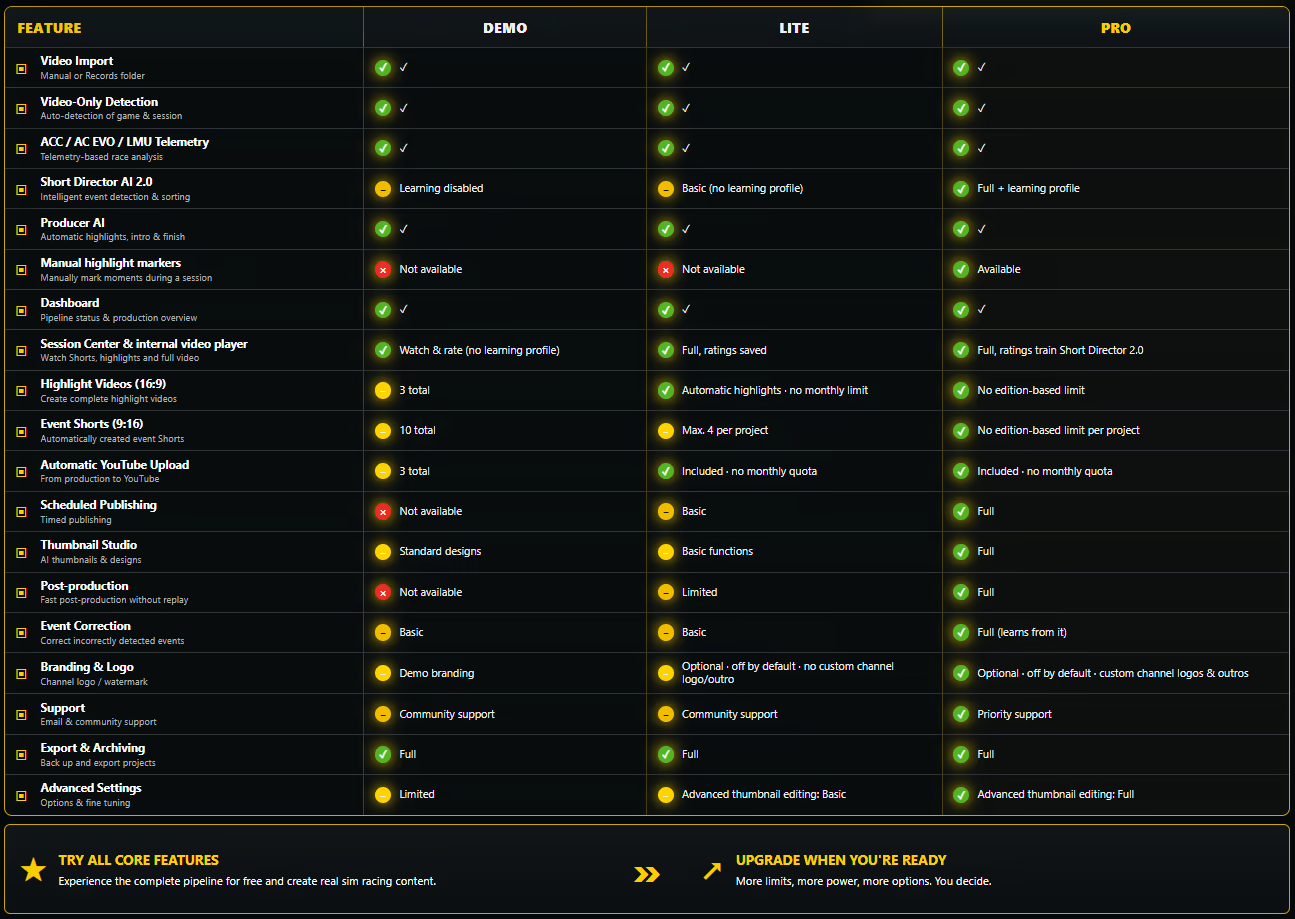
SRP identifies interesting racing moments and uses them to create highlights, videos, and vertical 9:16 Shorts. You can also mark special moments while driving using a hotkey or button.

Short Director 2.0

Rate detected scenes and help SRP select the highlights you prefer. With the advanced learning profile, SRP can locally use your ratings to adapt its selections to your preferences. Your learning data stays on your PC.

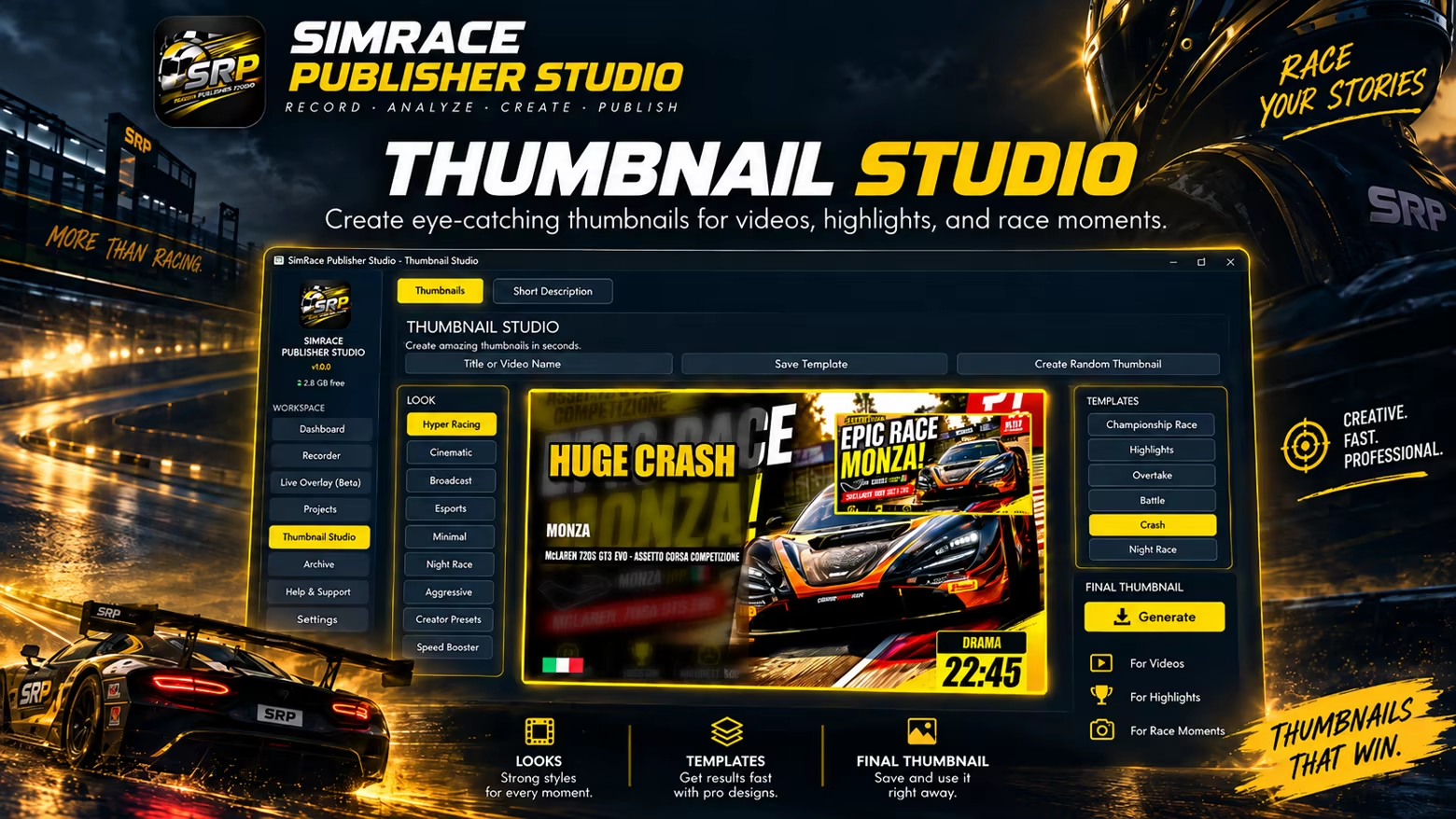
Thumbnail Studio

Create matching thumbnails for your videos and Shorts. Your own templates and styles can be saved and reused for future projects.

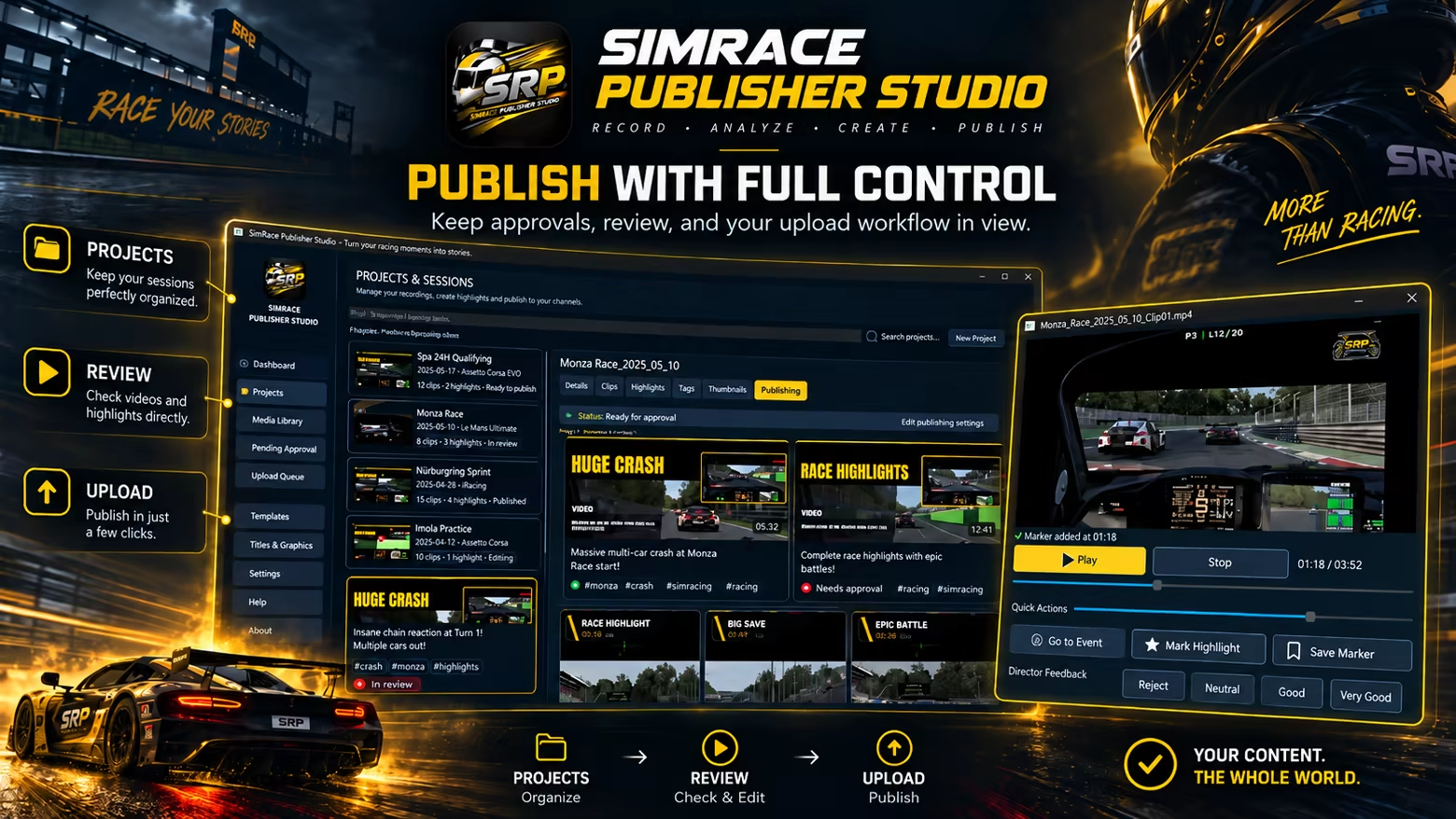
YouTube Publishing

Titles, descriptions, and hashtags can be prepared together with your videos and published to YouTube through the integrated publishing workflow. You remain in control of what gets published.

Built for Sim Racing

SRP is a standalone recording, video production, and publishing application for sim racing. It does not modify, replace, or redistribute game files.

Where supported by the respective racing simulation, SRP can read telemetry and runtime data made available by the running simulation and use this information for session detection, recording automation, and video analysis. This functionality has been tested with Assetto Corsa Competizione, Assetto Corsa EVO, Le Mans Ultimate, and iRacing.

Additional racing simulations can be included in the workflow through visual video analysis and, where available, SimHub data. SimHub is optional and is not required for the core functionality of SRP.

Compatibility with a racing simulation does not imply partnership, affiliation, support, or endorsement by its developer or publisher.

More Control While Racing

Global hotkeys let you control important functions even when SRP is not in the foreground. A dedicated SRP Stream Deck Plugin is also available. SimHub dashboards as well as your own transparent graphics and overlays can be integrated directly into your recording.

Race More. Edit Less.

Once configured, SRP is designed to handle as much of the repetitive work between your racing session and publishing as possible – leaving you more time for what really matters: your next race.

AI Generated Content Disclosure

The developers describe how their game uses AI Generated Content like this:

Generative AI tools were used during development to assist with selected localization text, graphical/promotional assets, and portions of user-facing content. All AI-assisted material was manually reviewed, edited where necessary, and approved by the developer before release. The developer remains responsible for all shipped content and has reviewed the included materials for suitability and rights compliance.

System Requirements

    Minimum:
    • Requires a 64-bit processor and operating system
    • OS: Windows 10 64-bit
    • Processor: Intel Core i5 / AMD Ryzen 5
    • Memory: 8 GB RAM
    • Graphics: DirectX-11-kompatible GPU
    • DirectX: Version 11
    • Network: Broadband Internet connection
    • Storage: 150 MB available space
    Recommended:
    • Requires a 64-bit processor and operating system
    • OS: Windows 11 64-bit
    • Processor: Intel Core i7 / AMD Ryzen 7
    • Memory: 16 GB RAM
    • Graphics: NVIDIA GeForce RTX / AMD Radeon RX oder vergleichbar
    • DirectX: Version 11
    • Network: Broadband Internet connection
    • Storage: 250 MB available space
Review Filters