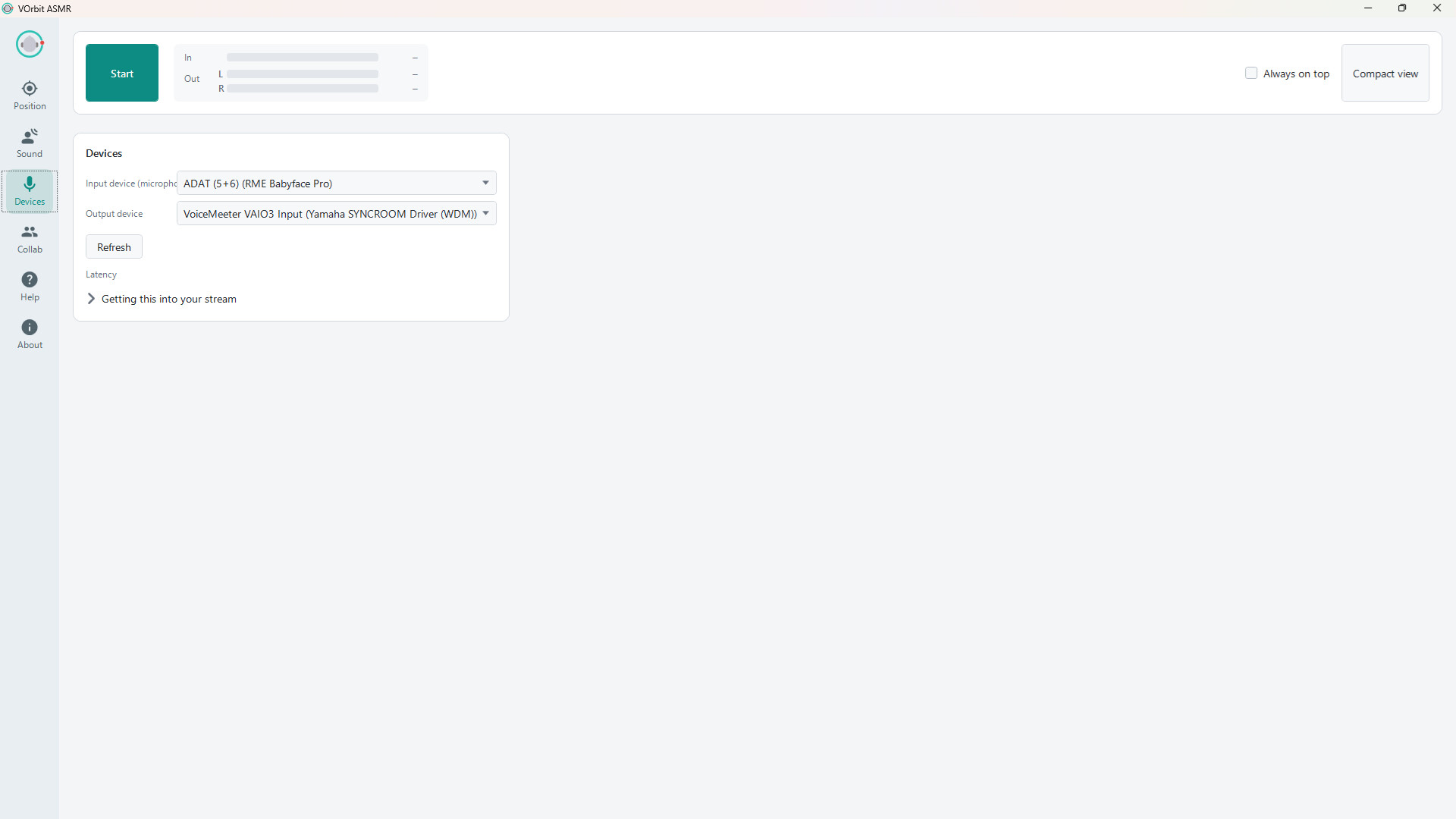
VOrbit ASMR is an audio tool for VTuber ASMR streams and remote collaborations. Create binaural audio that follows your avatar using your existing mic and tracking setup, or connect one-on-one with another VTuber over 48 kHz stereo P2P audio. Existing binaural mics are also supported.
Release Date:
Coming soon
Developer:
Publisher:

Sign in to add this item to your wishlist, follow it, or mark it as ignored

This game is not yet available on Steam

Coming soon

Interested?
Add to your wishlist and get notified when it becomes available.
 

About This Software

VTuber ASMR Streaming and Collaboration, All in One


VOrbit ASMR is an ASMR audio tool built for VTubers.

It combines binaural audio that moves your voice with your avatar and one-to-one P2P stereo calling for high-quality remote collaboration.

Whether you are streaming ASMR on your own or performing together from different locations, VOrbit ASMR aims to become the first tool VTubers reach for when creating ASMR content.

When Your Avatar Moves, Your Voice Moves With It


When your avatar moves closer to the listener’s ear, your voice sounds closer. Move away and it becomes more distant. Move from side to side and your voice follows.

VOrbit ASMR reads tracking data from VTube Studio, nizima LIVE, and applications using the VMC protocol, linking your avatar’s position to the position of your voice.

There is no need to control the sound position manually while streaming. Move your avatar as usual, and your performance is reflected in the binaural audio.

Stay in Stereo, Even When You Are Apart


VOrbit ASMR supports one-to-one stereo calls over a peer-to-peer connection.

The stereo width and spatial positioning created in VOrbit ASMR can be sent to the other participant without being downmixed to mono, allowing VTubers in different locations to perform immersive ASMR collaborations together.

Audio is transmitted in 48 kHz stereo using Opus at 256 kbps VBR. Simply exchange an invitation code to start a call—no dedicated account is required.

If you already own a binaural microphone or use a stereo recording setup, its left and right channels can be sent to the other participant while preserving the original stereo image.

Start With the Mic and Tracking Setup You Already Use


You do not need to purchase a physical dummy-head microphone.

VOrbit ASMR works with your current microphone and the tracking setup you already use for your avatar.

Tracking is optional. You can also move the sound manually using the on-screen position pad.

Choose Your HRTF and Room Acoustics


VOrbit ASMR uses HRTF processing and lets you choose from multiple listening profiles to find the spatial response that sounds best to you.

You can also select room acoustics inspired by environments such as a recording booth, bathroom, or concert hall.

AI Generated Content Disclosure

The developers describe how their game uses AI Generated Content like this:

Generative AI tools were used to assist in creating some promotional artwork for the Steam store and library, and in drafting and translating portions of the store description. All outputs were reviewed and edited by the developer. The application does not generate AI content at runtime.

System Requirements

    Minimum:
    • Requires a 64-bit processor and operating system
    • OS: Windows 10 (64-bit) or Windows 11
    • Processor: 64-bit dual-core processor, 2.0 GHz or faster
    • Memory: 4 GB RAM
    • Graphics: DirectX 11-compatible graphics
    • DirectX: Version 11
    • Storage: 300 MB available space
    • Sound Card: Microphone input and audio output device
    • Additional Notes: Requires .NET 10 Desktop Runtime (x64). Steam will install it automatically if needed. Avatar tracking requires VTube Studio, nizima LIVE, or a VMC-compatible app. Internet access is required only for collaboration calls.
    Recommended:
    • Requires a 64-bit processor and operating system
    • OS: Windows 11 (64-bit)
    • Processor: 64-bit quad-core processor or better
    • Memory: 8 GB RAM
    • Graphics: DirectX 11-compatible graphics
    • DirectX: Version 11
    • Storage: 500 MB available space
    • Sound Card: Microphone or audio interface, plus headphones
    • Additional Notes: Requires .NET 10 Desktop Runtime (x64). Steam will install it automatically if needed. Avatar tracking requires VTube Studio, nizima LIVE, or a VMC-compatible app. Internet access is required only for collaboration calls. Headphones are strongly recommended to prevent the processed audio from feeding back into the microphone.
Review Filters