Your webcam. Your assets. Your look. Create with real-time filters and face-tracked PNG & GLB accessories, import your own creations, and capture everything through a clean live output. Local processing, no subscription.
Release Date:
Coming soon
Developer:
Publisher:
Tags

Sign in to add this item to your wishlist, follow it, or mark it as ignored

This game is not yet available on Steam

Coming soon

Interested?
Add to your wishlist and get notified when it becomes available.
 

About This Software

CREATE YOUR OWN LOOK

Your webcam. Your assets. Your look.

snapWR is a Windows camera effects studio built around one simple idea: you shouldn't be limited to the accessories that come with the app.

Create expressive live looks with real-time filters, face-tracked accessories, and your own PNG images or GLB models. Mix them together, adjust them in the live preview, and make a look that's actually yours.

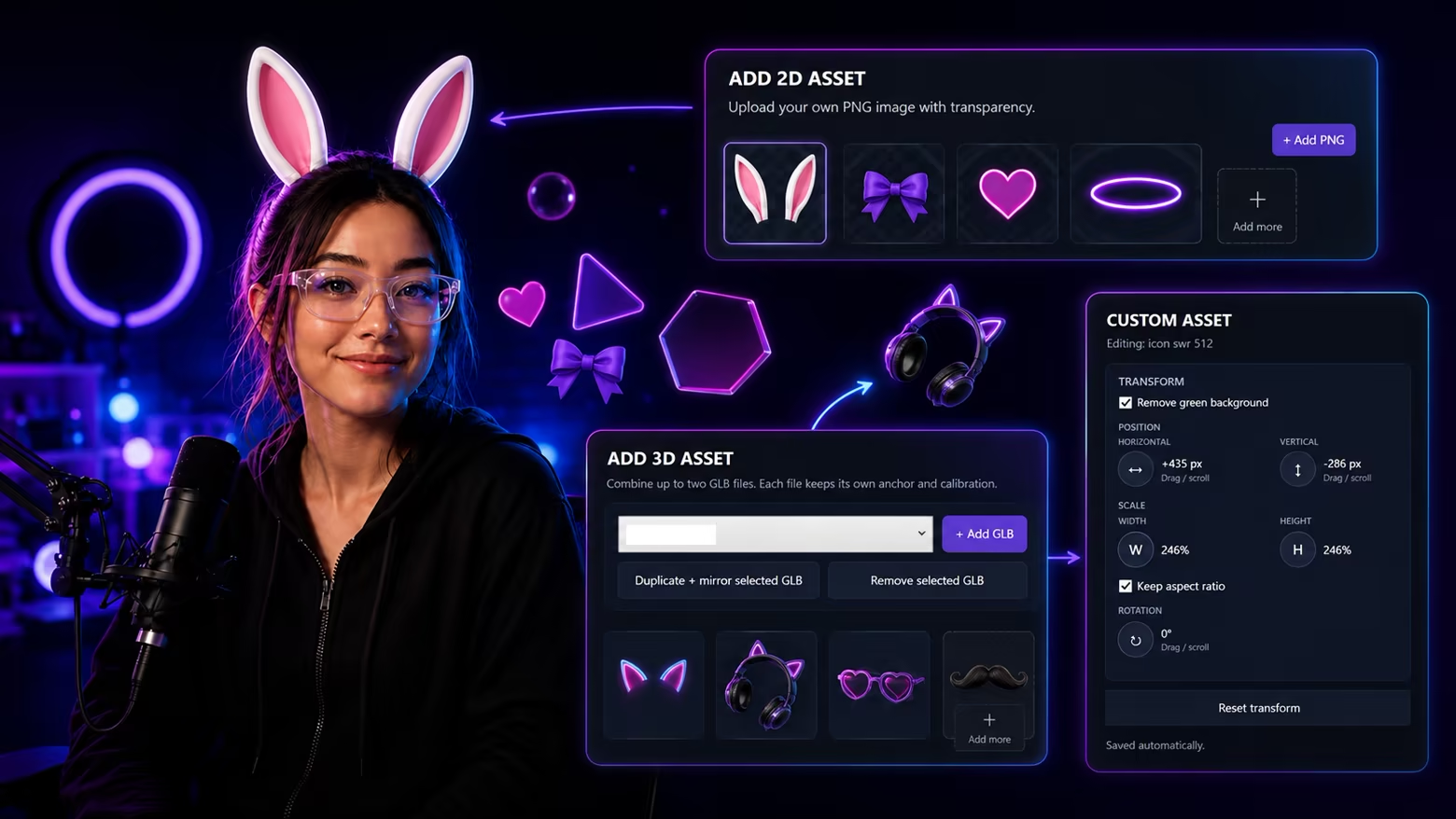
Customize with 2D and 3D assets

Don't just choose an effect. Build one.

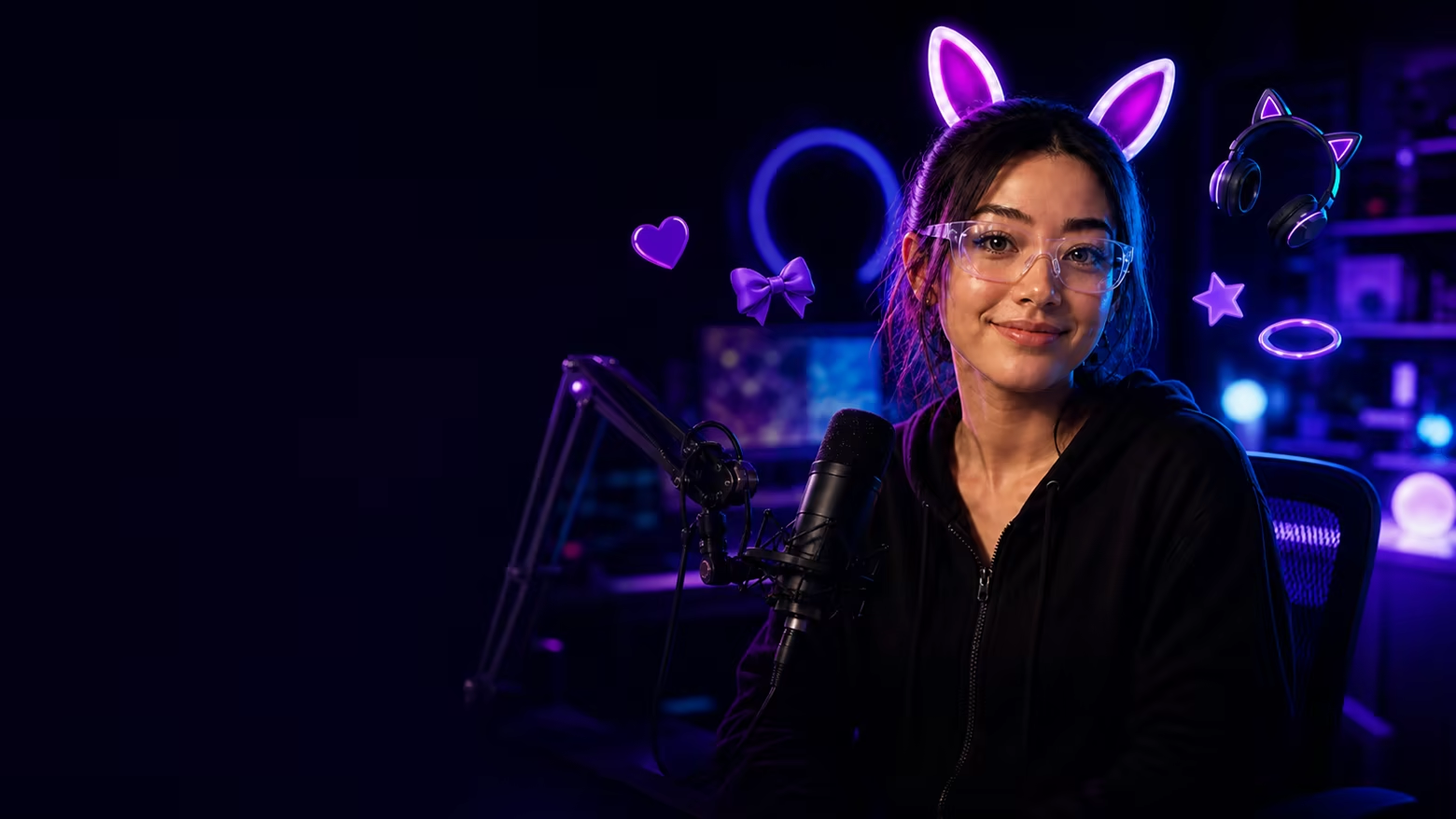
Start with the included Cat Ear and Rabbit Ear accessories, then go further with your own creations. Import PNG images or GLB models and turn them into face-tracked accessories inside snapWR.

Position, resize, rotate, mirror, and calibrate your assets using the live camera preview. Combine multiple filters and accessories to create anything from a subtle webcam style to something completely ridiculous.

Your asset library grows with you — not with a subscription.

Real-time camera effects

Style the camera. Keep it live.

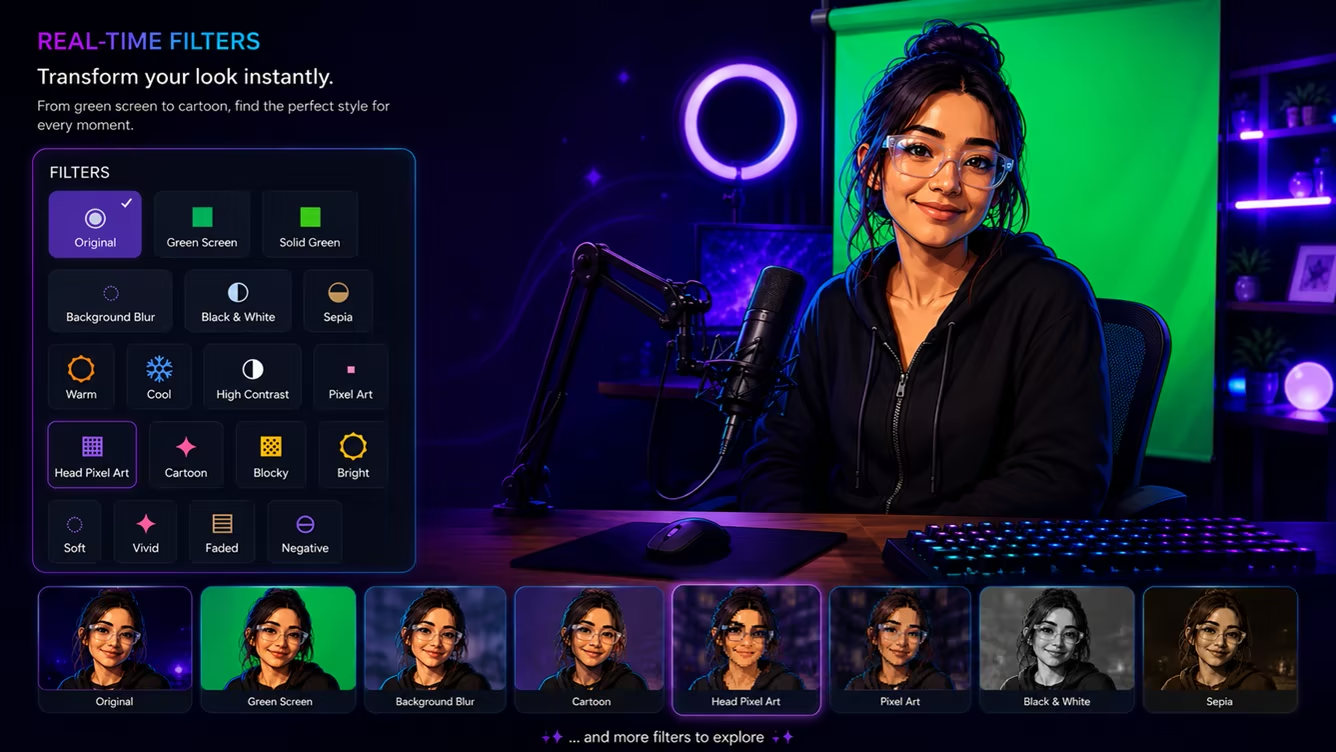
Transform your camera in real time with Cartoon, Pixel Art, Blocky, color and contrast effects, Green Screen, Background Blur, and more.

snapWR provides two rendering paths for different hardware: Best Quality uses GPU rendering for capable systems, while Smart Rendering helps keep snapWR usable across a wider range of Windows PCs.

Everything is designed around live use — so you can experiment, switch styles, stack effects, and keep creating without turning your workflow into a video-editing project.

Ready for your workflow

Create in snapWR. Capture anywhere your workflow supports Window Capture.

When your look is ready, open snapWR Output — a clean live output window designed for window-capture workflows in streaming and recording software.

No virtual camera driver is required for this workflow. What you build in snapWR appears in the dedicated output window, ready to capture.

Local camera processing. No snapWR account. No cloud processing required for core camera effects. No subscription.

Important notes

snapWR currently provides its camera output through a dedicated snapWR Output window for Window Capture. It is not a virtual camera device.

A webcam is required. Effect quality and tracking can vary depending on your camera, lighting, movement, hardware, and the assets you import. For 3D accessories, lightweight and well-optimized GLB models are recommended for the best real-time experience.

AI Generated Content Disclosure

The developers describe how their game uses AI Generated Content like this:

AI used to assist in creating some pre-generated promotional artwork and visual assets used in snapWR and its store presentation. snapWR does not use generative AI to generate content during use.

System Requirements

    Minimum:
    • Requires a 64-bit processor and operating system
    • OS: Windows 10 64-bit
    • Processor: Intel Core i5 (4th Gen) / AMD Ryzen 3 or equivalent
    • Memory: 8 GB RAM
    • Graphics: DirectX 11 compatible integrated graphics or dedicated GPU
    • DirectX: Version 11
    • Storage: 1 GB available space
    • Additional Notes: Webcam required. Best Quality rendering benefits from a dedicated GPU. Compatibility mode is available for lower-powered PCs.
    Recommended:
    • Requires a 64-bit processor and operating system
    • OS: Windows 10 or Windows 11 64-bit
    • Processor: Intel Core i5 (8th Gen) / AMD Ryzen 5 or equivalent
    • Memory: 16 GB RAM
    • Graphics: NVIDIA GeForce GTX 1650 / AMD Radeon RX 570 or newer
    • DirectX: Version 11
    • Storage: 1 GB available space
    • Additional Notes: Dedicated GPU recommended for Best Quality rendering, multiple live effects, and 3D GLB accessories. Webcam required.
Review Filters