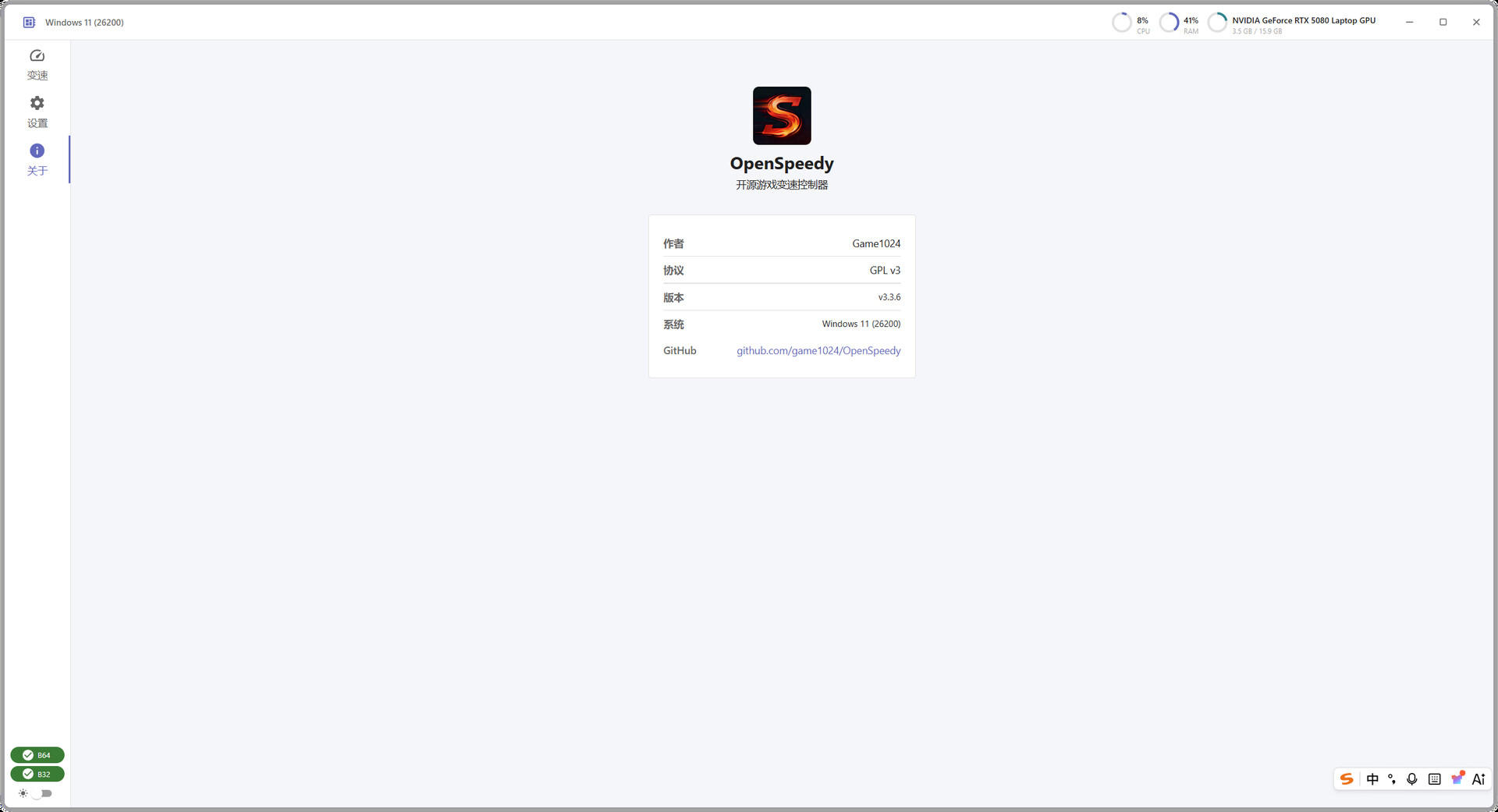
OpenSpeedy is a free and open-source speed controller for Windows single-player games. you can speed up or slow down any game in real time, no kernel driver required. Switch speeds instantly with customizable hotkeys, five gear presets, and a hold-to-speed mode, putting every game in your control.
Дата выхода:
21 авг. 2026 г.
Разработчик:
Издатель:
По меткам

Войдите, чтобы добавить этот продукт в список желаемого или скрыть его

Не поддерживается русский язык

Этот продукт не поддерживает ваш язык. Пожалуйста, перед покупкой ознакомьтесь со списком поддерживаемых языков.

Купить OpenSpeedy


Об этой программе

Your Game, Your Pace

OpenSpeedy is a free and open-source game speed controller for Windows. Whether you want to fast-forward through repetitive grinding or slow down to practice tricky boss mechanics, just check the game process, drag the speed slider, and see the effect instantly — no restart, no file modifications.

Core Features

• Real-time Speed Control — Adjust from 0.1x to 1000x with a single slider

• Five Gear Presets — Switch between five speed levels like shifting gears in a car

• Hold-to-Speed — Hold a hotkey to temporarily change speed, release to return to normal

• Global Hotkeys — Adjust speed from anywhere, no need to alt-tab out of the game

• Dual Architecture — Works with both 32-bit and 64-bit game processes

• Always on Top — Keep the speed panel visible while gaming

• Auto Start — Launch with Windows and stay ready

• Multilingual UI — Available in 7 languages

Safe by Design

OpenSpeedy operates entirely in user mode (Ring3). No kernel driver, no game file modification, no memory tampering. It hooks Windows time-related APIs to change how the target process perceives time. This approach is non-invasive, won't cause blue screens, and keeps your system stable.

Use Cases

• Speed up turn-based grinding and farming

• Skip unskippable cutscenes and dialogue

• Practice boss fights in slow motion

• Accelerate building and crafting in simulation games

• Adapt older games to high refresh rate monitors

Before You Use

• This tool is designed for single-player games only. Using it in online competitive games may trigger anti-cheat systems and result in account bans.

• Extreme speed multipliers may cause physics glitches or crashes. Adjust gradually.

• Some antivirus software may flag the program. Add it to your exclusions list if needed.

Системные требования

    Минимальные:
    • 64-разрядные процессор и операционная система
    • ОС: Windows 10
    • Оперативная память: 2048 MB ОЗУ
    Рекомендованные:
    • 64-разрядные процессор и операционная система
    • ОС: Windows 11
    • Оперативная память: 8196 MB ОЗУ
Фильтры обзоров