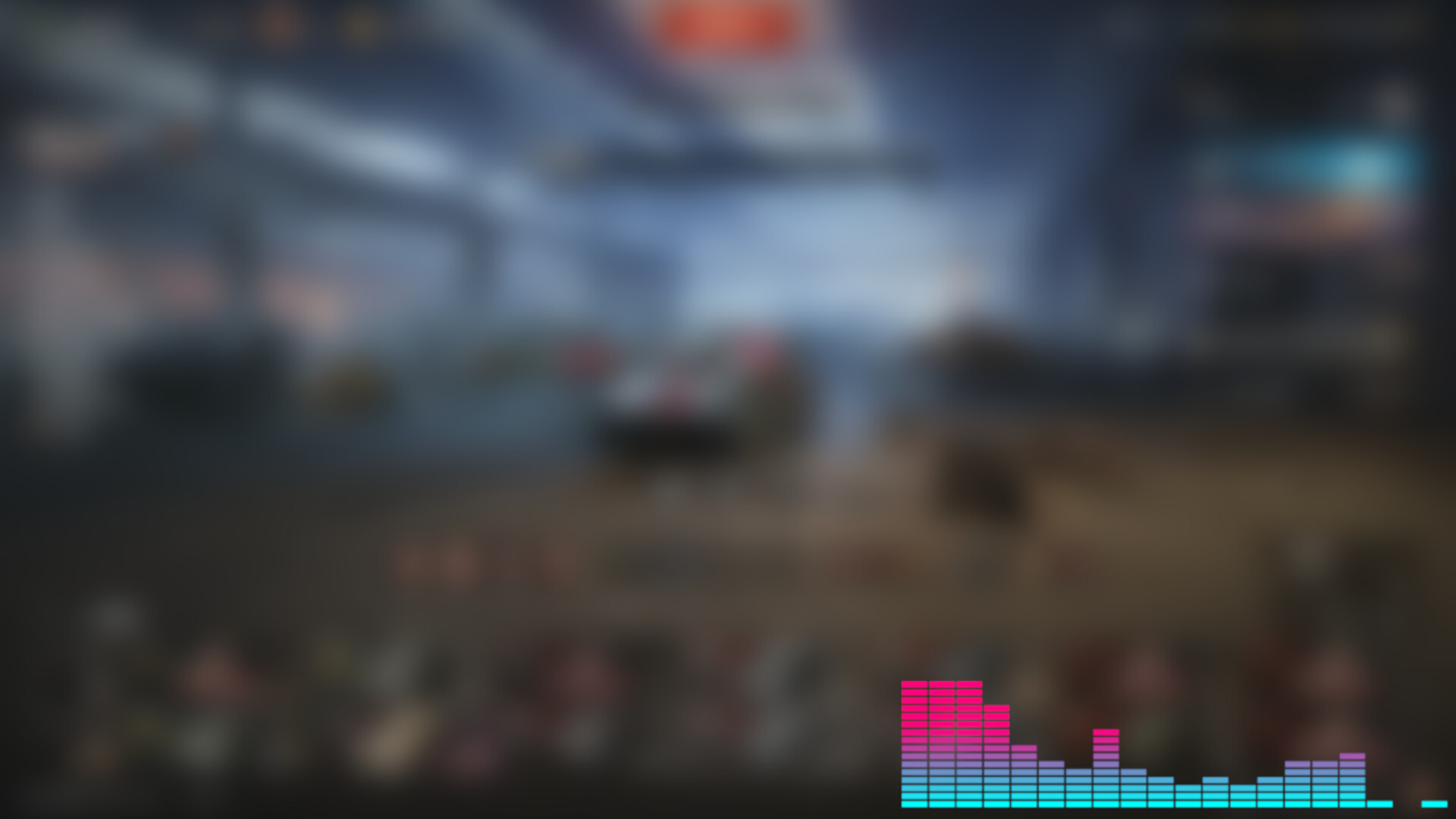
OverlayPulse is a lightweight, transparent audio visualizer that floats on top of your screen and reacts to audio that is playing through your system or your mic input (or both!). A sleek visualizer on your monitor - optimized and designed to run quietly without getting in your way.

Daftar masuk untuk menambah item ini ke senarai hajat anda, ikuti atau tandakannya sebagai diabaikan

Bahasa Bahasa Melayu tidak disokong

Produk ini tidak menyokong bahasa tempatan anda. Sila semak senarai bahasa yang disokong di bawah sebelum membuat pembelian

Permainan ini belum tersedia di Steam lagi

Tarikh Keluaran Dirancang: 14 Ogs, 2026

Aplikasi ini akan dibuka dalam kira-kira 13 hari

Berminat?
Tambah ke senarai hajat anda dan terima pemberitahuan apabila permainan sudah tersedia.
 

Tentang Perisian Ini

OverlayPulse is a lightweight, transparent audio visualizer that floats on top of your screen and reacts to audio that is playing through your system or your mic input (or both!). A sleek visualizer on your monitor - optimized and designed to run quietly without getting in your way.

Customization Options:

6 Different Layouts: Choose from classic EQ bars, matrix blocks, radial pulses, dual-line waveforms, and concentric rings.

  • Density & Sensitivity: Crank the bar count up to 100 for a detailed EQ, or drop it low for a chunky, minimalist look. Adjust the audio sensitivity multiplier so it reacts perfectly whether you're listening to a quiet podcast or heavy bass.

  • Color customization: Options for primary and accent colors to match your mood.

  • Granular Tweaks: Control line thickness and window opacity in real-time.

  • Rotate it: Turn it 90, 180, 270 degrees - put it up-side down at the top of your screen!

Features:

  • Works flawlessly with Screen Capture software

  • Completely Click-Through: Once you lock your layout, the window becomes fully transparent to your mouse. You can place it directly over your game or workspace without ever accidentally clicking it.

  • Performant: OverlayPulse is optimized and lets you set a hard framerate cap (30, 60, 100 FPS) so it doesn't steal GPU resources from your games or streaming software.

  • Fits Anywhere: Swap between horizontal and vertical orientations. You can tuck it neatly under your webcam, run it vertically down the side of your screen, have it small on top of your taskbar, stretch it across the top of your chat box or move it wherever you please.

Keperluan Sistem

    Minimum:
    • Memerlukan pemproses 64-bit dan sistem pengendalian
    • OS *: Windows 7+
    • Memori: 128 MB RAM
    • DirectX: Versi 9.0
    • Storan: 180 MB ruang tersedia
    Dicadangkan:
    • Memerlukan pemproses 64-bit dan sistem pengendalian
* Mulai 1 Januari 2024, Steam Client hanya akan menyokong Windows 10 dan versi yang lebih baharu.
Tiada ulasan untuk produk ini

Anda boleh menulis ulasan anda untuk produk ini untuk berkongsi pengalaman anda dengan komuniti. Untuk menulis ulasan anda, gunakan kawasan di atas butang pembelian pada halaman ini.

Penapis Ulasan