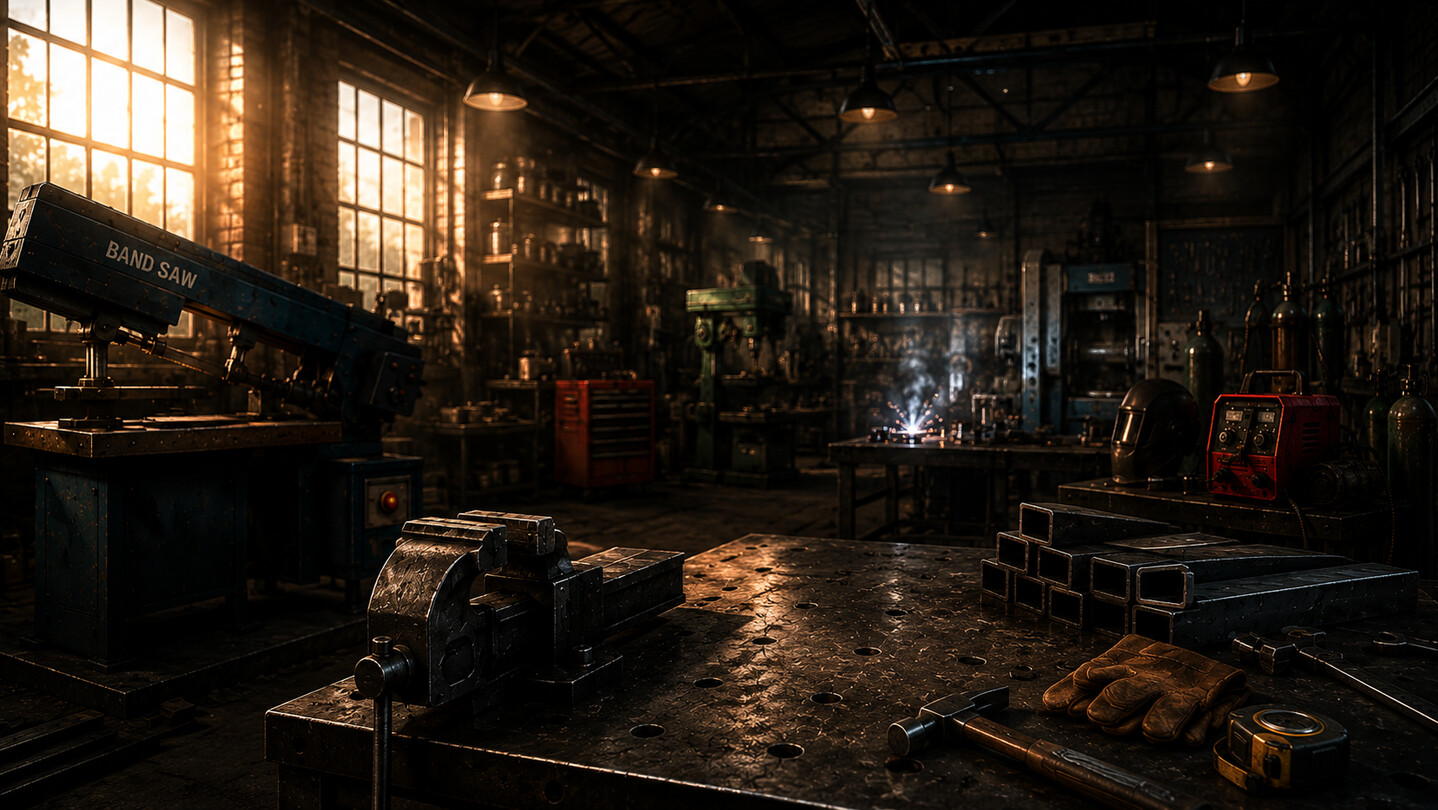
Metal Workshop Manager is a production management simulation where you run your own metalworking shop. Accept orders, buy materials, set up machines, manage tools and workers, avoid costly mistakes, and complete increasingly complex projects before their deadlines.

Sign in to add this item to your wishlist, follow it, or mark it as ignored

This game is not yet available on Steam

Planned Release Date: August 2026

Interested?
Add to your wishlist and get notified when it becomes available.
 

About This Game

About This Game

Metal Workshop Manager is a production and management simulation game where you take control of a small metalworking workshop and turn it into an efficient, profitable manufacturing business.

Accept customer orders, study technical requirements, purchase raw materials, set up machines, manage workers, control production flow, and deliver completed products before their deadlines.

Every order is different. Some jobs require only a few simple cuts, while others contain dozens of parts, multiple material types, different hole diameters, welding operations, and complex assembly requirements.

Success depends on careful planning, correct machine setup, good logistics, and smart investment.

Manage the Entire Production Process

Every product must pass through the correct manufacturing stages.

The usual production route is:

Band Saw → Drill Press → Welder → Work Table

Parts also need to be moved between machines using the pallet jack or an assigned logistics worker.

Not every product requires every operation. You must study the order details and decide which parts need cutting, drilling, welding, or finishing.

The Active Orders window gives you a detailed overview of:

  • required material types;

  • material section sizes;

  • cutting lengths;

  • required quantities;

  • completed and remaining parts;

  • hole quantities and diameters;

  • welding wire requirements;

  • current part locations;

  • order deadlines;

  • overall production progress.

Set Up Machines Manually

At the beginning of the game, most operations are completed manually.

For the Band Saw, you must select:

  • the correct material type;

  • the correct material size;

  • the required cutting length;

  • the quantity you want to produce.

The Drill Press requires the correct hole diameter.

The Welder requires the correct welding wire.

After saving the setup, click the physical machine to perform the operation. One click represents one real production action, such as one cut or one drilled hole.

Manual control gives you flexibility, but it also creates the possibility of human error.

Quality Control and Scrap

Incorrect machine settings can create defective parts.

Using the wrong material, cutting the wrong length, drilling the wrong diameter, or selecting the wrong welding wire can result in scrap.

A defective drilled part must return to the beginning of the production process and be cut again.

Using the wrong welding wire can scrap an entire assembled product, forcing all of its parts back into production.

Scrap costs money, consumes materials, delays the order, and reduces your profit.

Careful setup and regular checking are essential.

Machine Status Colour System

Each machine has an animated colour-coded outline that shows its current condition:

  • Yellow: the machine is idle or no suitable work is available;

  • Green: material or a product is ready for processing;

  • Blue: the machine is currently working;

  • Red: a quality-control error or incorrect manual setup has created scrap.

Small indicators beside the machines show how many parts are waiting at each station.

This allows you to quickly identify production queues and bottlenecks.

Purchase Materials and Consumables

Production requires more than raw steel.

You must manage:

  • box section;

  • flat bar;

  • round bar;

  • sheet material;

  • saw blades;

  • drill bits;

  • welding wire.

Raw material is consumed during cutting.

Saw blades wear with every cut.

Drill bits lose condition with every hole and can eventually break.

Welding wire is consumed during welding.

Missing or worn tools can stop production completely.

The Shop allows you to purchase materials and consumables, but market prices change over time. Buying at the wrong moment can reduce the profitability of an order.

Hire Workers and Automate the Workshop

As your business grows, you can hire workers for individual stations.

Available workers include:

  • Band Saw Operator;

  • Drill Press Operator;

  • Welder;

  • Work Table Worker;

  • Logistics Worker;

  • Manager.

Machine operators automatically read the active order and perform the correct operation.

The Logistics Worker moves parts between machines.

The Manager can purchase missing materials, tools, and consumables required for production.

Once a worker is assigned to a machine, the manual setup controls are disabled and the station switches to automatic production.

With the right team, several machines can operate at the same time.

Upgrade Your Machines

Every machine can be upgraded.

Upgrades reduce operation time and improve workshop capacity.

Faster machines allow you to:

  • complete difficult orders before their deadlines;

  • process several orders at once;

  • reduce production queues;

  • increase total income;

  • manage larger and more complex projects.

Choosing which machine to upgrade first is an important strategic decision.

A fast Band Saw is not useful if the Drill Press becomes a bottleneck.

Complete Increasingly Difficult Orders

The game contains 20 customer orders with increasing difficulty.

Early orders introduce basic cutting, drilling, and welding tasks.

Later orders include:

  • large industrial frames;

  • access platforms;

  • machine bases;

  • warehouse safety barriers;

  • agricultural service platforms;

  • structural maintenance gantries;

  • multiple material sizes;

  • many individual parts;

  • several drilling operations;

  • heavy welding requirements;

  • high-value contracts.

The later jobs require careful planning, enough stock, upgraded machines, and a well-organised workforce.

After all contract types are unlocked, the workshop continues in an endless production cycle with changing market conditions.

Manage Deadlines and Profit

Every accepted order has a deadline.

Accepting too many jobs can overload your workshop.

Before accepting a contract, consider:

  • material cost;

  • available stock;

  • machine capacity;

  • worker availability;

  • tool condition;

  • welding wire supply;

  • operation time;

  • current workload;

  • expected profit.

A high-paying order may still become unprofitable if it creates too much scrap or requires expensive emergency purchases.

Your goal is not only to manufacture products, but to build a stable and efficient business.

Key Features

  • Full metal workshop production flow

  • Manual machine setup

  • Automated workers

  • Machine upgrades

  • Material and consumable management

  • Tool wear and replacement

  • Dynamic market prices

  • Detailed Active Orders overview

  • Multiple simultaneous orders

  • Deadlines and production planning

  • Scrap and quality-control system

  • Machine status colour coding

  • Save and load system

  • Built-in tutorial

  • Detailed Help menu

  • 20 increasingly difficult contracts

  • Endless order cycle after completion

Build your production line, reduce mistakes, improve efficiency, and transform a small workshop into a successful manufacturing operation.

System Requirements

    Minimum:
    • OS: Windows 10 64-bit
    • Processor: Intel Core i3-2100 or AMD equivalent
    • Memory: 4 GB RAM
    • Graphics: DirectX 11 compatible graphics card
    • DirectX: Version 11
    • Storage: 1 GB available space
    • Sound Card: DirectX compatible sound card
    Recommended:
    • OS: Windows 10 or Windows 11 64-bit
    • Processor: Intel Core i5-4460 or AMD equivalent
    • Memory: 8 GB RAM
    • Graphics: DirectX 11 compatible graphics card with 2 GB VRAM
    • DirectX: Version 11
    • Storage: 1 GB available space
    • Sound Card: DirectX compatible sound card
There are no reviews for this product

You can write your own review for this product to share your experience with the community. Use the area above the purchase buttons on this page to write your review.

Review Filters