Load your images, click a variation, and get a ready-to-use visual instantly. Aitan Studio Pro offers striking compositions, dynamic image layouts, text, logos and effects — without the complexity of a traditional image editor. Works offline, with no subscription.

Abyste si mohli tento produkt přidat do seznamu přání, začít ho sledovat nebo ho zařadit mezi ignorované, musíte se nejprve přihlásit.

Software s předběžným přístupem

Vyzkoušejte tento software již během jeho vývoje.

Poznámka: Tento software ještě není dokončen a během vývoje se může výrazně změnit. Pokud Vás nyní nezaujal, zkuste počkat, než se dostane do další fáze vývoje. Více informací zde

Zpráva od vývojářů:

Proč předběžný přístup?

„Aitan Studio is under continuous development, and I need feedback in order to make the best program I possibly can. Although it already works well for my own needs, I would like it to become comfortable and useful for others as well.“

Přibližně jak dlouho bude tento software v předběžném přístupu?

„For roughly a year and a half.“

Jak se bude plná verze lišit od předběžného přístupu?

„The goal of the full version is to make Aitan Studio Pro an even faster and more convenient tool for creating cover images, collages, montages, social media images and promotional visuals. The program is still not intended to become a general photo editor or illustration application. Instead, it is designed to remain a focused creative tool that helps users create striking compositions with only a few clicks.

Planned improvements for the full version include new collage types, more automatic and semi-automatic layout options, automatic object cutout, face-detection-based helper features, an improved save system, the ability to save and reuse custom templates, and more flexible movement and layering of collage images on top of each other.

Other planned features include text masking, such as displaying an image inside the shape of a text layer, or showing a differently colored or modified image area behind text. I would also like to add a wizard mode for faster editing, touch control support, separate opacity sliders for logos and text, patterned dividers, patterned layers, and simple primitive shapes such as rectangles, circles and other basic forms.

The goal is for the full version to offer more creative tools, more automated workflows, improved stability and a more comfortable editing experience than the current Early Access version. I cannot guarantee that every planned feature will be implemented exactly in this form, but these are the main directions I would like to develop for the full version.“

V jaké fázi vývoje se hra nachází?

„The Early Access version is currently in a usable state. Users can load images, create compositions, generate quick variations, use Dynamic Slices, create Free Montage-style layouts, add text and logos, use fade layers and directional visual effects, set backgrounds and gradients, and adjust per-image visual settings.

The current version includes settings such as position, zoom, rotation, brightness, contrast, saturation, exposure, shadows, highlights, blur and colored overlay. Finished compositions can be exported as PNG images and can also be copied to the clipboard.

The main features listed in the “About This Software” section are already implemented in the current Early Access version. However, the program is still under development, so users may encounter bugs, less polished workflows or areas that still need further refinement.“

Změní se cena softwaru po skončení předběžného přístupu?

„Yes, it will probably become more expensive.
However, the final release price will not be significantly higher, and it will remain a one-time purchase program.“

Jak plánujete zapojit komunitu do vývoje této hry?

„I welcome feedback in any form. If you find a bug or would like to see a new feature, write to me, and I will see what I can do about it. I cannot promise that I will be able to implement it, but I will do my best.“
Zjistit více
Čeština není podporována

Tento produkt nepodporuje Váš místní jazyk. Seznam podporovaných jazyků je k dispozici níže na této stránce.

Tato hra prozatím není dostupná ve službě Steam

Zanedlouho vychází

Máte zájem o tento produkt?
Přidejte si ho do seznamu přání, ať nepropásnete vydání.
 
Zobrazit všechny diskuze

Pro nahlášení chyb či podání zpětné vazby navštivte diskuze k tomuto produktu

Informace o softwaru

Create striking visuals in just a few clicks

Aitan Studio Pro is a fast, convenient and creative composition-making app. With it, you can turn a few images into an eye-catching cover image, montage, social media graphic or promotional visual in moments.

You do not need to open a complex image editor for every task, create dozens of layers or spend long minutes manually aligning elements. Load your images, choose a composition or ask for a new variation, then fine-tune the result to match your own idea.

The goal of Aitan Studio Pro is to give you a usable first result almost immediately, while still keeping more detailed editing options available.

Instant variations with one click

Not sure which layout to start with?

The New Variation function can remix the images and change the composition proportions, spacing, corners, shadows and other visual details. Variations do not simply repeat the same templates: the system can create many different yet usable arrangements.

A full variation can also change the background, the gradient look and certain atmospheric effects. This lets you quickly review several creative directions without having to build every setting by hand.

If one result is not right, you can step back with Undo and Redo, or request a new version immediately.

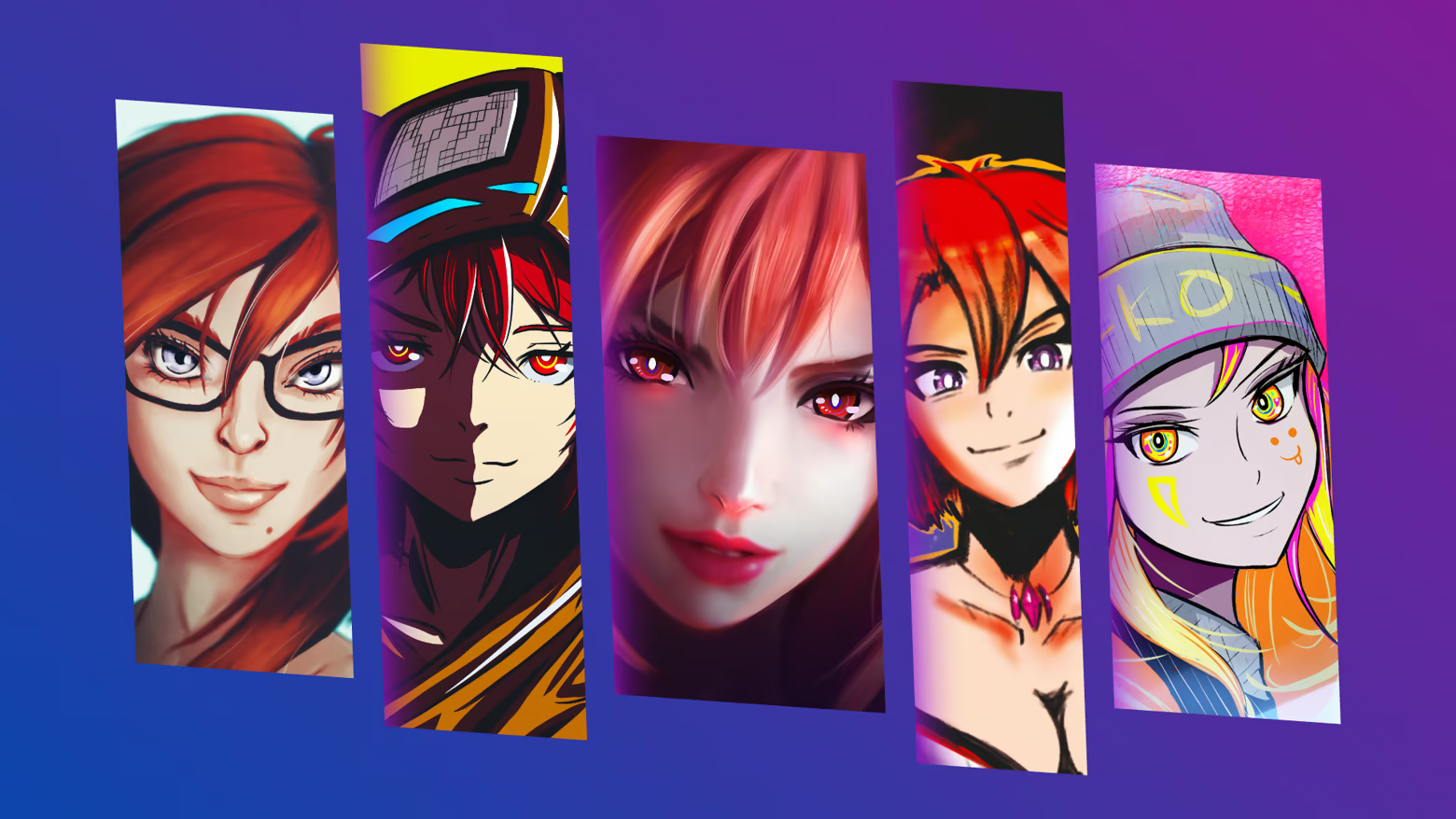
Dynamic slices

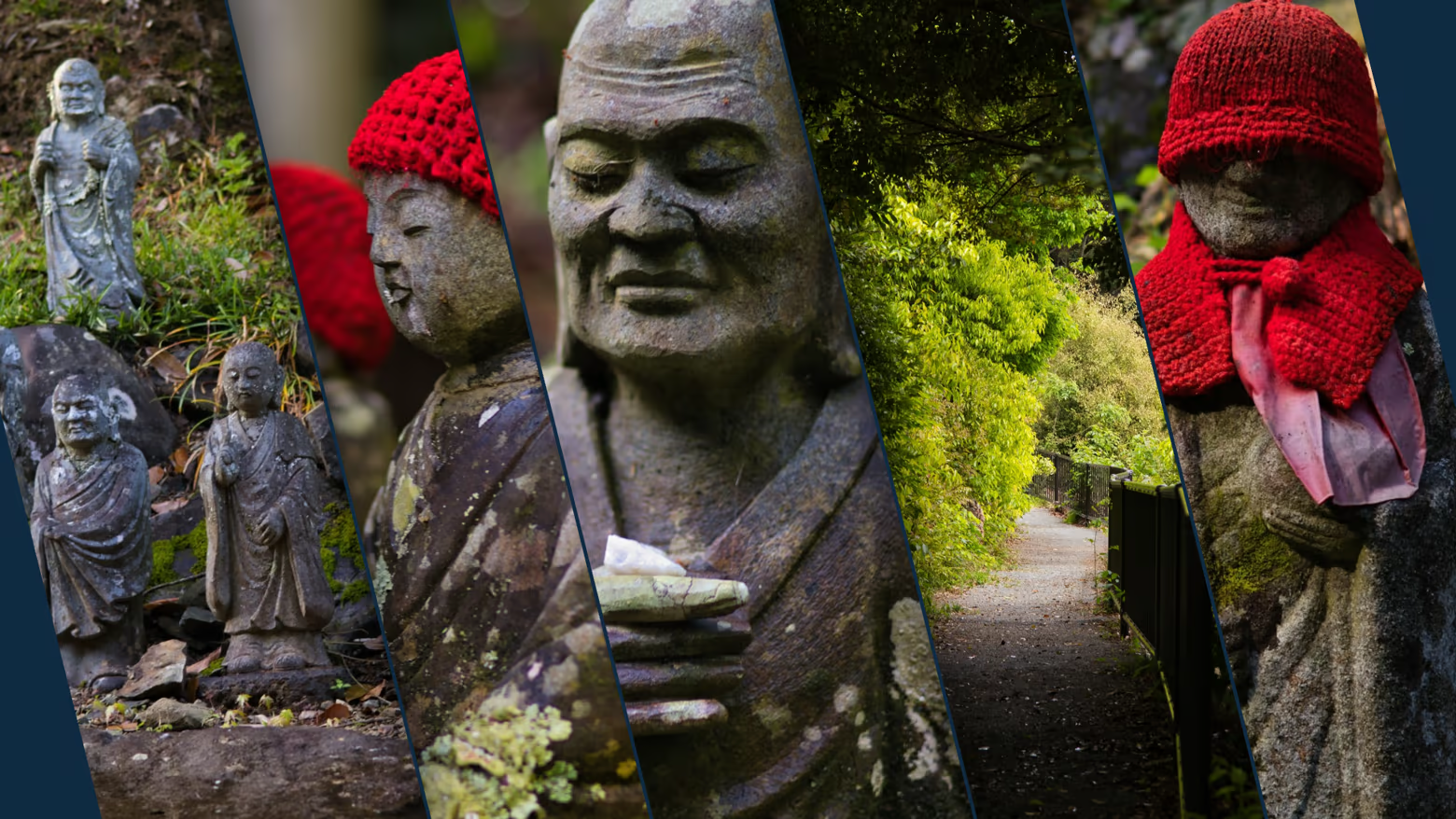
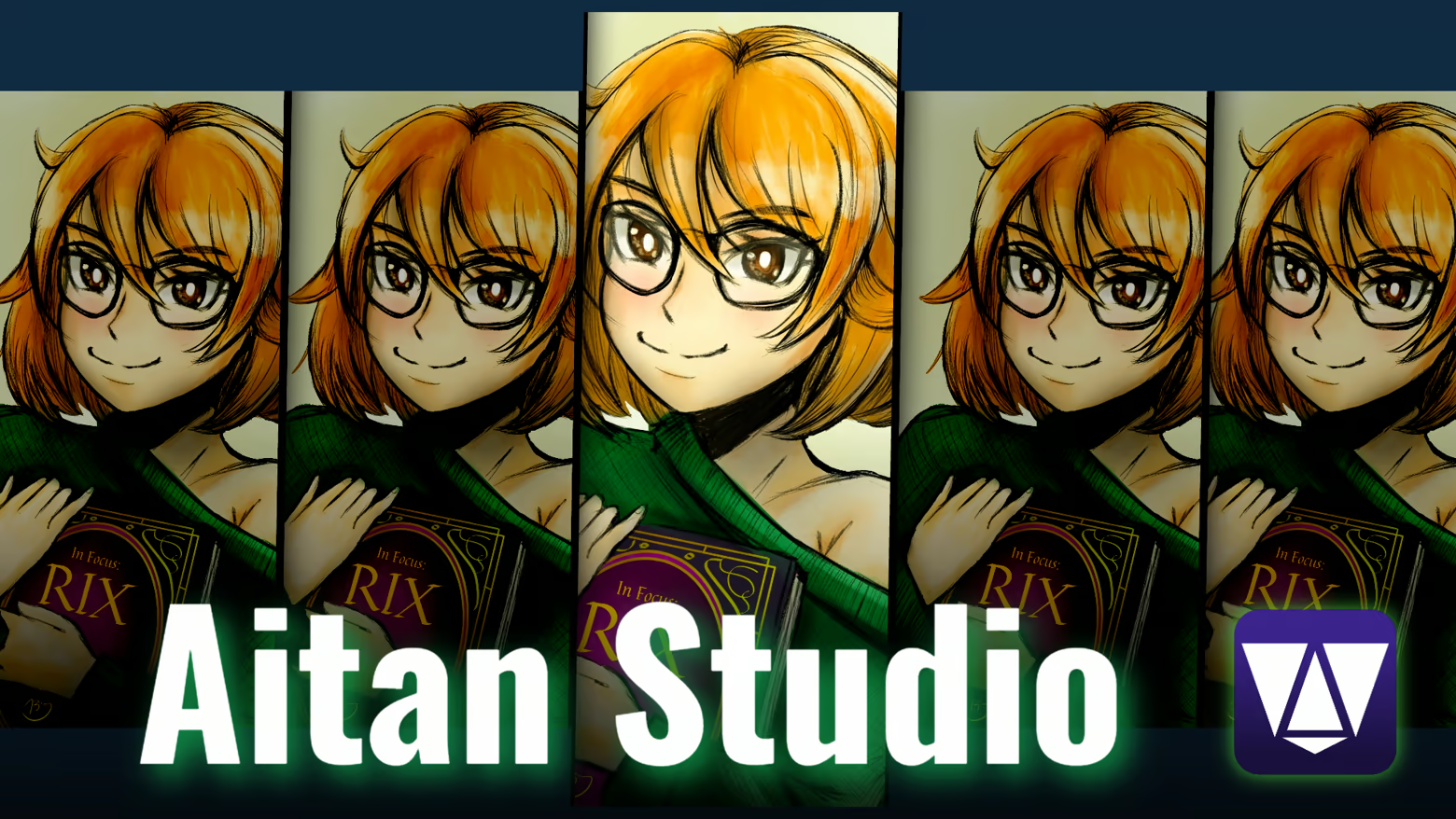
Dynamic slices let you arrange images into spectacular, adjustable panels.

Among other things, you can adjust:

  • the spacing between images;

  • the tilt of the slices;

  • the position of the dividers;

  • the direction of the composition;

  • corner filling;

  • the shadow between slices;

  • shadow strength;

  • shadow depth;

  • shadow softness;

  • shadow color;

  • the visual rhythm of the slices.

You can use vertical or horizontal image arrangements, and you can also fine-tune individual dividers.

Free montage

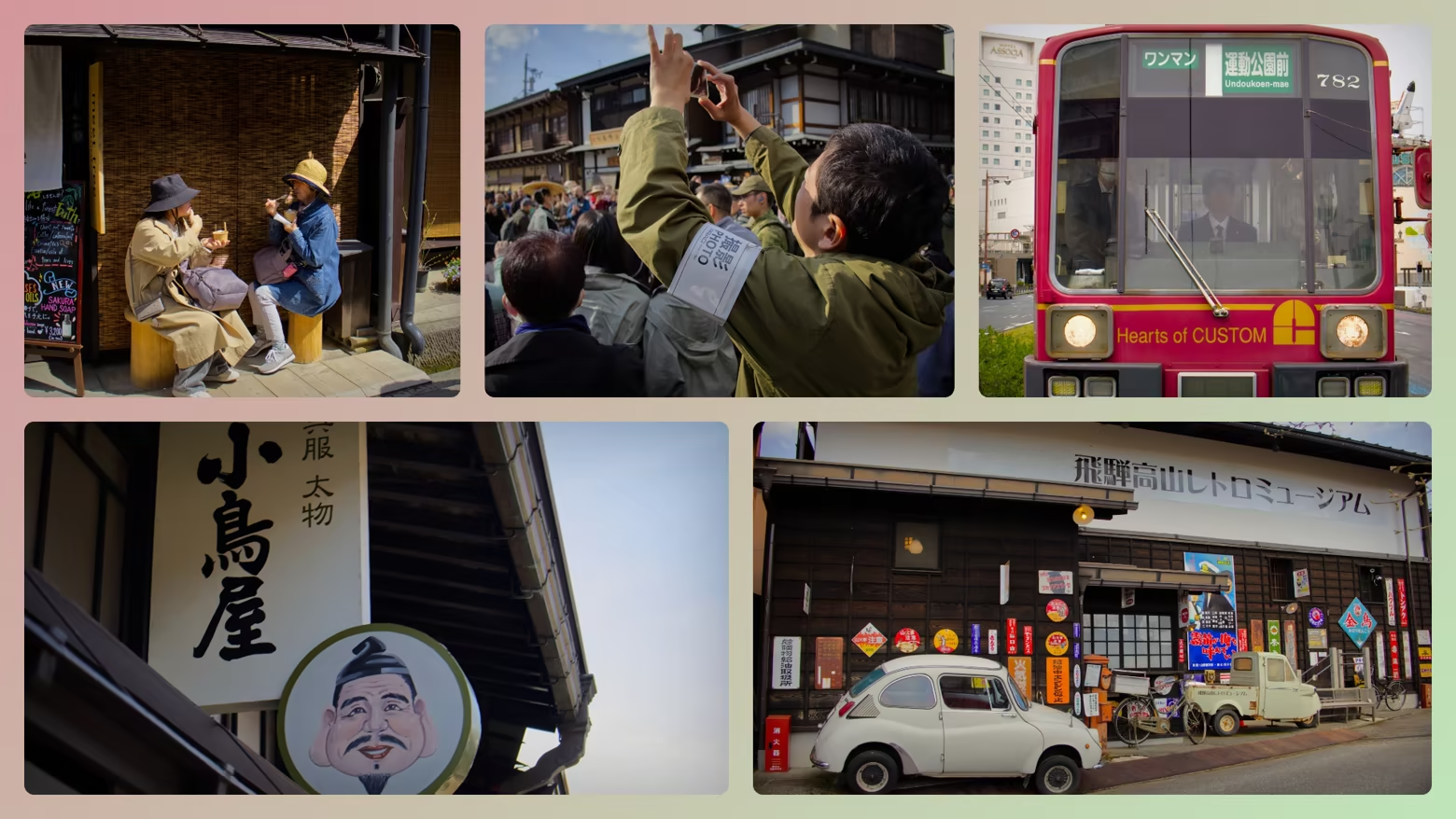
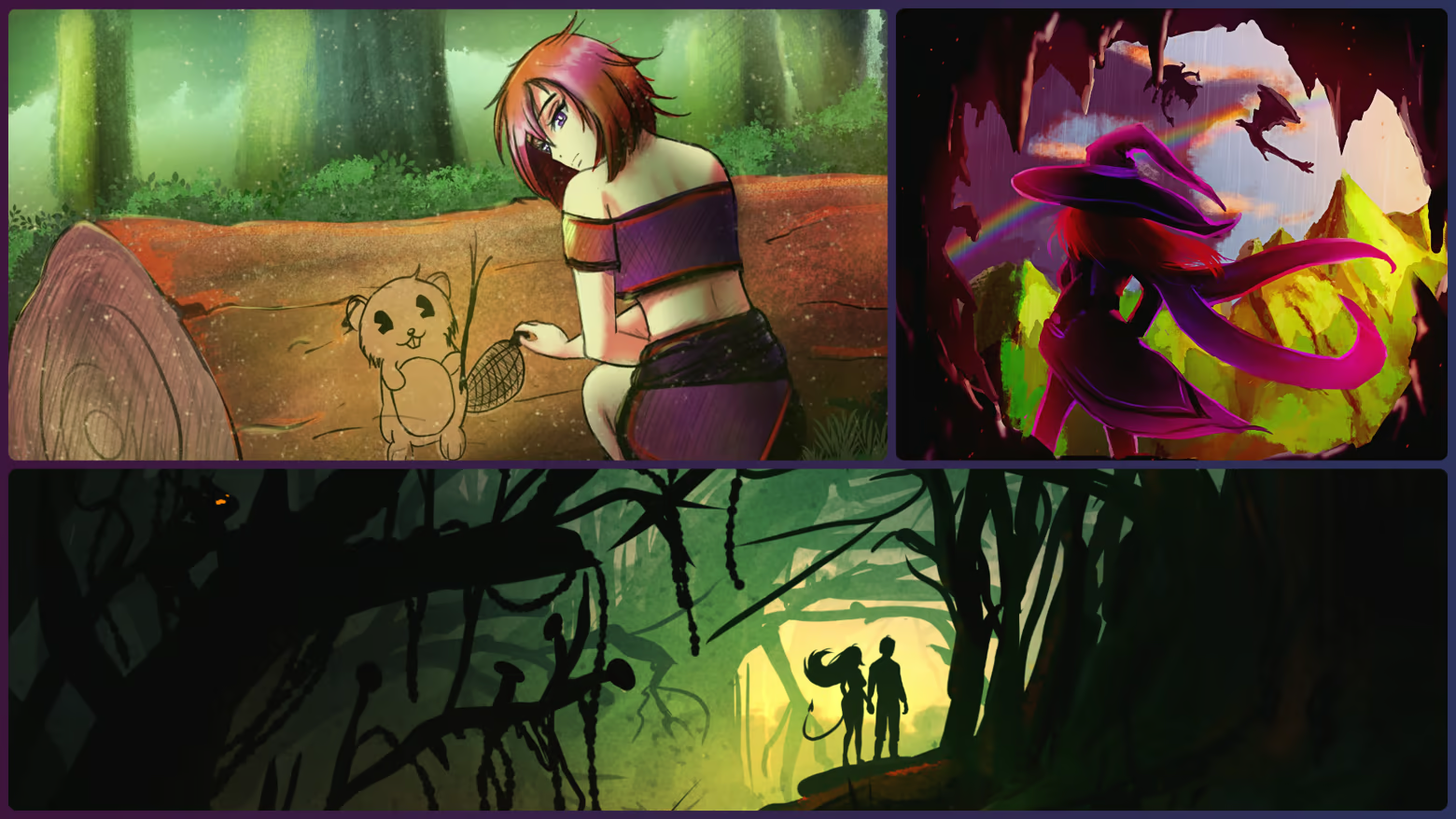
Free montage is designed for creating more flexible, magazine-like and mosaic-style compositions.

For example, you can choose:

  • a balanced panel system;

  • a dominant left or right side;

  • an emphasized top or bottom row;

  • an asymmetric magazine layout;

  • a compact mosaic;

  • an airy gallery wall.

Automatically generated layouts can be edited further later. The goal is not a locked template, but a fast and useful starting point.

Images, text and logos in one composition

Aitan Studio Pro is not only about arranging images.

You can add the following to a composition:

  • multiple logos;

  • multiple text layers;

  • multi-line text;

  • left-, center- or right-aligned captions;

  • shadows;

  • blur;

  • rounding;

  • transparency;

  • other visual effects.

You can manage layer order, and move, resize and rotate elements on the canvas.

Fade layers and directional effects

With fade layers, you can create controlled fades and mask-like visual transitions.

For fade layers, you can modify:

  • fade strength;

  • color;

  • directional blur;

  • rotation and direction;

  • shape;

  • X and Y position;

  • size;

  • edge softness.

By stacking multiple fade layers, you can create more complex lighting and focus effects.

Background and color mood

The composition background can be:

  • a solid color;

  • a gradient;

  • your own background image;

  • a dark, pastel or vivid color combination;

  • a randomly generated visual background.

You can adjust the gradient colors and direction, and you can also use global overlay and blur. Quick variations can try several color moods, making it easier to adapt the composition to the look of a campaign, article, video or social media page.

Per-image settings

Images can also be fine-tuned separately when needed.

Available settings may include:

  • position;

  • zoom;

  • rotation;

  • brightness;

  • contrast;

  • saturation;

  • exposure;

  • highlights and shadows;

  • whites and blacks;

  • color temperature;

  • tint;

  • lightness;

  • blur;

  • colored overlay.

This helps images from different sources receive a more unified visual style.

Fast workflow

One of the most important goals of Aitan Studio Pro is speed.

A typical workflow:

  • Load your images.

  • Choose a composition engine.

  • Request a quick variation.

  • Fine-tune the most important settings.

  • Add text or a logo.

  • Export the finished image.

You do not have to use every panel or detailed setting. If you need a quick result, the app can be used in just a few clicks. If you want more precise control, the details of the composition remain editable.

Export

The finished composition can be saved as a PNG image. The composition can also be copied to the clipboard, so it can be quickly moved to, for example:

  • an article editor;

  • a social media management interface;

  • a presentation;

  • a messaging app;

  • another graphic or video workflow.

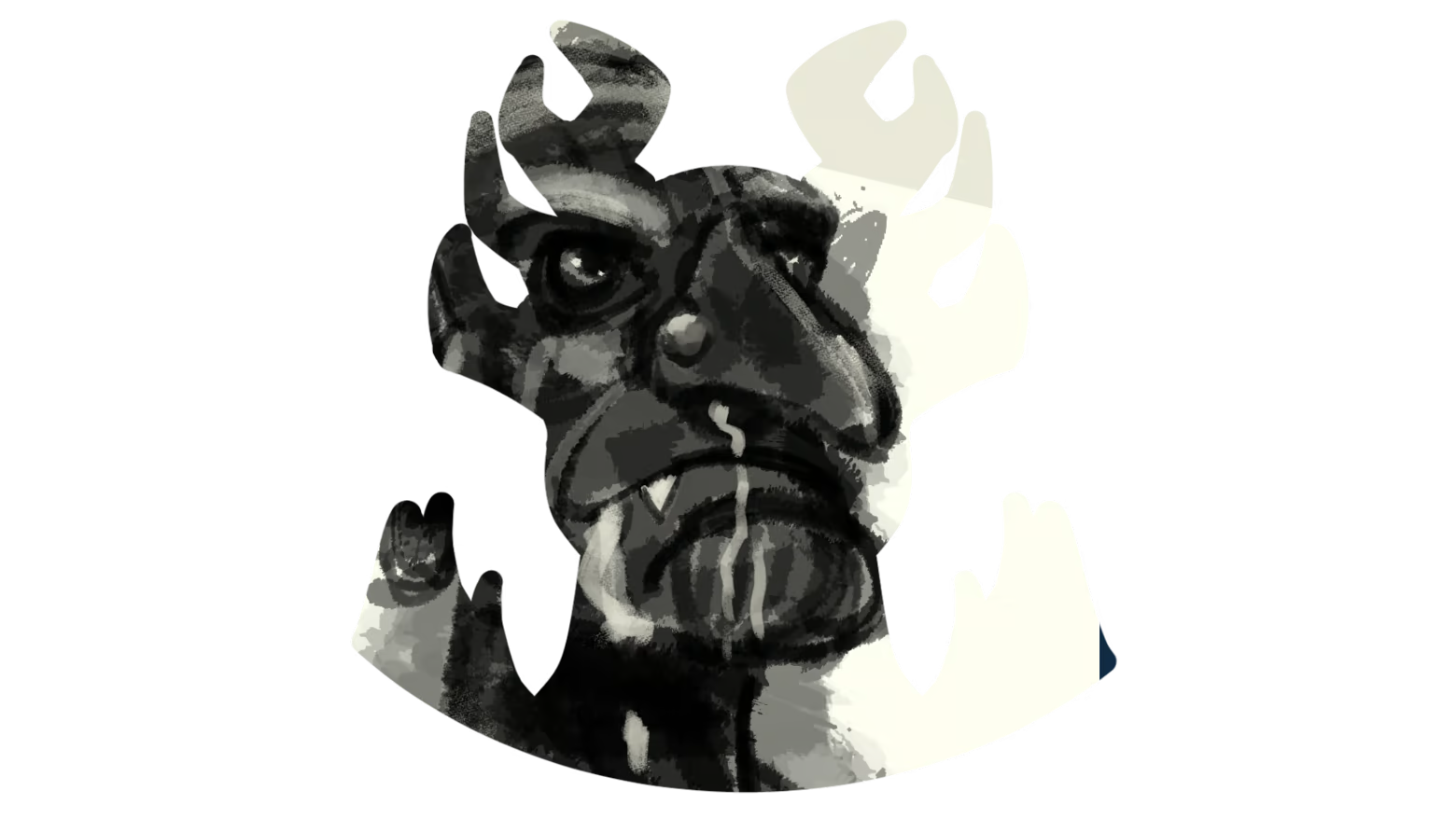
You can also export PNGs in different shapes. In addition to predefined and editable shapes, you can load your own PNG mask, influencing the shape and transparency of the saved image.

Optimization

I tested the program in Steam Deck Desktop Mode, so it can almost be guaranteed to run even on weaker hardware.
(This does not mean it is compatible with Steam Deck Gaming Mode, but it works on the desktop interface with a mouse and keyboard.)

One-time purchase

You only need to buy the program once, and from then on you can use it and receive updates. There are no complicated license terms, no data collection of any kind, and the whole program works 100% offline. I ask nothing from you except that you support my work once. From that point on, the program is yours, and I hope it will help you in everyday use.

This software was made in the European Union, in Hungary.

Note:
I am a journalist and graphic designer, not a programmer, so Aitan Studio was created with a vibe-coding method.

Informace o obsahu vytvářeném AI

Jak využití obsahu vytvářeného AI v tomto produktu popisují jeho vývojáři:

This software does NOT use Generative AI to generate images, artwork, audio, or text. All visual elements, templates, and store assets are 100% original, hand-crafted art and photography created directly by the developer.

Machine Learning and AI technologies are strictly limited to technical functionality and development:

- Background Removal Tool: A local, non-generative Machine Learning feature accessed by users to instantly remove image backgrounds and create striking visual compositions.

- Software Development: AI-assisted coding tools (vibe-coding / LLM assistance) were used during the programming process.

No AI-generated content is included in the software or produced during runtime.

Systémové požadavky

    Minimální:
    • OS: Windows 10 / 11 (64-bit) vagy SteamOS 3.0
    • Procesor: AMD Zen 2 (4 mag / 8 szál) vagy Intel Core i3-10100 / AMD Ryzen 3 3100
    • Paměť: 4 GB RAM
    • Grafická karta: AMD RDNA 2 (8 CU) vagy NVIDIA GeForce GTX 1050 Ti / AMD Radeon RX 560 (4 GB VRAM)
    • Pevný disk: 2000 MB volného místa
K tomuto produktu nebyly dosud zveřejněny žádné recenze

Podělte se s komunitou o své zkušenosti s tímto produktem! Využijte příslušného pole výše na této stránce a napište vlastní recenzi.

Filtry recenzí