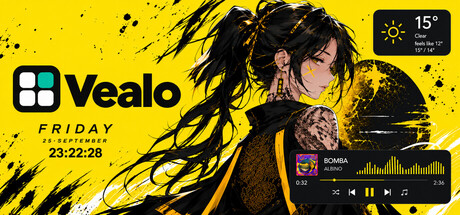
Tuck your cluttered desktop into one beautiful panel and paint Windows your way: themes, video wallpapers, six widgets, live effects, sounds and RGB lighting. Or spin the Roulette and get a whole new setup in one click. Offline, no accounts.

Sign in to add this item to your wishlist, follow it, or mark it as ignored

Use Vealo - Clean Desktop

Free To Play
 

About This Software

A clean desktop in one click

Vealo sweeps every desktop icon into one beautiful panel. Click an empty spot on the desktop or press a hotkey. The panel opens: inside are your shortcuts, folders and files, arranged into sections, with instant search. Close it. The desktop is perfectly clean. Nothing is deleted or moved: every icon stays where it was, just out of sight.

A panel that works

  • Sections: Games, Work, Projects, whatever you like. Drag and drop, groups, your own order.
  • Search: a couple of letters, and it looks through every nested folder at once.
  • Image viewer: wheel zoom, arrow-key browsing, and any picture becomes your wallpaper in one click.
  • Files like in Explorer: rubber-band selection, copying, drag-and-drop moving. Big folders copy in the background, the panel never freezes.
  • Multi-monitor: each screen has its own icon set, its own panel size and its own memory.

The Studio: restyle Windows entirely

One setup, one style. Every detail of the desktop follows your theme:
  • Themes and styles: ready-made palettes, the Mono style or real Windows 11 glass. The taskbar takes your theme colour, and all of Windows switches between light and dark along with it.
  • Wallpapers: a gallery of 128 wallpapers, video wallpapers, your own files. A different one per monitor.
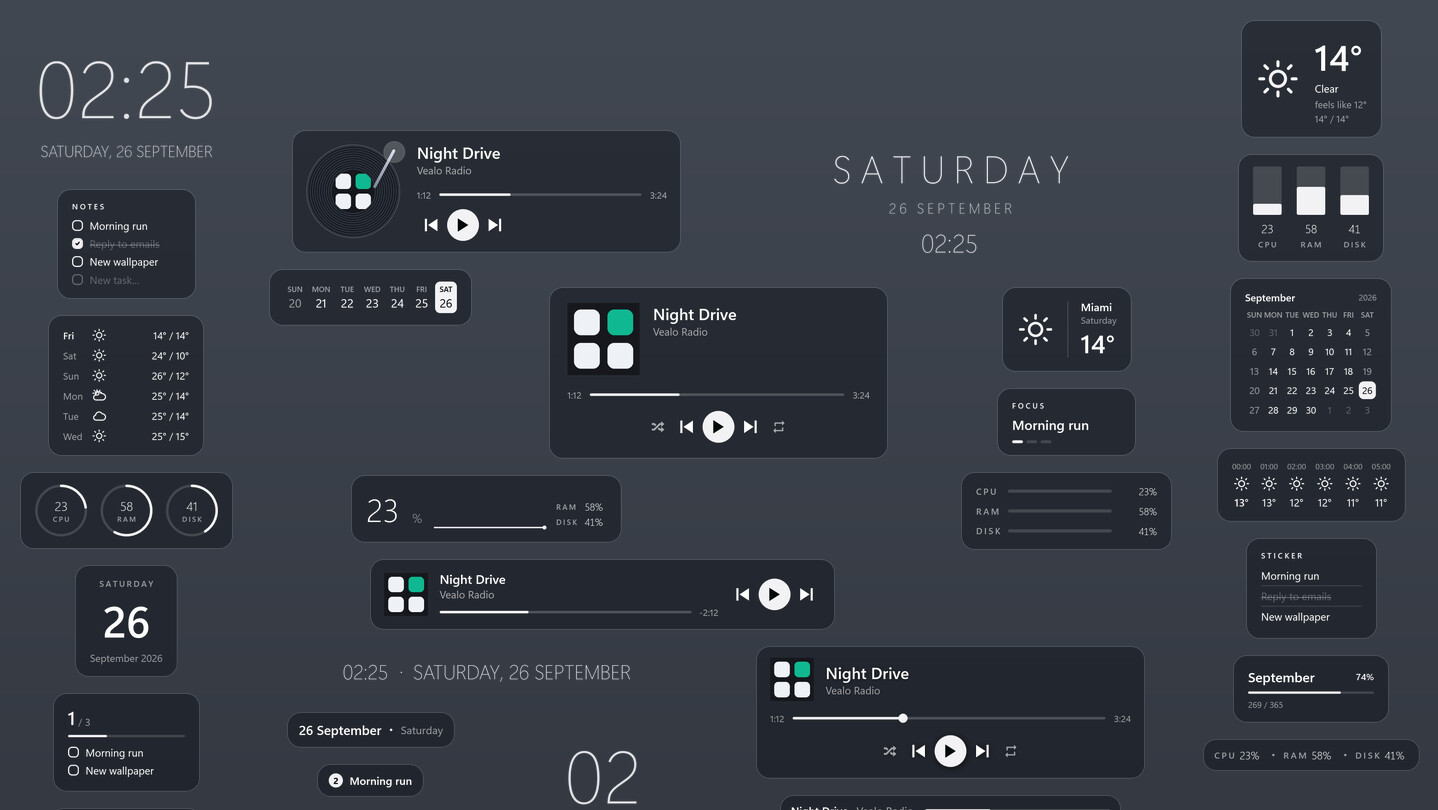
  • Six desktop widgets: clock, player, calendar, weather, system monitor and notes with live checkboxes right on the wallpaper. Five materials, any colour, drag with the mouse.
  • Live effects: rain, snow, leaves, sparks and lightning over the wallpaper but under the windows. Parallax: the wallpaper gains depth and follows the cursor. Game mode pauses everything in games automatically.
  • Ambient sounds: rain, fireplace, storm, forest, ocean. A sleep timer that can shut the PC down. A sound visualizer on the wallpaper: bar, wave or ring.
  • The Roulette: one click, and a whole new setup is rolled: wallpaper, theme, effects, widgets, cursor and lighting. Not your thing: one click back.
  • Cursors: shapes from classic to neon, any colour, plus your own files and whole cursor packs.
  • Lighting: keyboard, mouse and mousepad in your theme colour. Razer works right away; SteelSeries, Corsair, Logitech and hundreds of other brands via the free OpenRGB.
  • Profiles: the whole setup saves into a slot and comes back in one click.

Light and private

Vealo is a native Windows app. It starts with the system, lives quietly in the tray and barely uses any resources. No accounts, no tracking: your files never leave your PC.

What is free and what is Pro

The free version is not a demo. It fully includes:
  • hiding and summoning the panel, search, the image viewer, multi-monitor
  • all ready-made themes and both styles: Mono and Glass
  • taskbar colouring, light and dark system mode
  • the whole gallery of 128 wallpapers and video wallpapers
  • the clock and player widgets, plus calendar, weather, system and notes with two views each
  • the Roulette
  • the Rain effect with full settings
  • rain and fireplace sounds
  • two cursors in any colour
  • lighting: static and breathing, full colour settings, the eyedropper
  • 2 sections and 2 setup profiles
The Vealo Pro add-on unlocks:
  • a theme built from your wallpaper's colours and fully custom colours
  • all live effects plus parallax
  • all sounds, your own audio files and the sound visualizer
  • all widget styles, fonts and views
  • all cursor shapes, your own files and packs
  • all lighting effects: wave, fire, rain and more
  • all panel opening animations
  • glass transparency and neon strength
  • unlimited sections and profiles
  • wallpaper on the lock screen
Every Pro feature can be tried before buying. Click it in the free version to see a live preview right on your desktop.

System Requirements

    Minimum:
    • Requires a 64-bit processor and operating system
    • OS: Windows 10 64-bit
    • Processor: 1.5 GHz dual-core
    • Memory: 4096 MB RAM
    • Graphics: DirectX 11 compatible GPU
    • Storage: 500 MB available space
    • Additional Notes: Video wallpapers need a GPU with 2 GB of video memory
    Recommended:
    • Requires a 64-bit processor and operating system
    • OS: Windows 11 64-bit
    • Processor: 2 GHz dual-core
    • Memory: 8192 MB RAM
    • Graphics: DirectX 12 GPU with 2 GB video memory
    • Storage: 500 MB available space
Review Filters