The only screenshot tool for gamers. Capture HDR, VR, and motion photos!
Release Date:
September 2026
Tags

Sign in to add this item to your wishlist, follow it, or mark it as ignored

This game is not yet available on Steam

Planned Release Date: September 2026

Interested?
Add to your wishlist and get notified when it becomes available.
 

About This Software

Screenshots that keep your HDR

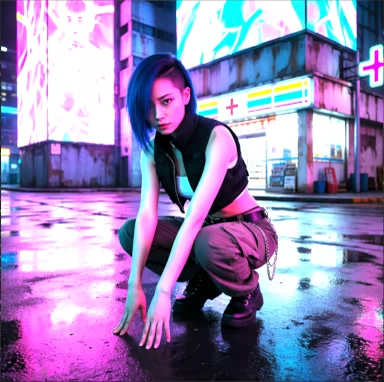
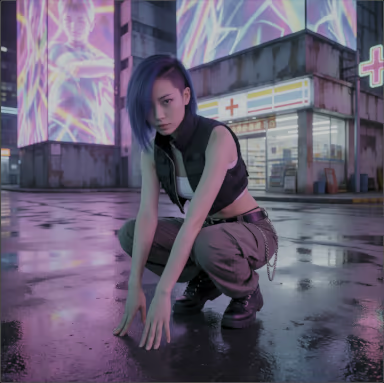
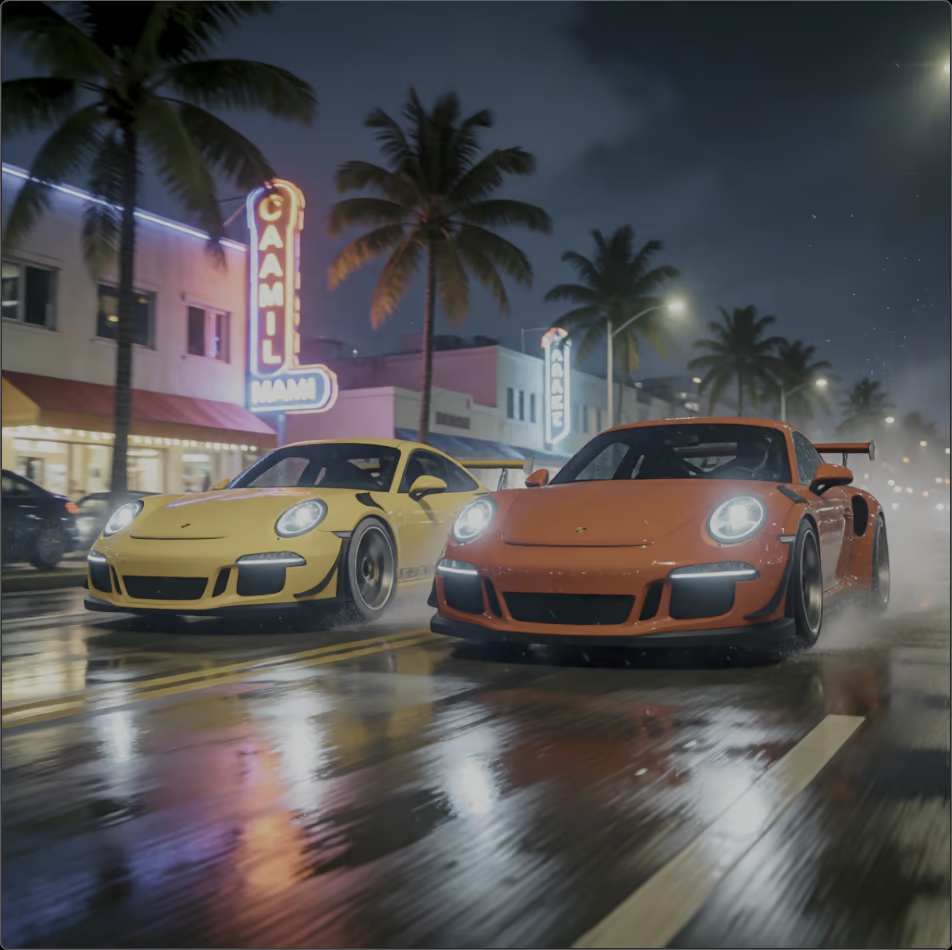
Your game runs in HDR. Your screenshots don't. Other capture tools use the SDR pipeline, so on an HDR display the brightest, best parts of the frame clip to flat white. The neon sign blows out. The sunset goes gray. The muzzle flash turns into a white blob.

Brilliante Capture grabs the frame in true High Dynamic Range and writes it to a modern HDR format that preserves every stop of brightness. What looked luminous on your screen looks luminous in the file.

Built for HDR gameplay

  • Preserves HDR — the whole point. Highlights stay bright instead of clipping to white. No other mainstream capture tool does this.

  • Universal HDR format, zero guesswork. Save screenshots as UltraHDR JPEG — real HDR on supported viewers, backward compatible as a normal JPEG everywhere else. On SDR displays, captures save in your choice of format (JPEG, PNG, and HEIC).

  • Capture anything. A region, a single window, or the full screen — across multiple monitors.

  • WYSIWYG. What's on screen at the instant you trigger is exactly what's saved — no reprocessing, no surprises.

  • Global hotkey — or your Xbox gamepad. One keypress to capture, or a controller shortcut so you never leave the couch; the app waits out of the way in the system tray.

  • Delay timer. Capture menus, hover states, and mid-animation moments.

  • Save to a folder, or copy to the clipboard. The saved file carries the full HDR — drag it into Discord to share HDR that actually displays. Clipboard paste is quick, but standard-range only, so reach for the file when HDR matters.

The HDR screenshot you can actually share

Capture an HDR moment with Xbox Game Bar and you get a .jxr file — it opens on Windows and nowhere else. Not on your phone, not in a browser, not on a Mac. Your best shot, stranded on one PC.

Brilliante saves an UltraHDR JPEG instead — a backward-compatible HDR format: to any app that doesn't know about HDR, it's simply a normal JPEG. Post it to Discord, drop it in a browser, send it to a friend on any device: it shows real HDR where that's supported (Discord, Instagram, Facebook, Google Photos) and a correct standard photo everywhere else. One file, no conversion, nothing broken.

Motion-photo screenshots

Capture a moment of video, embedded in your JPEG screenshots.   Sometimes in the middle of the action, you don't have time to consider whether you want a screenshot or video.  Now you can get both with one click.

Compatible with Google Photos and Microsoft's Photos app.

VR screenshots that keep their depth

Running a SteamVR title? Brilliante's SteamVR screenshot mode grabs both eyes and saves a true stereoscopic image — depth intact, not a flattened single view. One capture writes two spatial formats:

  • Spatial HEIC for Apple Vision Pro. Store your spatial screenshots in Apple Photos to view on the Apple Vision Pro.

  • VR180 stereo for Google Cardboard. Ready to view panoramically in Google Photos or any VR180 viewer.

HDR output requires an HDR-capable display in HDR mode. On SDR displays, Brilliante saves a correct standard-range image. Spatial output requires a running SteamVR title. Spatial output is SDR and limited to 100° perspective. HEIC output requires a GPU that supports HEVC encoding, or the HEVC Video Extension from the Microsoft Store — that extension is bundled free with some PCs, but some might require purchase from Microsoft. Motion photos require a GPU with hardware HEVC encoding.

System Requirements

    Minimum:
    • Requires a 64-bit processor and operating system
    • OS: Windows 10 version 22H2 (64-bit) or later
    • Processor: x64 or ARM64
    • Memory: 4 GB RAM
    • Graphics: WDDM 2.0 GPU
    • Storage: 100 MB available space
    • Additional Notes: Captures work on SDR displays (saves a standard-range image). HEIC output requires hardware HEVC encoding or the HEVC Video Extension from the Microsoft Store.
    Recommended:
    • Requires a 64-bit processor and operating system
    • OS: Windows 11 (64-bit)
    • Memory: 8 GB RAM
    • Graphics: HDR-capable display in HDR mode (required for HDR output), on a GPU with hardware HEVC encoding (required for motion photos)
    • VR Support: SteamVR required for VR headset capture and motion-controller capture hotkey. (SDR only)
    • Additional Notes: HDR10 / display in HDR mode to capture and preserve high-dynamic-range highlights. Motion photos require hardware HEVC encoding. VR/spatial capture requires a running SteamVR title.
Review Filters