An innovative audio design tool that turns images into sound and sound into images. Import audio to edit its spectrogram like a photograph using powerful visual brushes, or load images to synthesize them as unique soundscapes. Paint, filter, and sculpt your sound visually in real time.

Daftar masuk untuk menambah item ini ke senarai hajat anda, ikuti atau tandakannya sebagai diabaikan

Bahasa Bahasa Melayu tidak disokong

Produk ini tidak menyokong bahasa tempatan anda. Sila semak senarai bahasa yang disokong di bawah sebelum membuat pembelian

Permainan ini belum tersedia di Steam lagi

Tarikh Keluaran Dirancang: 11 Ogs, 2026

Aplikasi ini akan dibuka dalam kira-kira 9 hari

Berminat?
Tambah ke senarai hajat anda dan terima pemberitahuan apabila permainan sudah tersedia.
 

Ulasan

“What that means for audio editing, however, is impressive. It can turn sounds upside-down, it can conduct extreme time-stretching, you can compose music through it by drawing lines, or you could chop out a particular instrument from a song.”
Wired.co.uk

Tentang Perisian Ini

Photosounder is a groundbreaking spectral audio editor and synthesizer that opens a direct portal between the worlds of digital art and sound design. By converting sound into images (spectrograms) and images into sound, Photosounder allows you to edit, filter, and synthesize audio using visual tools.

Whether you are a sound designer looking to create organic sci-fi textures, an electronic musician seeking entirely unique synthesis methods, or an audio engineer needing to surgically clean up a recording, Photosounder provides a completely visual approach to sound.

How It Works

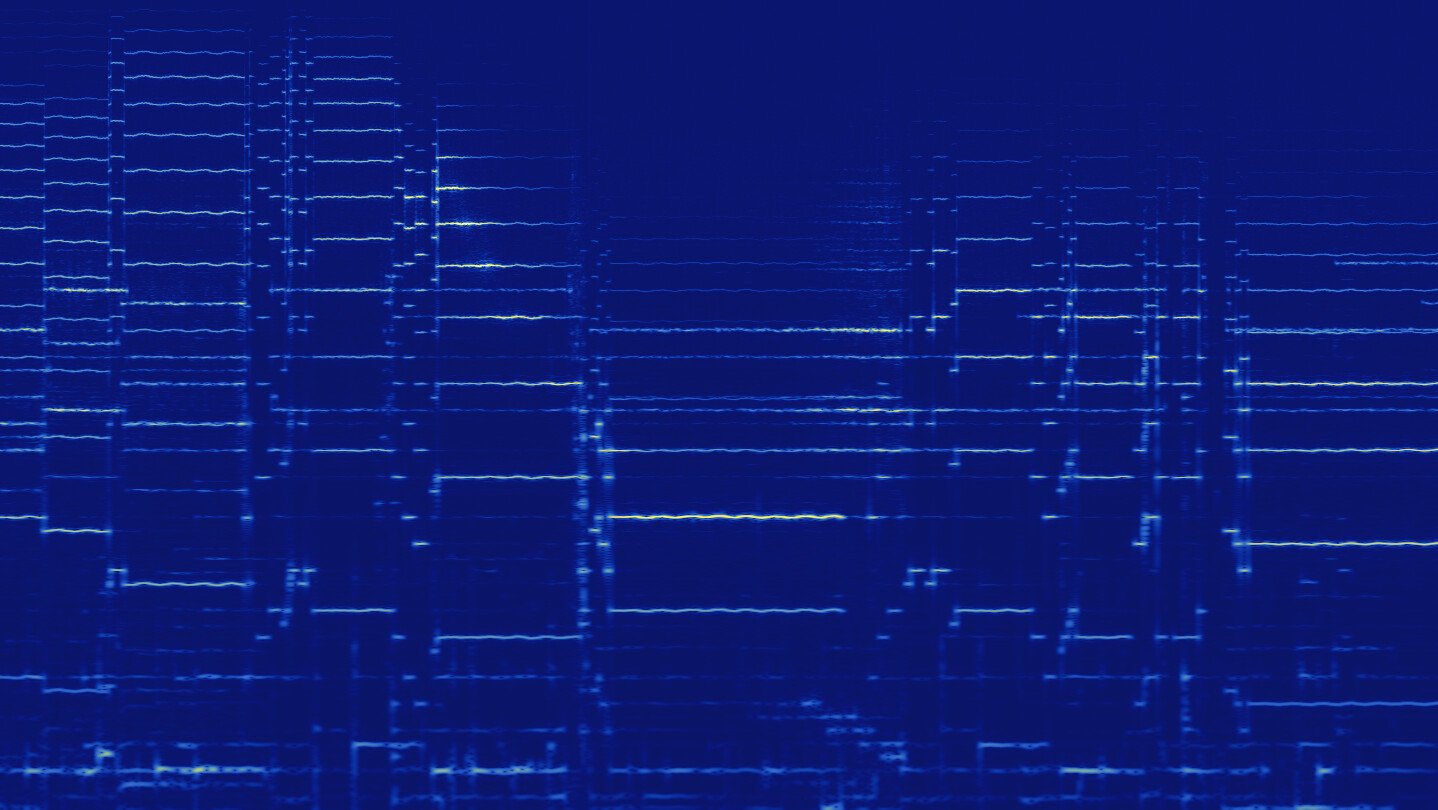
The interface translates audio into a visual map: the horizontal axis represents time, the vertical axis represents frequency (pitch), and the brightness represents amplitude (volume). By treating this representation as an image, Photosounder lets you use graphical concepts to manipulate physical sound.

Key Features

  • Visual Spectral Editing: Treat audio like a photograph. Paint, erase, blur, or filter frequencies using an array of visual brushes and selection tools.

  • Image-to-Sound Synthesis: Import any JPEG, PNG, or BMP image and synthesize it directly into sound. Watch custom drawings, digital art, and photographs instantly transform into unique, organic soundscapes and textures.

  • Surgical Isolation & Noise Removal: Visually locate background noise, unwanted clicks, or specific harmonics. Easily isolate individual sounds or erase unwanted frequencies that traditional parametric EQs cannot touch.

  • Extreme Time & Pitch Manipulation: Stretch time to near-infinity or shift pitch to extreme registers. Because processing is done spectrally, the results are remarkably smooth and free of standard granular artifacts.

  • Flexible Import/Export: Import and export standard WAV/AIFF audio files alongside standard image formats, allowing you to seamlessly integrate Photosounder with your favorite DAW or graphic editor.

Who is Photosounder For?

  • Sound Designers: Create otherworldly, organic effects, ambient pads, and sci-fi textures that are impossible to generate with traditional synthesis.

  • Musicians & Producers: Bring a brand-new palette of sounds to your music by turning graphical art, logos, or photos into synthesized audio elements.

  • Audio Post-Production: Clean up dialogue and field recordings by visually identifying and erasing background clicks, hums, and transient interference.

Keperluan Sistem

    Minimum:
    • Memerlukan pemproses 64-bit dan sistem pengendalian
    • OS *: Windows 7 SP1 64-bit
    • Pemproses: Any 64-bit Intel compatible CPU
    • Memori: 400 MB RAM
    • Storan: 4 MB ruang tersedia
    Dicadangkan:
    • Memerlukan pemproses 64-bit dan sistem pengendalian
    • Grafik: OpenCL-compatible GPU
* Mulai 1 Januari 2024, Steam Client hanya akan menyokong Windows 10 dan versi yang lebih baharu.
Tiada ulasan untuk produk ini

Anda boleh menulis ulasan anda untuk produk ini untuk berkongsi pengalaman anda dengan komuniti. Untuk menulis ulasan anda, gunakan kawasan di atas butang pembelian pada halaman ini.

Penapis Ulasan